Zendesk Theme
Flatrock
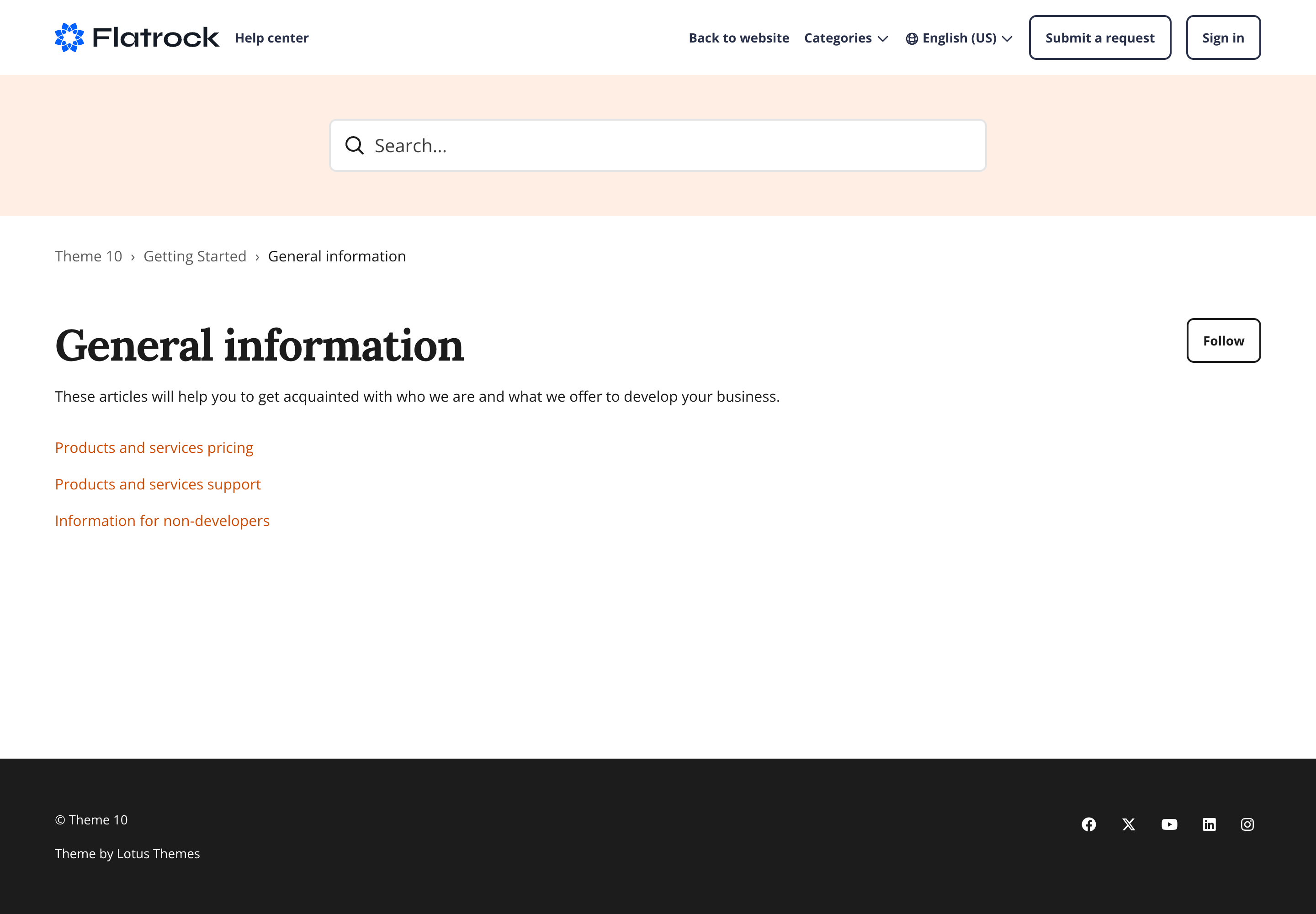
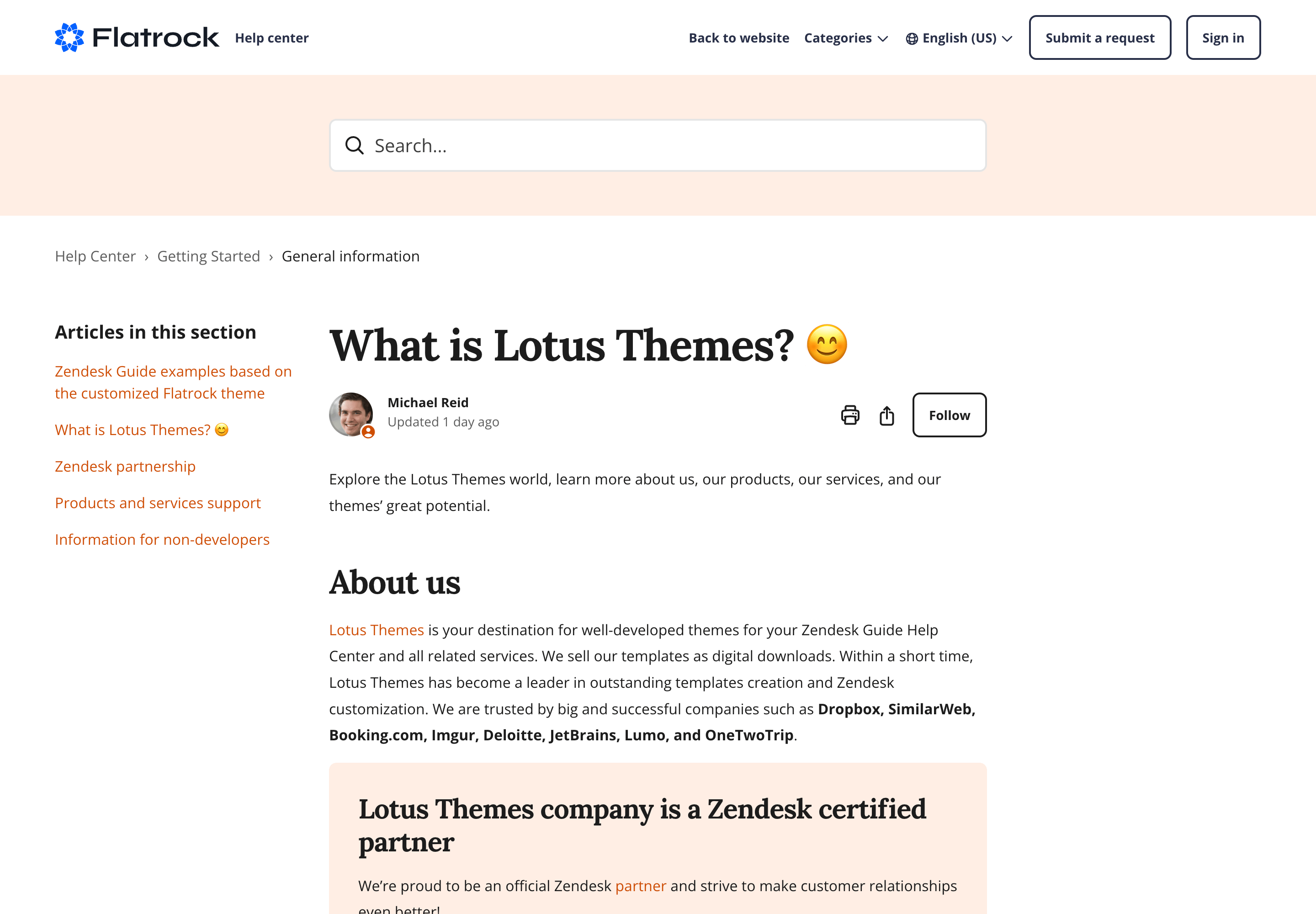
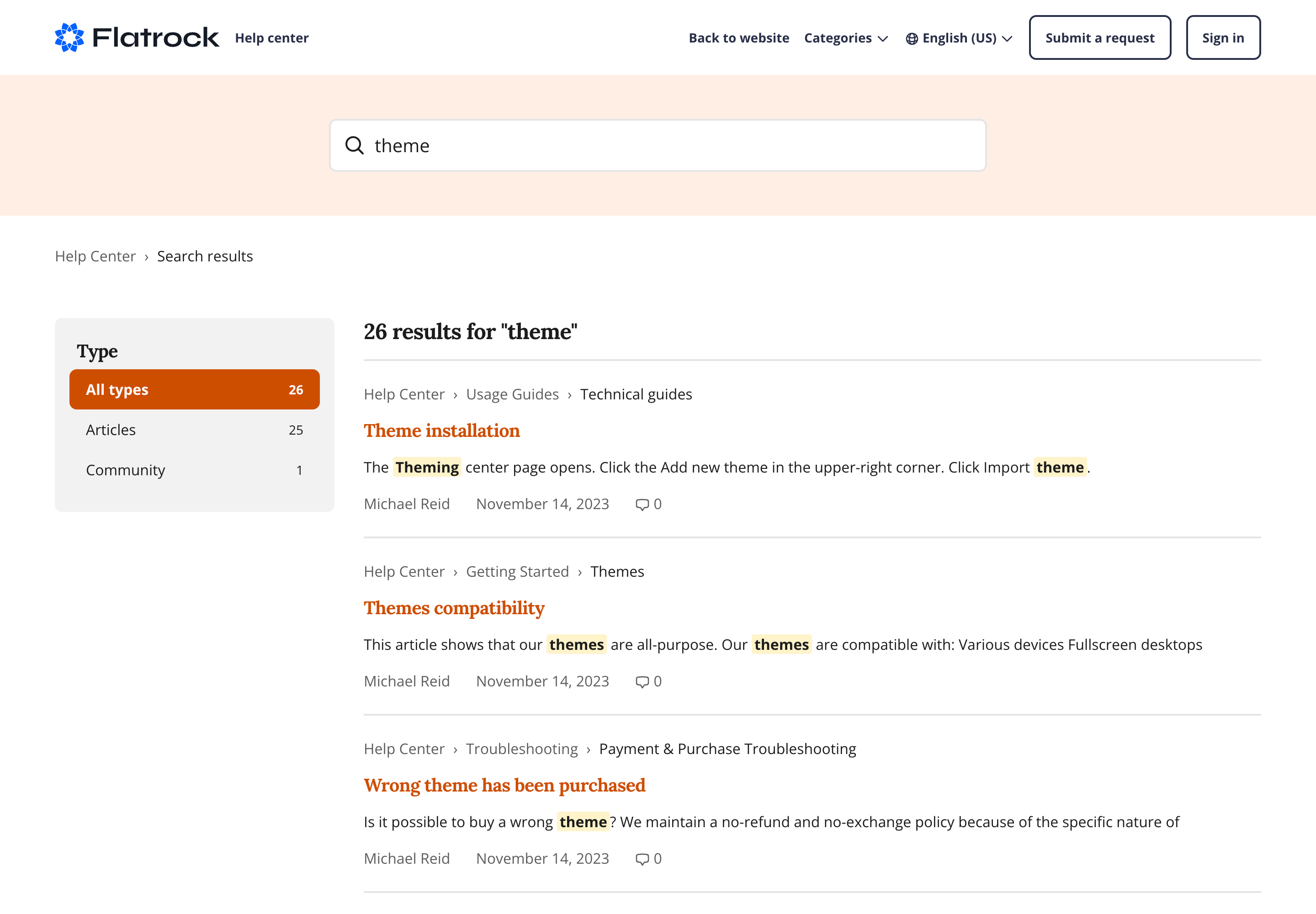
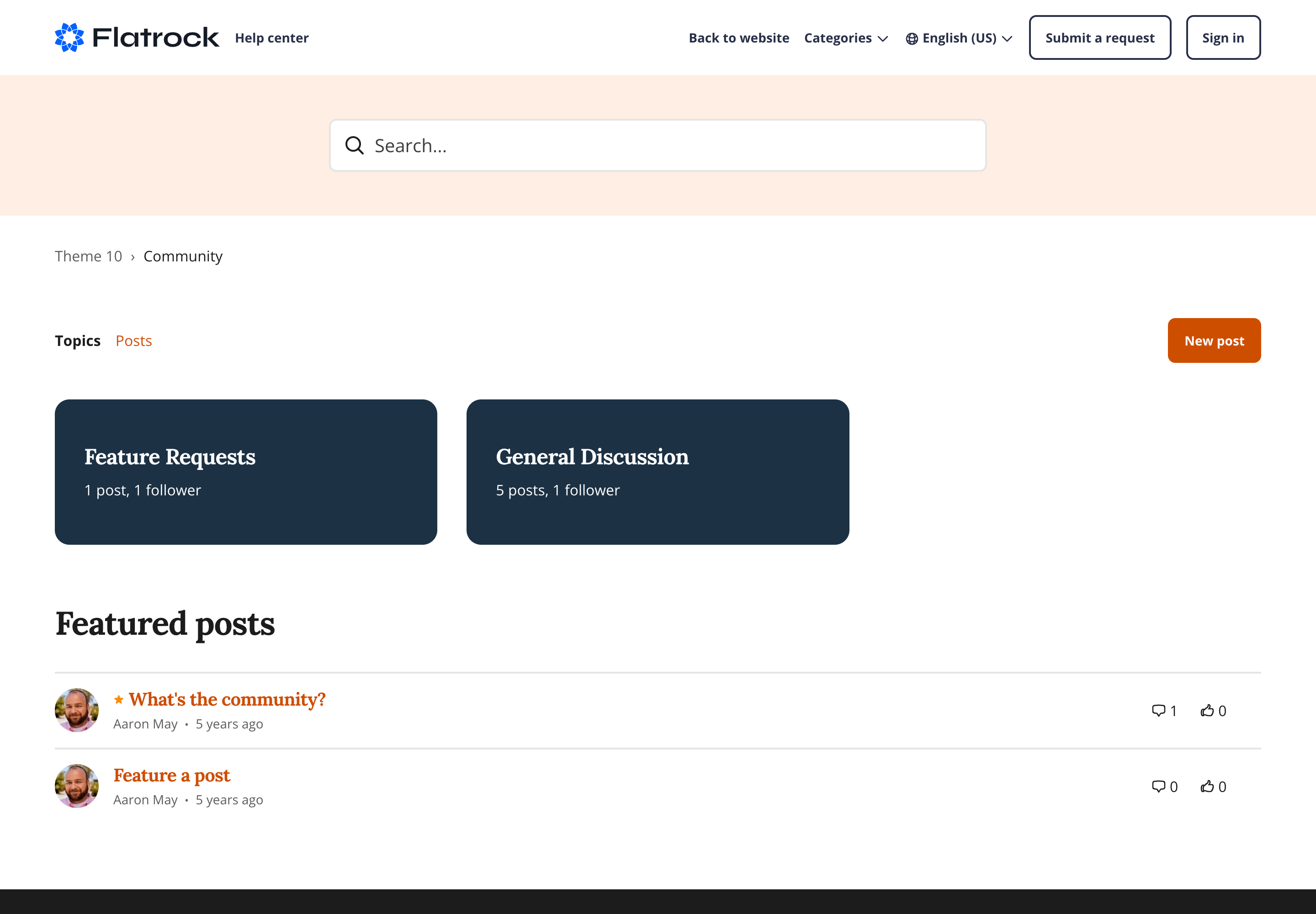
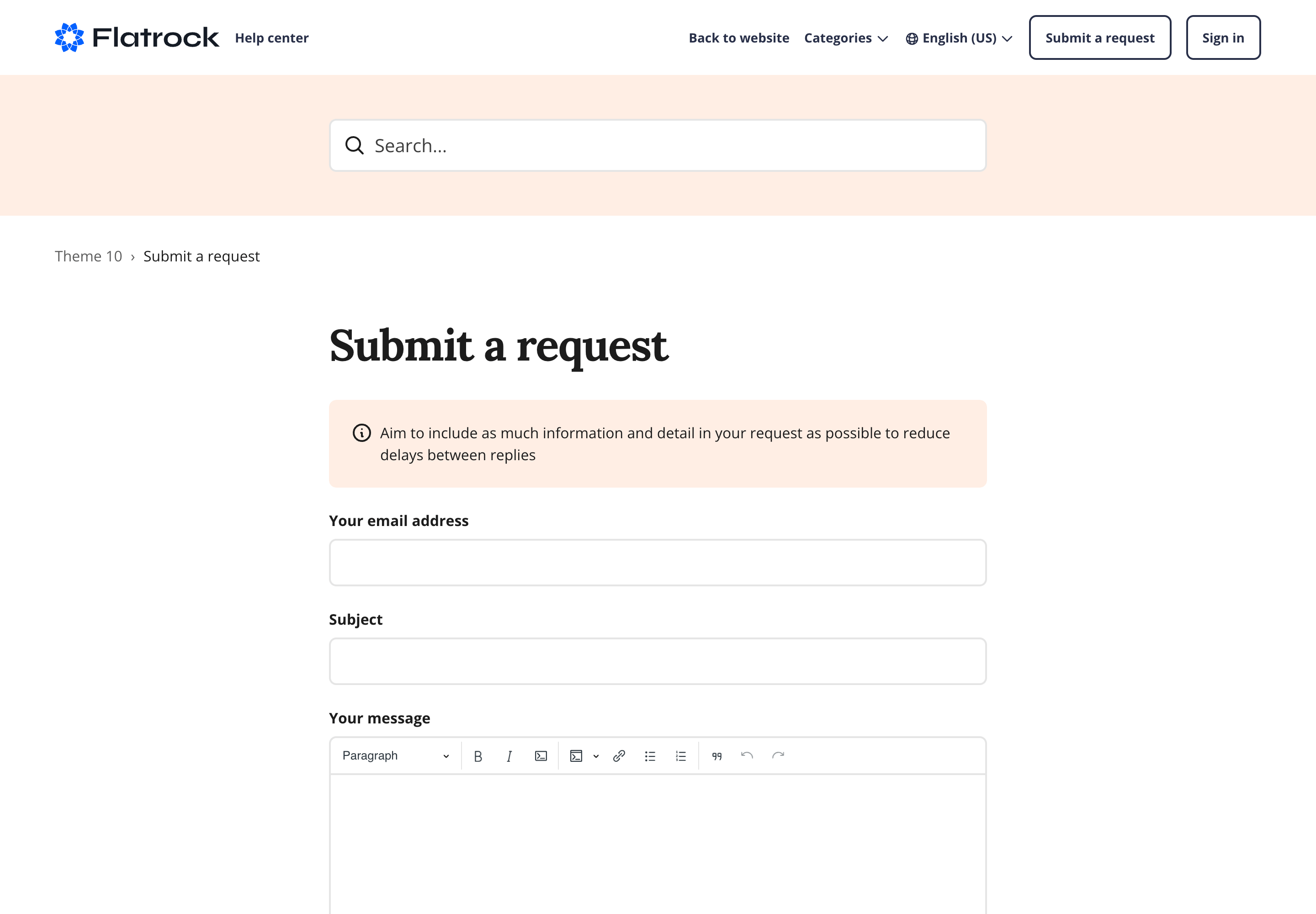
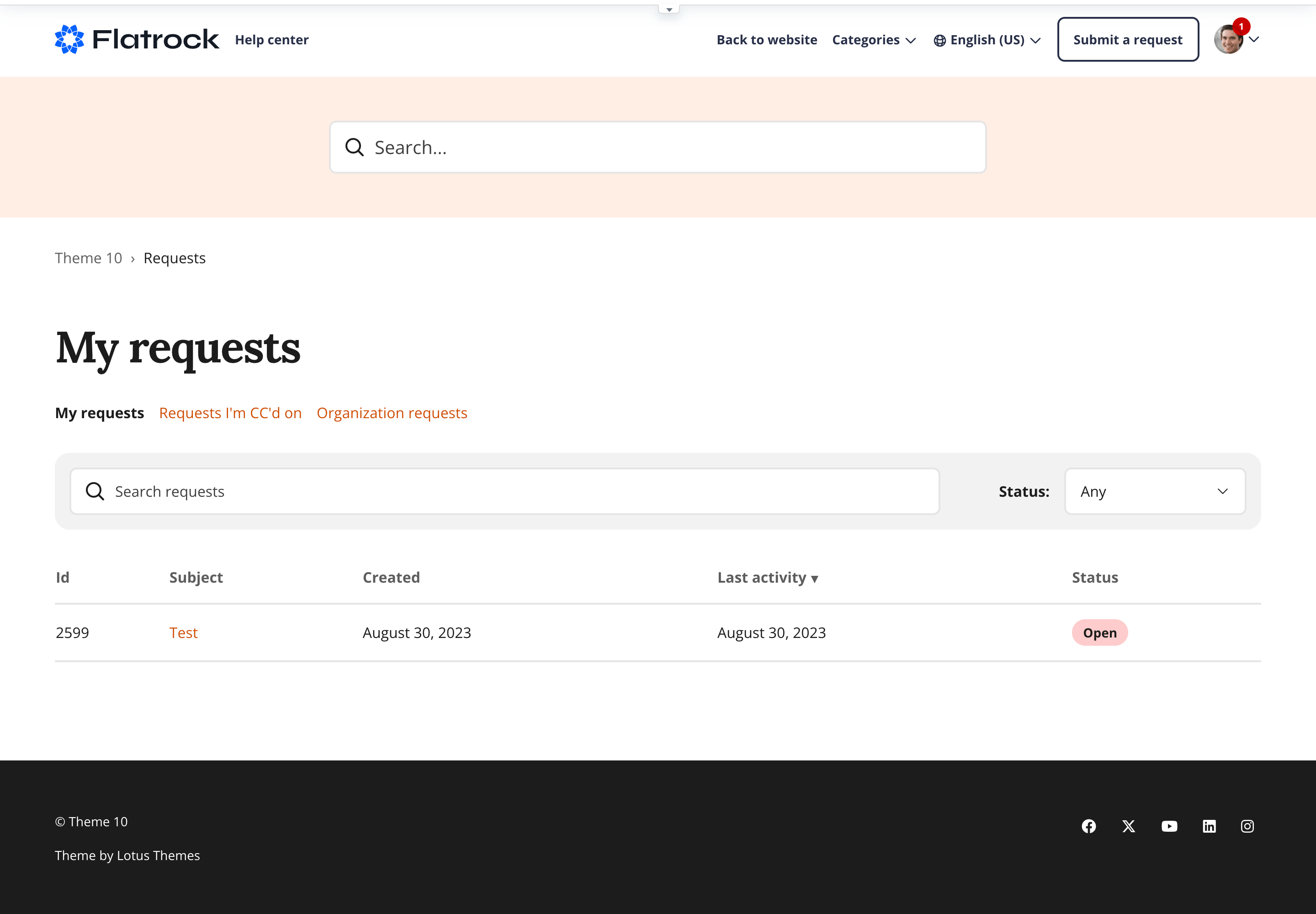
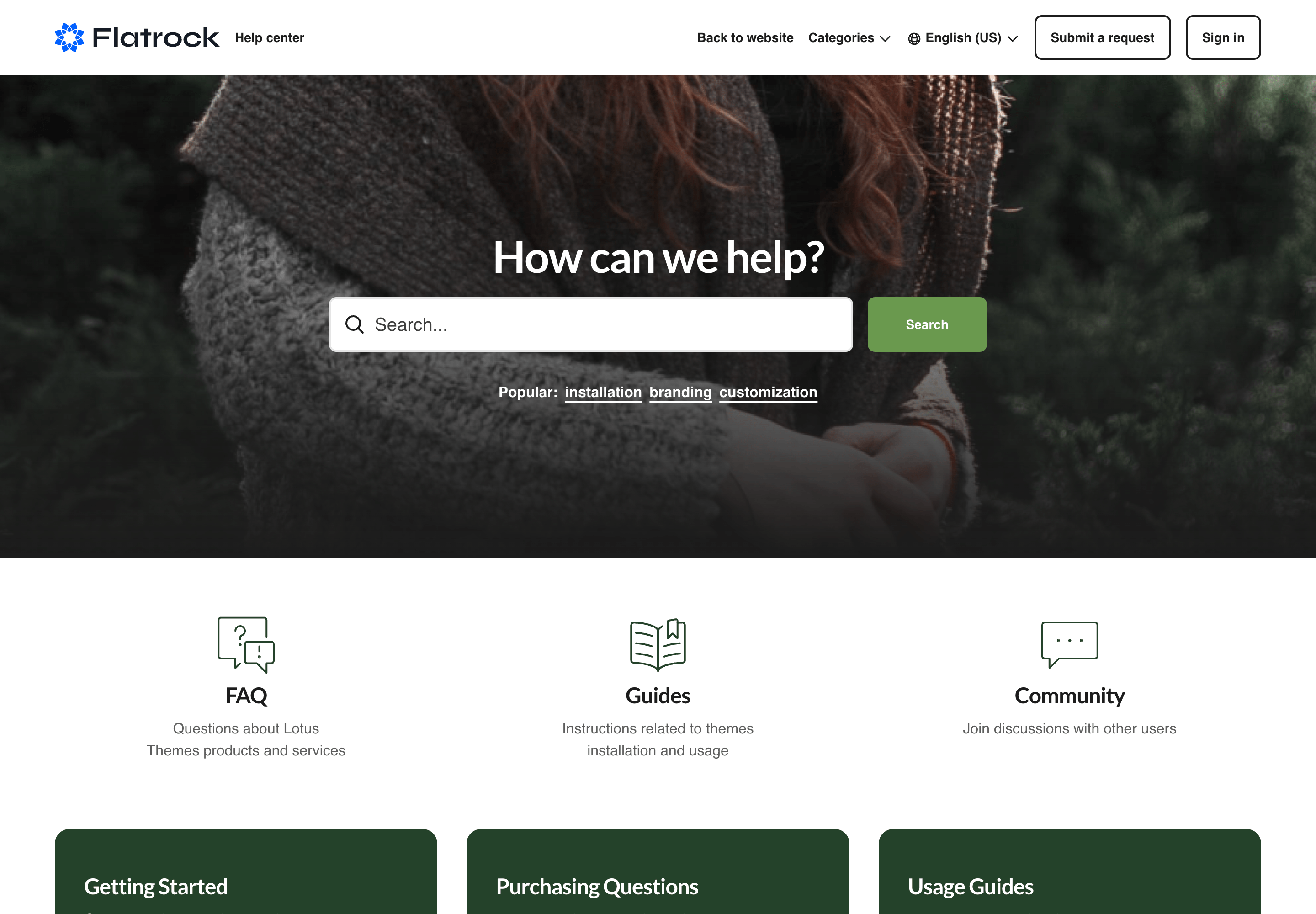
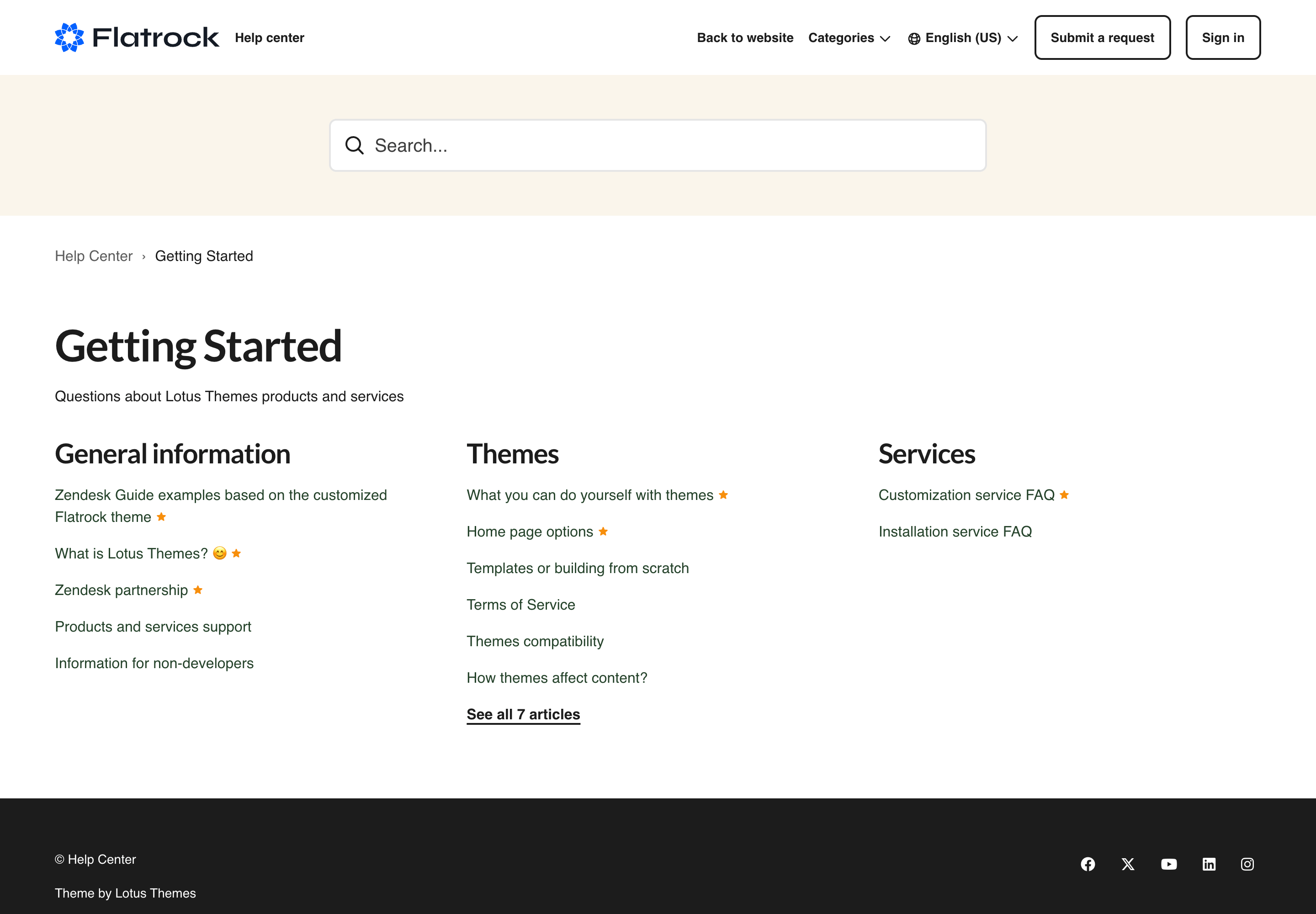
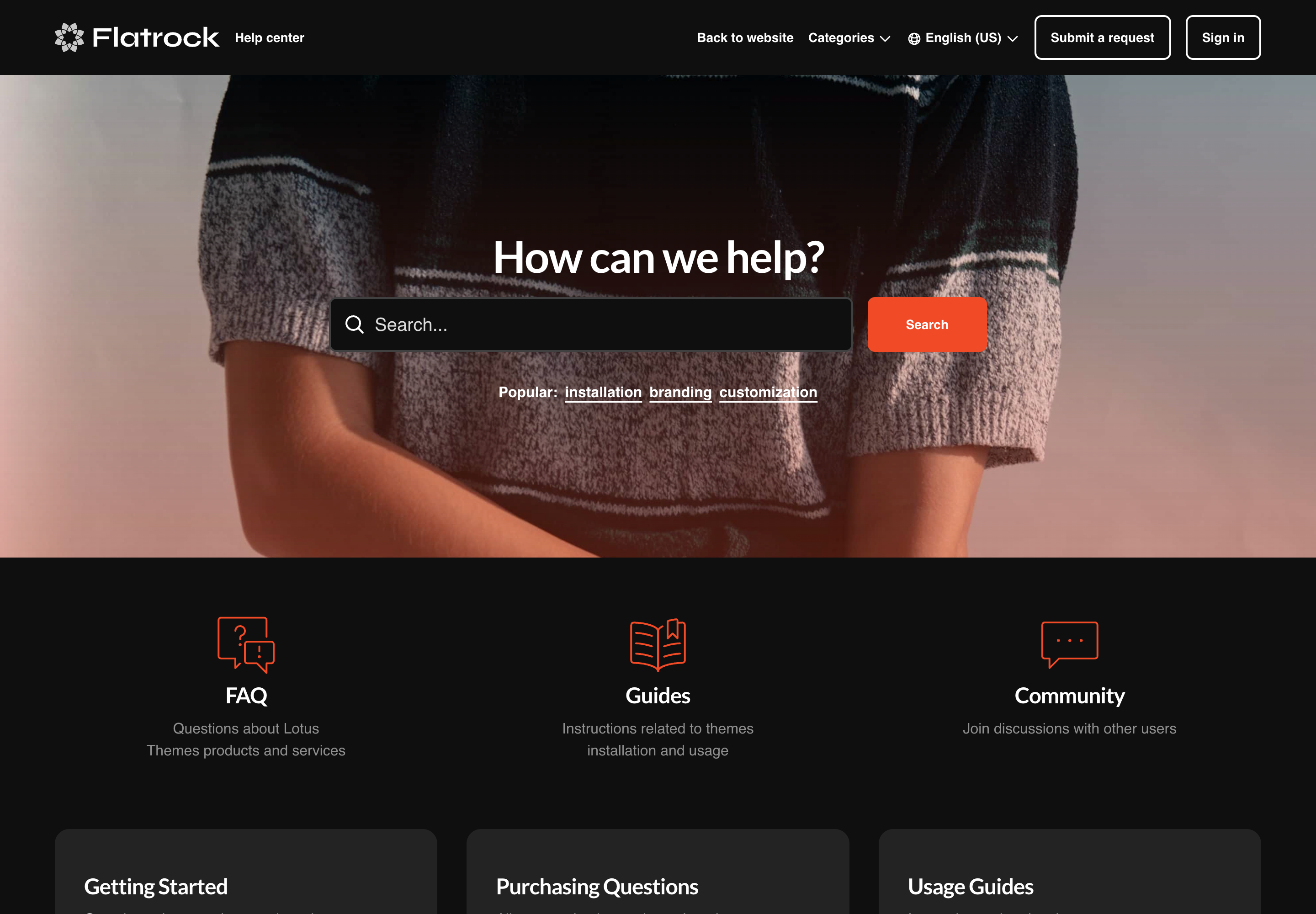
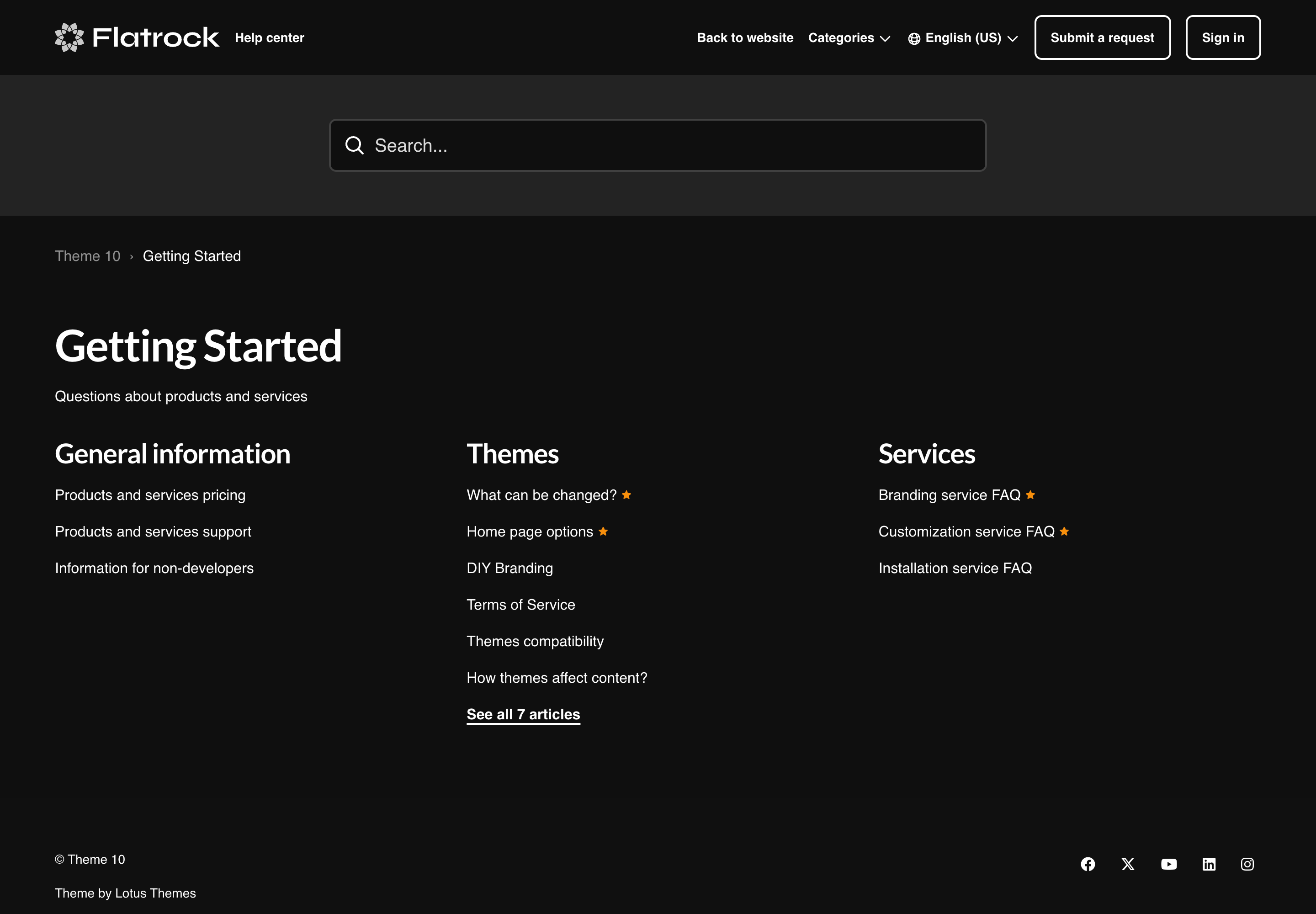
Flatrock is the most versatile no-code Zendesk theme, trusted by support teams worldwide. It delivers full brand control through built-in settings: change colors, typography, layouts, and navigation without touching code. Compatible with Templating API V4, AI-powered generative answers, multilingual content, and all Zendesk Guide plans, including Enterprise.
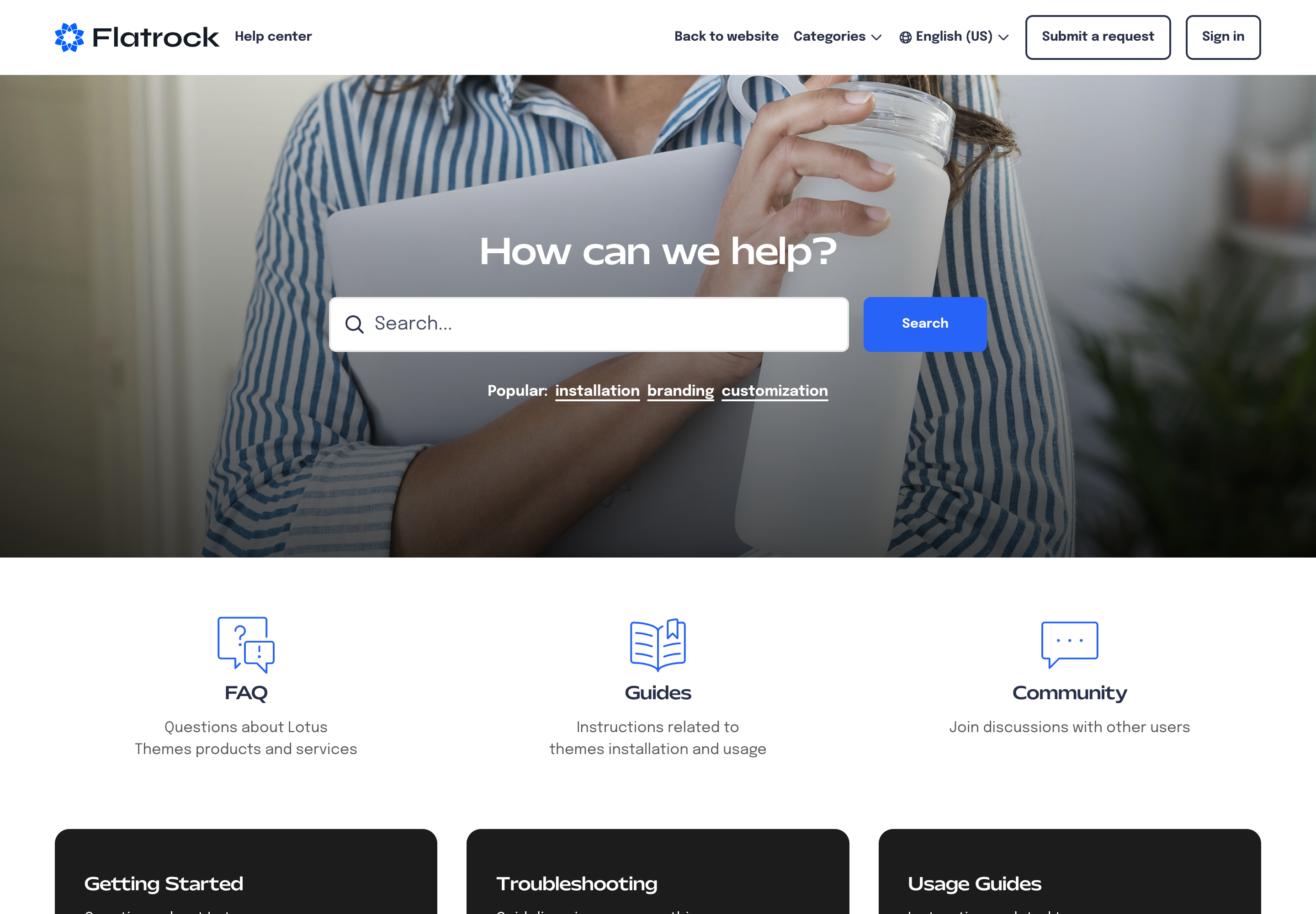
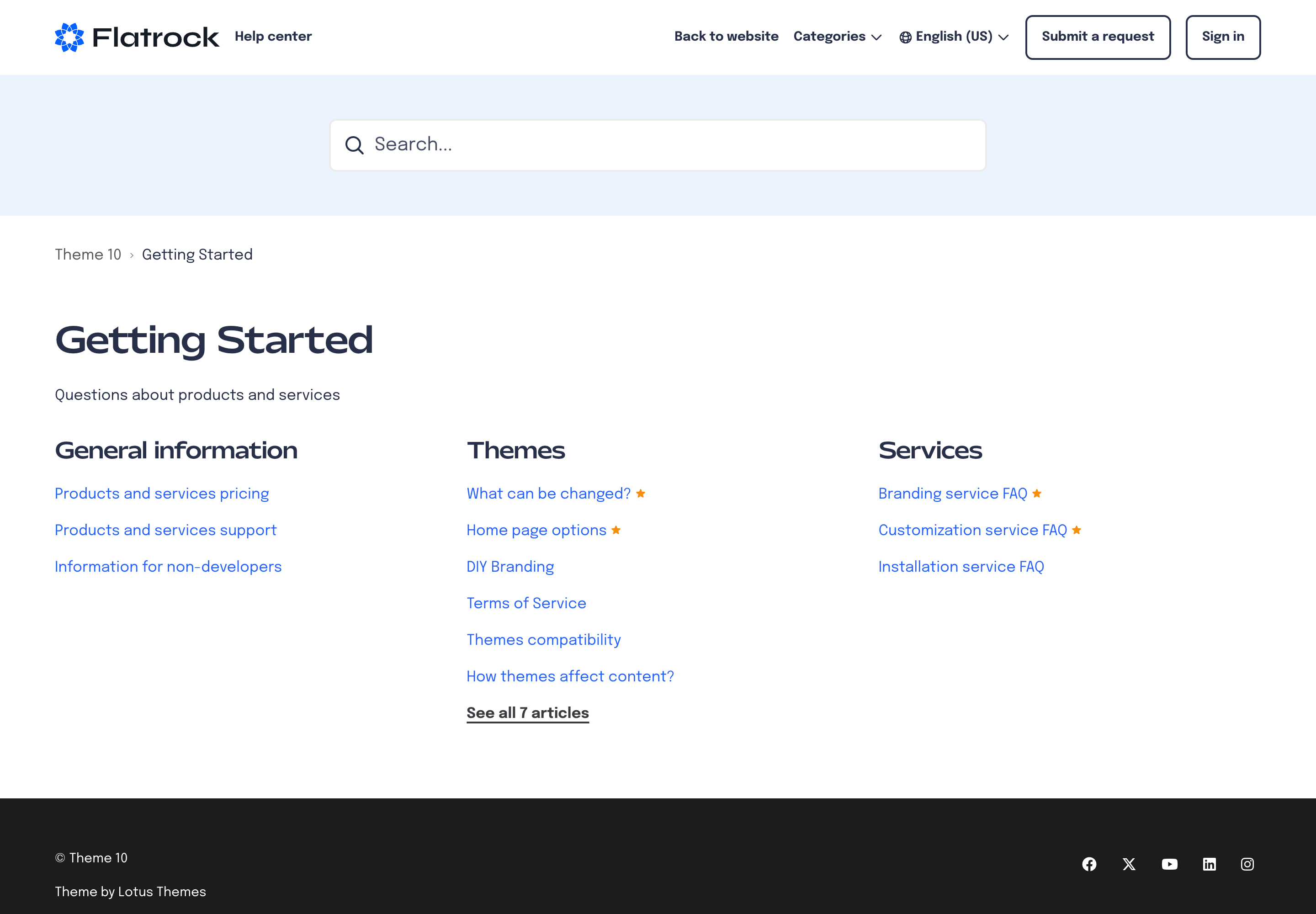
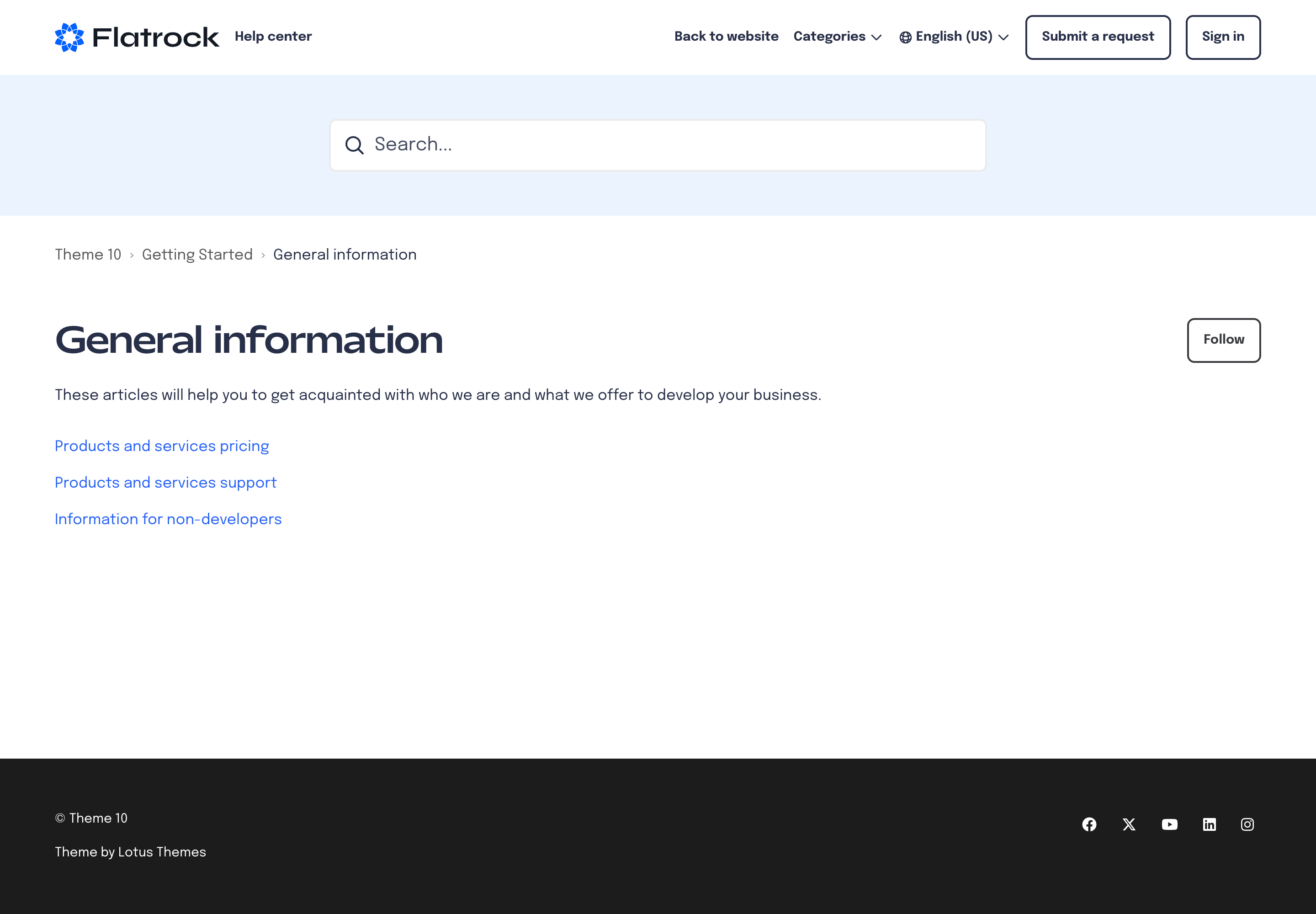
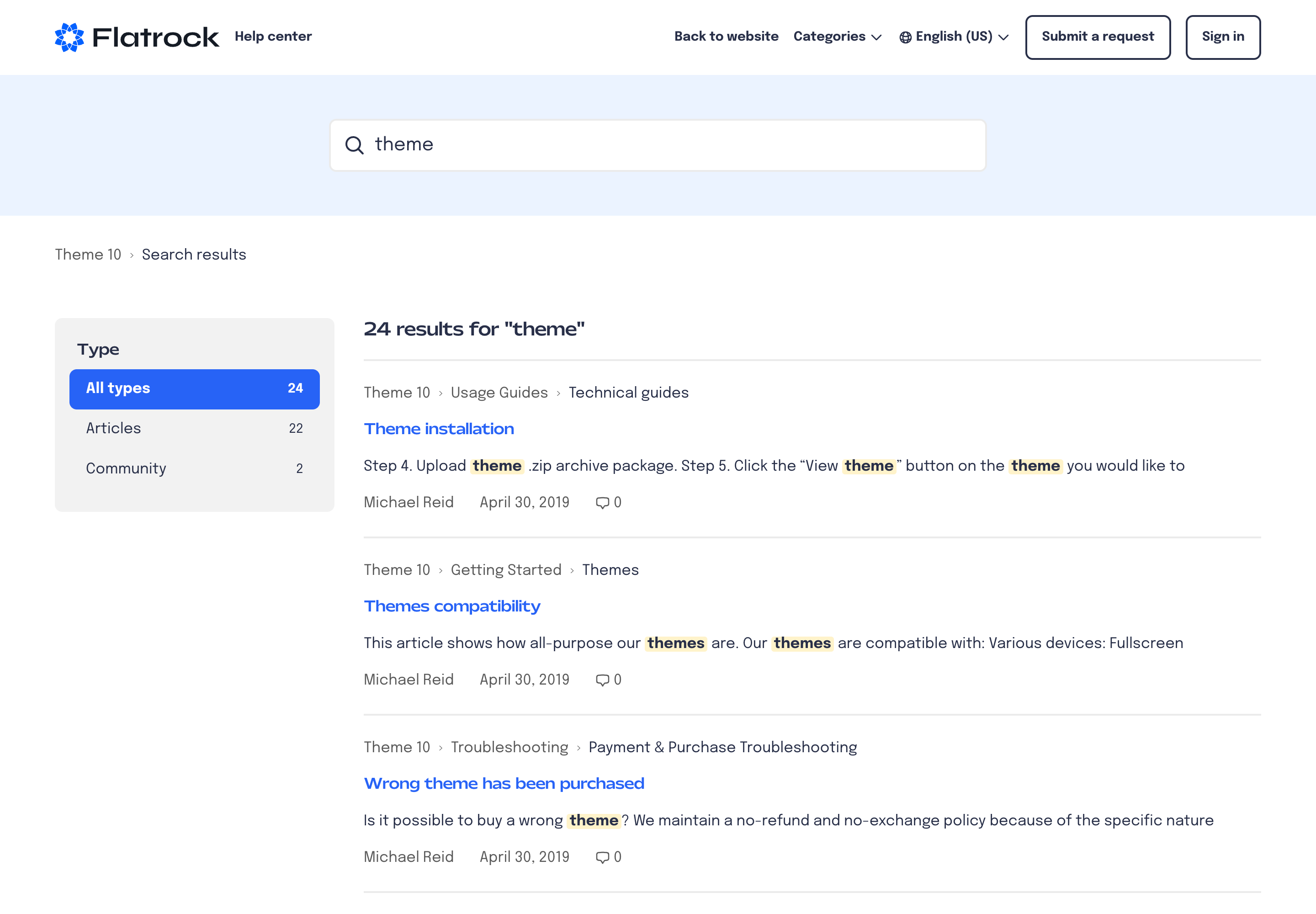
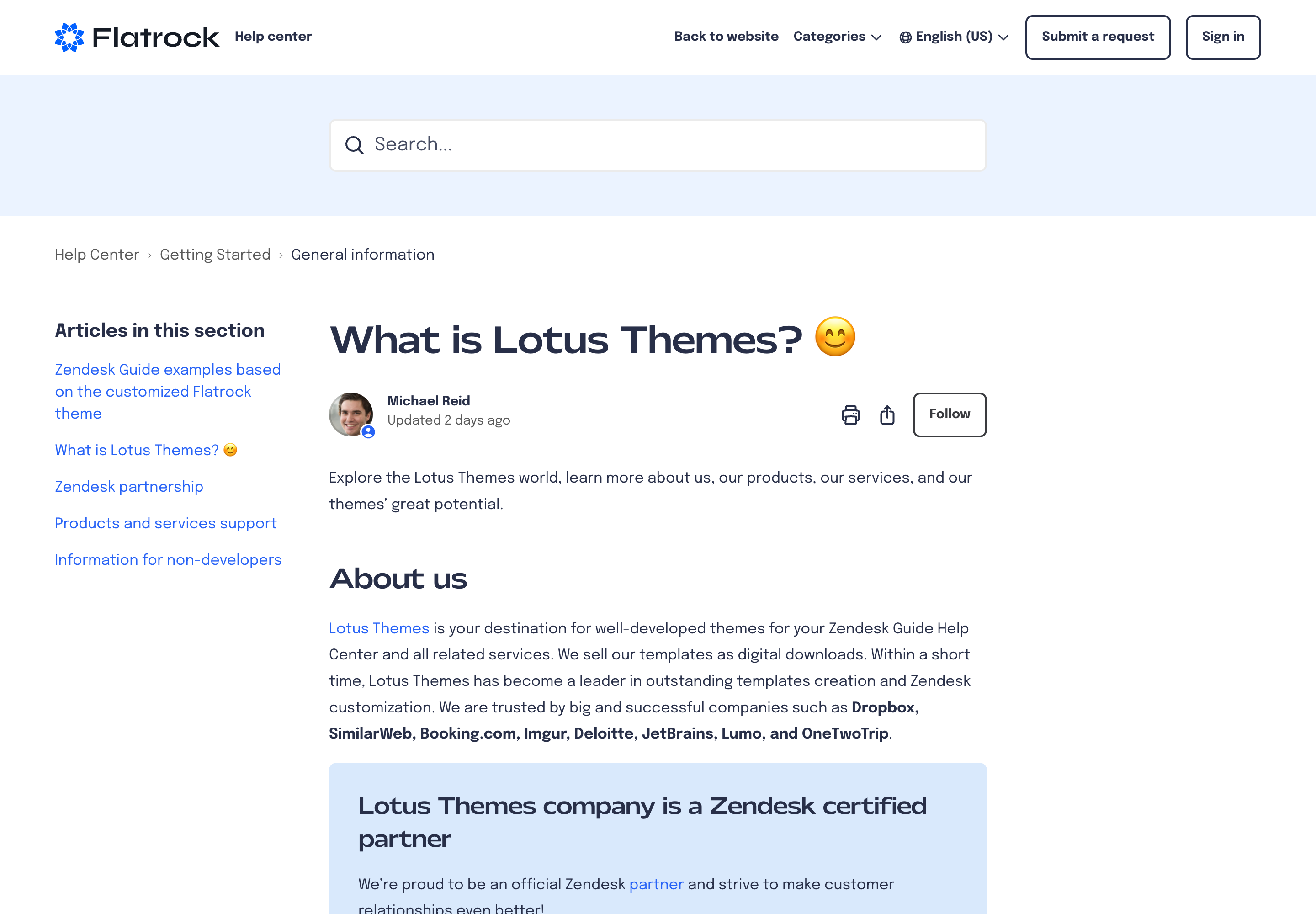
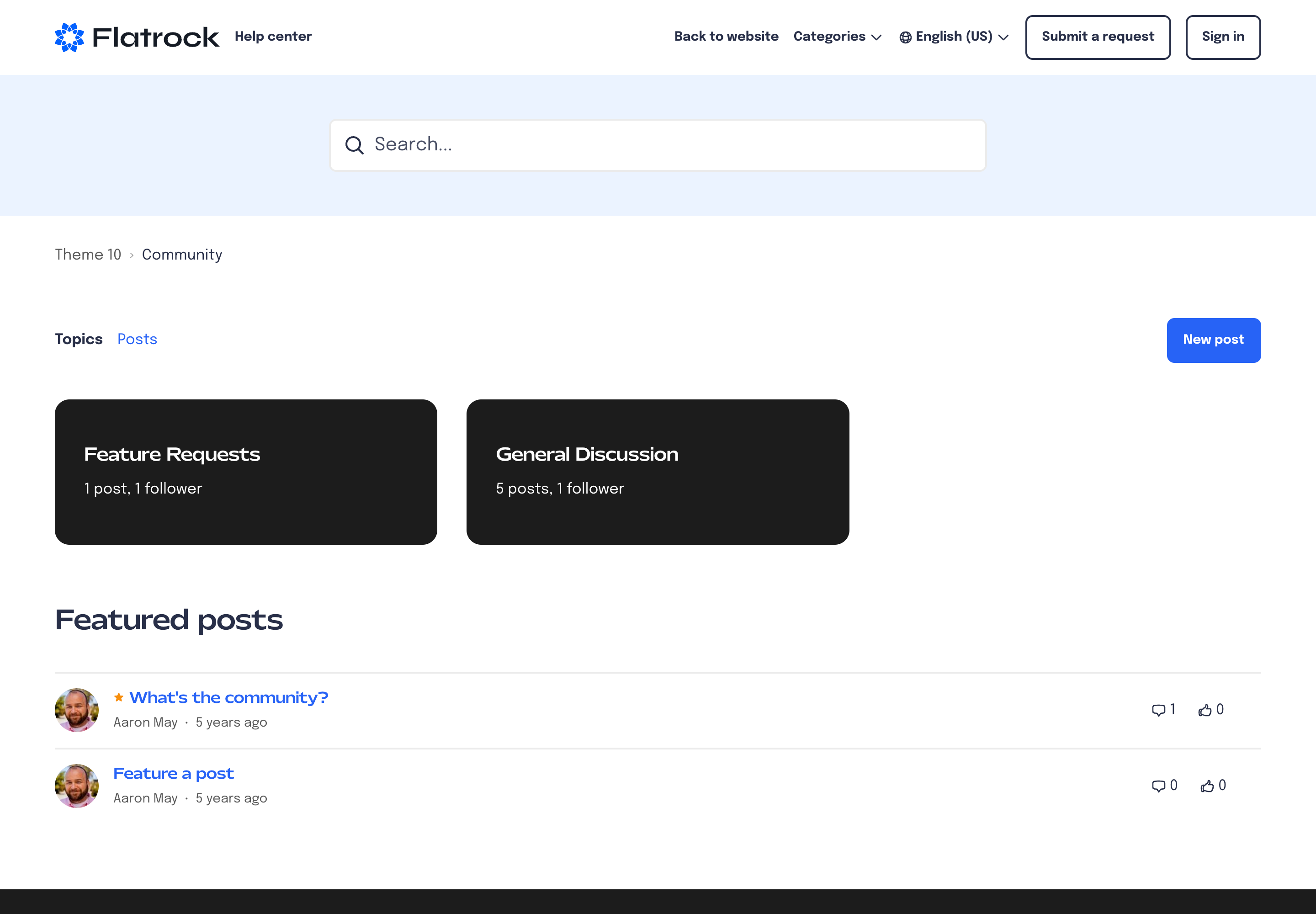
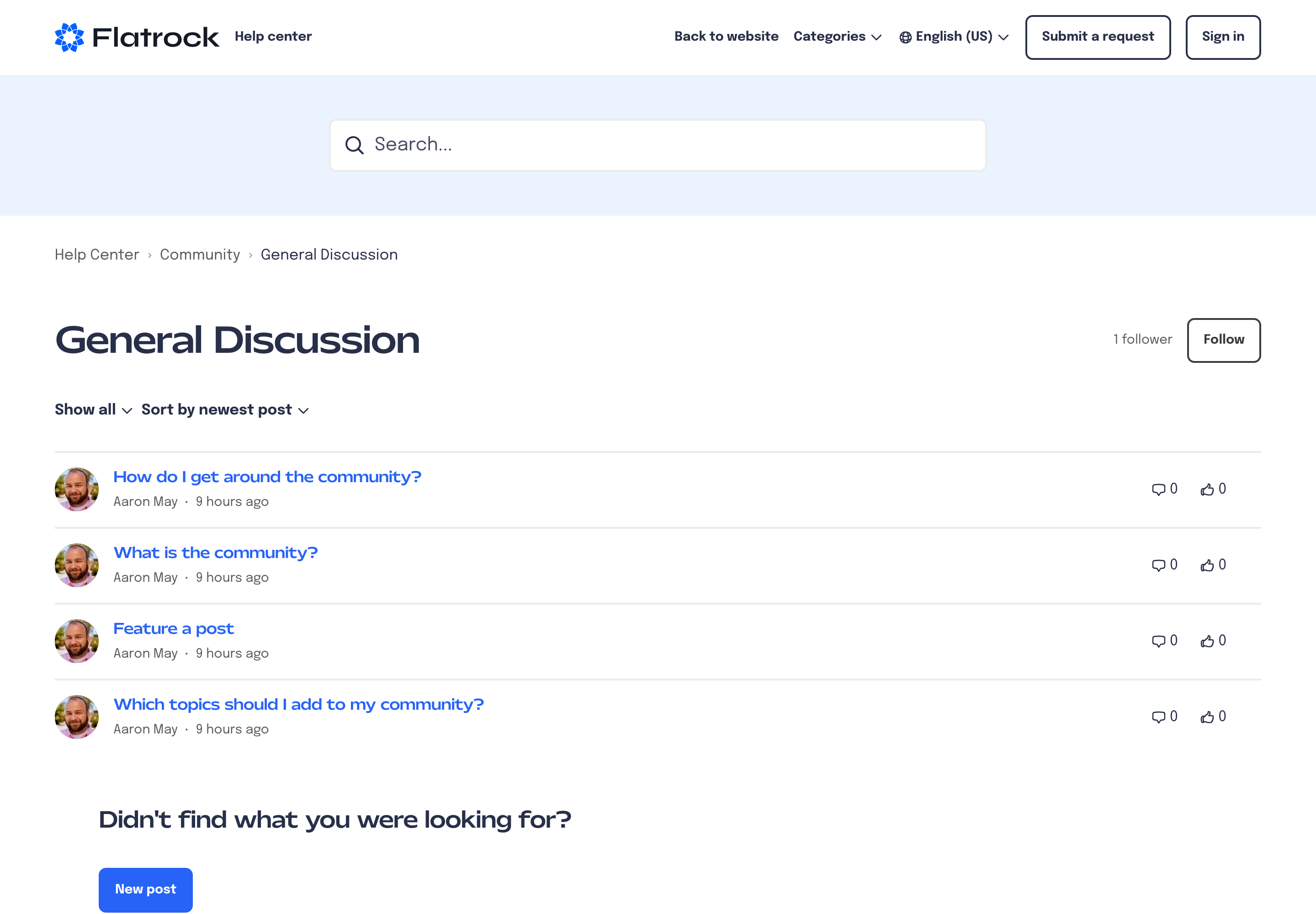
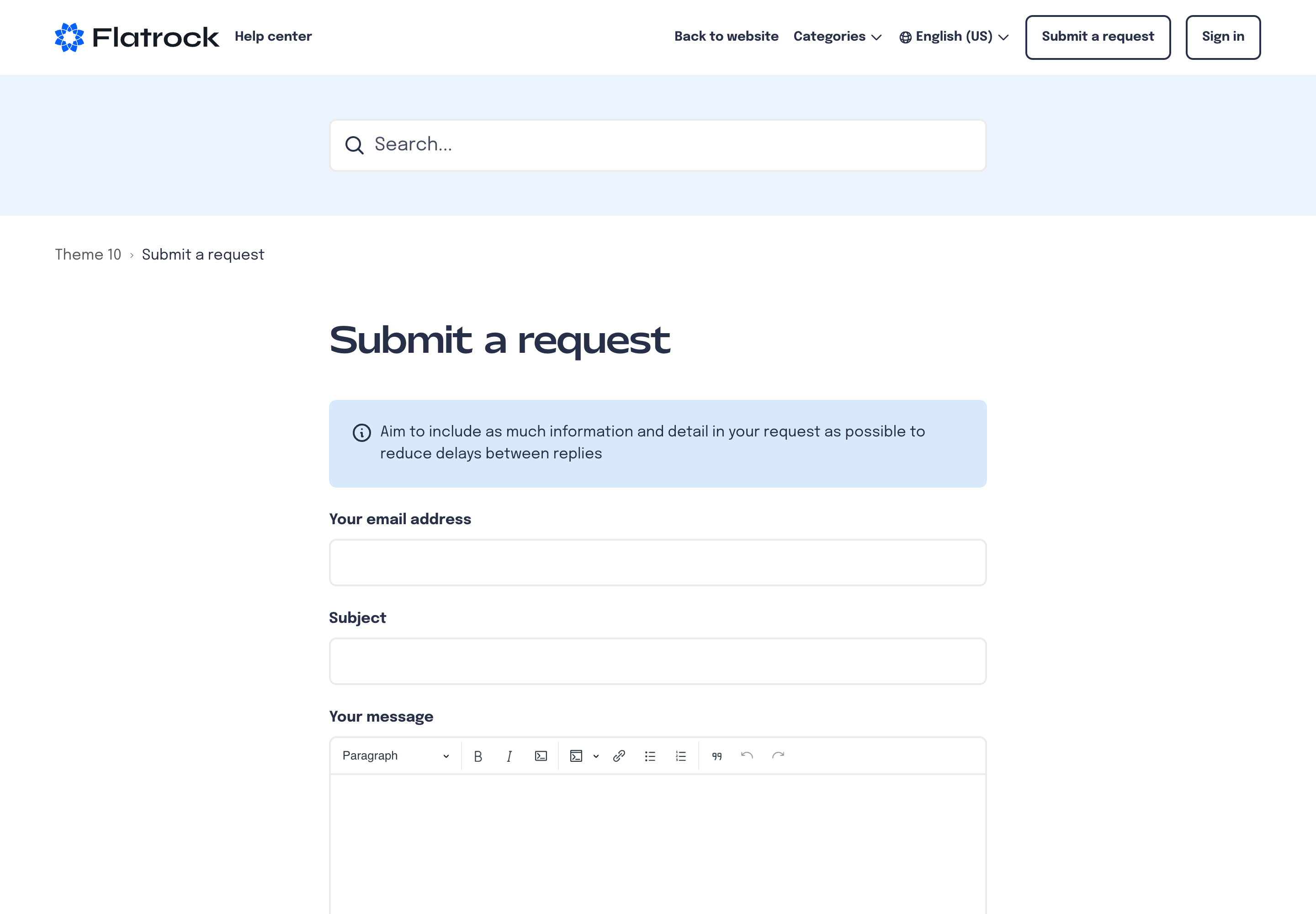
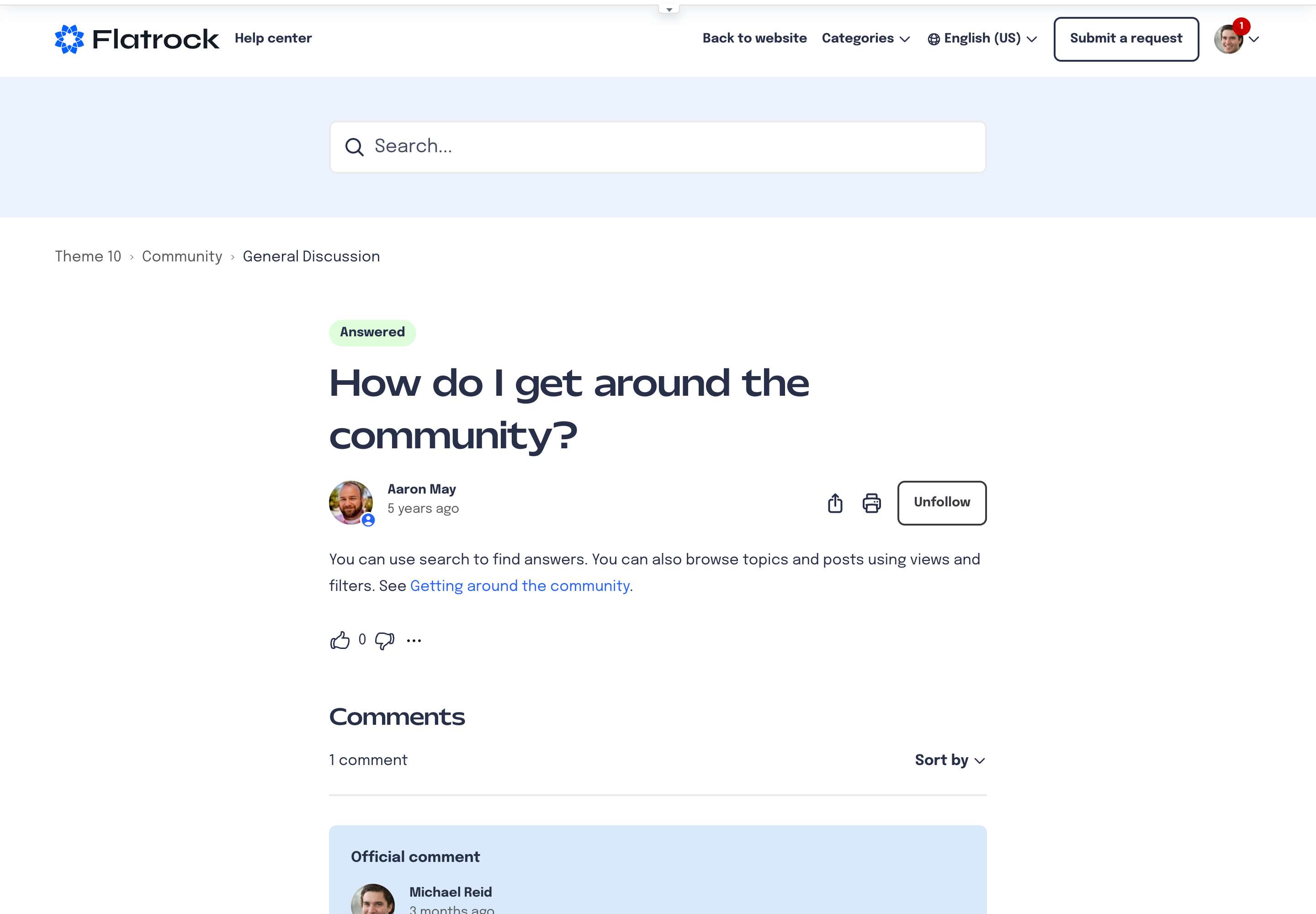
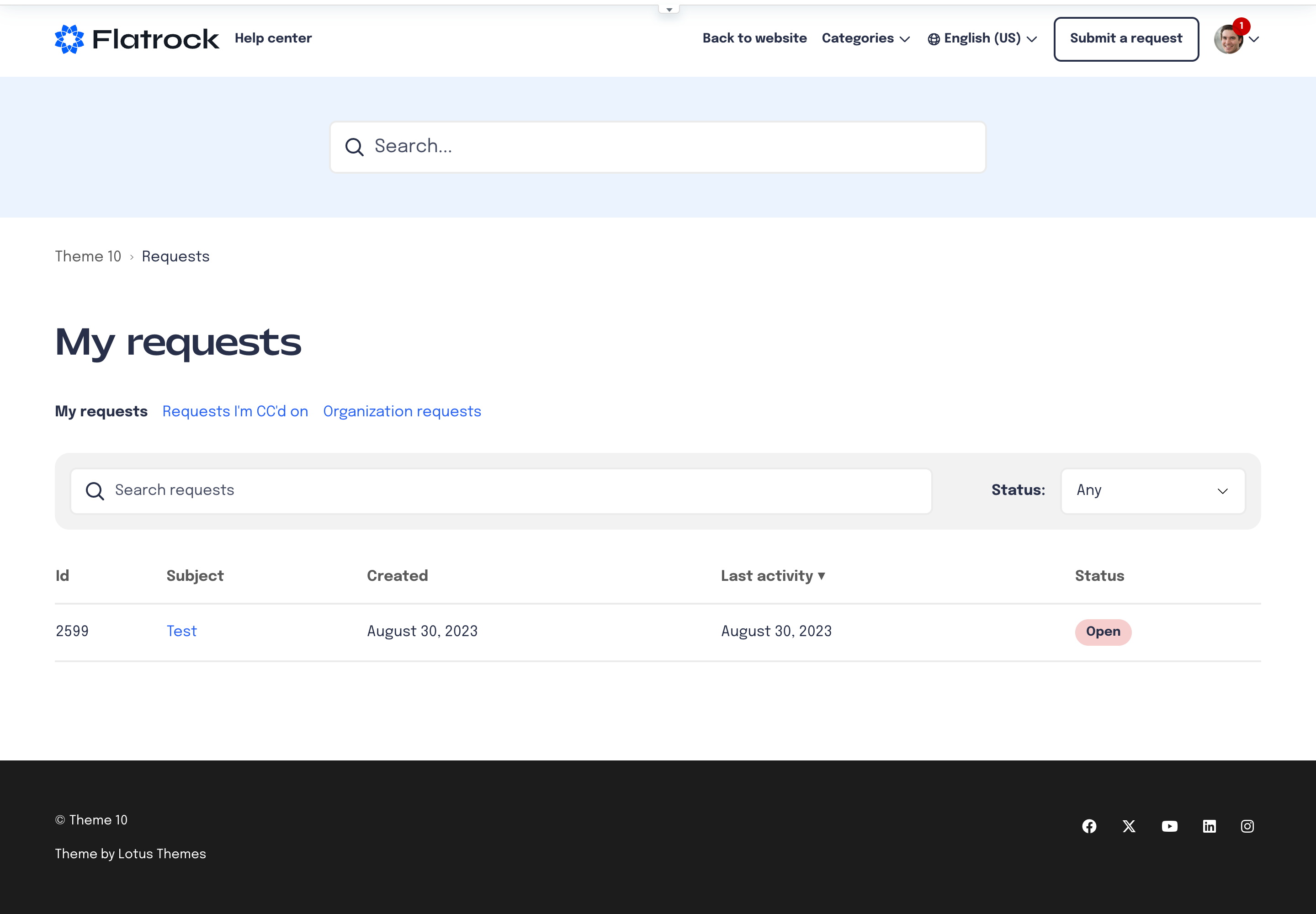
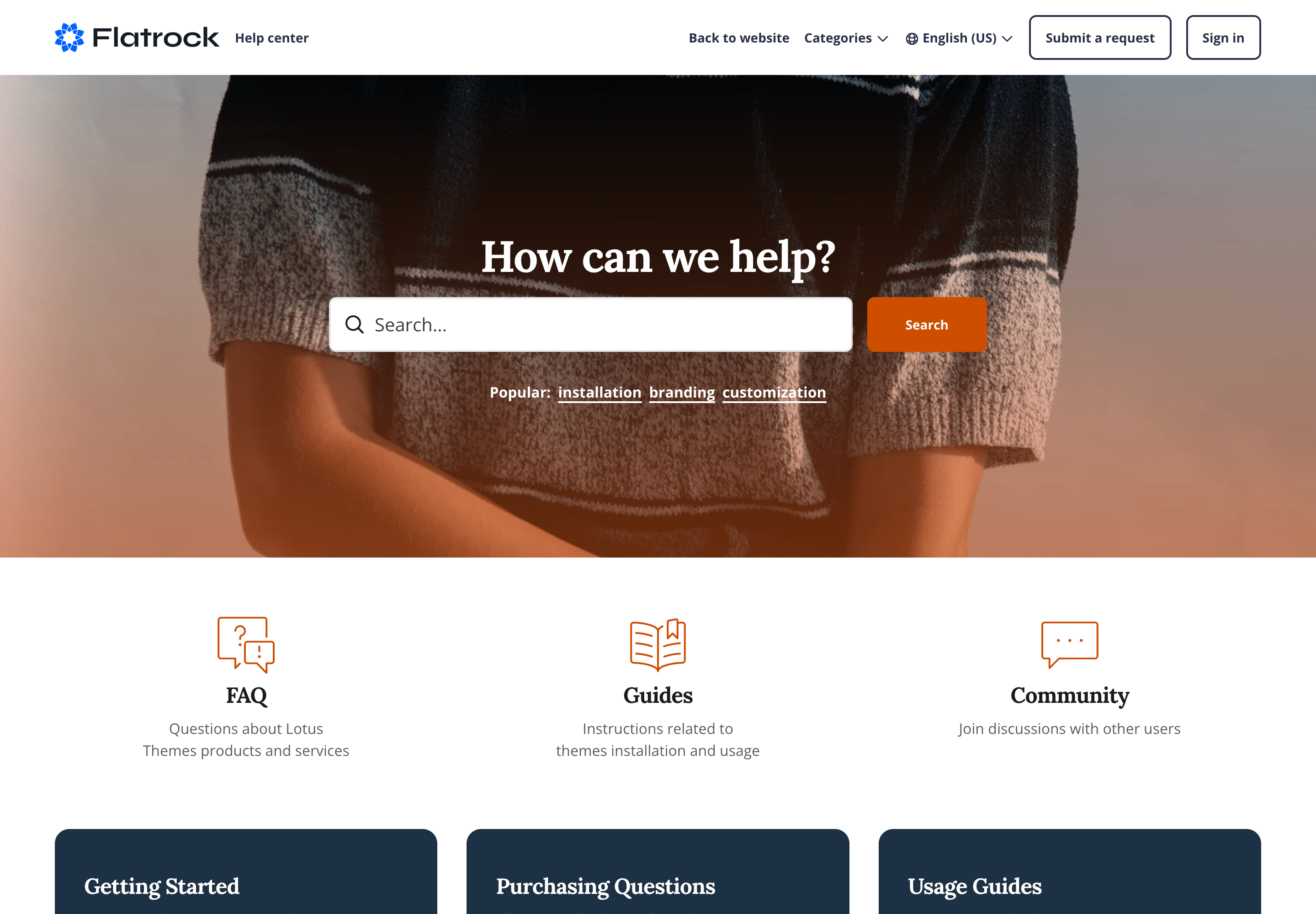
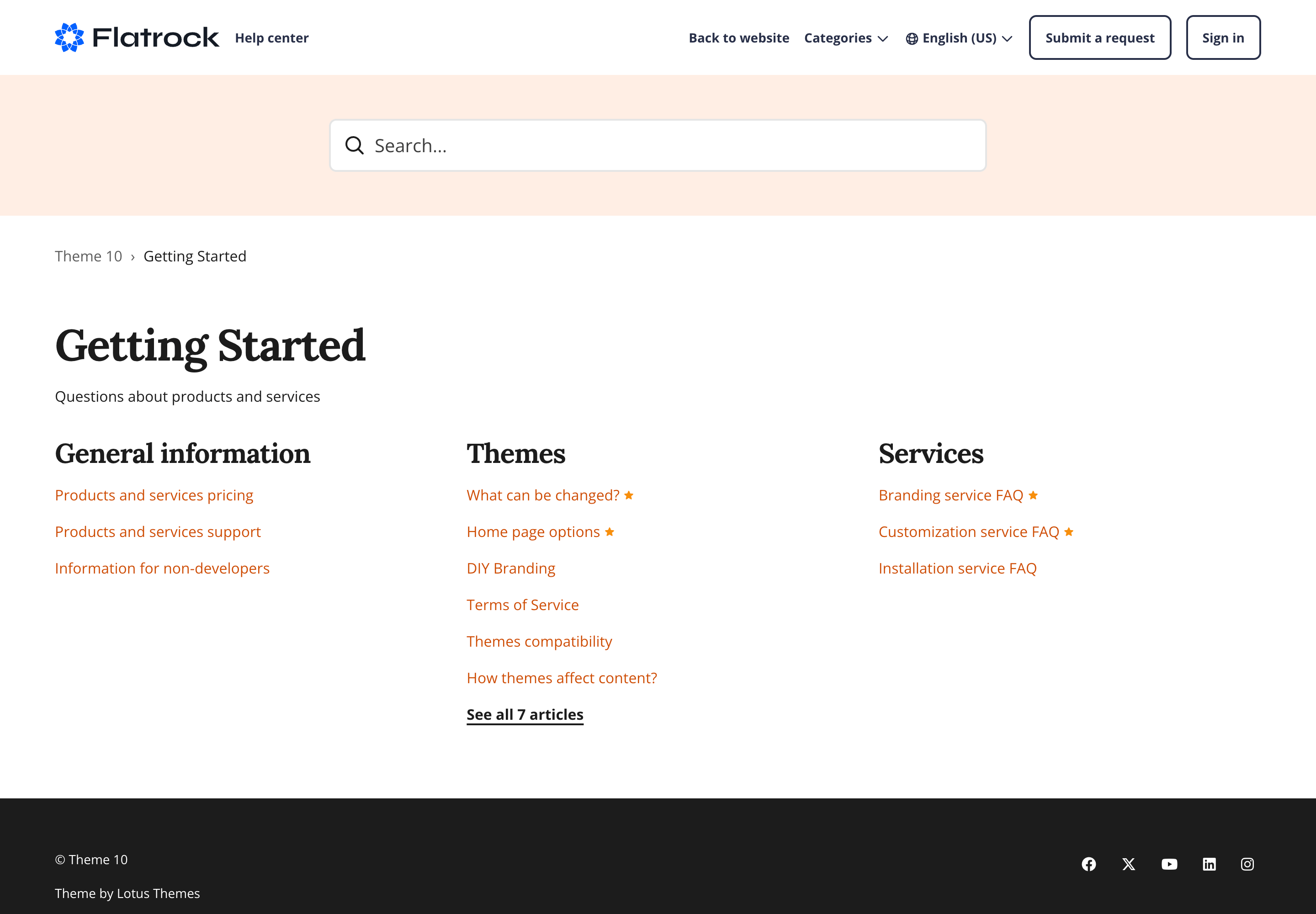
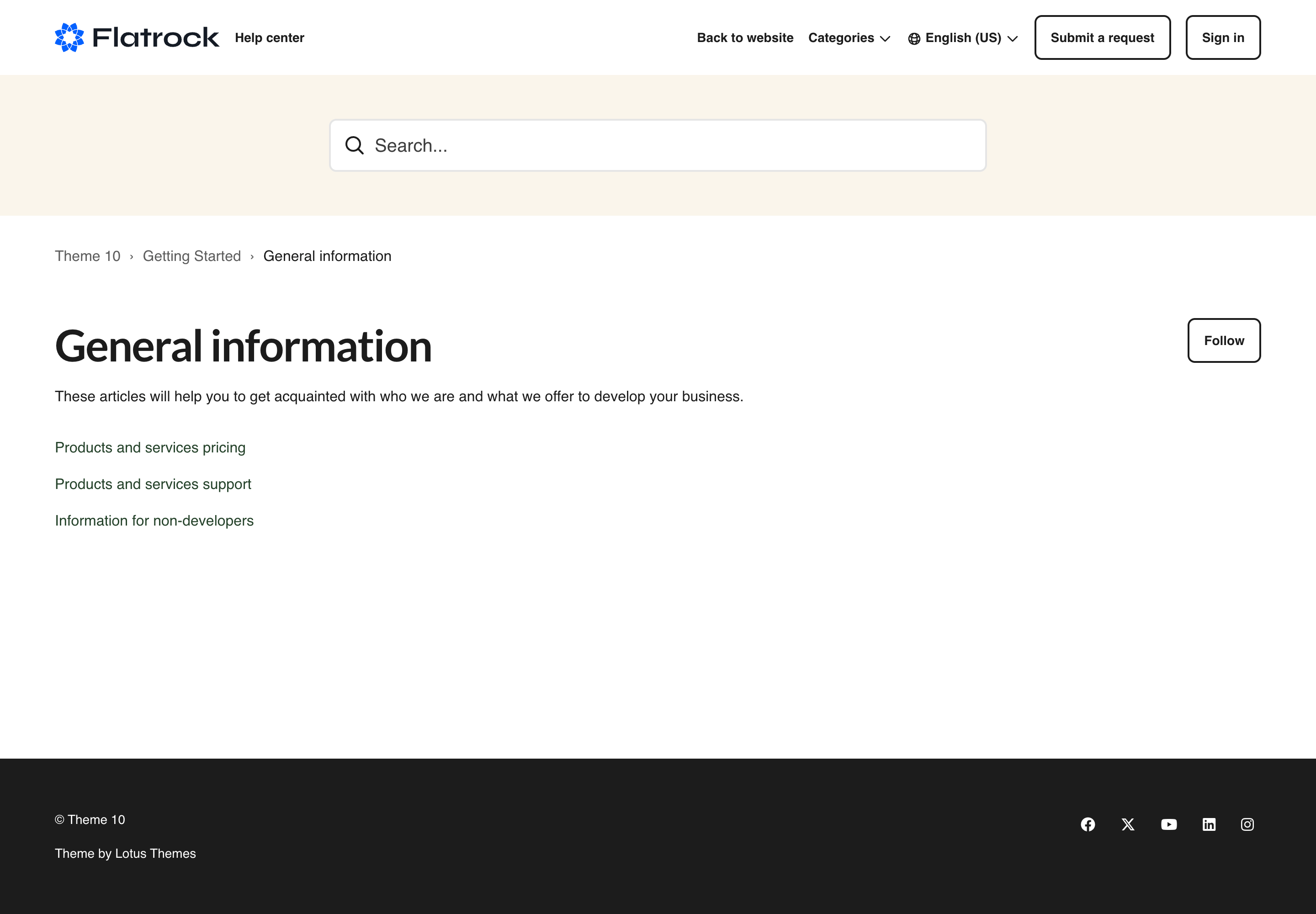
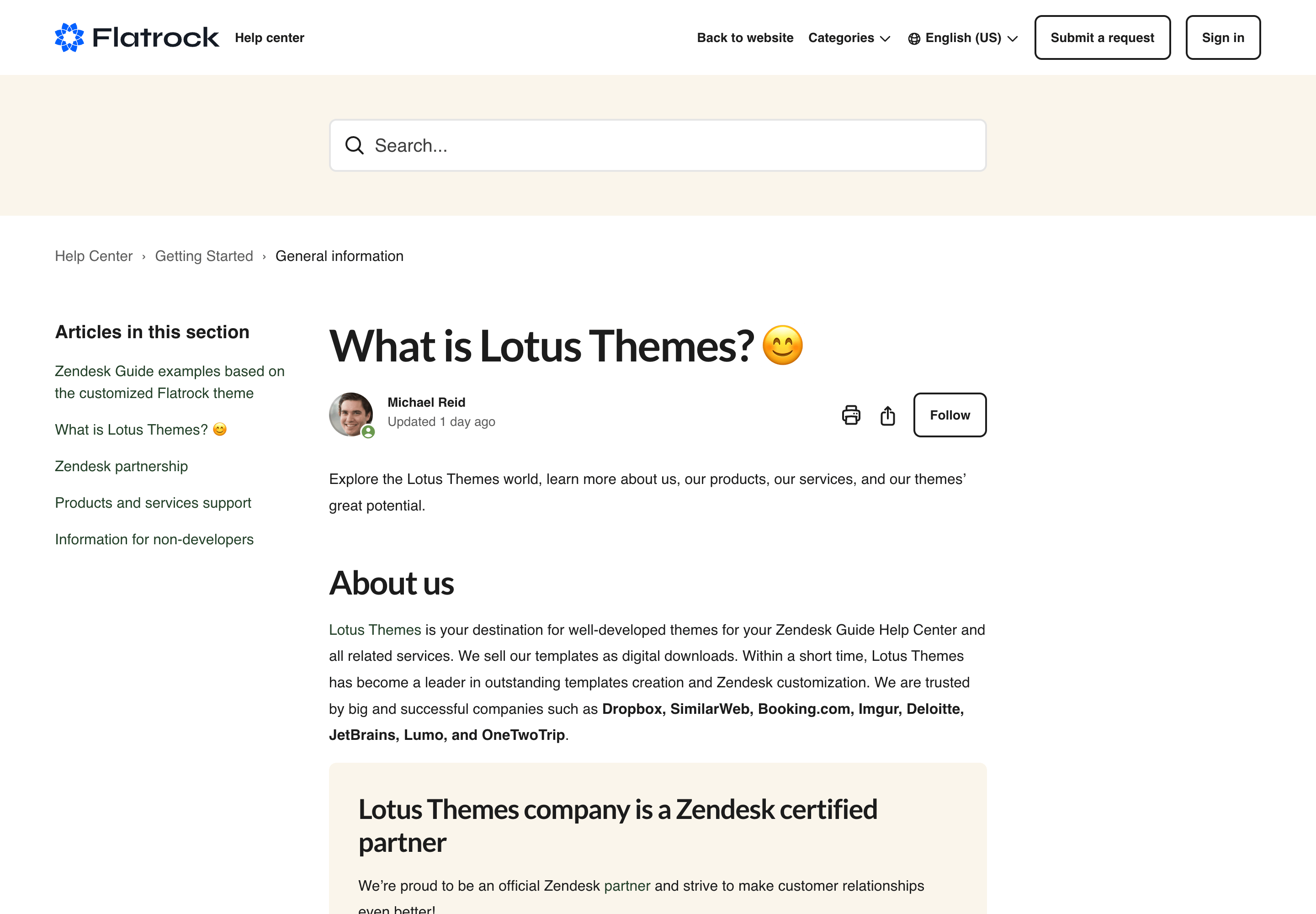
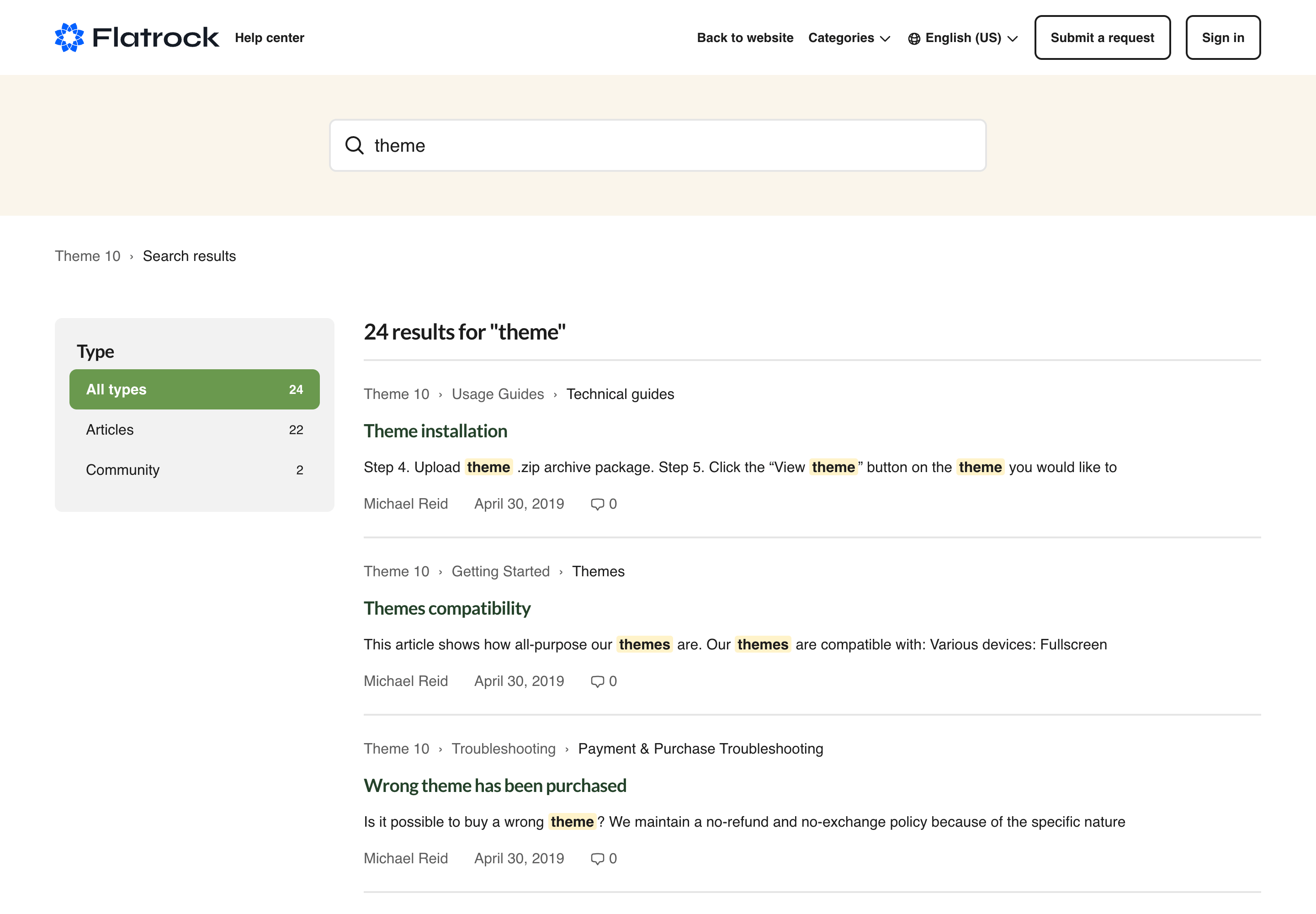
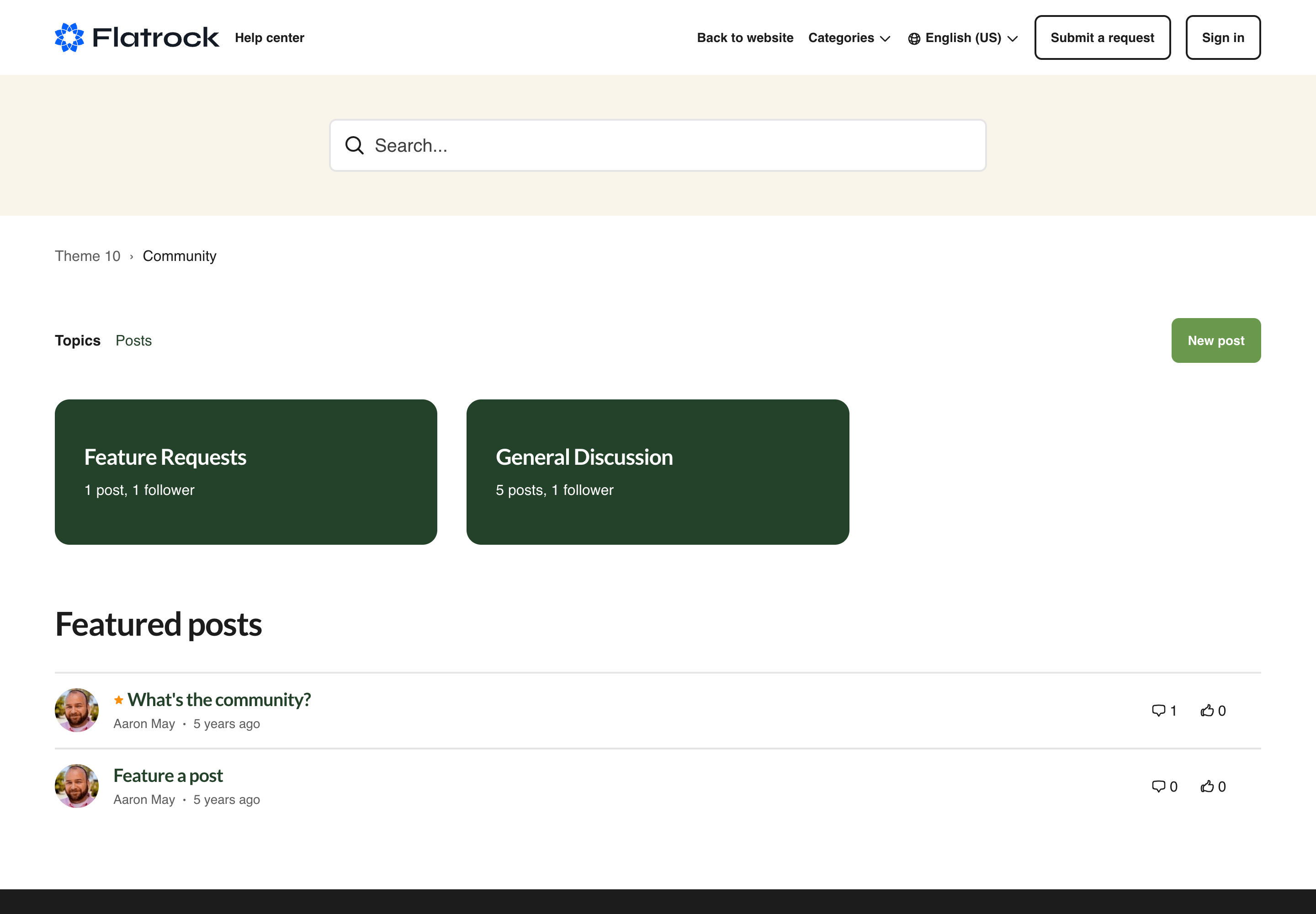
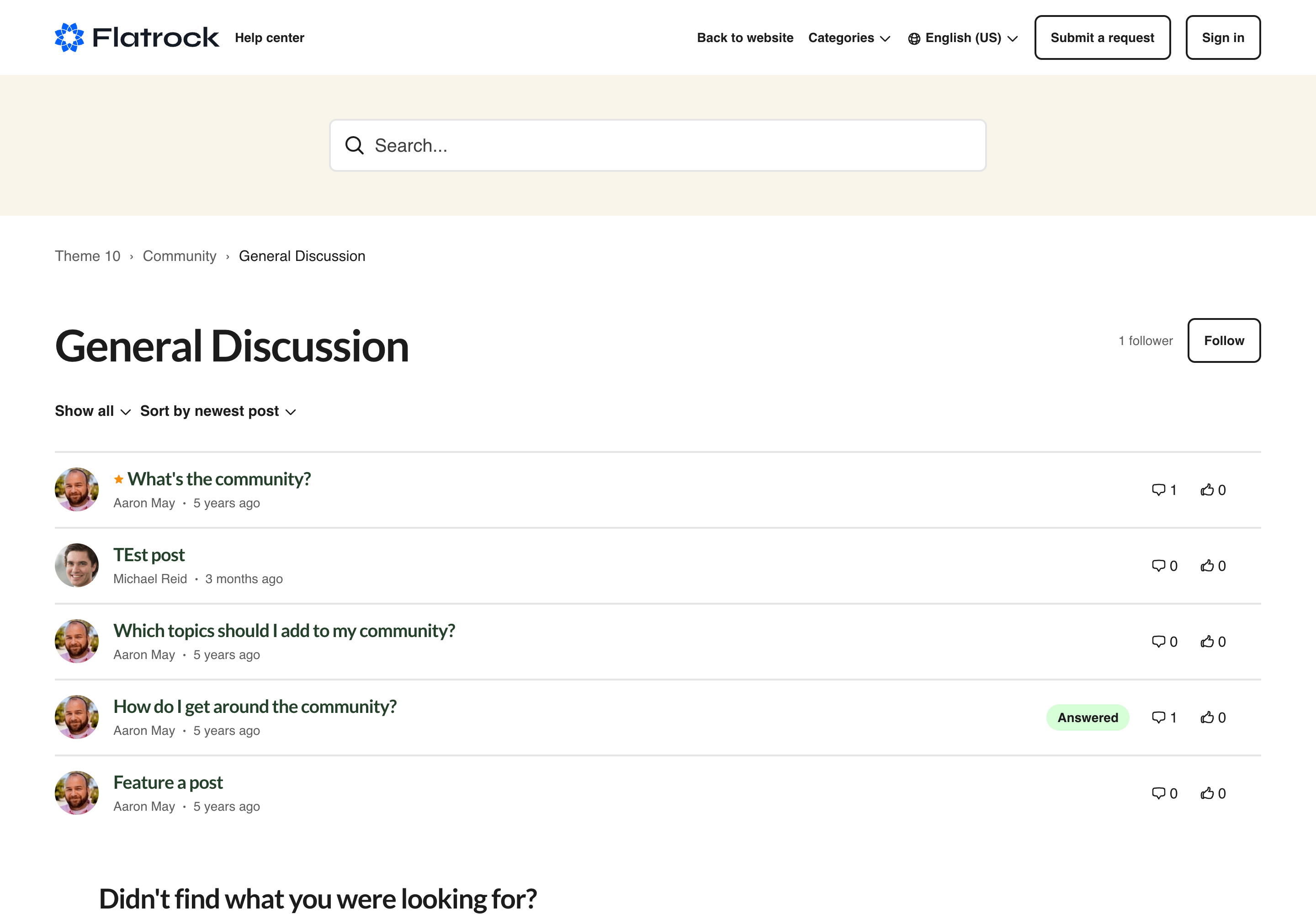
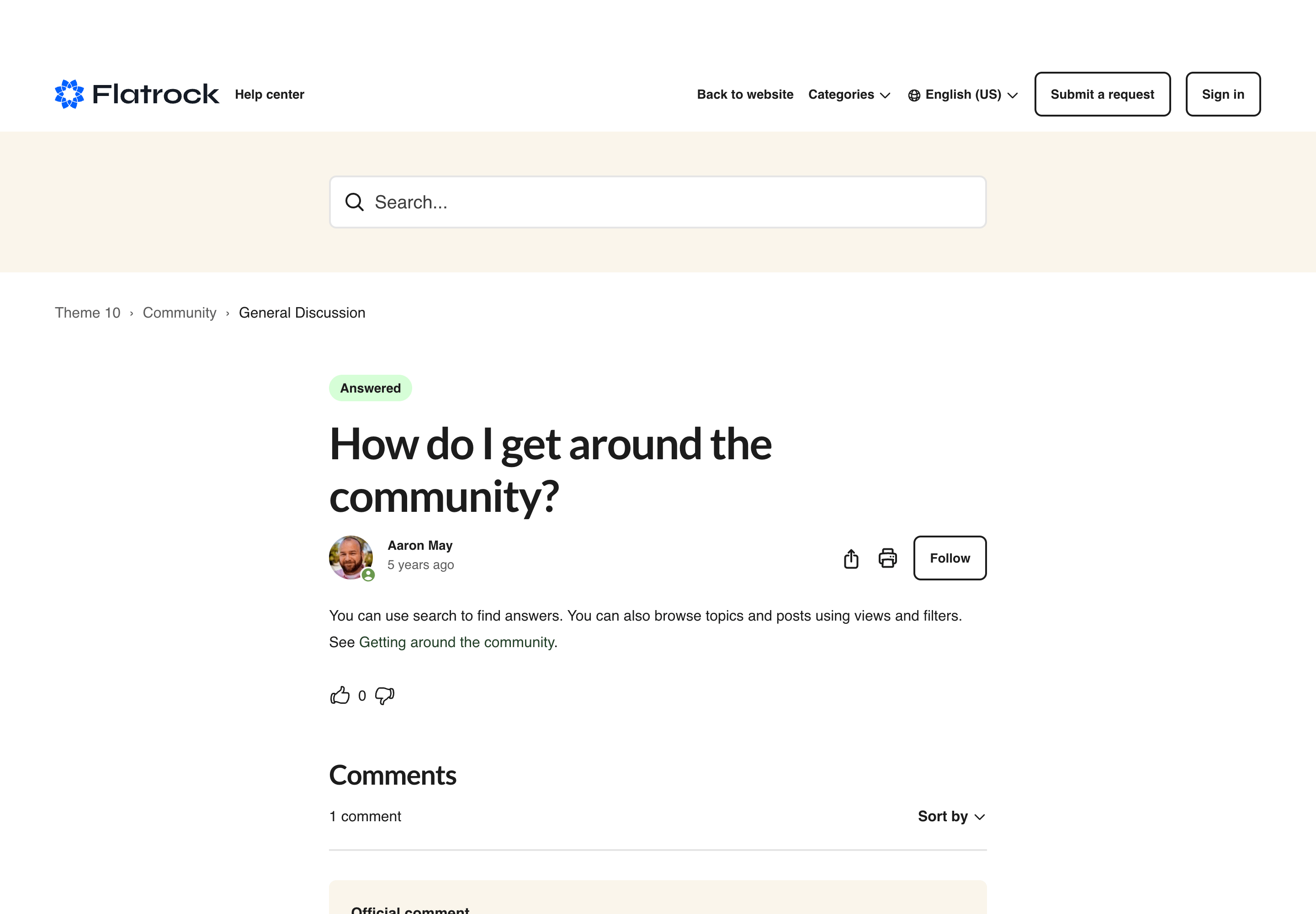
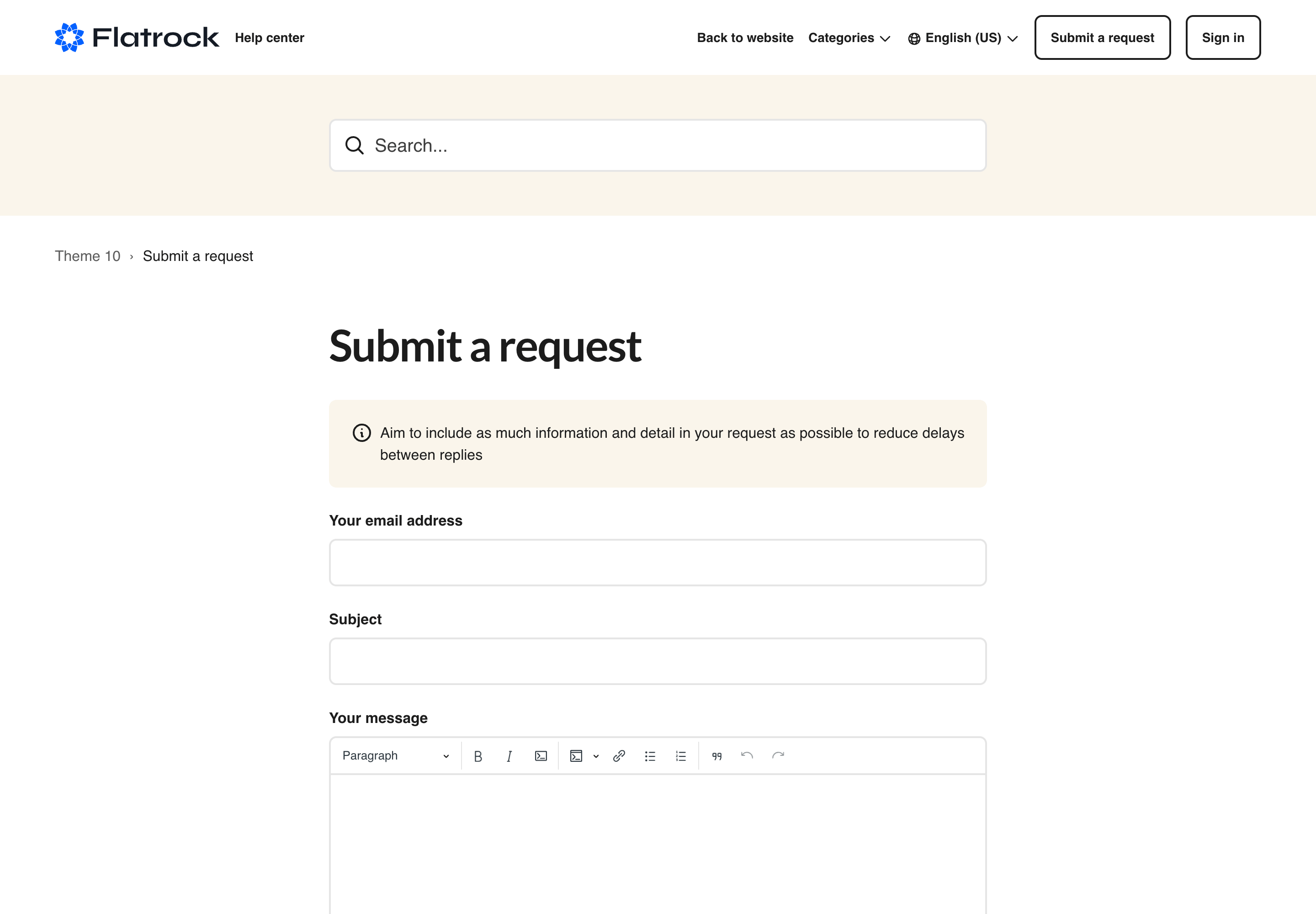
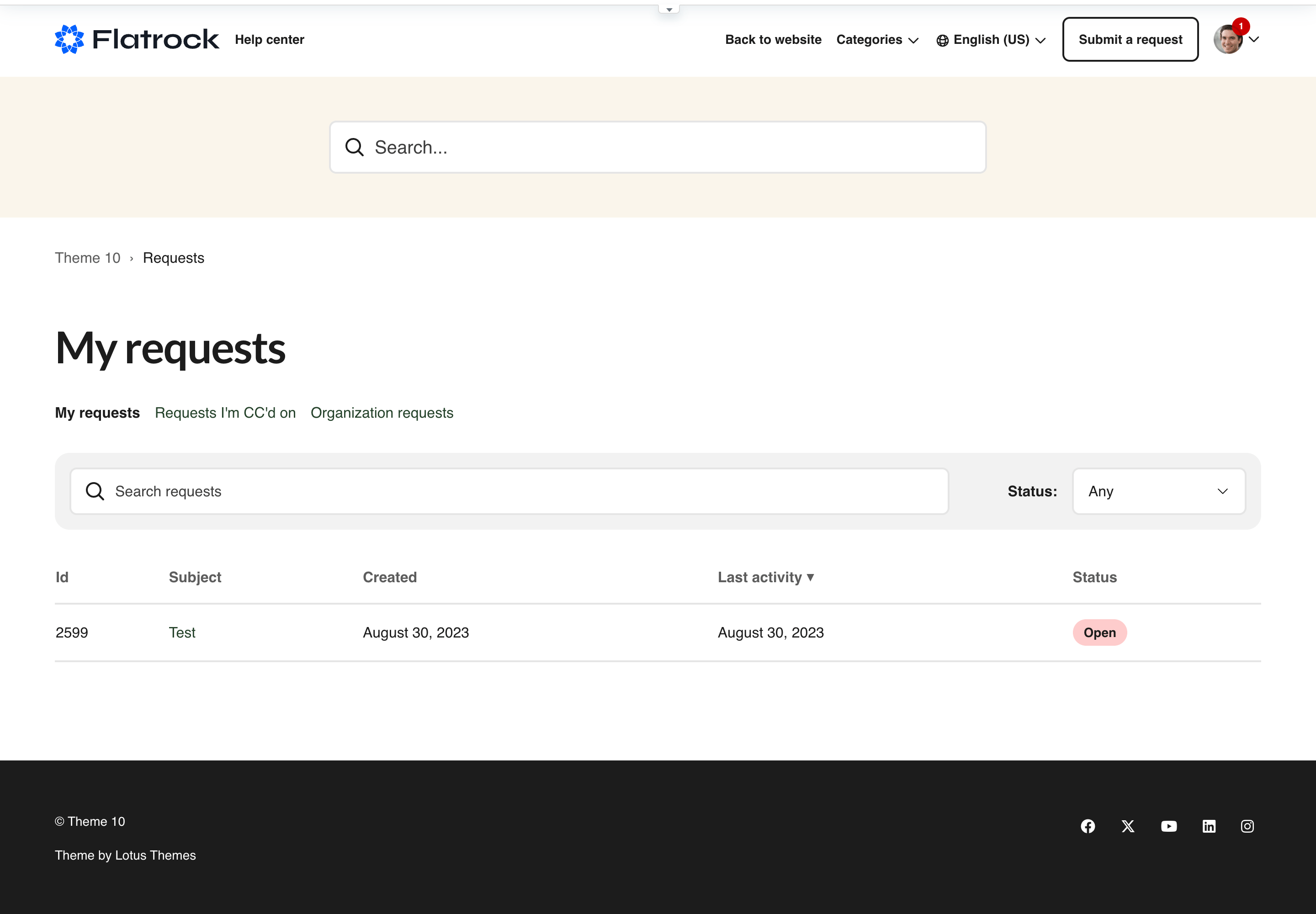
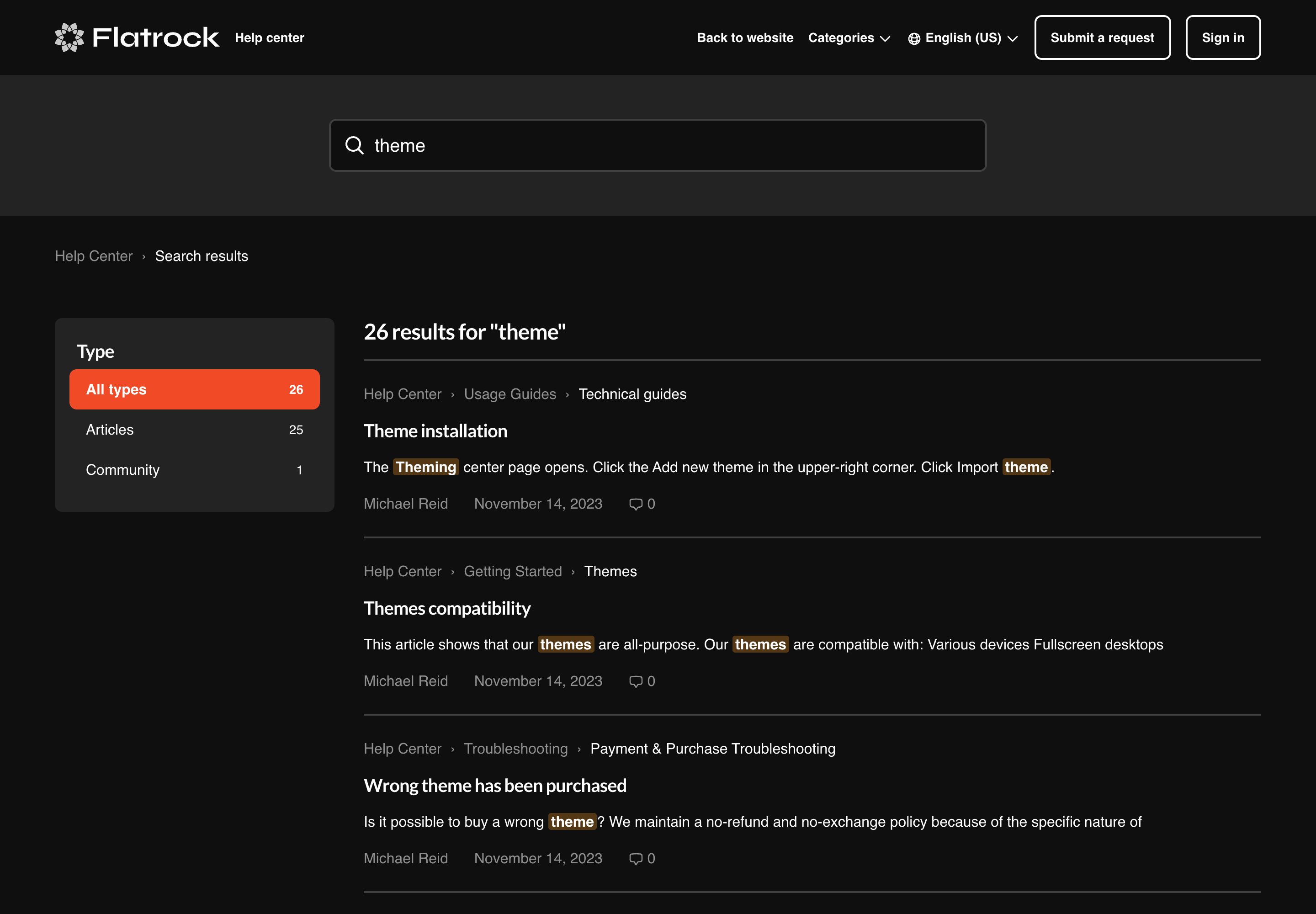
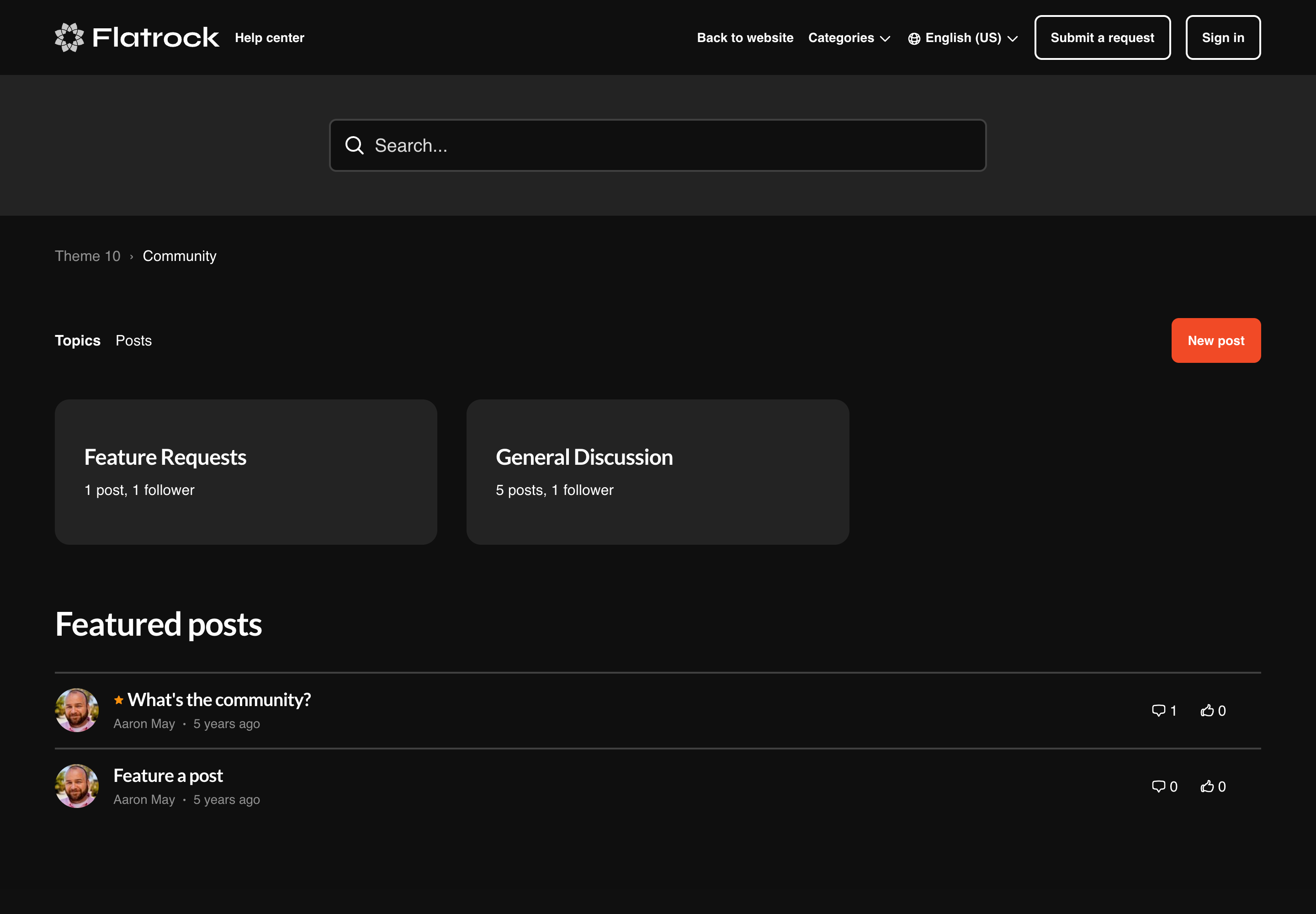
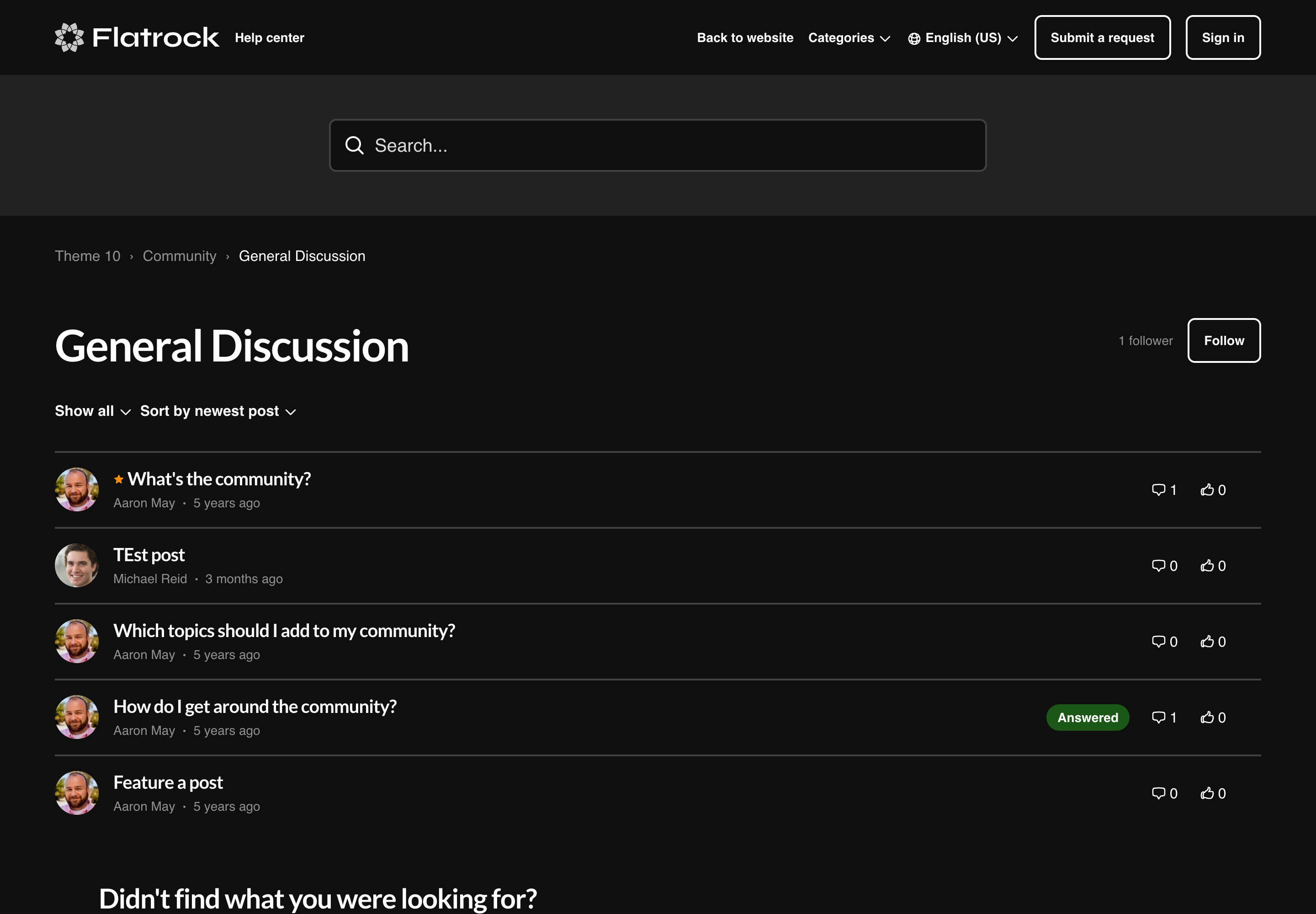
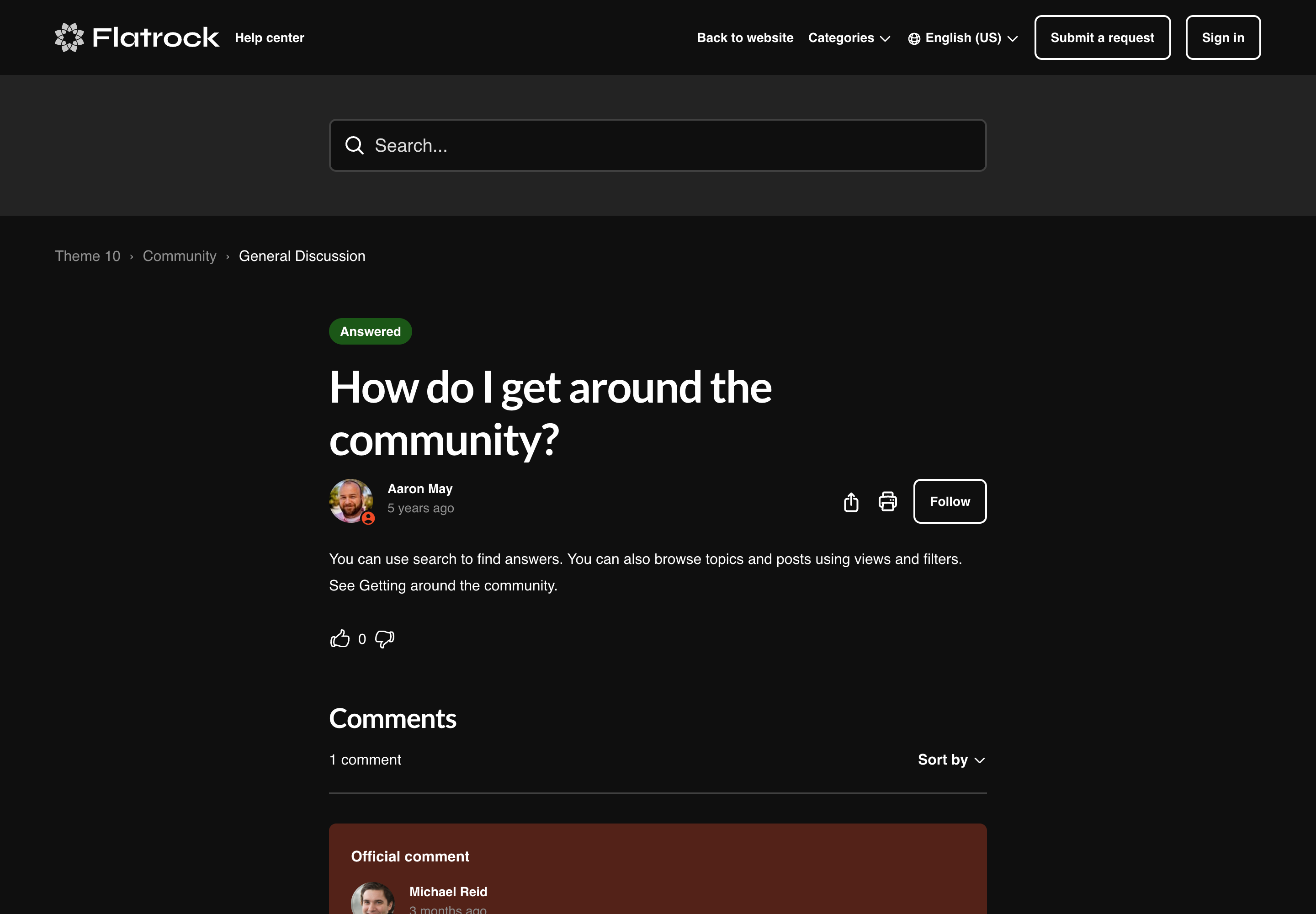
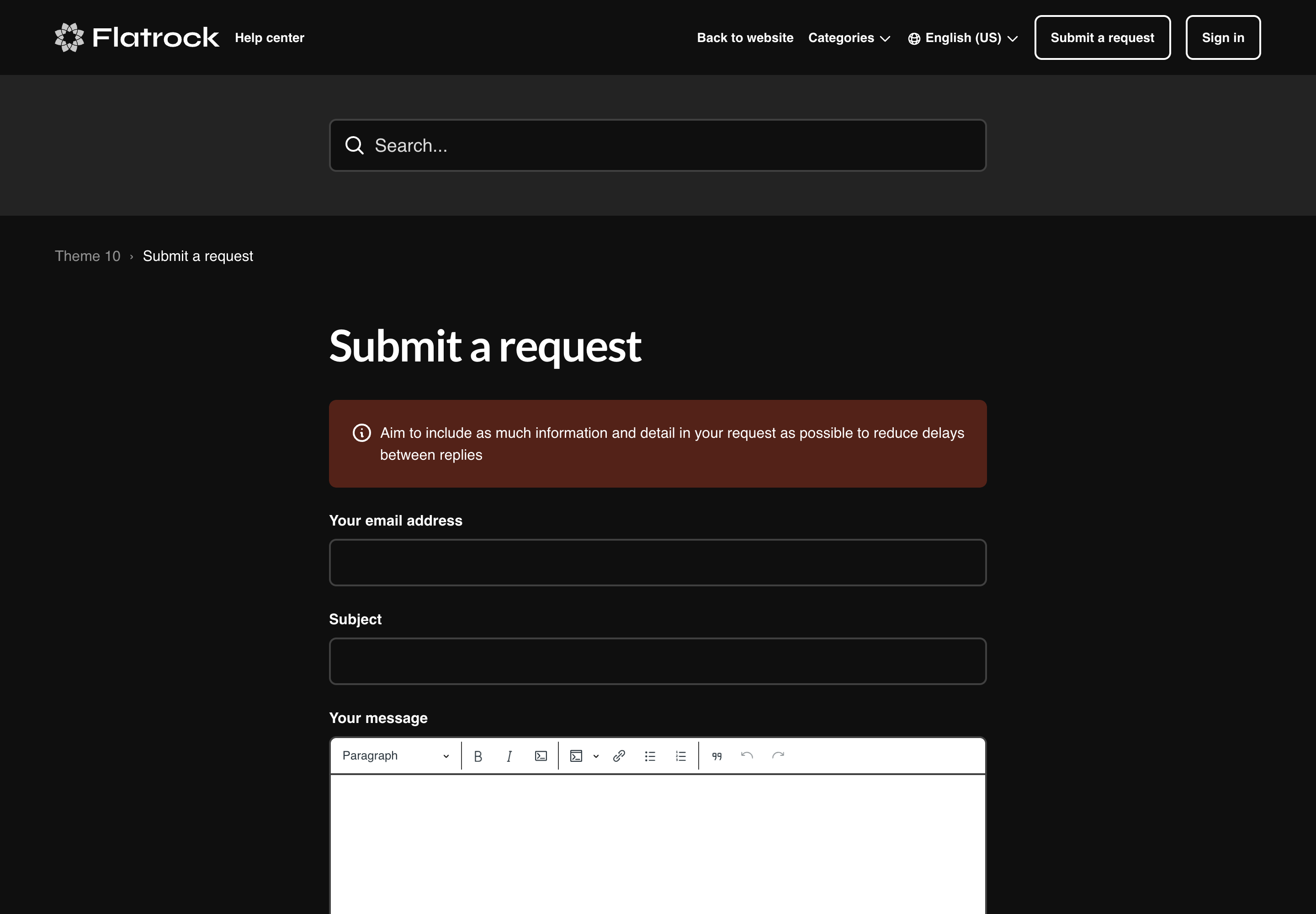
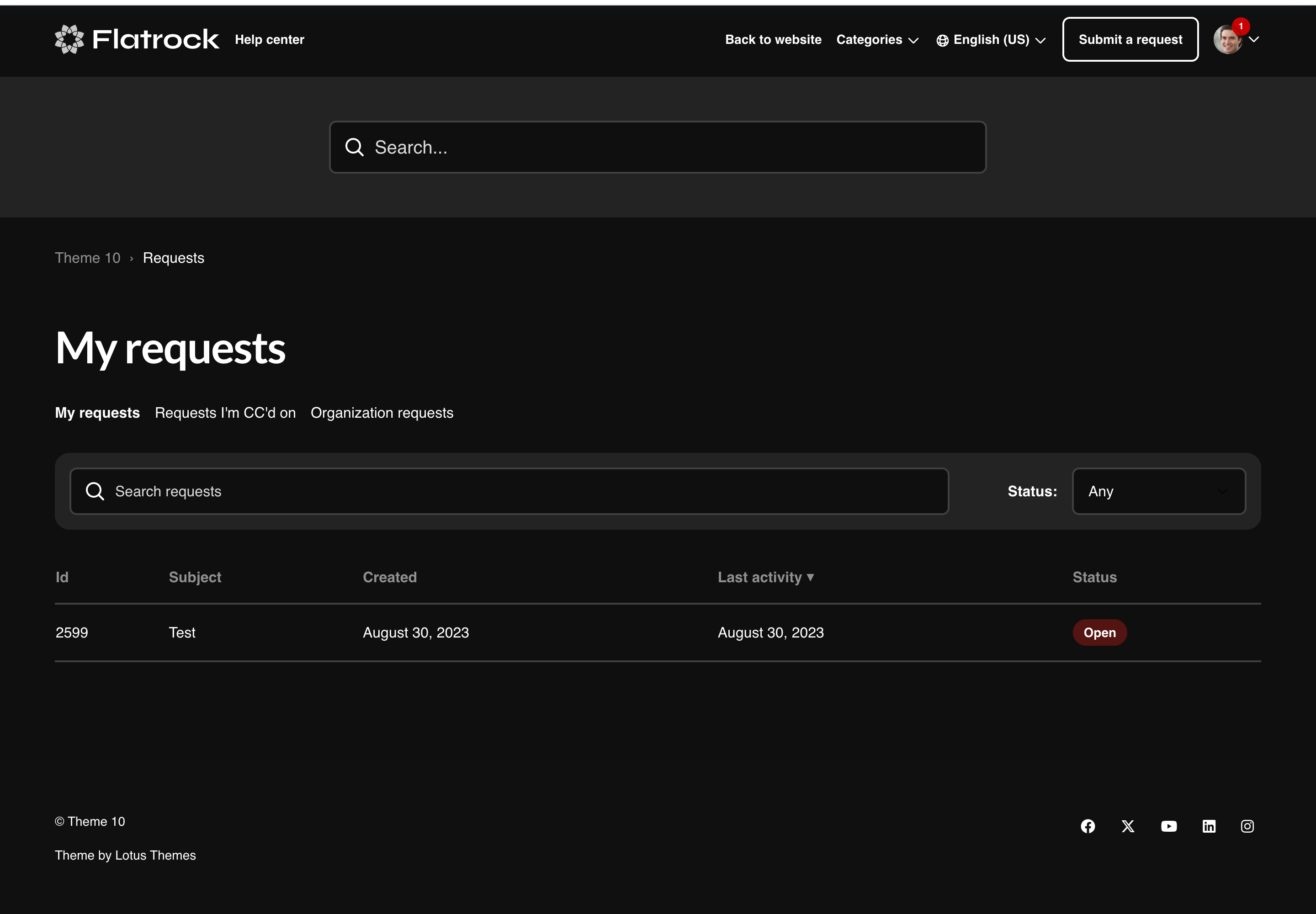
About the theme
Best for
- Teams that need flexible, no-code customization
- Organizations looking for a proven, well-supported theme
- Companies using Zendesk AI and Generative Answers
- Multilingual and high-volume knowledge bases
- Zendesk Guide Growth, Professional, and Enterprise plans
Use when
- You want a theme that works out of the box with minimal setup
- Your team needs to update branding without developer support
- You're looking for long-term reliability and ongoing updates
- You need a versatile foundation that can evolve with your brand
Layout & core pages
Key features
Platform & AI
-
Templating API V4 NEW
Faster, more modern Help Centers aligned with Zendesk's latest UI components and capabilities.
-
AI-Powered Generative Answers NEW
AI-generated answers displayed directly above search results for enhanced self-service.
-
Built for Zendesk
Authorized Zendesk solution provider with early access to updates.
Customization & Branding
-
Fully customizable
Customize the header, footer, custom blocks, call-to-actions and more.
-
Easy branding
Extensive color settings to quickly match your brand identity.
-
Full access to the source code
Full access to templates, CSS, images, and JavaScript for any modifications.
-
Different layouts and styles
Customize theme with the right appearance for your content and design.
-
Support for any font
Popular Google Fonts included, plus easy custom font support.
-
Multiple language support
All languages and locales supported by Zendesk.
Design & Quality
-
Professionally designed
Easy to use and navigate with best UI/UX practices.
-
Mobile-first and responsive
Responsive and Retina-ready design that works on any device.
-
SEO and accessibility
Built for people to help them find what they need.
-
Article formatting styles
Pre-built styling for tabs, accordions, code blocks, tables, and more.
-
Free lifetime updates
All future updates at no additional cost.
-
Extensive documentation
Step-by-step guides for installation, branding, and customization.
Customization & branding
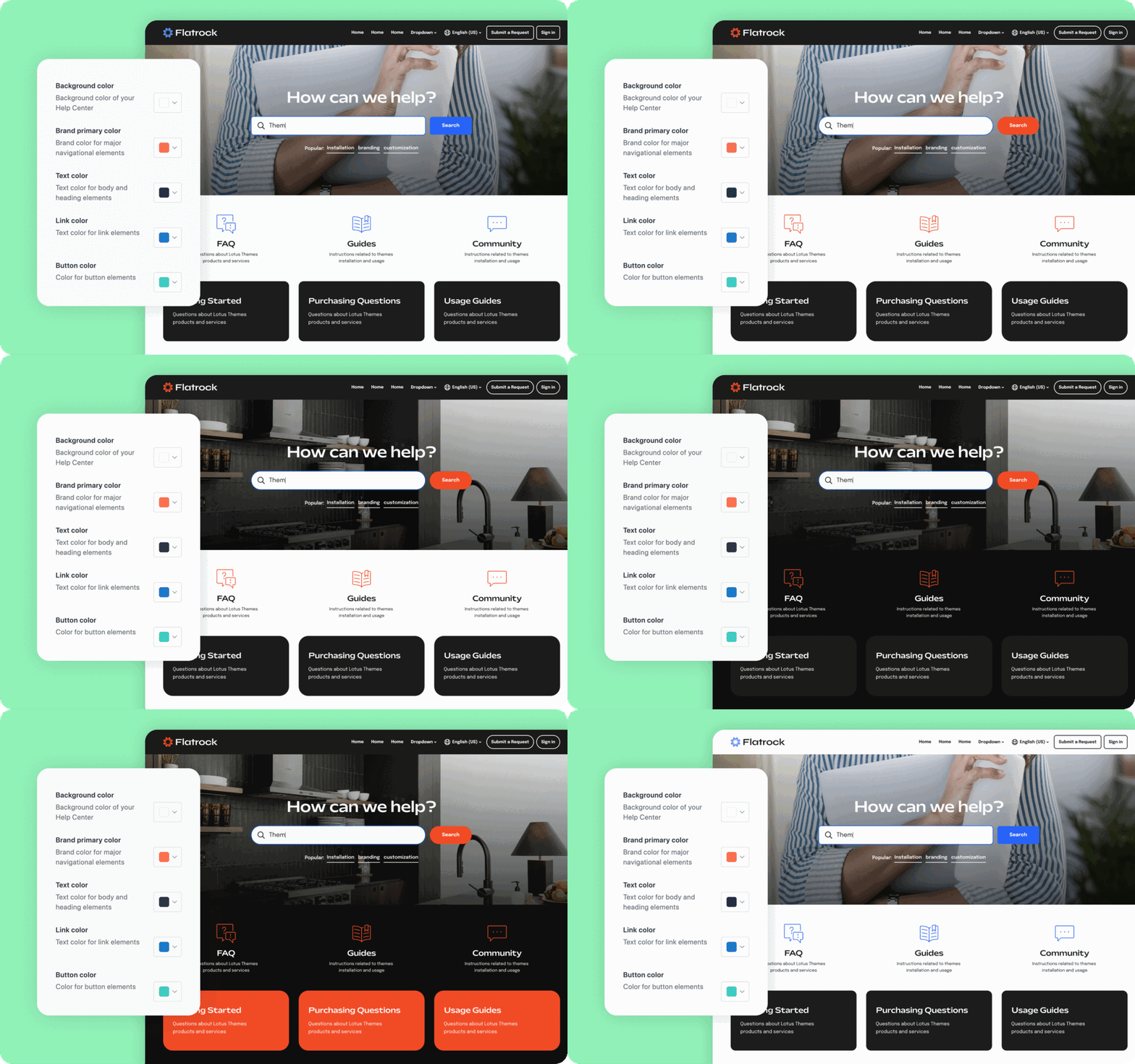
Our themes have advanced tools for basic changes (colors, fonts, hero image, icons, and homepage layout). You don't need coding skills as you make changes in the editor.
Brand appearance
Change the theme colors and background image to match your main website.
Layout & structure
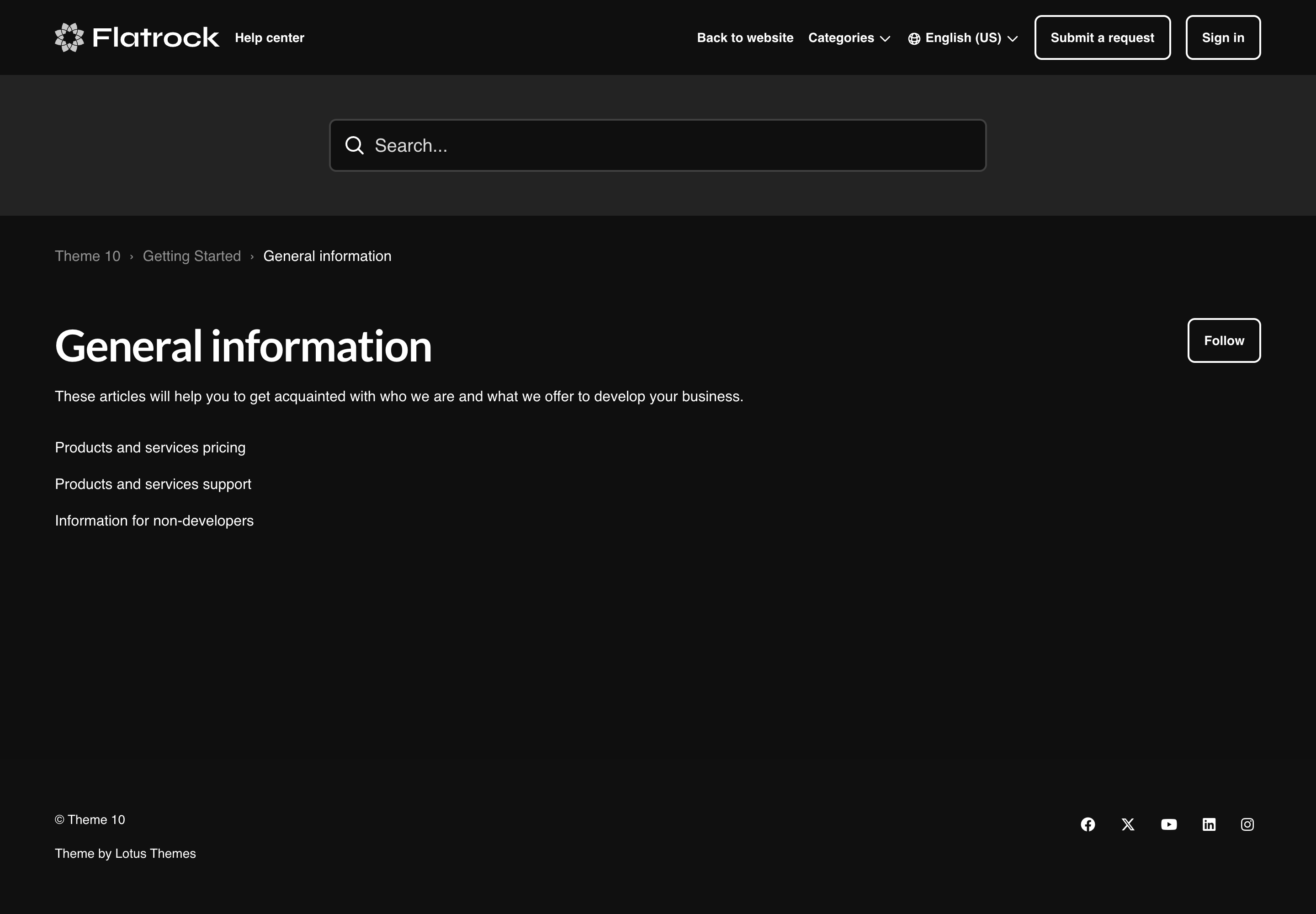
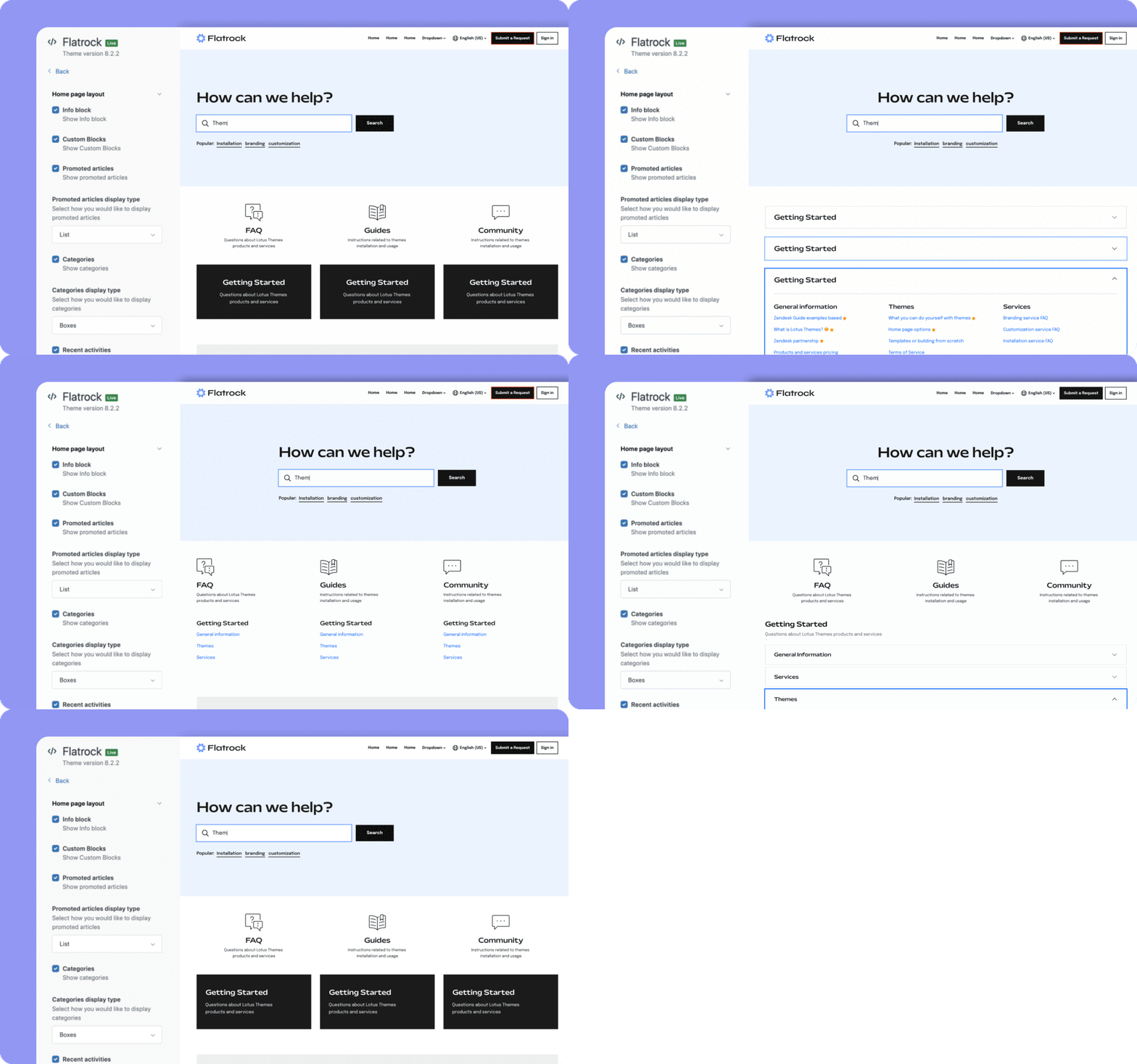
You can easily change the layouts of blocks and sections, providing a wide range of variations for your help center without a single line of code.
Article readability & formatting
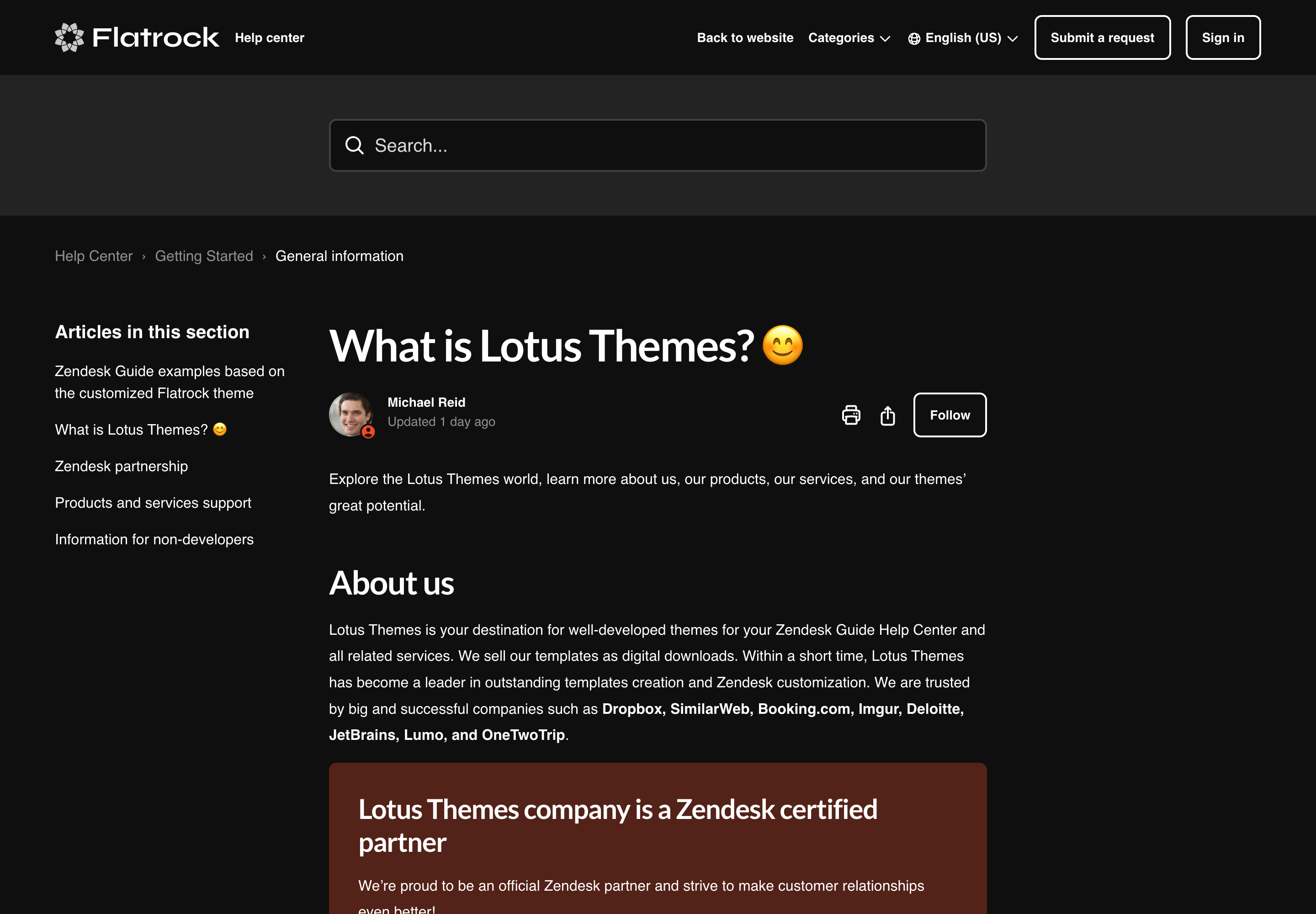
Our themes have built-in article formatting options to make your content more attractive and easier to read without multiple plugins or theme customization.
You can significantly improve your articles with:
- Tabs
- Accordions
- Callout blocks
- Styled lists
- Fonts
- Images
- Videos
- Tables

Extend the theme as your help center grows
Improve the theme with

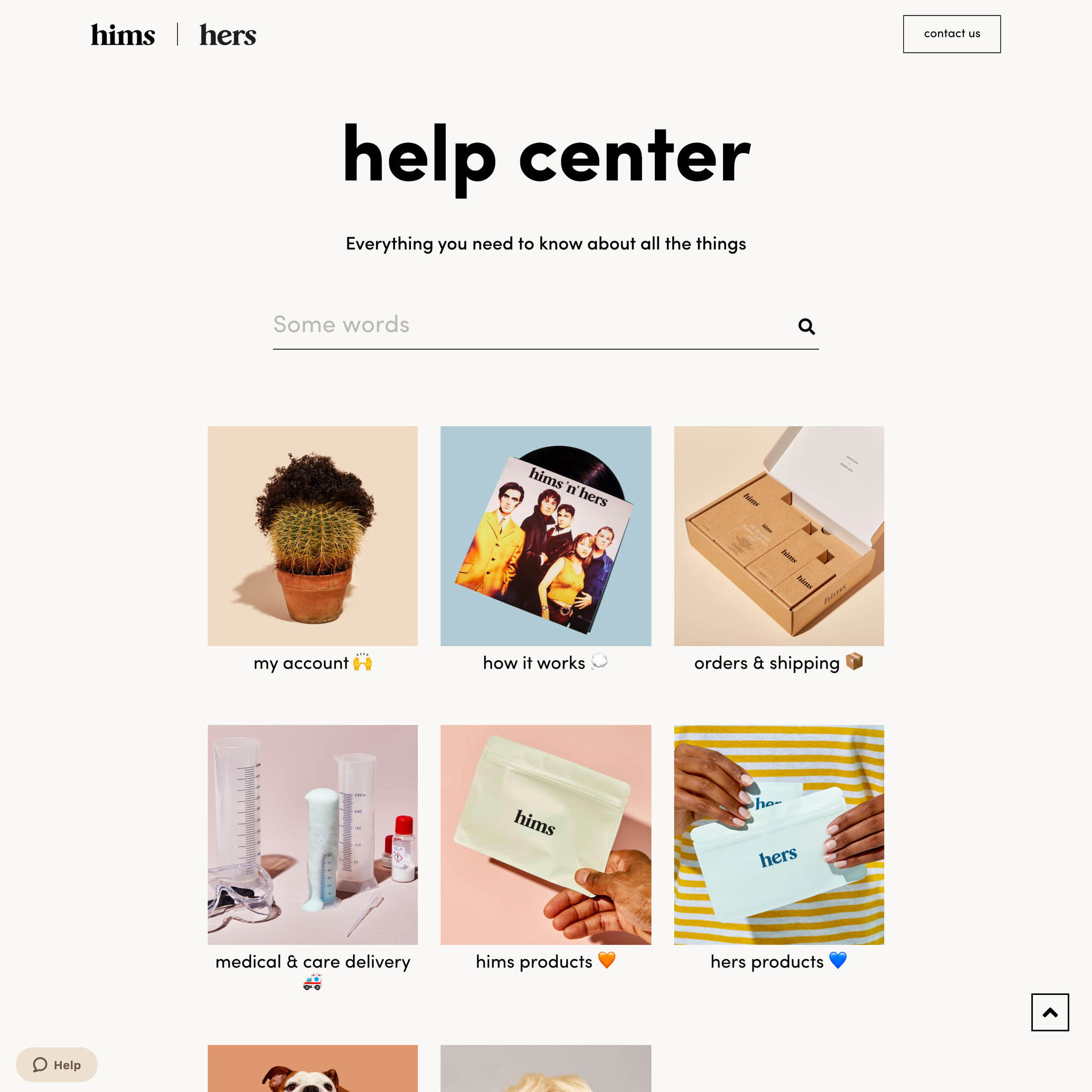
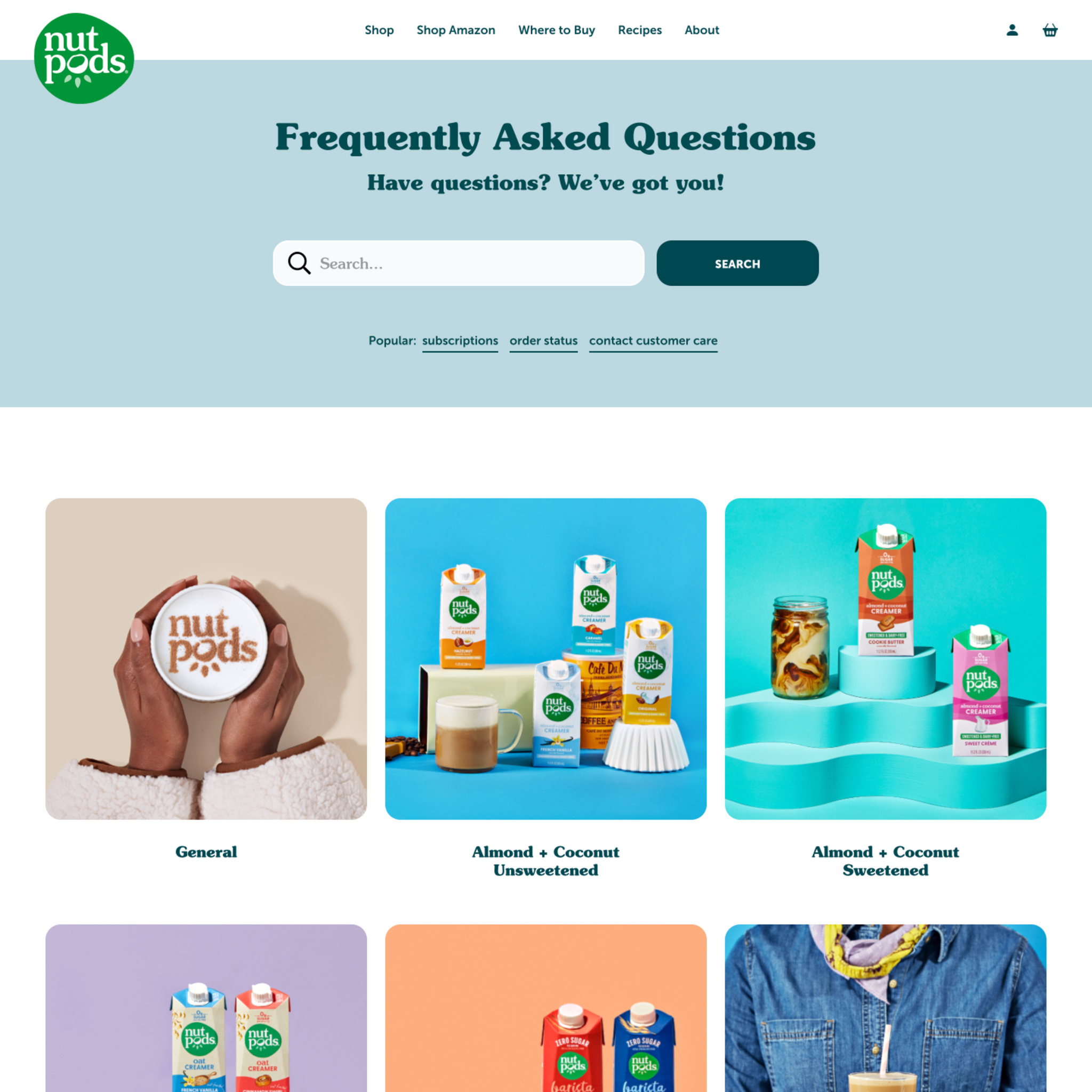
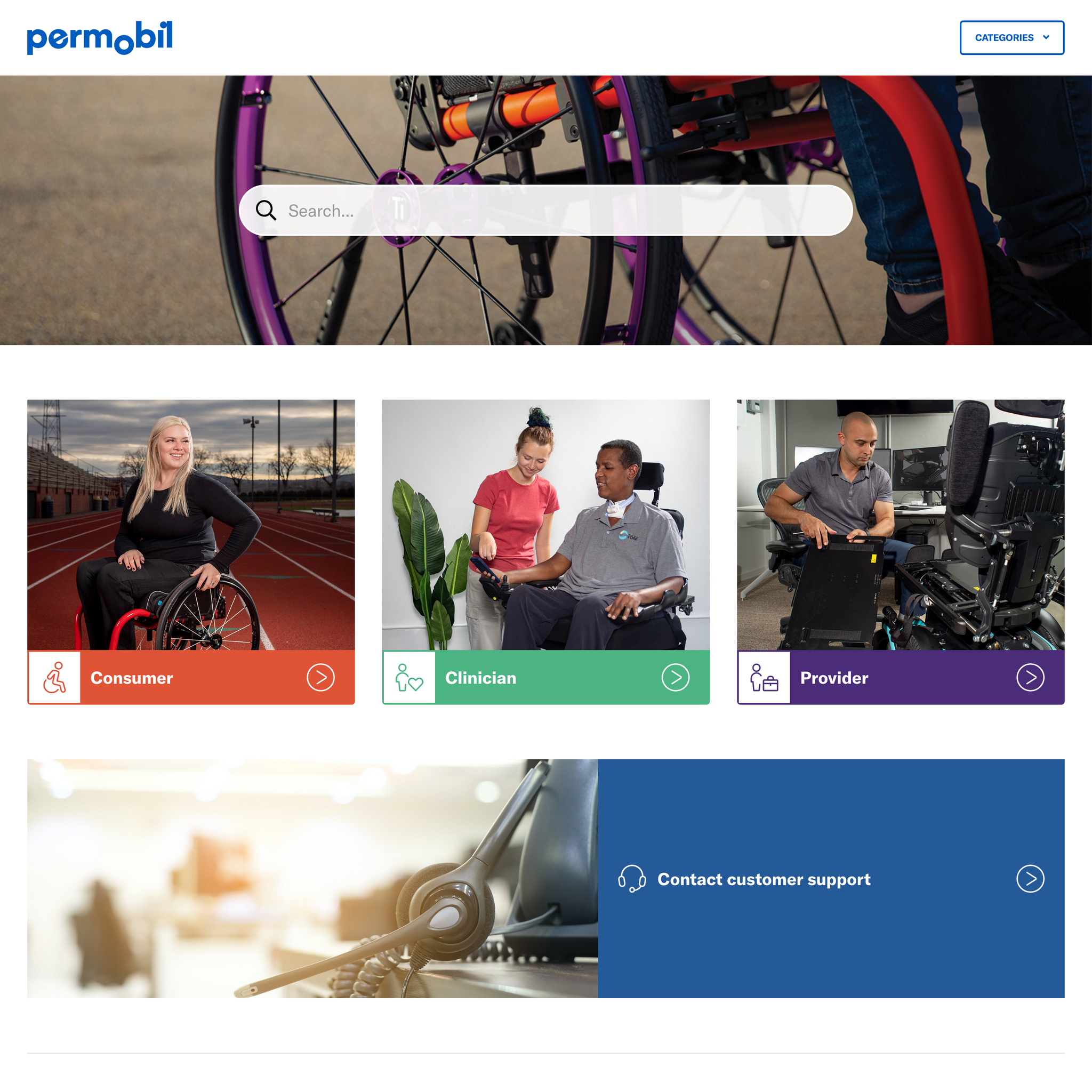
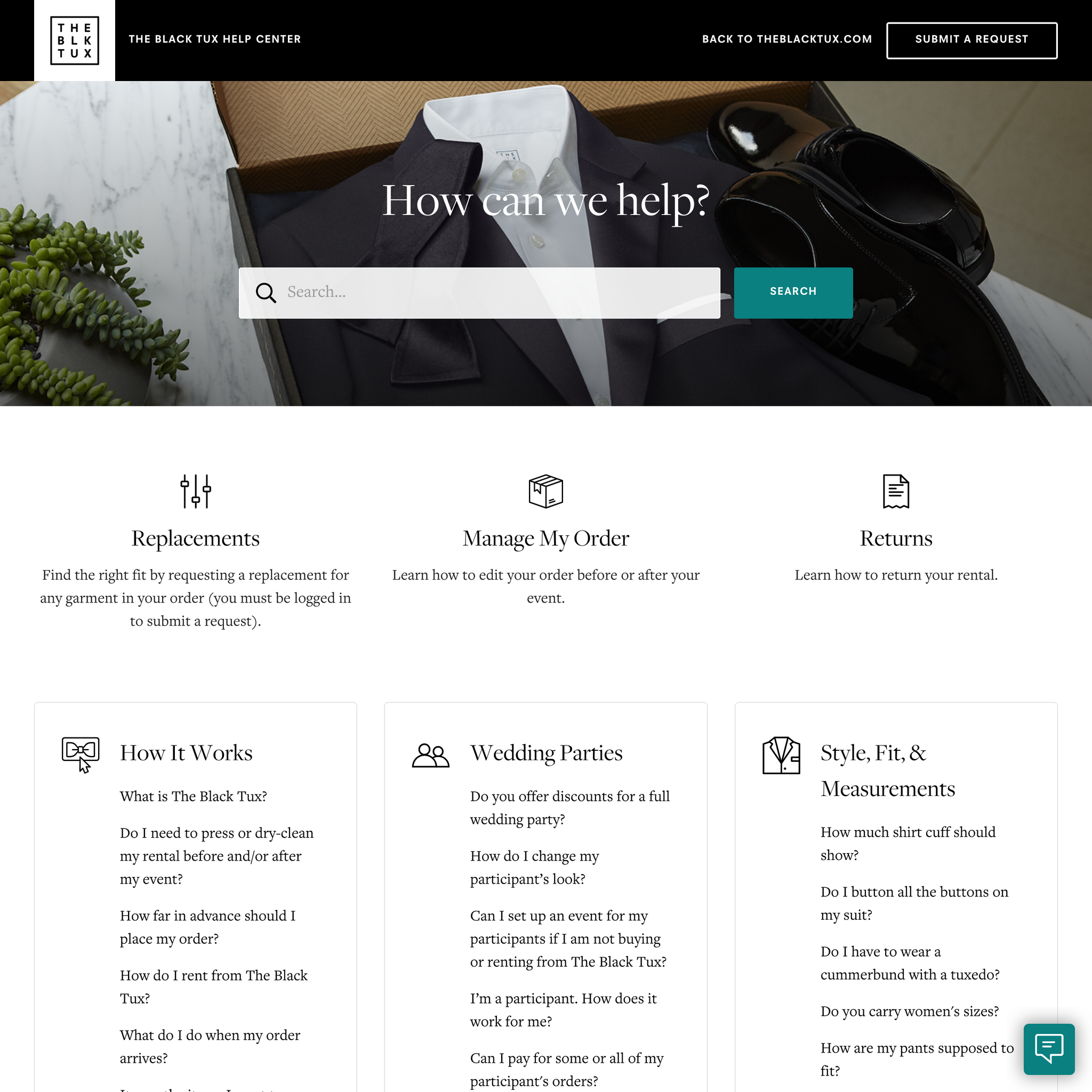
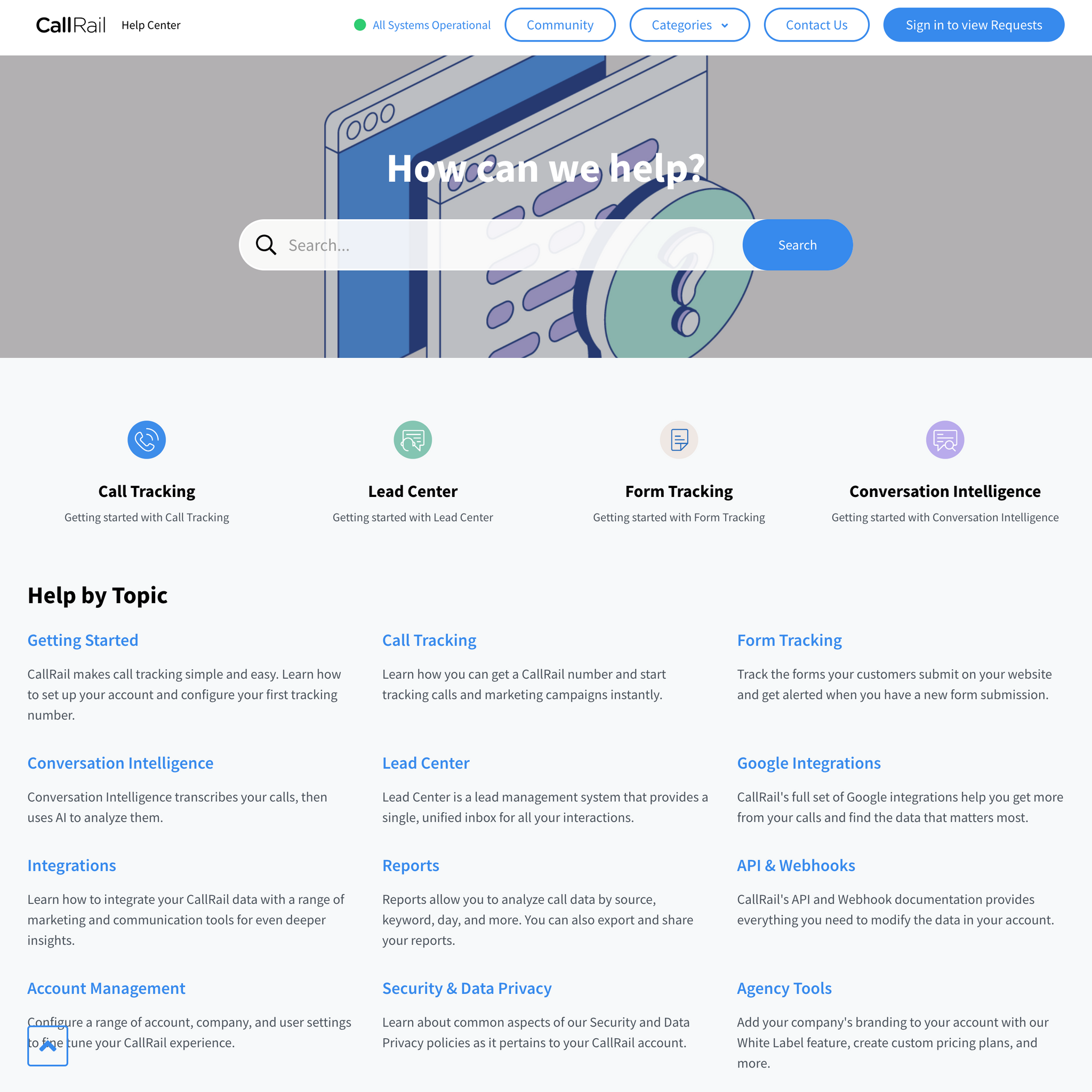
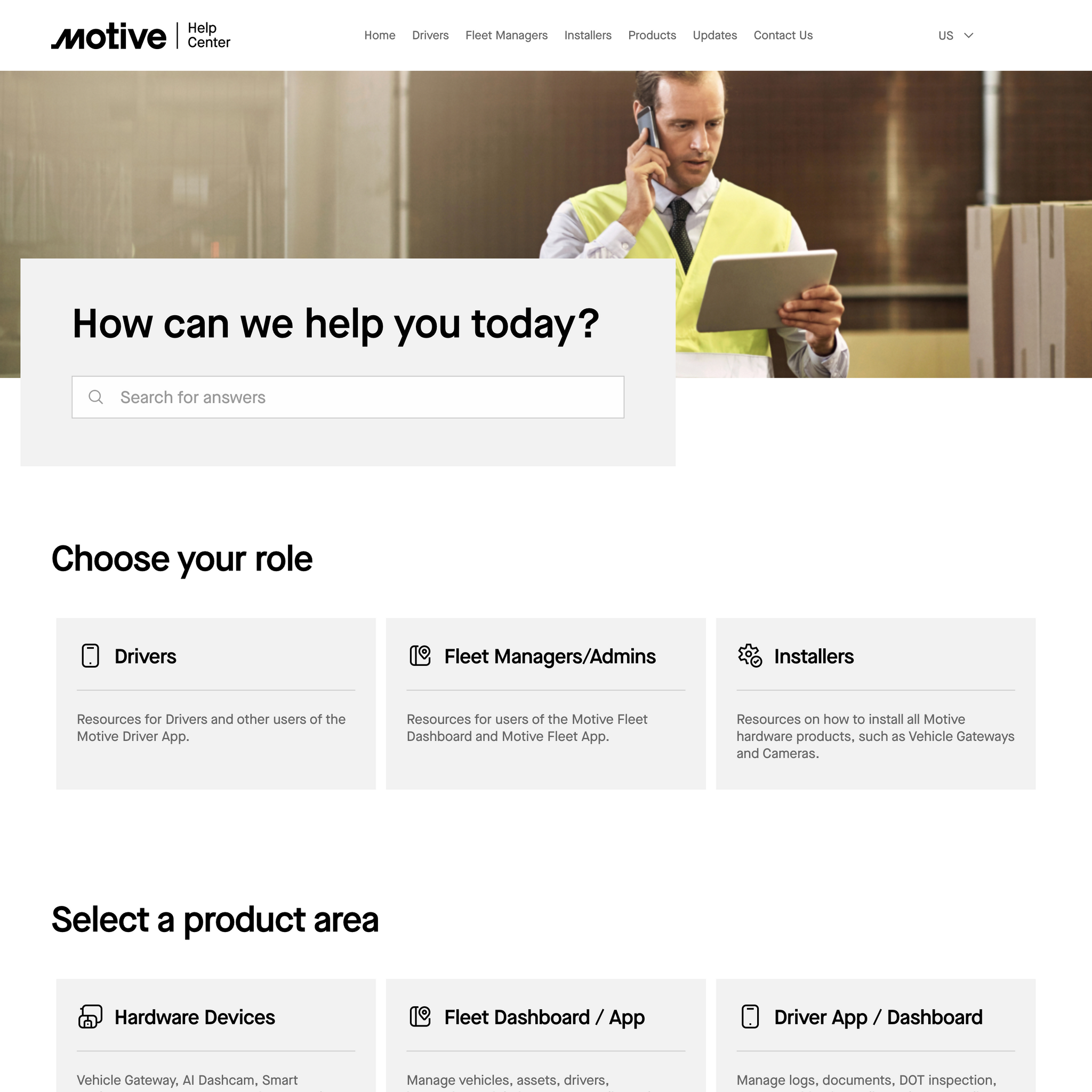
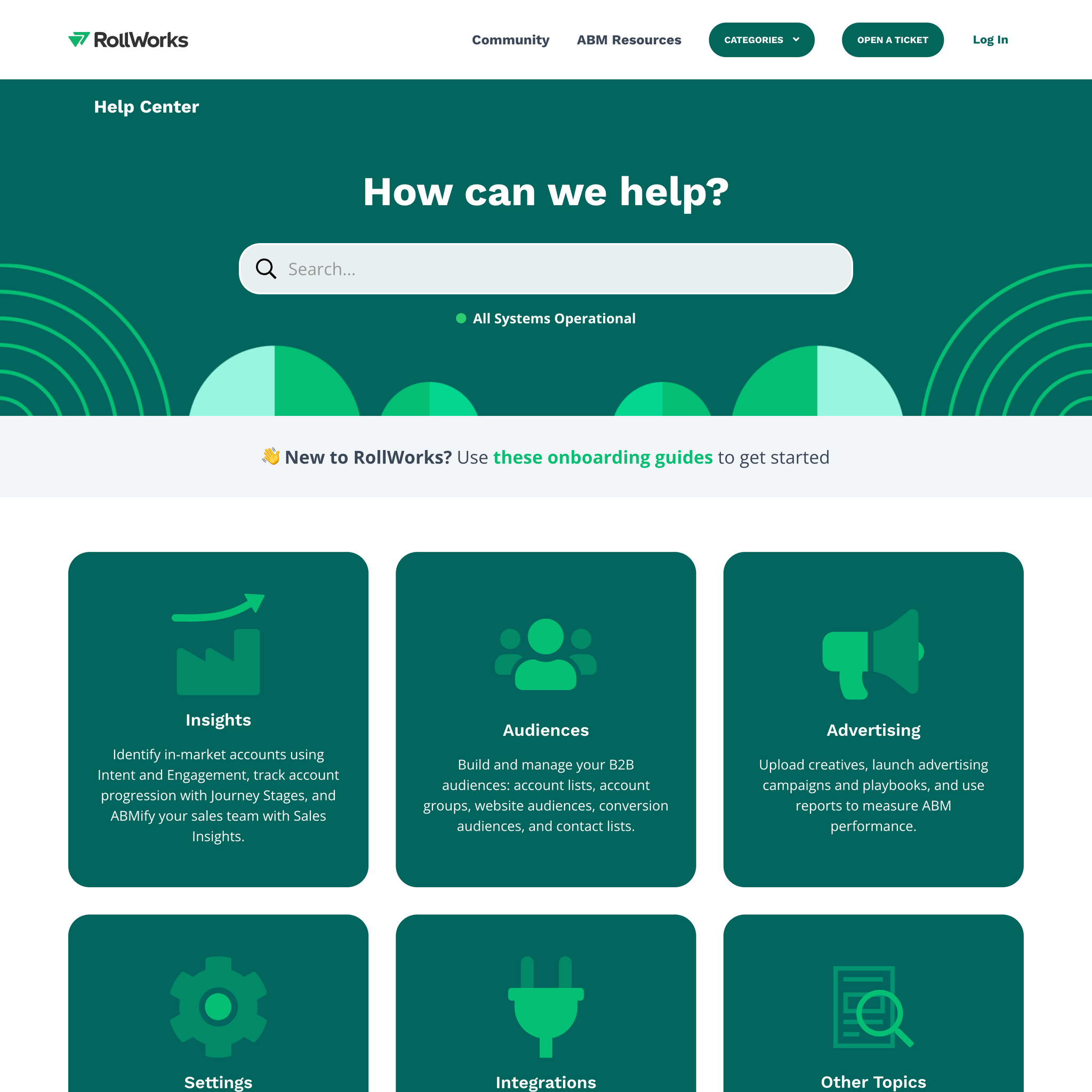
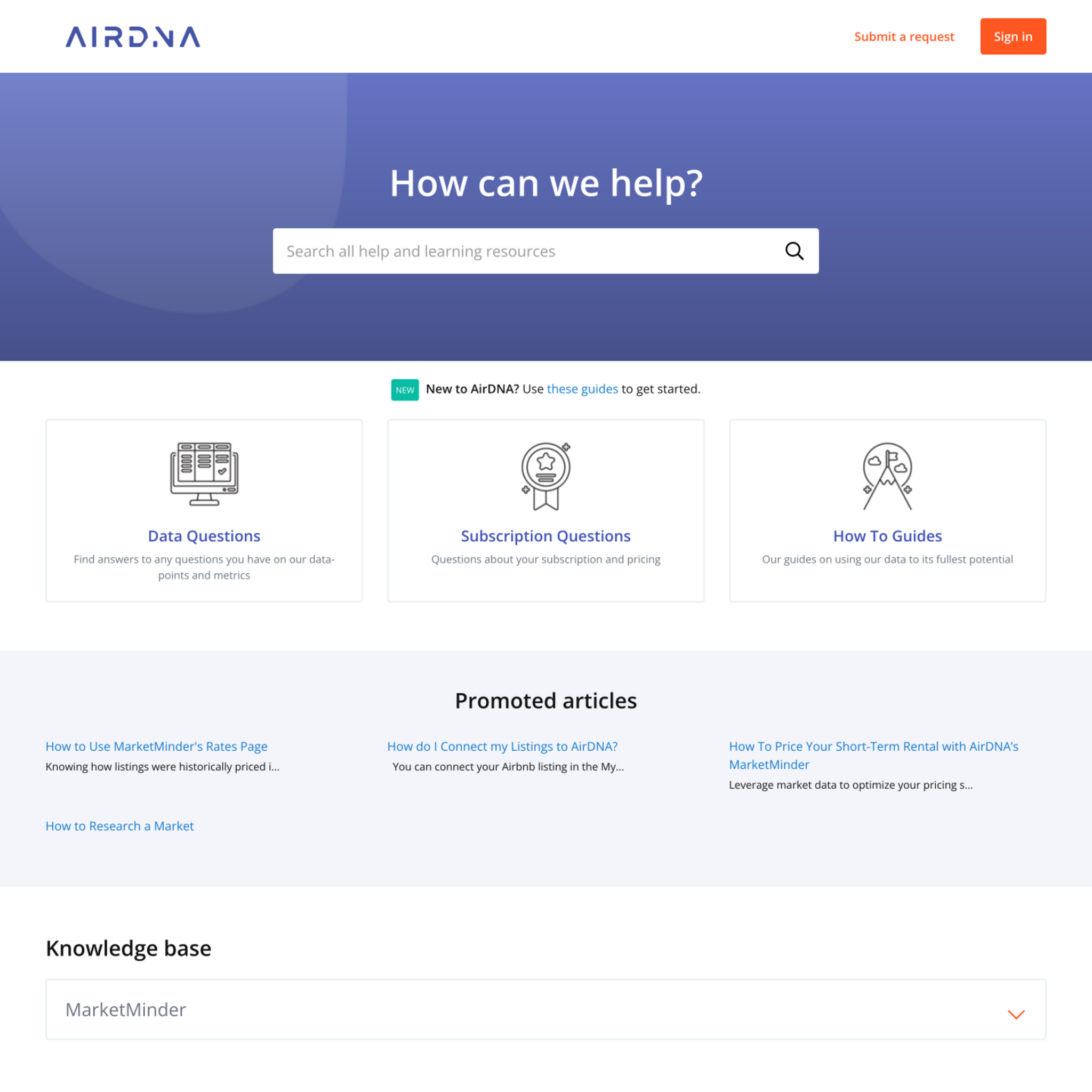
How our clients customize the Flatrock theme
You can easily customize the theme in the editor and via coding. Or you can hire our certified Guide specialists, who will make all the changes to the template.
View portfolio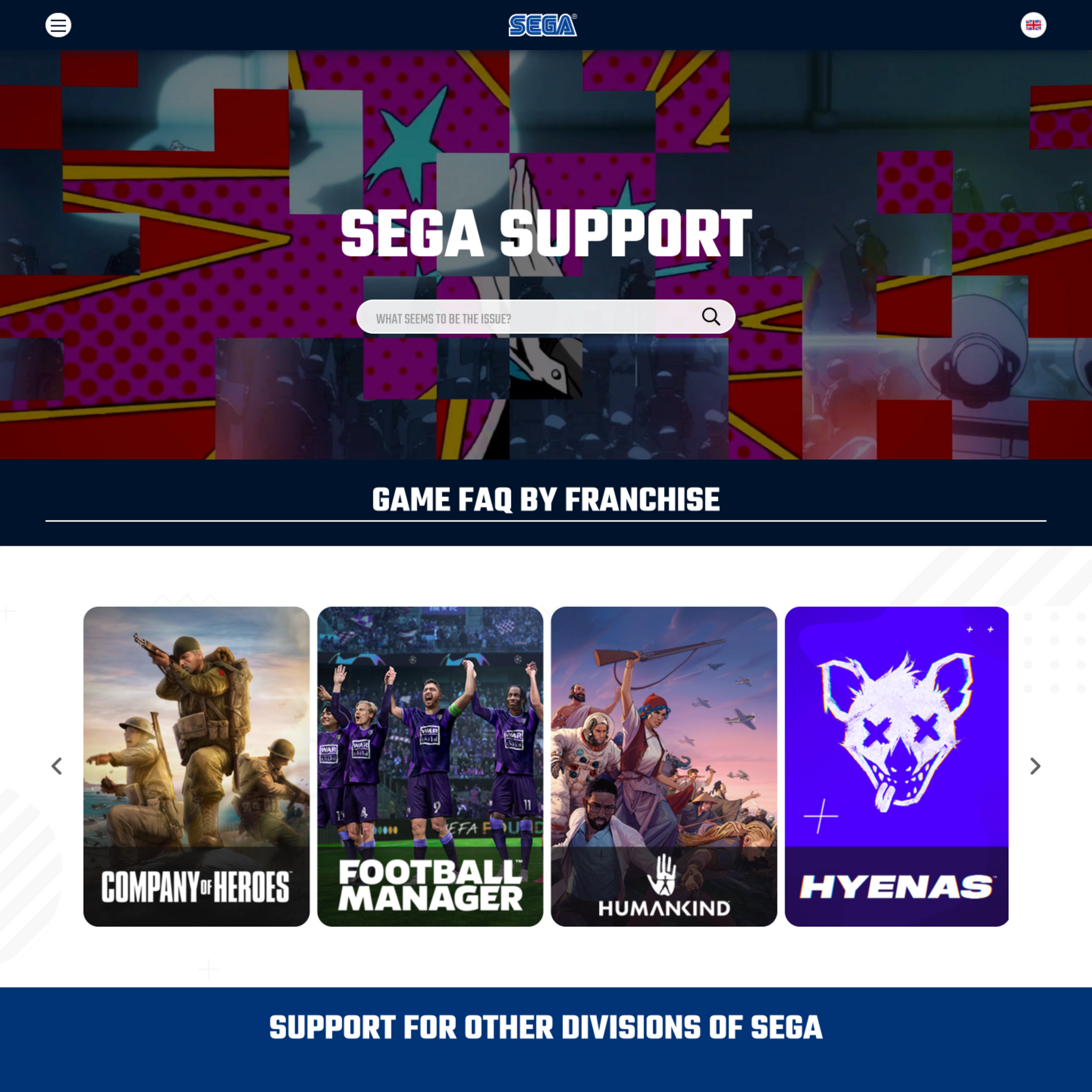
How the theme improves self-service
We use research findings and check 240+ points to help your users intuitively navigate the help center and complete tasks faster. Our

A prominent search bar, a large button, popular searches under the search,

An inconspicuous search bar, a small
Frequently Asked Questions
Why is Flatrock the bestselling Zendesk theme?
Flatrock strikes the ideal balance between flexibility and ease of use. It offers more customization options than most themes while keeping everything accessible through the standard Zendesk Guide settings—no coding required. This makes it suitable for virtually any brand or industry.
Does Flatrock work with Zendesk AI features?
Yes. Flatrock fully supports Zendesk's AI-powered generative answers and is built on Templating API V4, ensuring compatibility with current and future Zendesk features.
Can I customize Flatrock without a developer?
Absolutely. Flatrock is designed for no-code customization. You can change colors, fonts, hero images, navigation layout, and more directly in the Zendesk Guide theme settings.
Is Flatrock suitable for enterprise companies?
Yes. Flatrock supports all Zendesk Guide plans including Enterprise, handles multilingual content, and scales for high-volume knowledge bases with thousands of articles.
What makes Flatrock different from the default Copenhagen theme?
Unlike Copenhagen, Flatrock offers extensive built-in customization options without requiring code changes. You get more control over your brand presentation while maintaining easy updates and professional support.
What Zendesk Guide plans does the theme support?
Zendesk Guide plans: Team, Growth, Professional, Enterprise
Do you offer a discount for startups?
If you are a startup (Series A or below), you can get 20% off all products and services for your help center for 6 months after the first purchase. You can apply for a discount here.
Are themes ADA Compliant?
The most adapted themes for accessibility are Flatrock, Mink, Braden, Lotus One, Conway, and Selway. They are not fully ADA Compliant but have the following features:
- Keyboard navigation: themes are fully navigable by keyboard without the need for mouse interaction.
-
Skip links:
themes have skip links that allow users to bypass navigation and skip directly to content or
vice-versa . -
Reduced motion:
themes have micro animations but detect if the user has requested that the system minimize the amount of
non-essential motion it uses.
We are constantly improving the accessibility features for our themes.
Can we install the theme?
You can install your new Zendesk theme fast and in a free manner. Simply follow these easy steps in the instruction. Alternatively, you can order our free installation service.
Can we make changes to the theme ourselves?
You can brand and customize the theme on your own. Our templates have advanced tools for basic changes (colors, fonts, hero image, icons & homepage layout). You don't need coding skills as you make changes in the editor.
If you're familiar with HTML and CSS, you can also make any Zendesk customization at any time. You get access to the code that's easy to read and modify for other developers. If you don't want to spend time on Zendesk customization and get everything done fast and to the highest standard, you can order the Customization service from us.
How do we get the theme after the purchase?
In 3-5 minutes, you get an email with a zip where you will find files for importing into the help center. You can customize the theme as you wish before publishing.
Do the themes support the multilingual feature?
Yes, they do. In addition to standard Zendesk multilingual functions, every theme also includes certain
Does the theme affect content?
If you are worried about losing or modifying your Help Center content while installing any of our themes, don't be. We take care of it.
Our themes don't affect any Help Center content or content management options. You can edit Articles, Categories, etc. as normal by using the built in Zendesk Editor.
Moreover, there are some additional features that become available after installing our themes: the Knowledge Base and Community can be filled with some cool visual components and Font Awesome icons.
Customization and installation activities will not affect any content or availability of your Help Center. You check the changes and publish everything when you are ready, the changes are published immediately.
After theme installation, the content of your articles, sections, and categories will remain the same and be displayed in the new design.
Are the themes compatible with Zendesk functions?
Yes, they are fully compatible. As a Zendesk partner, we know the ins and outs of their software and add components not offered by Zendesk.
How easy is it to maintain and modify the theme?
It is very easy to maintain the theme and make changes if you are familiar with HTML and CSS. Our developers use modern design tools and
What payment methods do you accept?
We accept all global debit, credit cards, PayPal payments, and bank transfer. Find detailed instructions in our help center.
Can I change the theme or get a refund if I don't like it?
Since Lotus Themes is offering non-tangible irrevocable goods, we do not make replacements and refunds once the order is complete and the product is sent. However, we realize that exceptional circumstances can take place. So we approve refund requests only in these force majeure situations.
Let’s see what
our customers say