Zendesk Theme Hudson
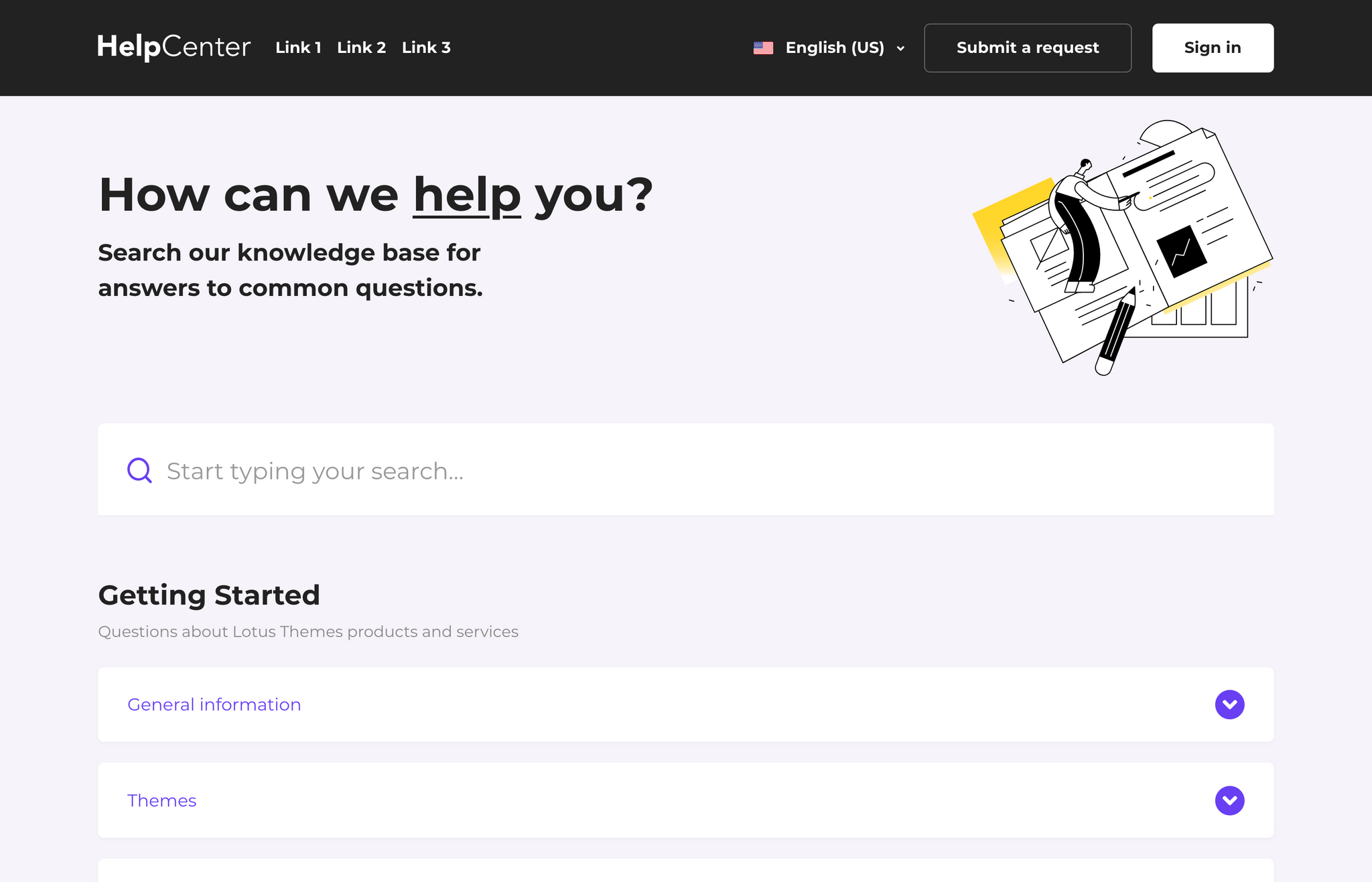
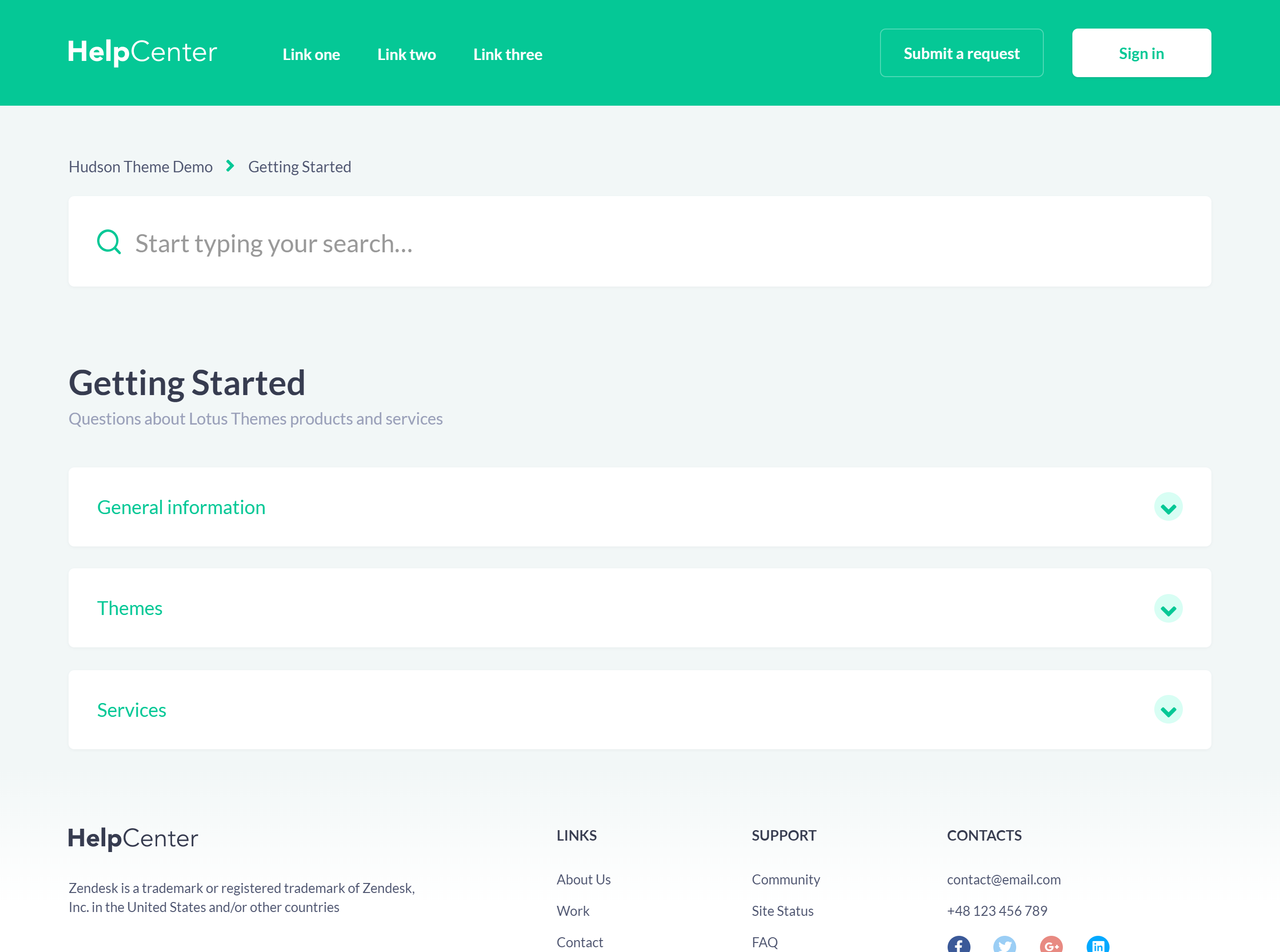
Hudson is a Zendesk theme with a friendly, approachable design featuring collapsible accordion sections on the homepage. Categories expand to reveal articles with a click, letting users scan topics quickly while keeping the interface clean and uncluttered.
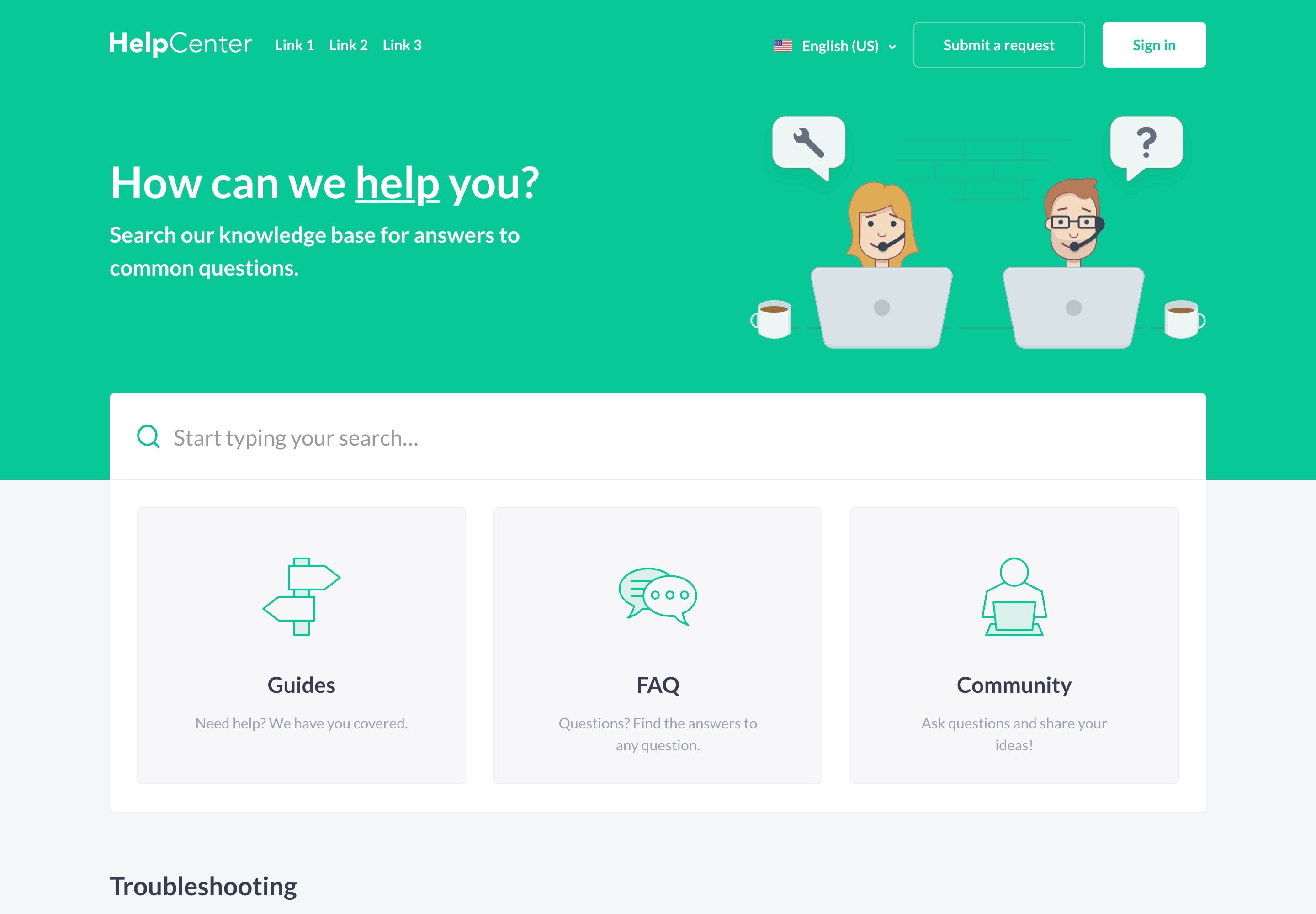
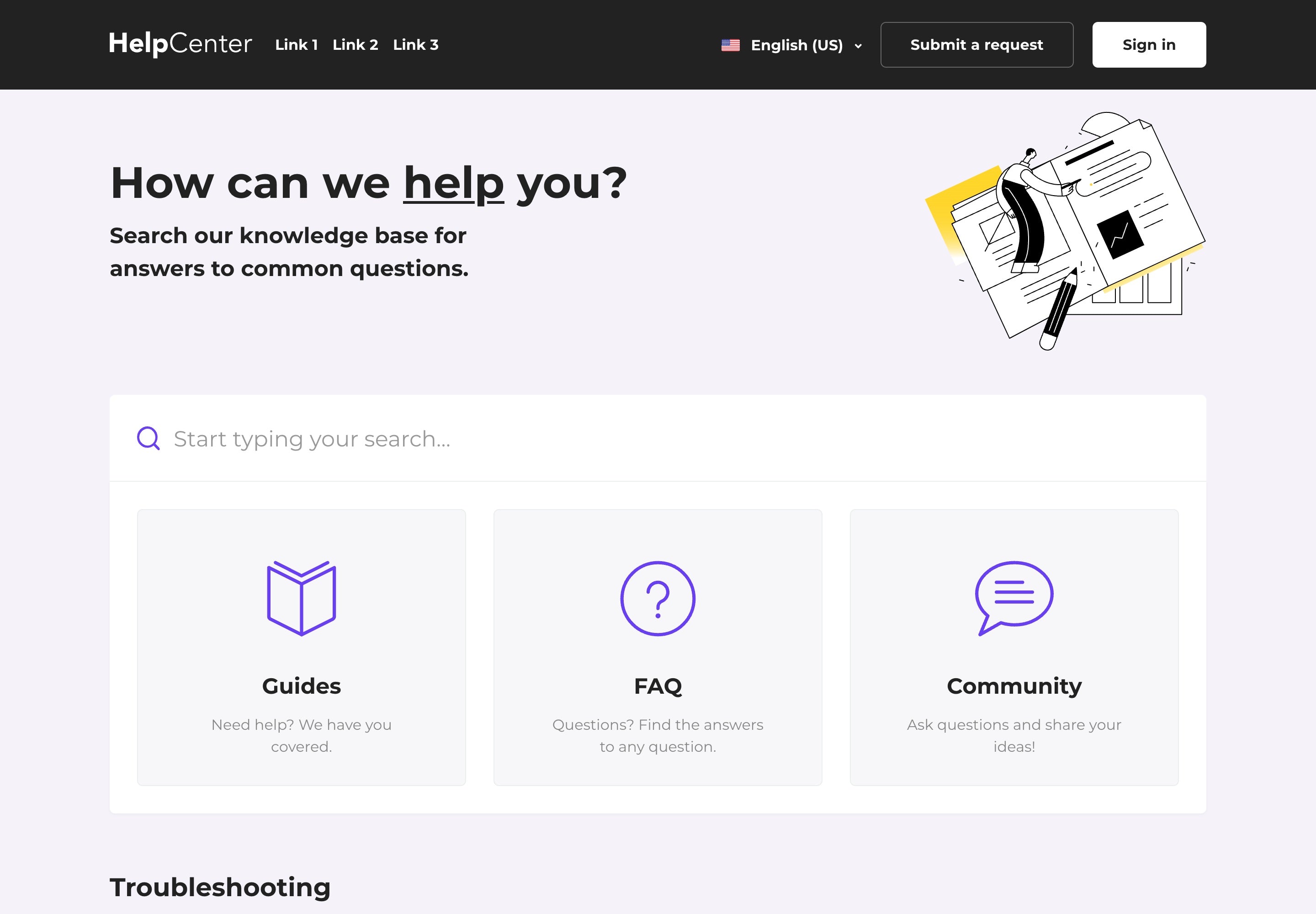
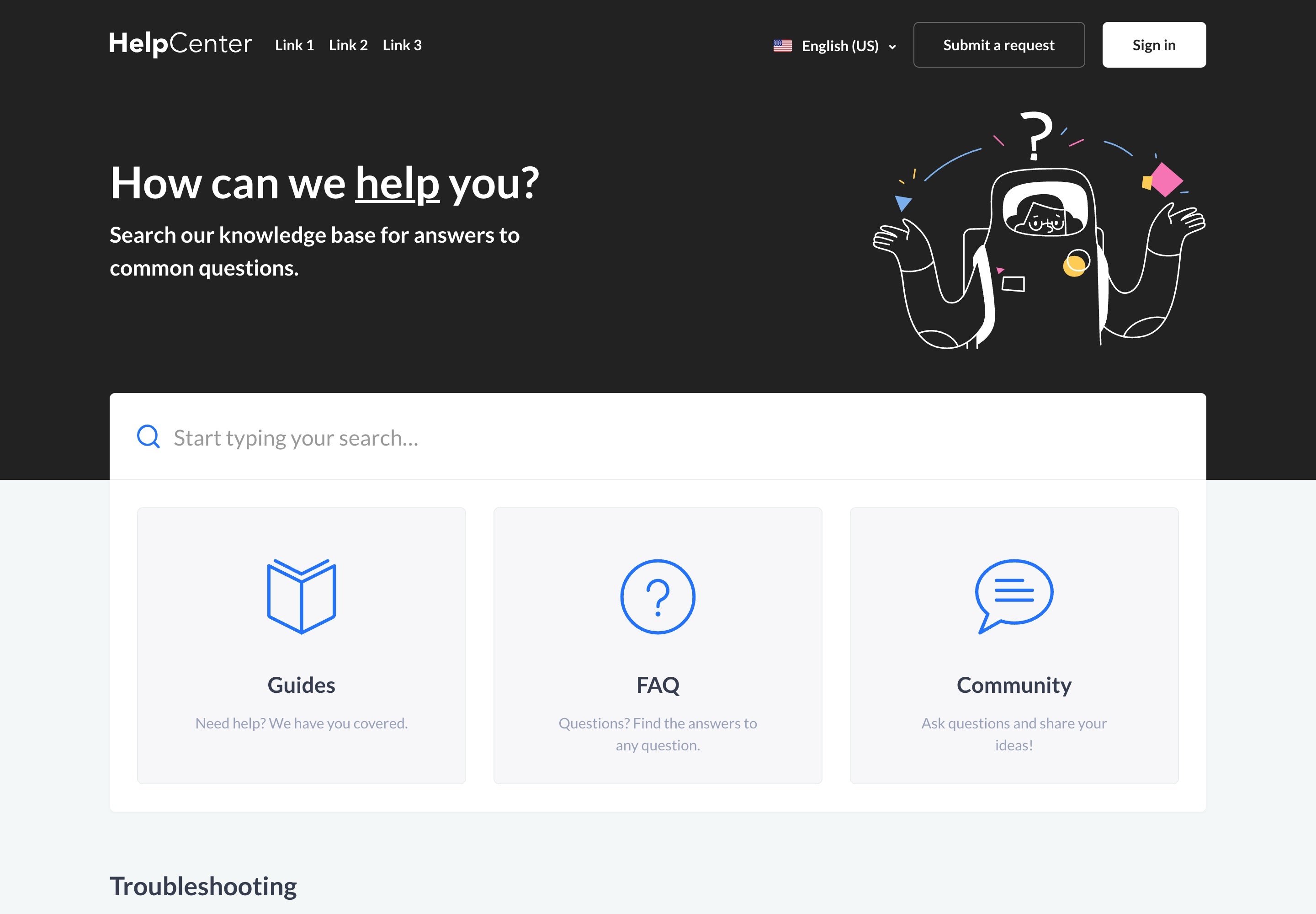
About the theme
Hudson brings a fresh approach to help the center organization with its collapsible accordion-style navigation. Instead of showing all content at once, the homepage presents categories as expandable sections.
This approach is especially effective for help centers with many categories. Users can quickly scan section titles to find the right topic, then expand only what they need. The result is a cleaner interface that reduces cognitive load while still providing direct access to all content.
The theme's visual style is slightly more playful than typical corporate designs, making it a good fit for brands that want to appear approachable and user-friendly. The customizable hero unit lets you adjust colors and imagery to match your brand while keeping the friendly feel.
Best for
- Help centers with many categories that need organized presentation
- Brands that want a friendly, approachable visual style
- Teams looking to reduce visual clutter on the homepage
- Organizations using Zendesk AI and Generative Answers
- Zendesk Guide Growth, Professional, and Enterprise plans
Use when
- You have multiple categories and want to avoid overwhelming users
- Your brand voice is friendly, helpful, or consumer-focused
- Users typically browse by topic rather than searching
- You want to show article previews within categories
Key features
Customization & Branding
-
Fully customizable
Customize the header, footer, custom blocks, call-to-actions and more.
-
Easy branding
Extensive color settings to quickly match your brand identity.
-
Full access to the source code
Full access to templates, CSS, images, and JavaScript for any modifications.
-
Different layouts and styles
Customize theme with the right appearance for your content and design.
-
Support for any font
Popular Google Fonts included, plus easy custom font support.
-
Multiple language support
All languages and locales supported by Zendesk.
Design & Quality
-
Professionally designed
Easy to use and navigate with best UI/UX practices.
-
Mobile-first and responsive
Responsive and Retina-ready design that works on any device.
-
SEO and accessibility
Built for people to help them find what they need.
-
Article formatting styles
Pre-built styling for tabs, accordions, code blocks, tables, and more.
-
Free lifetime updates
All future updates at no additional cost.
-
Extensive documentation
Step-by-step guides for installation, branding, and customization.
Customizable Main Page
You can choose one of two page layouts or mix them
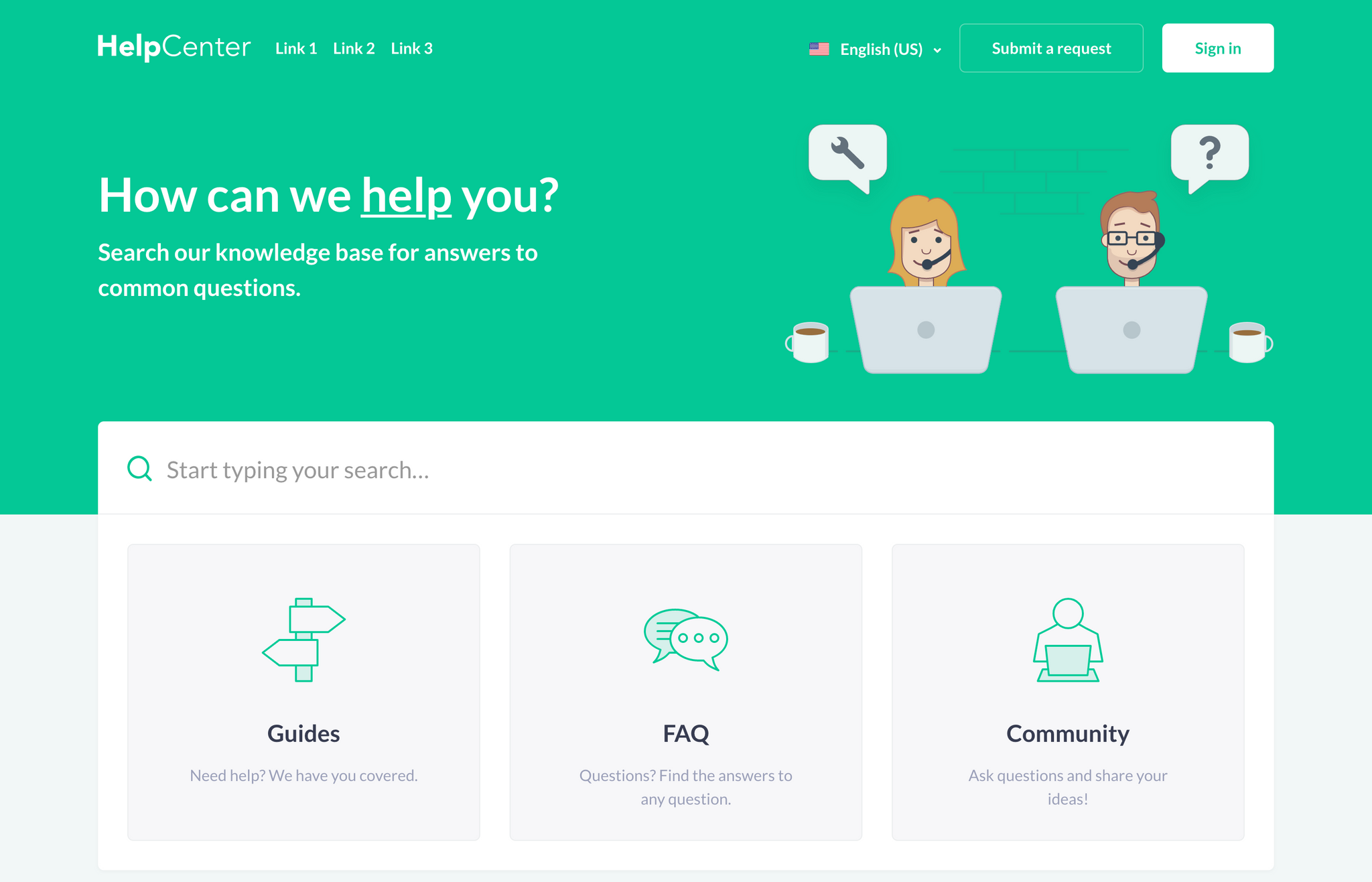
With Custom Blocks
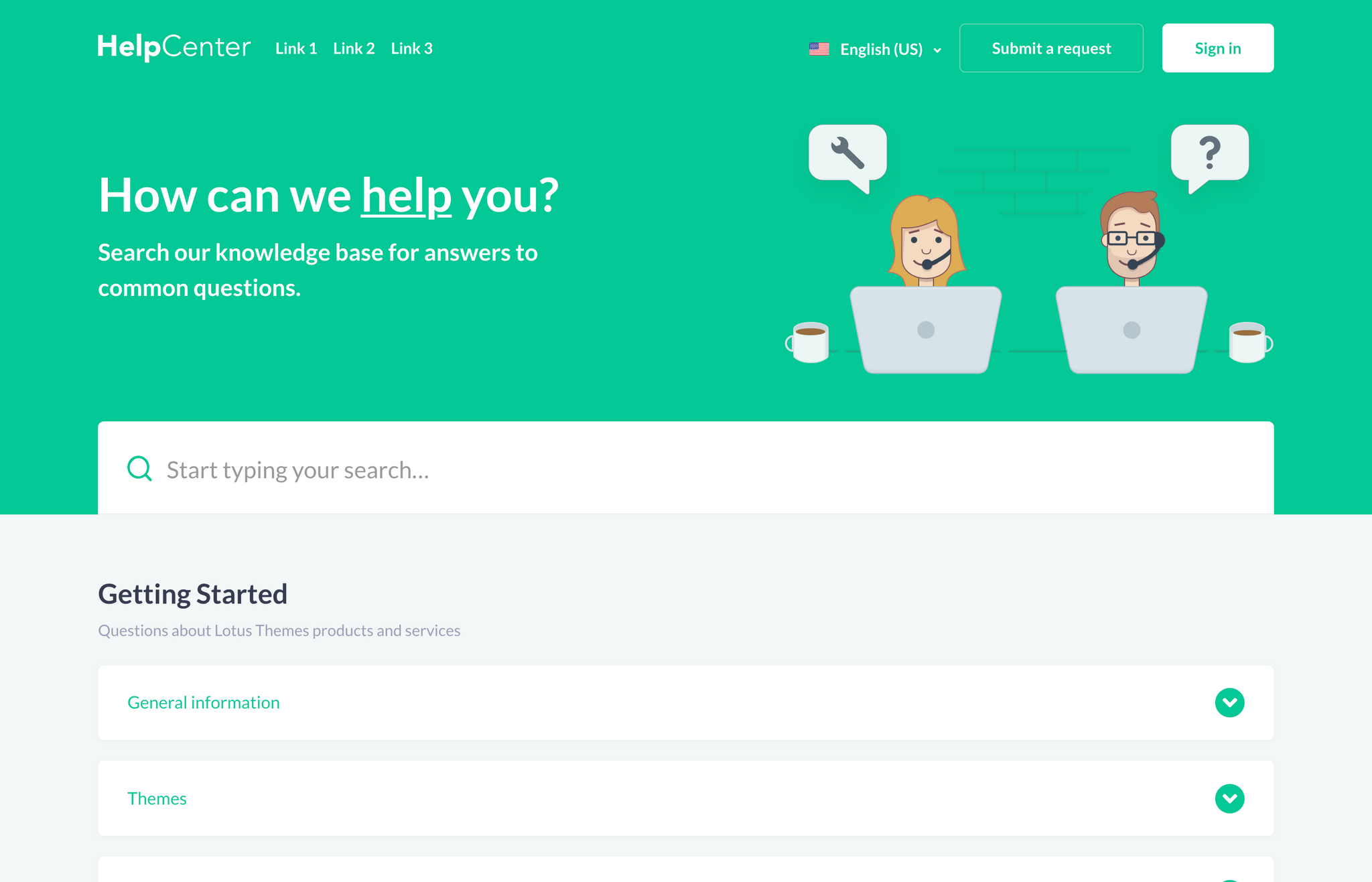
Without Custom Blocks
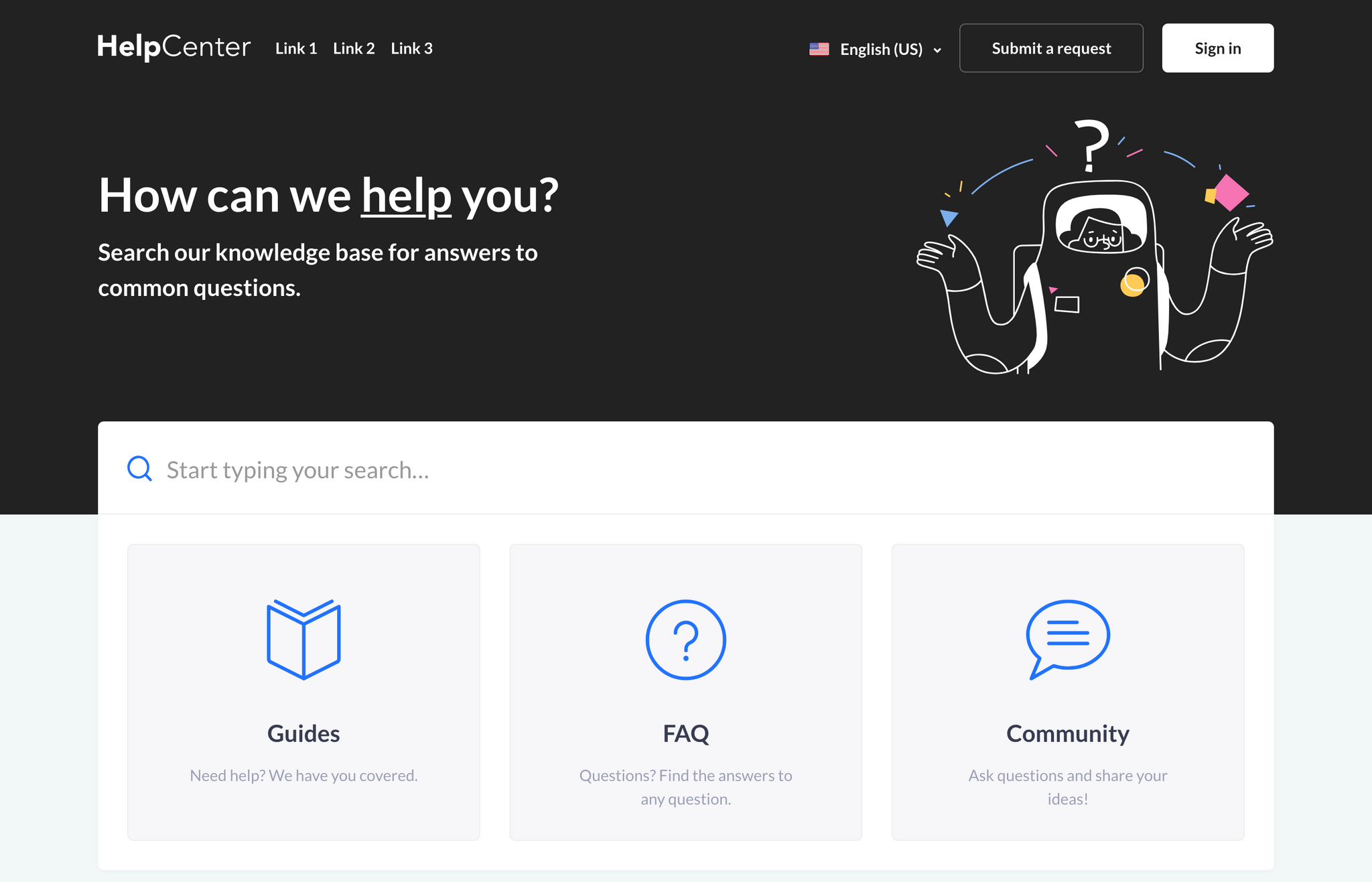
With Custom Blocks
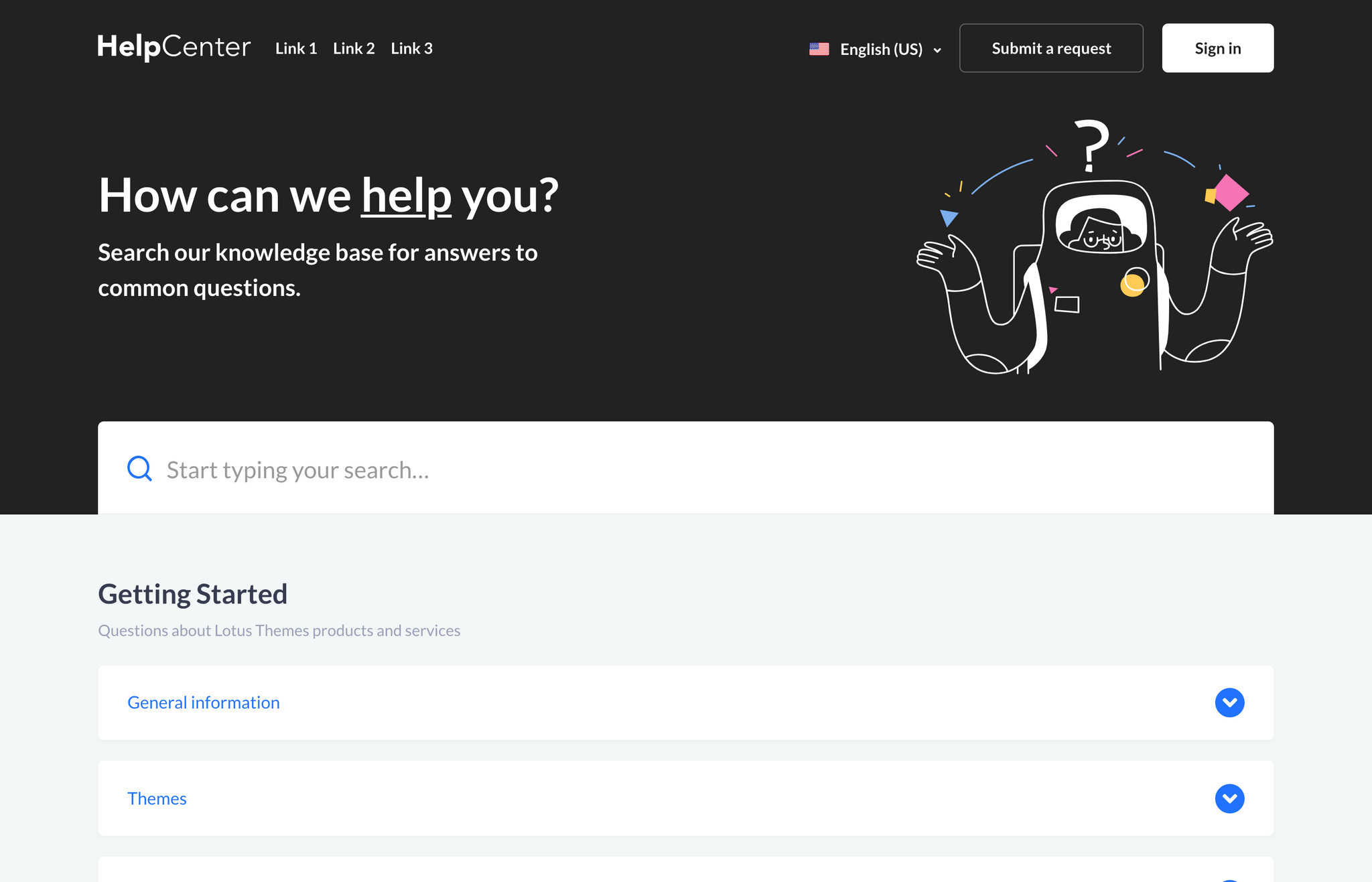
Without Custom Blocks
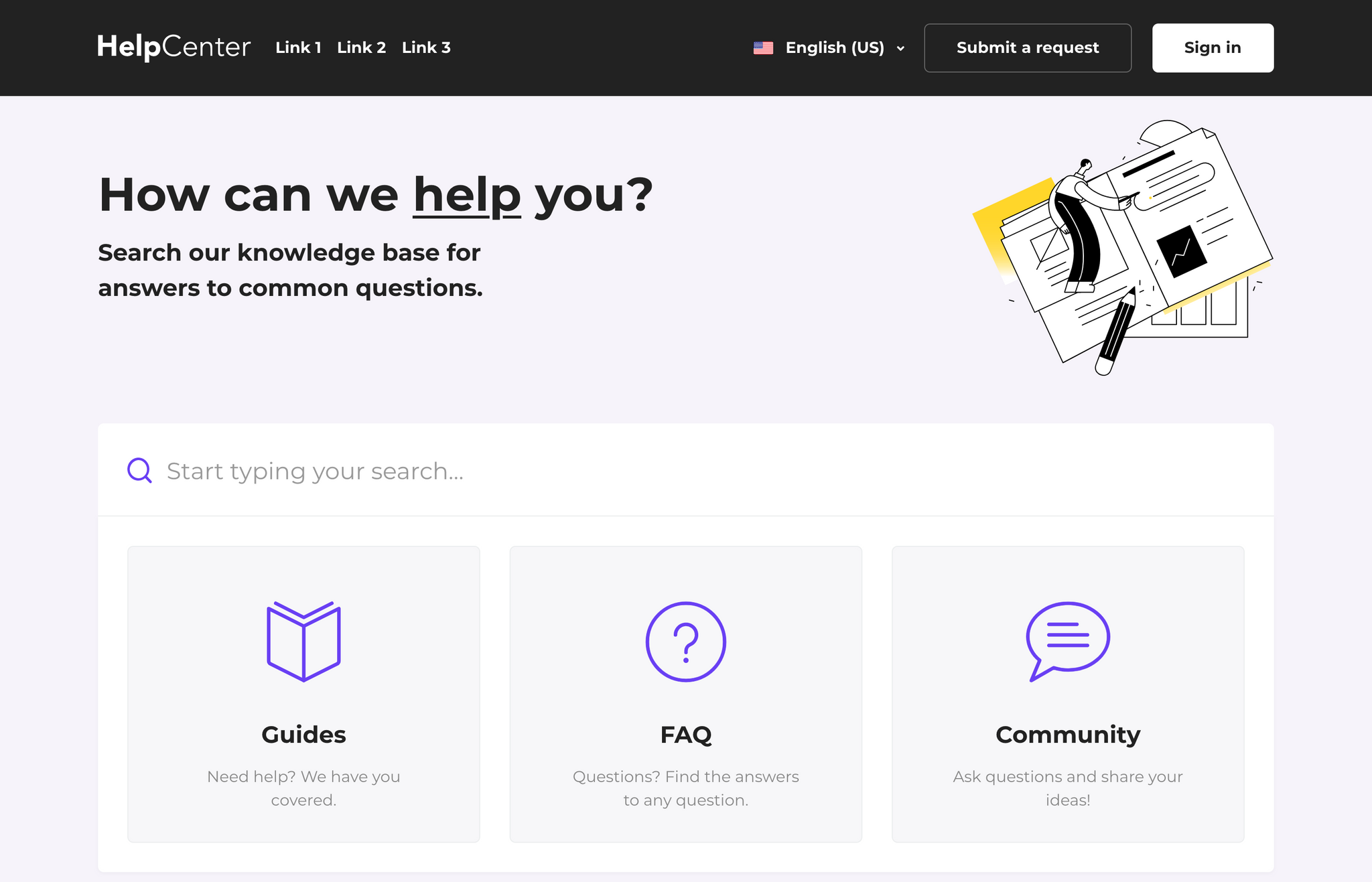
With Custom Blocks
Without Custom Blocks
Custom blocks

Custom blocks are static links to any pages on your help center or your main website. It’s possible to change the link, icon, title, and description (depends on a theme) in each of them. You can hide a specific block or all of them in the theme settings and add more through customization.
Layout & core pages
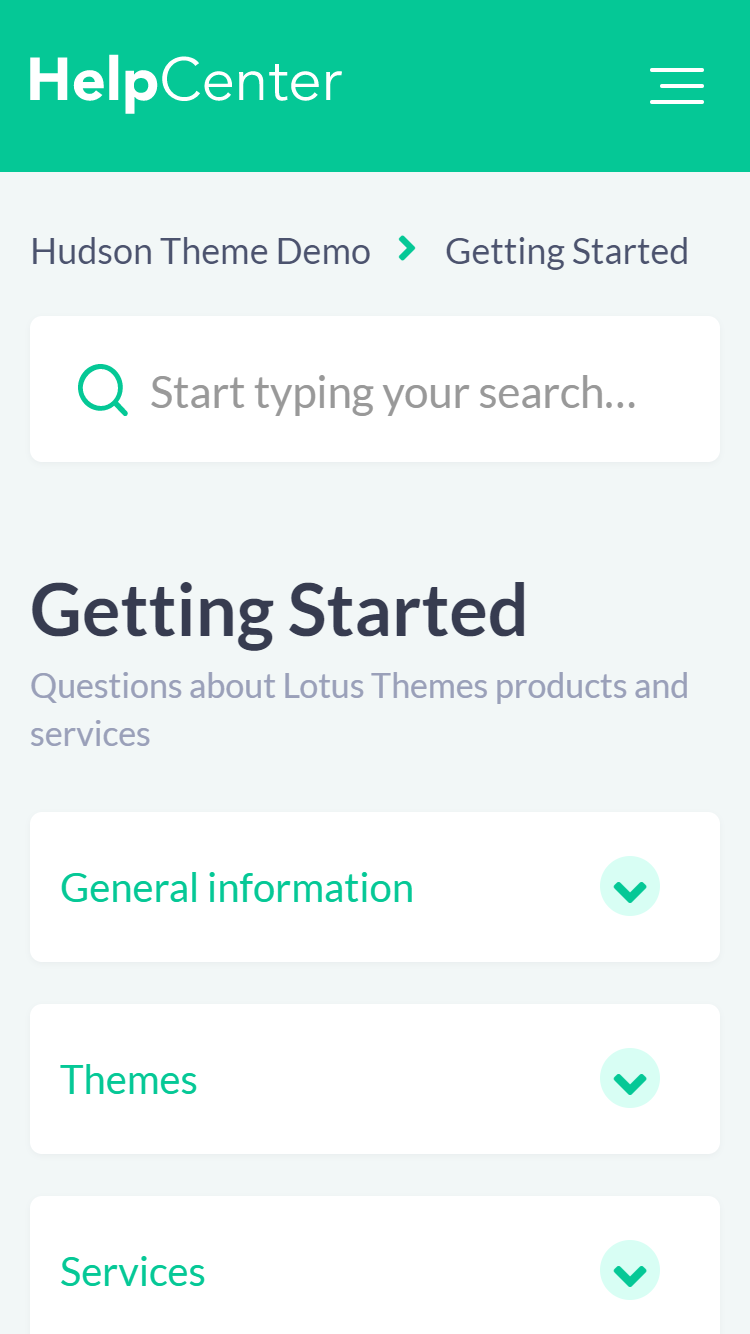
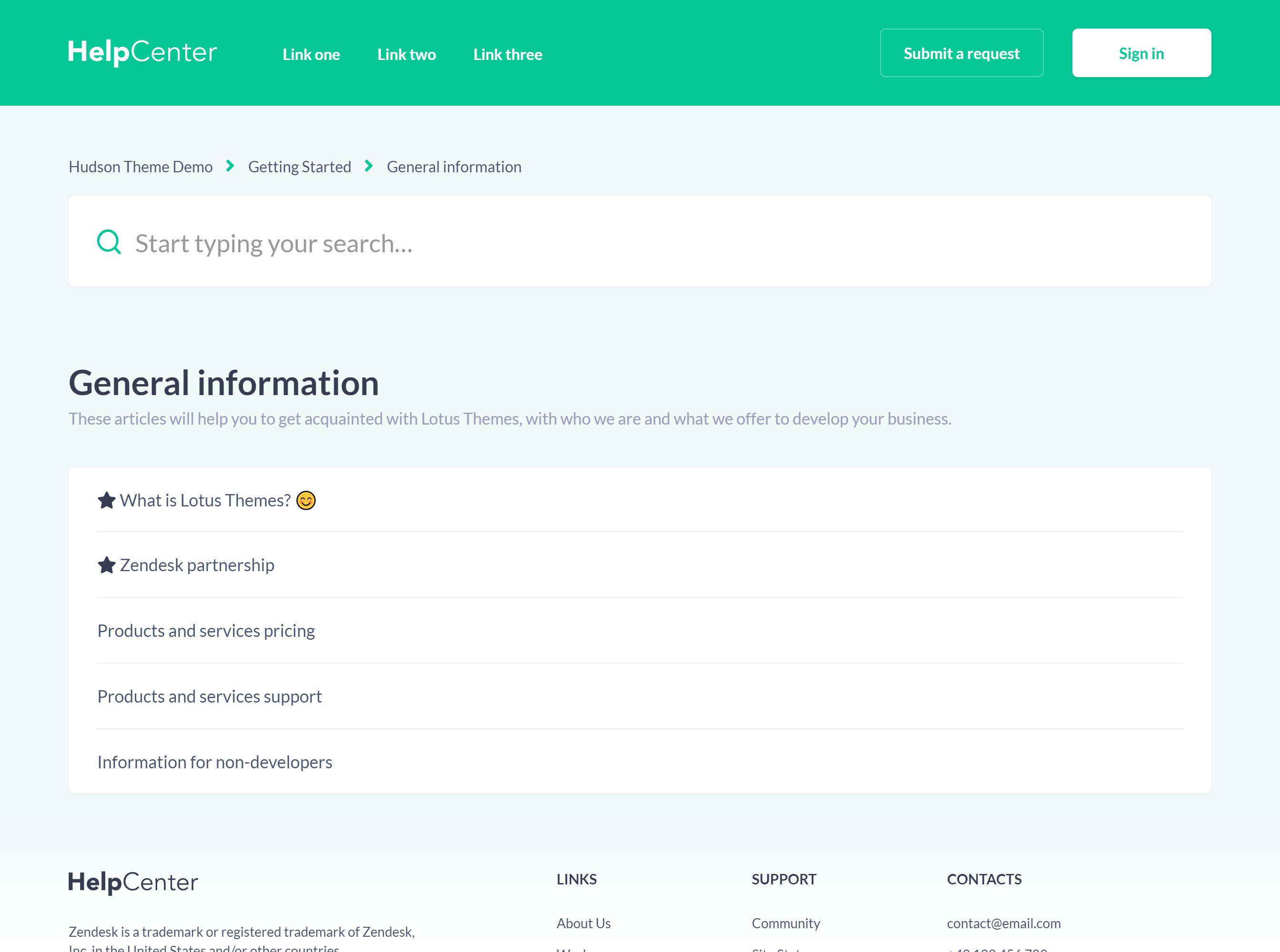
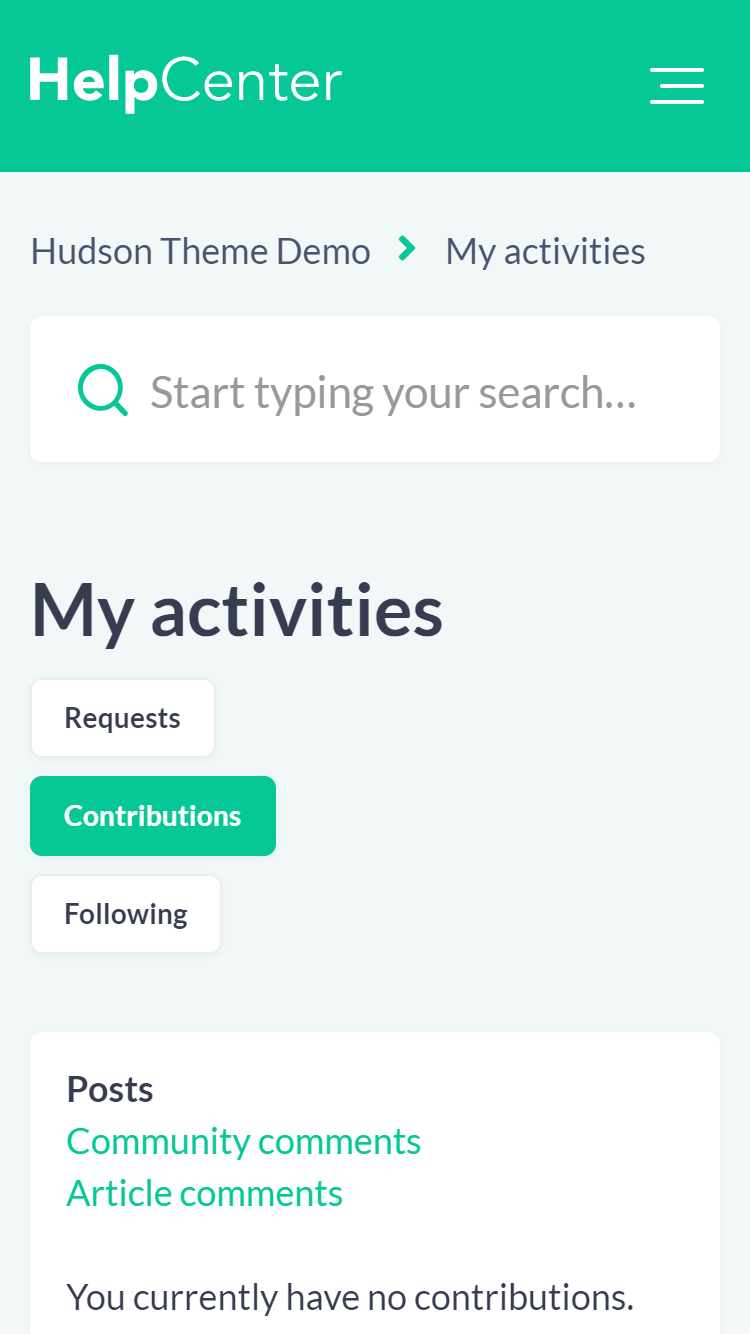
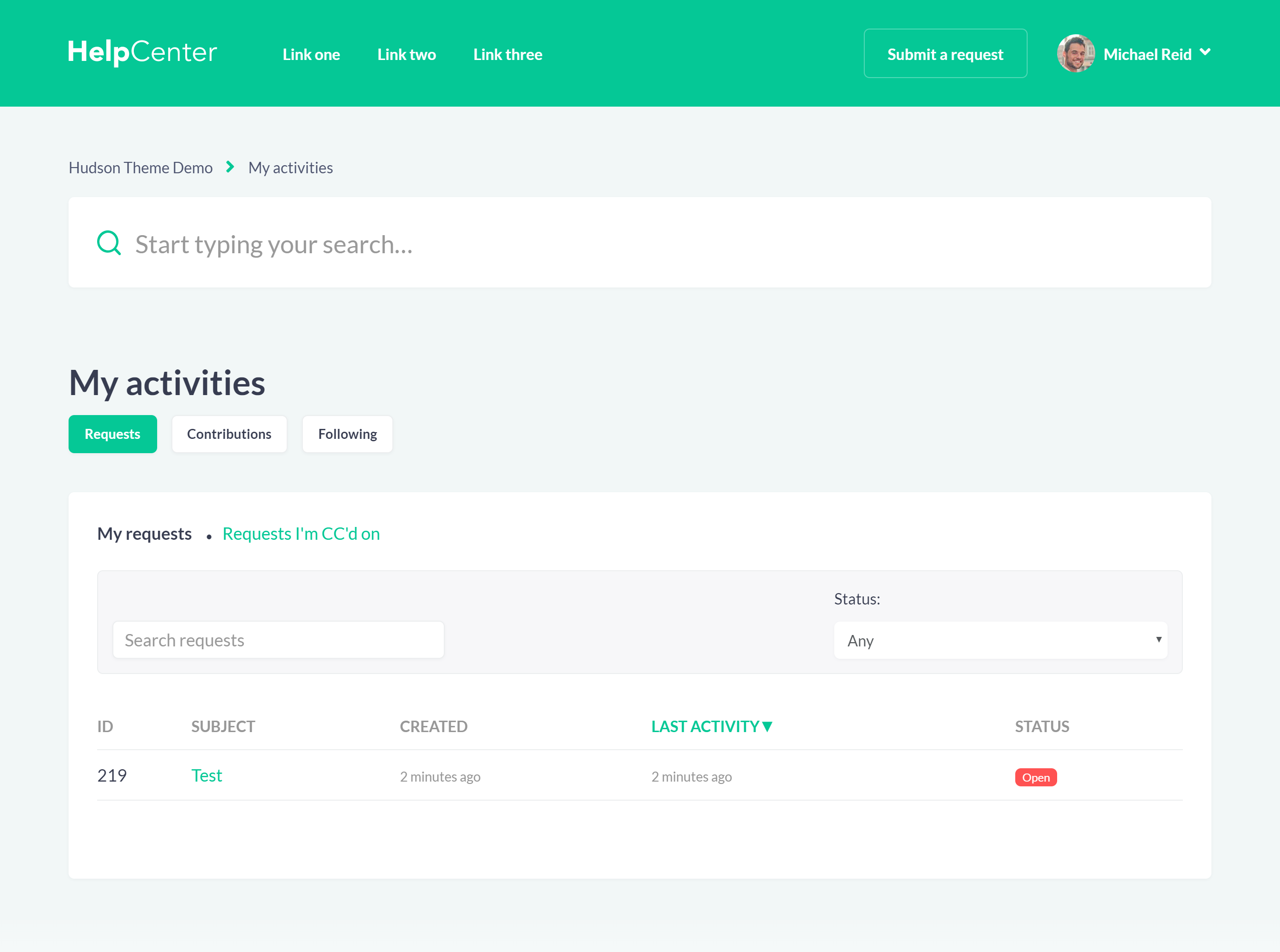
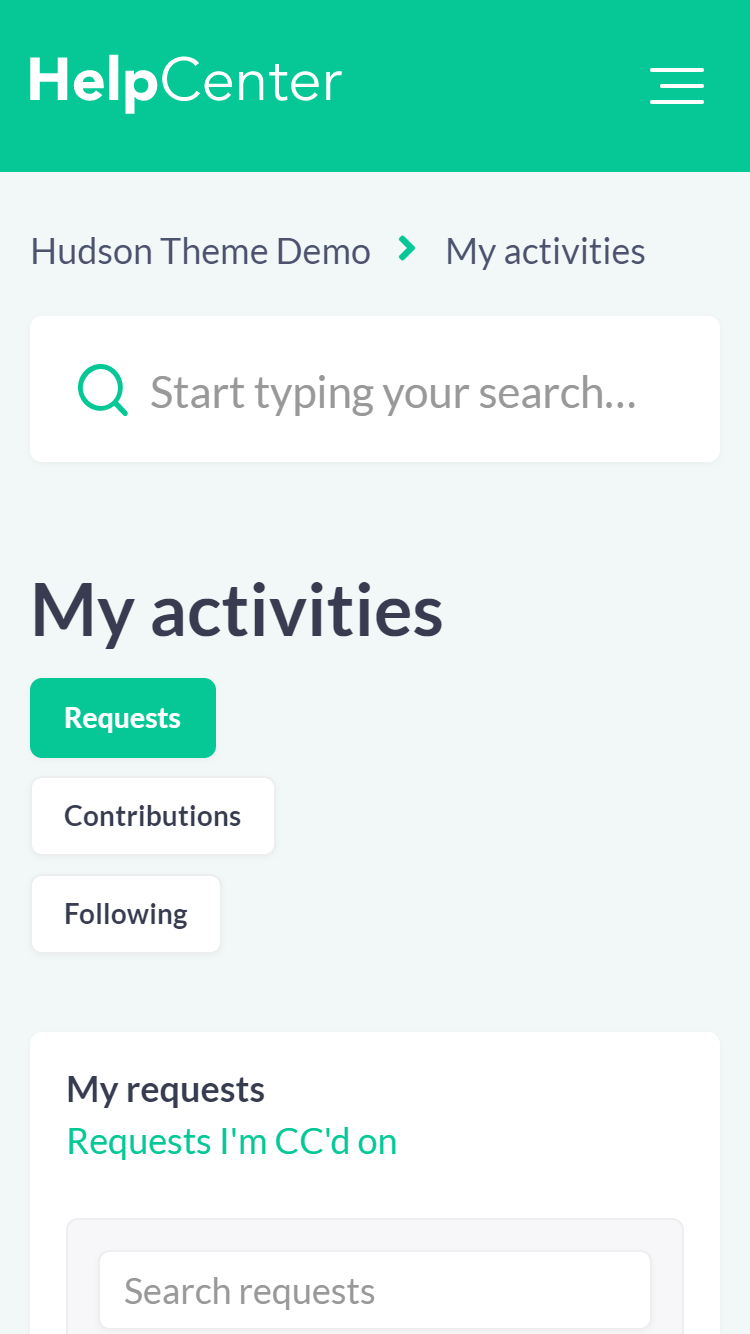
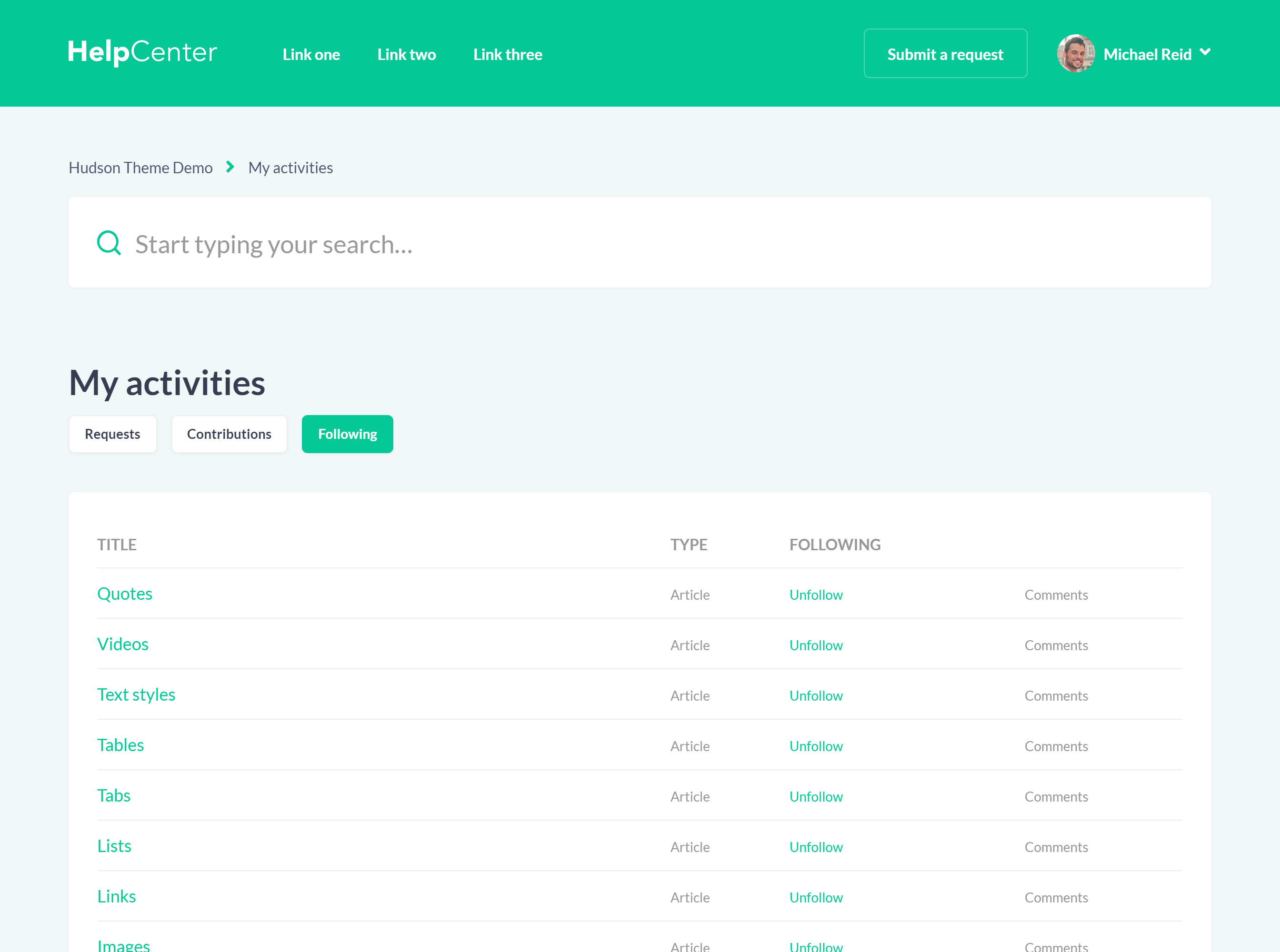
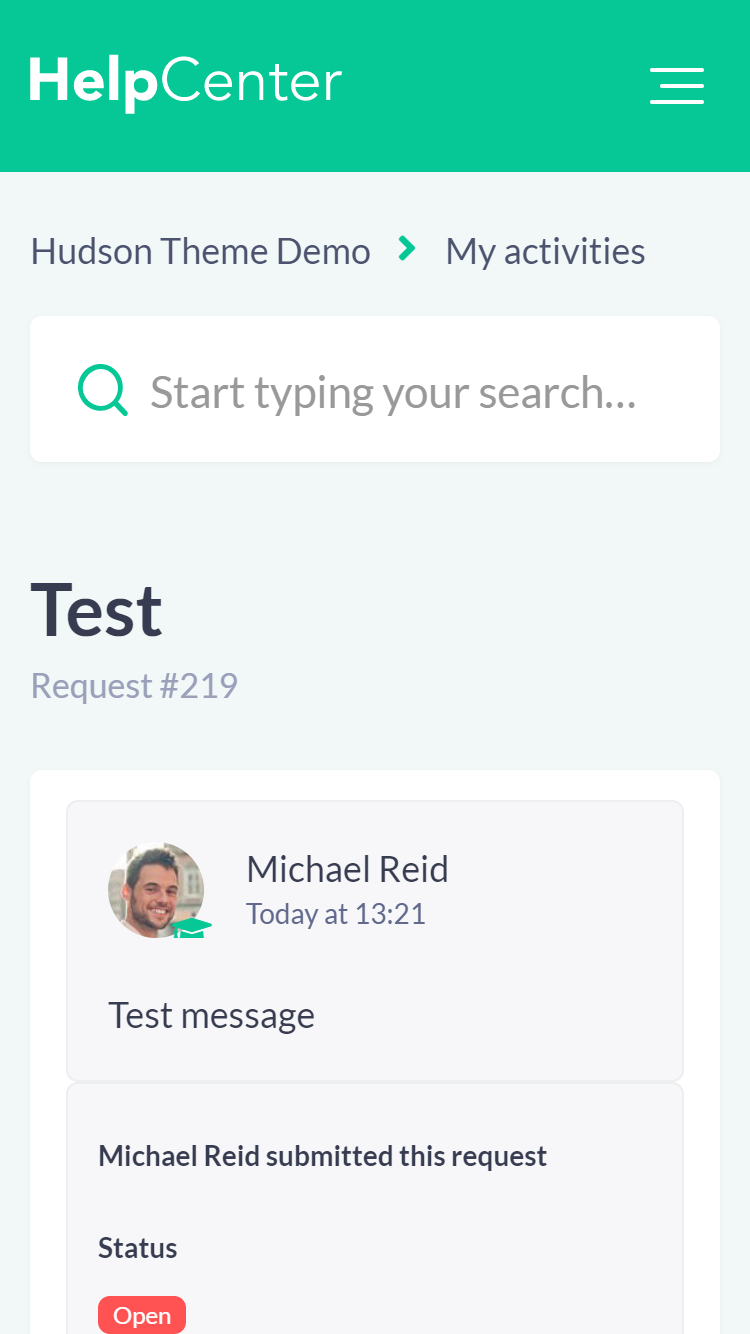
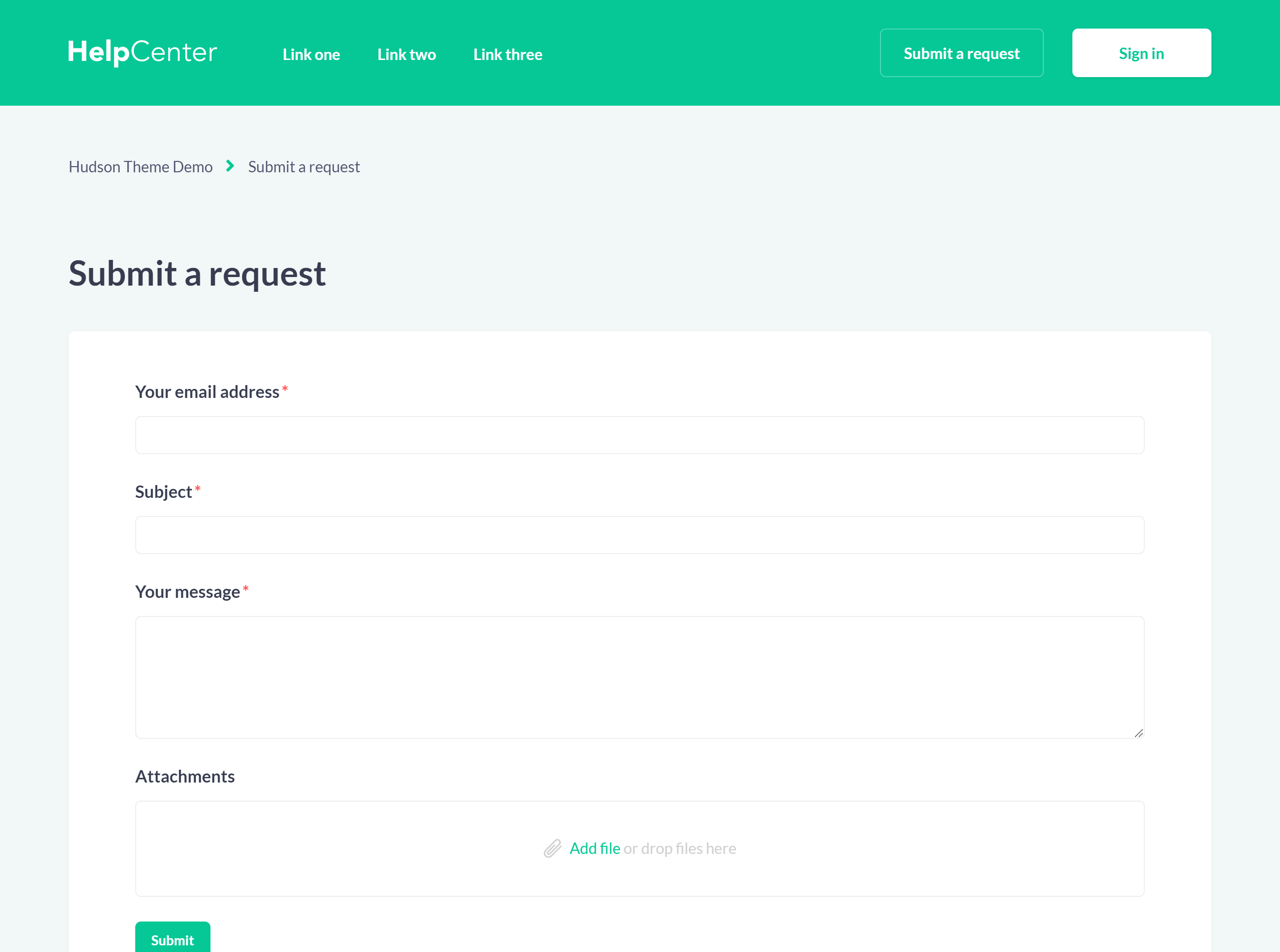
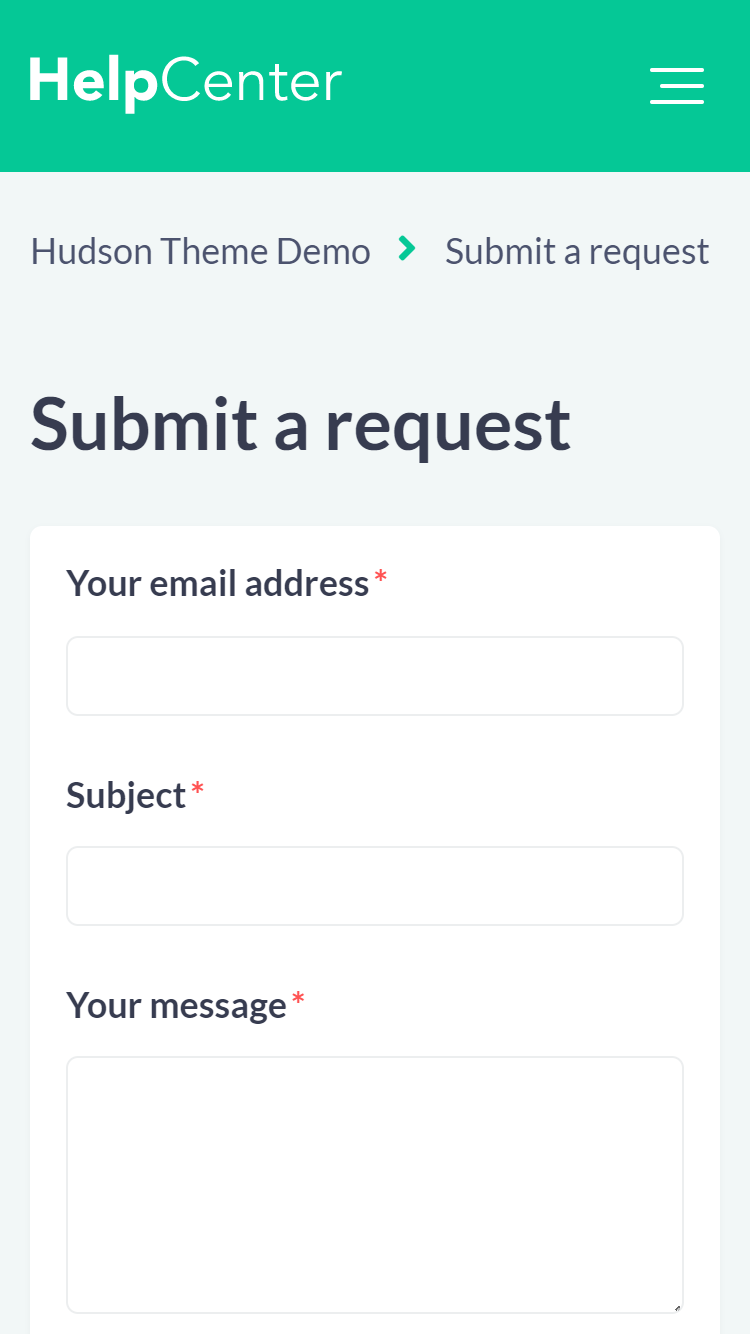
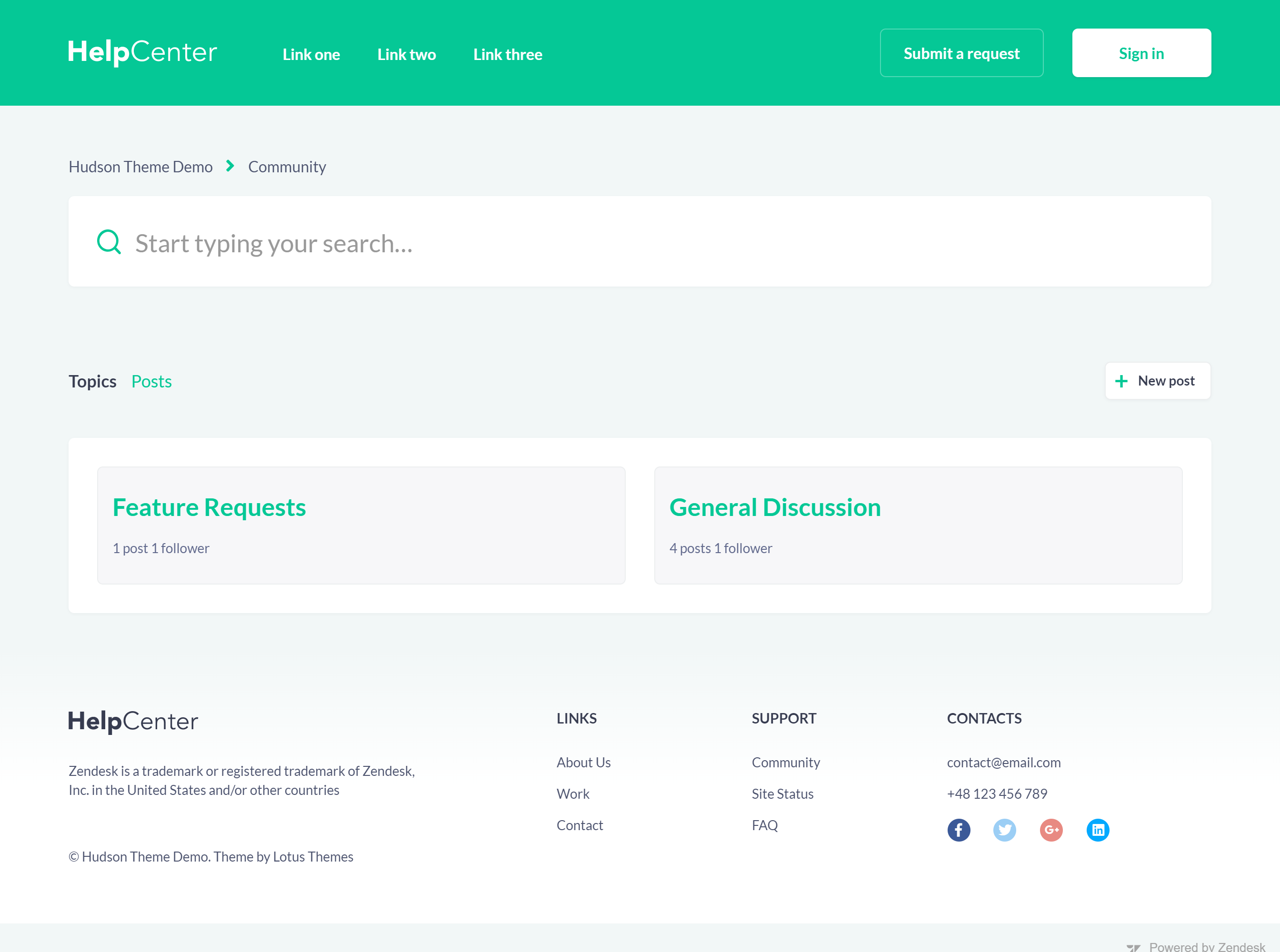
All the pages are designed to provide great user experience
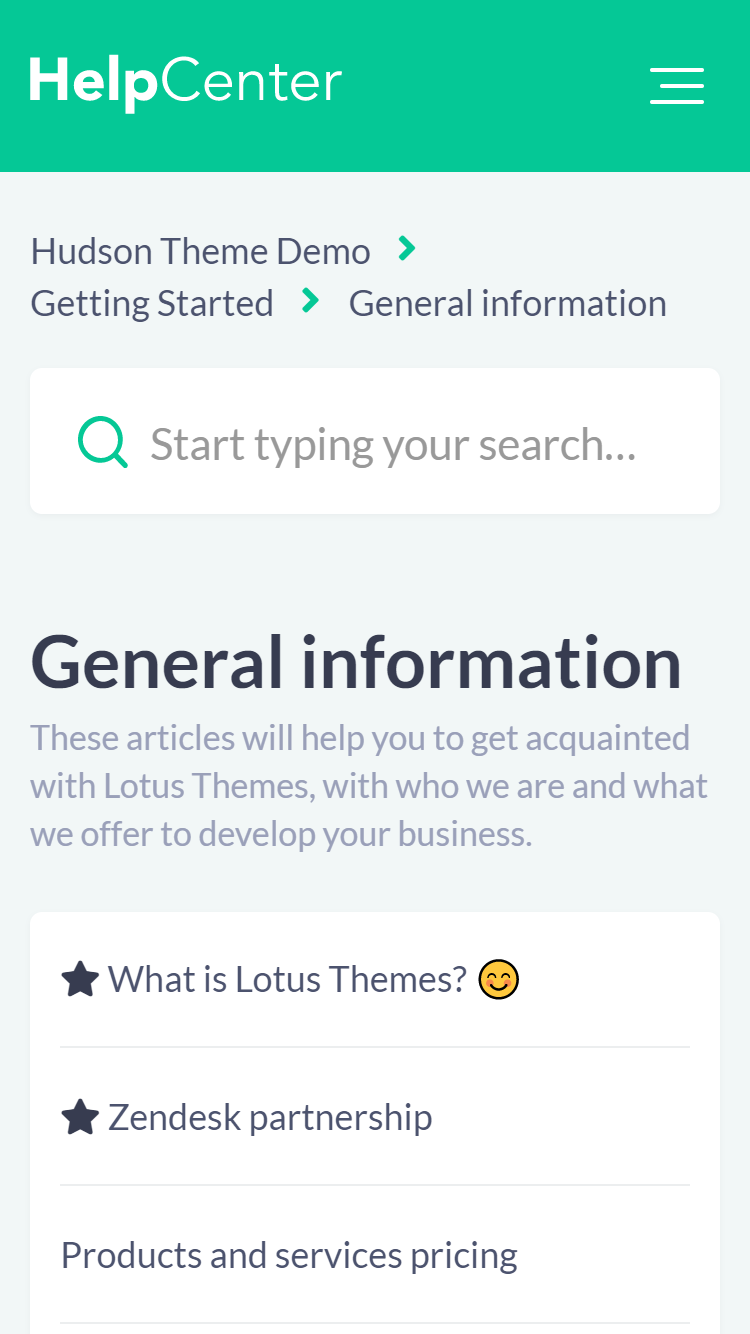
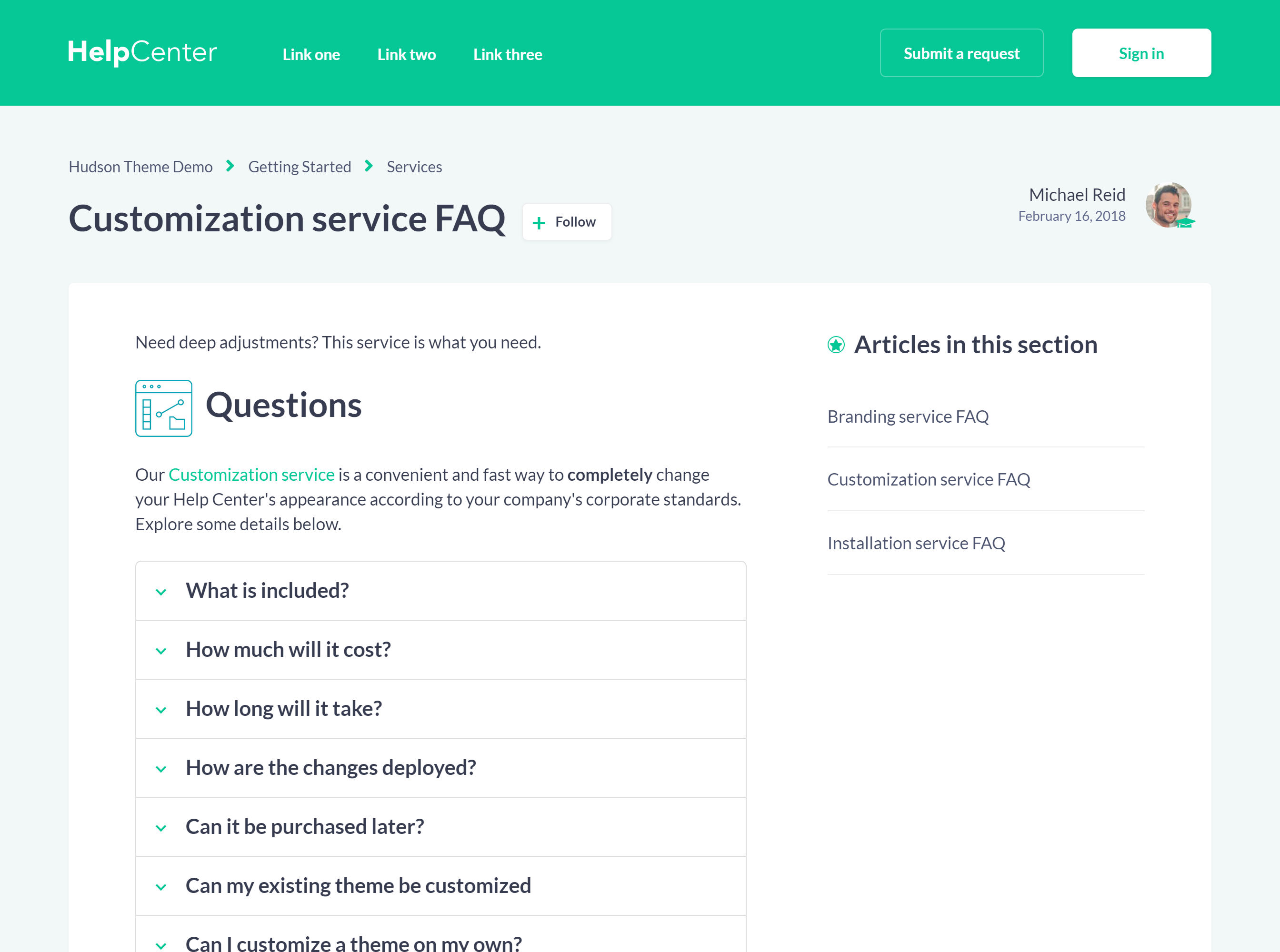
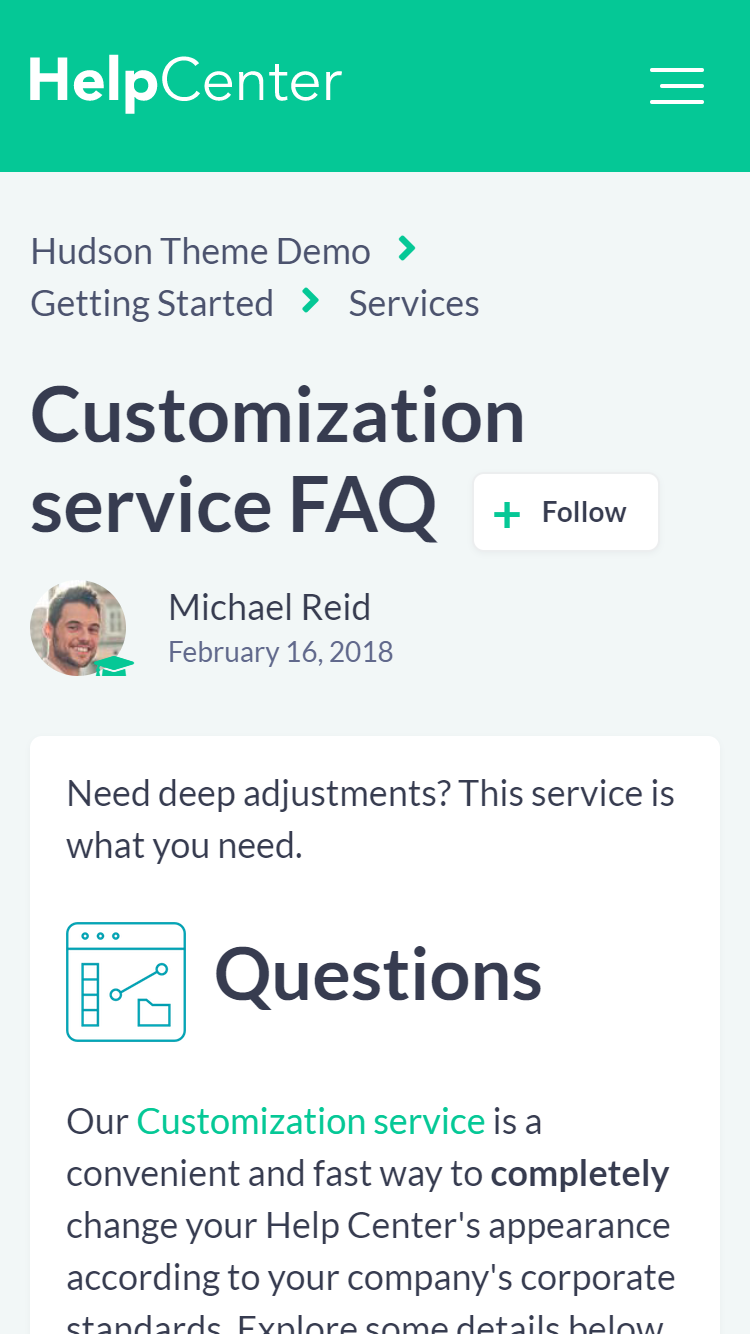
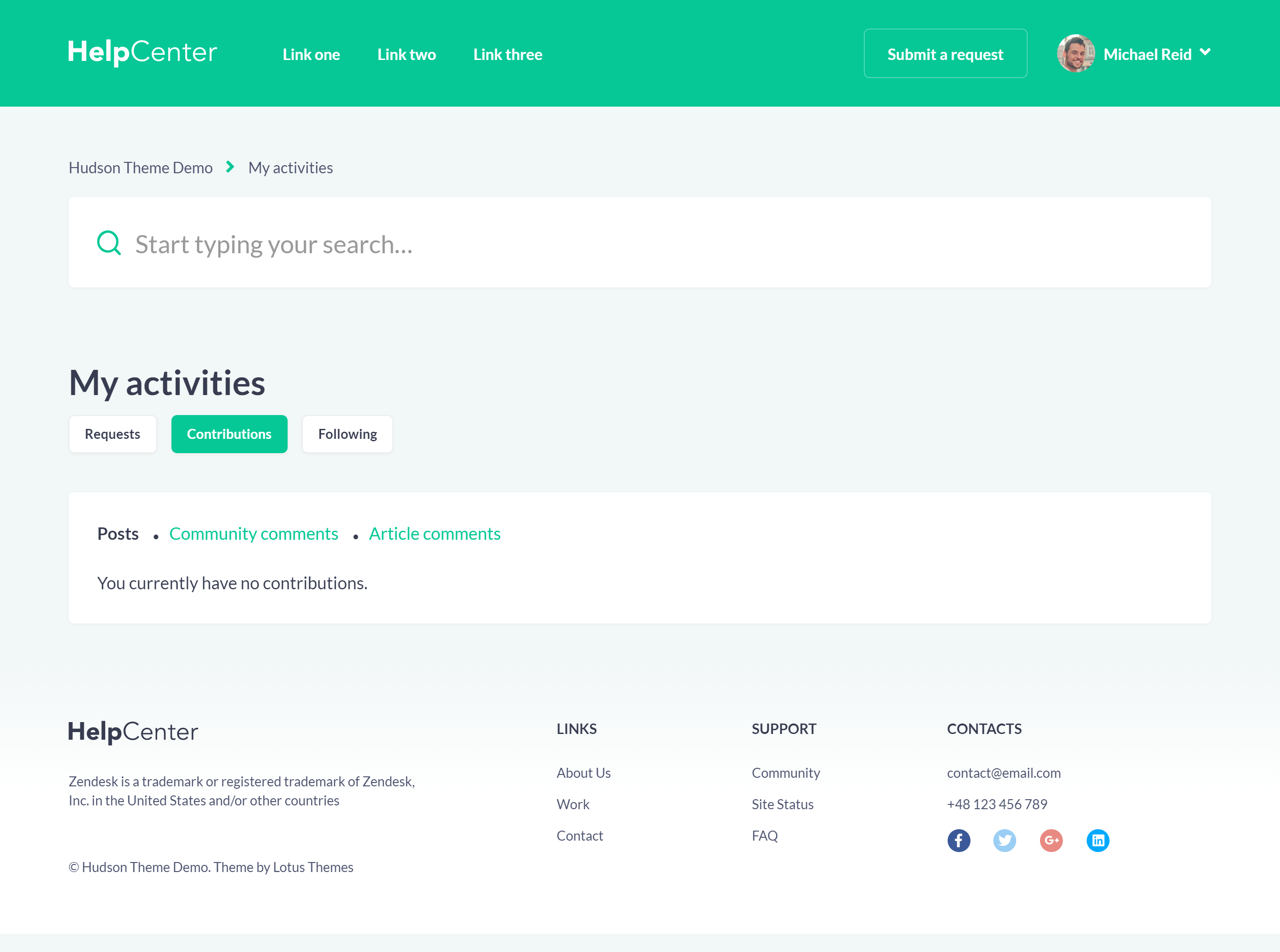
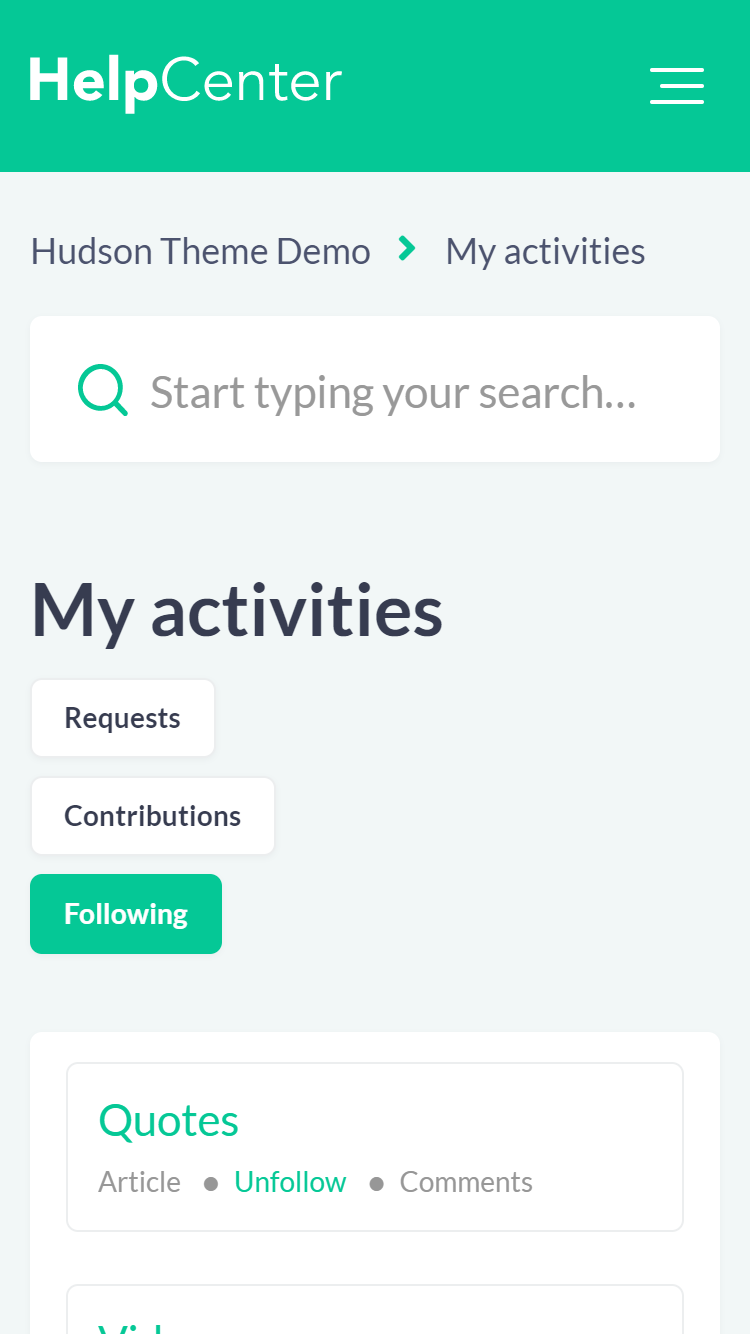
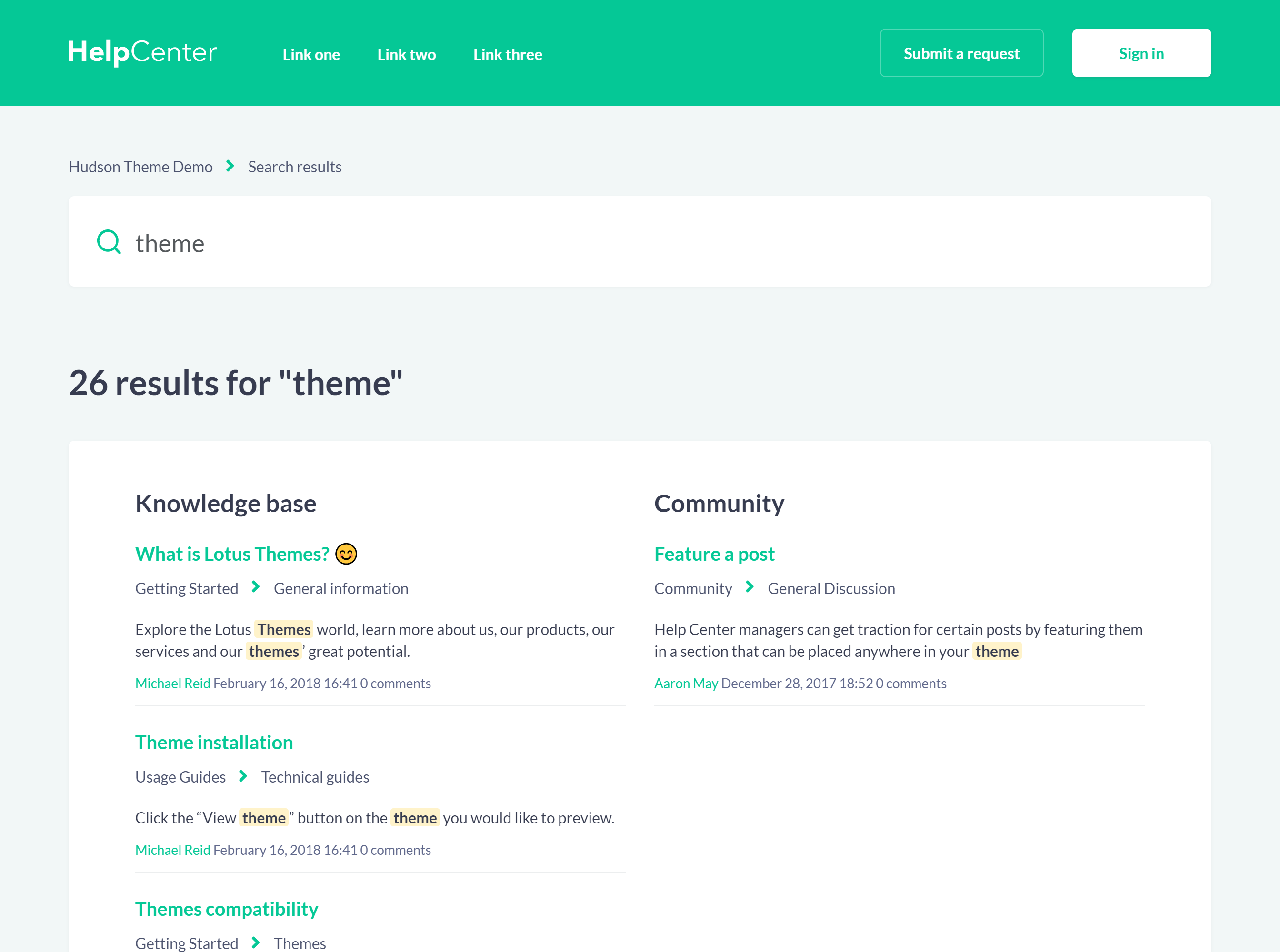
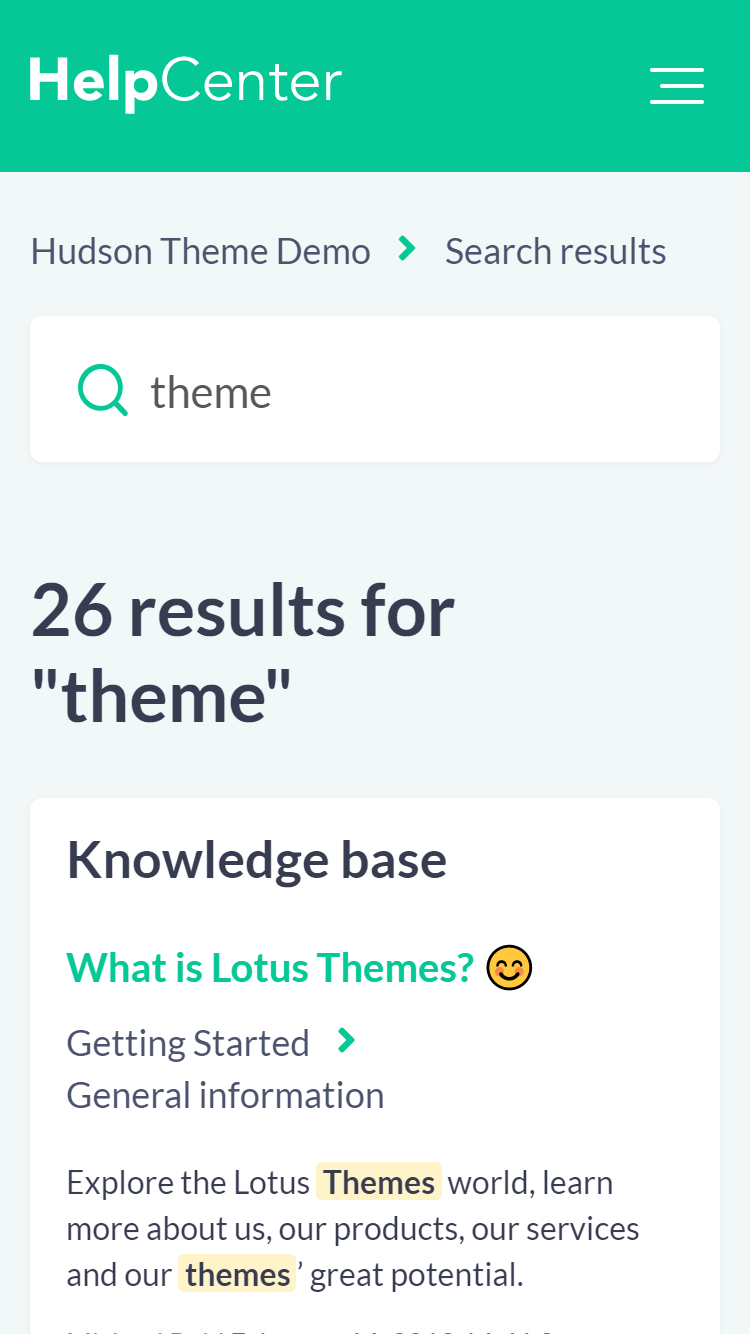
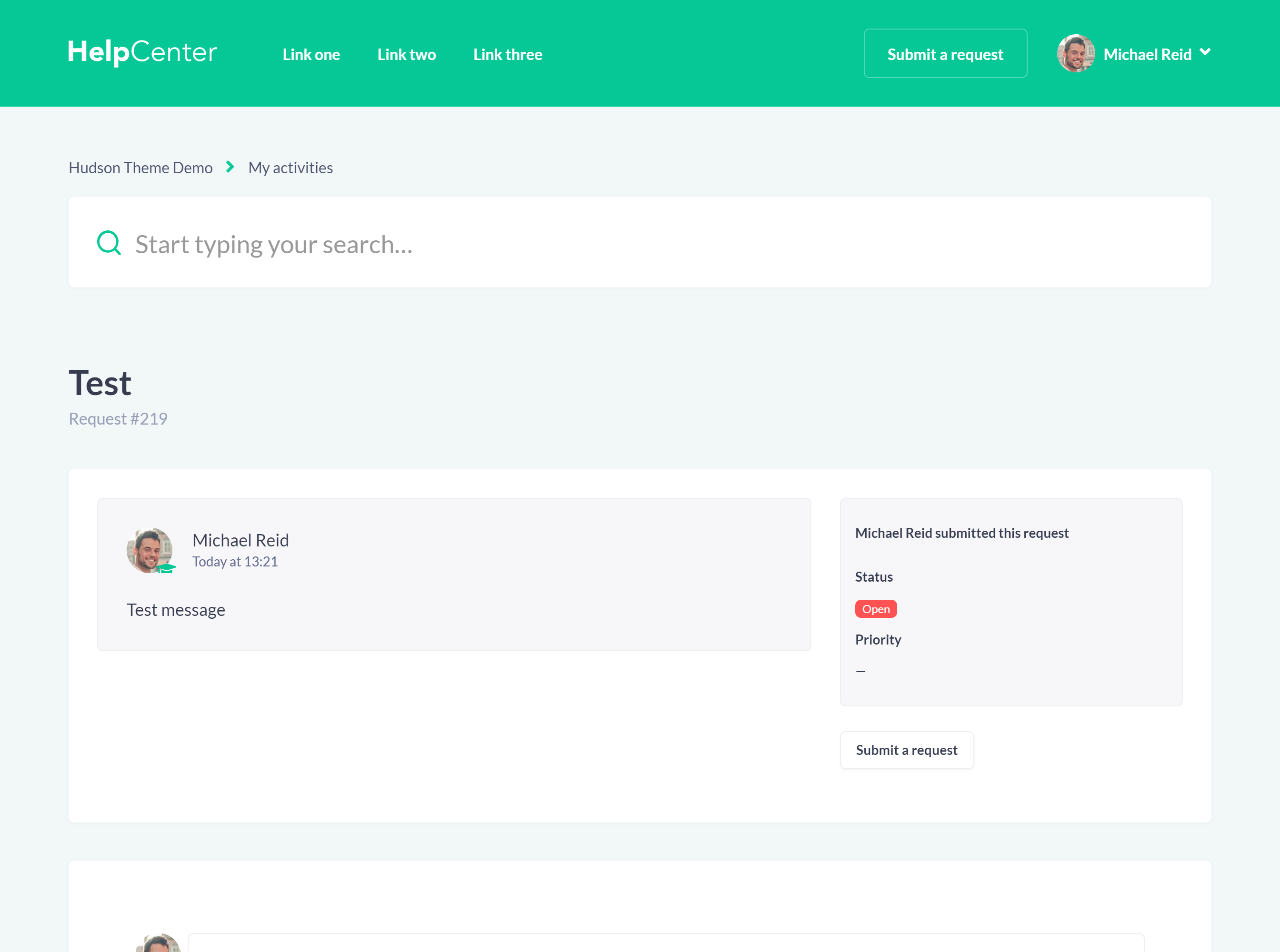
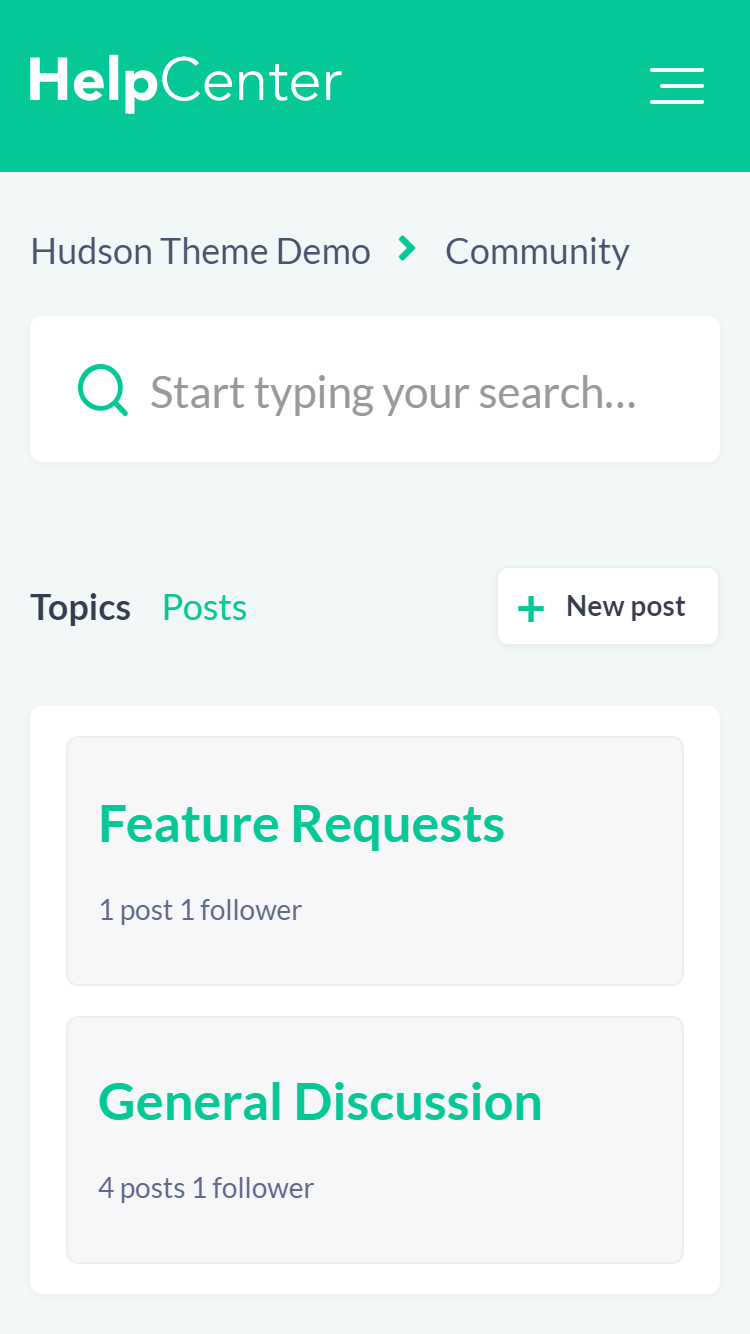
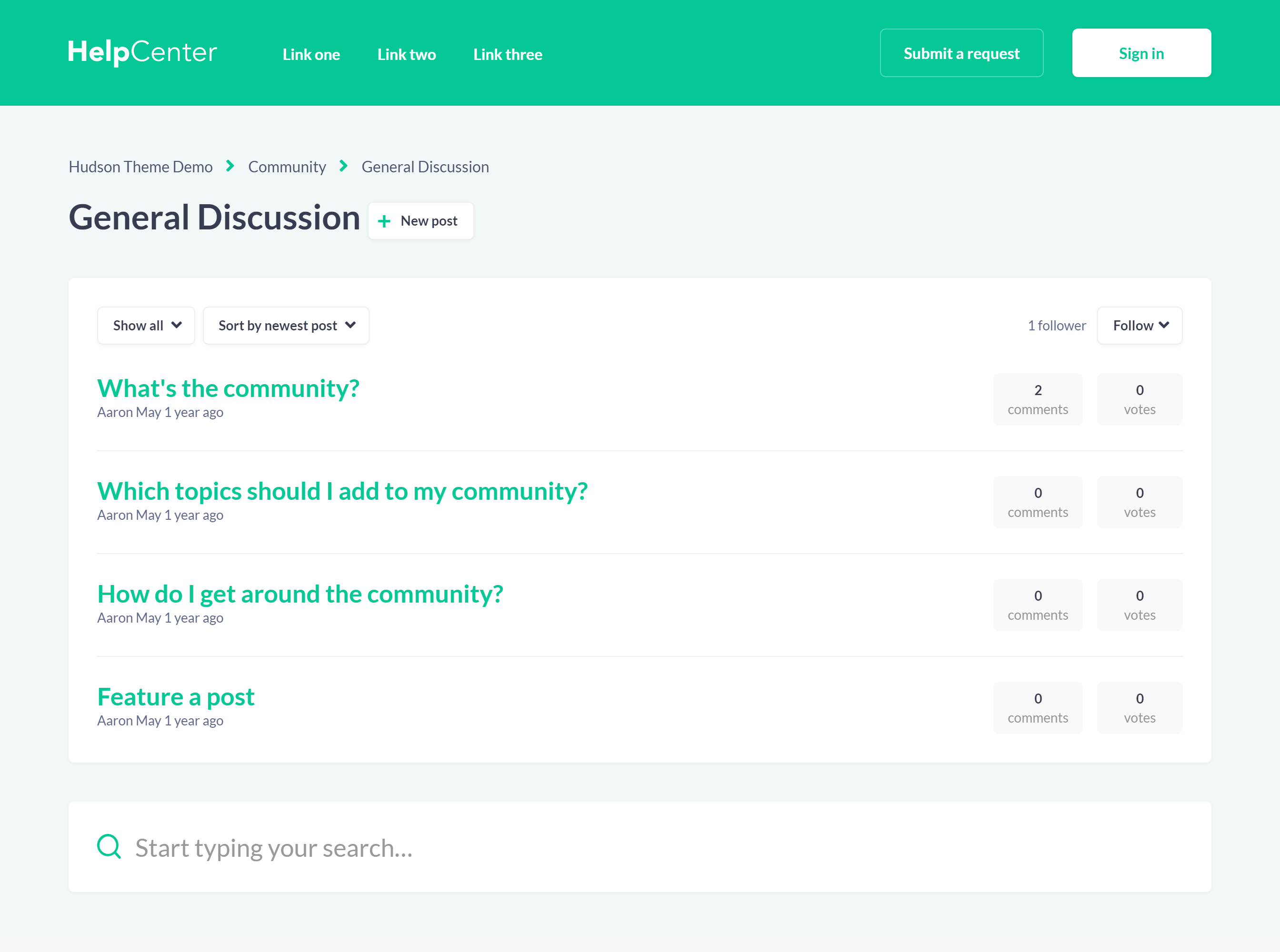
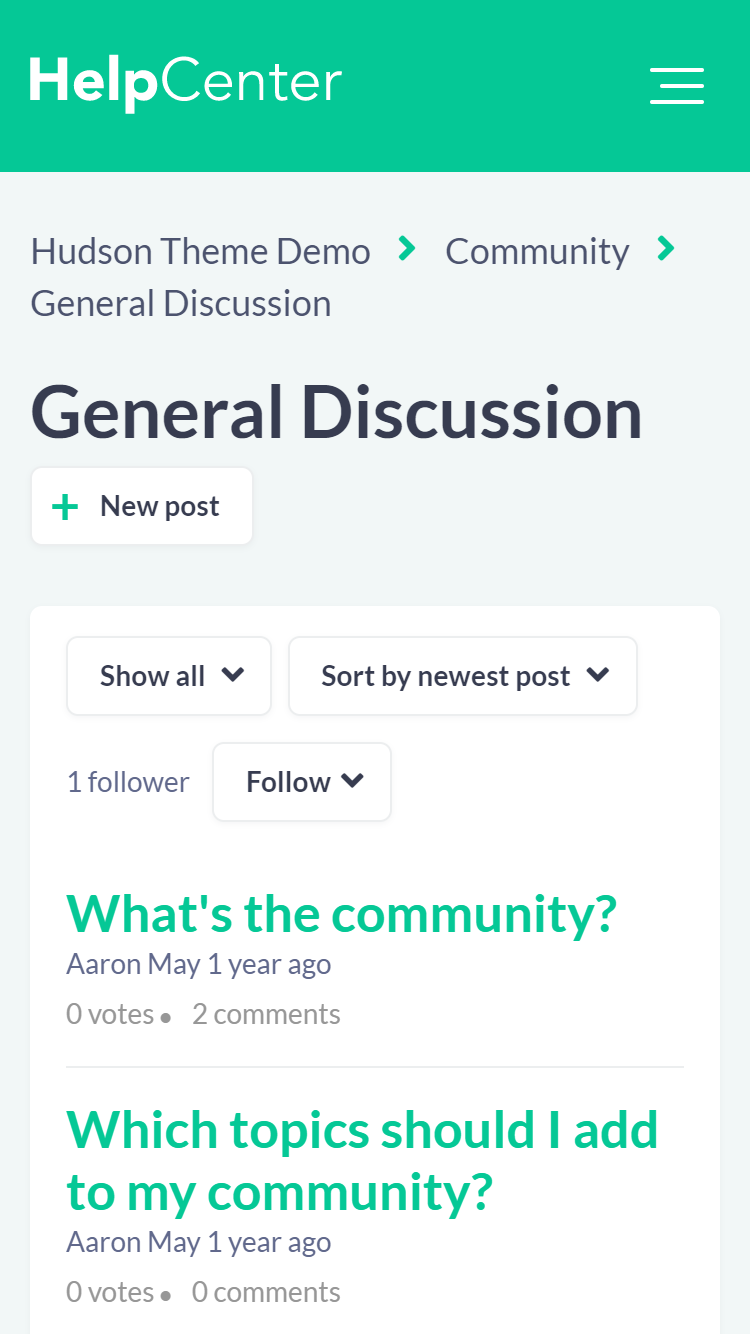
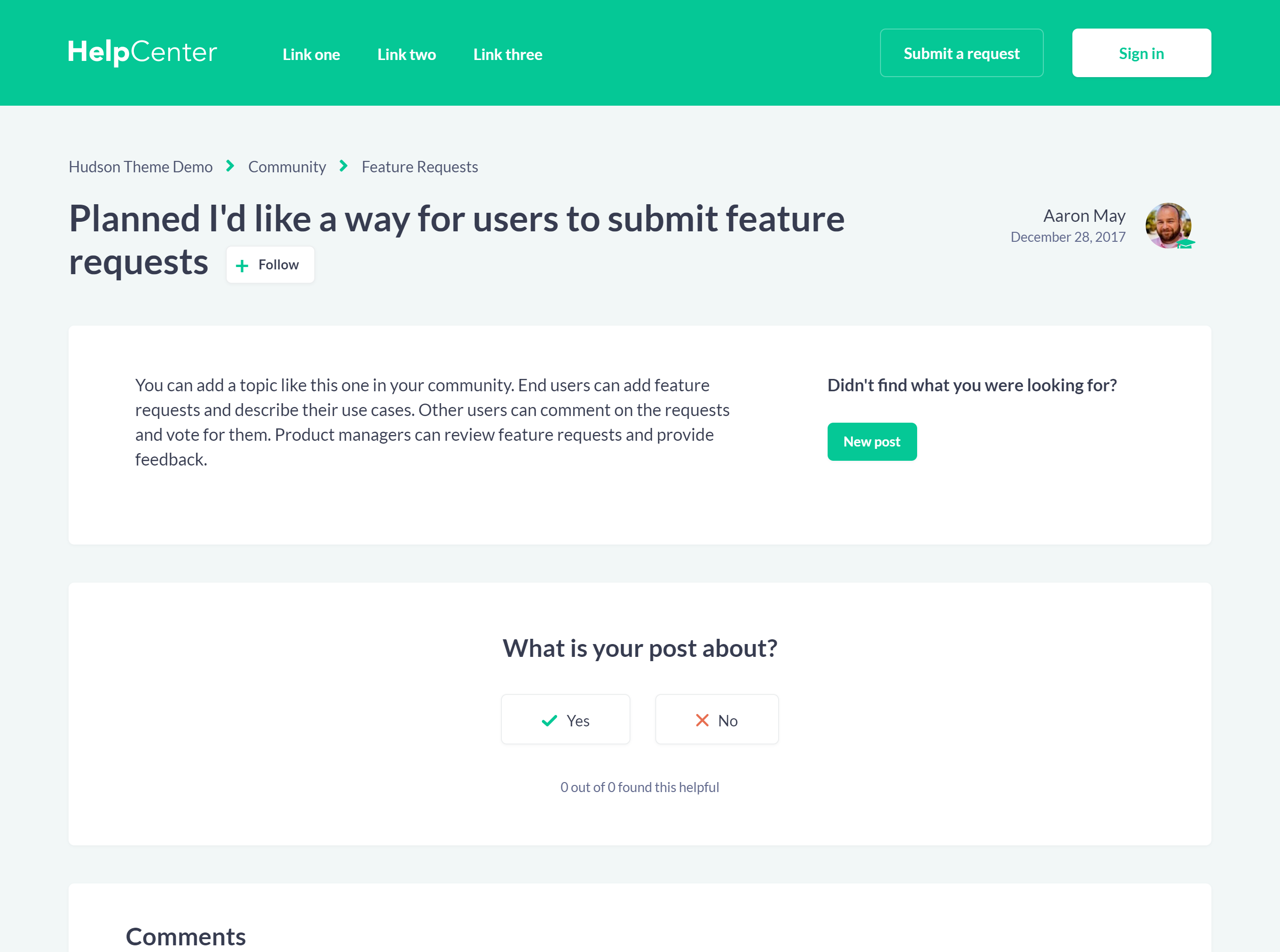
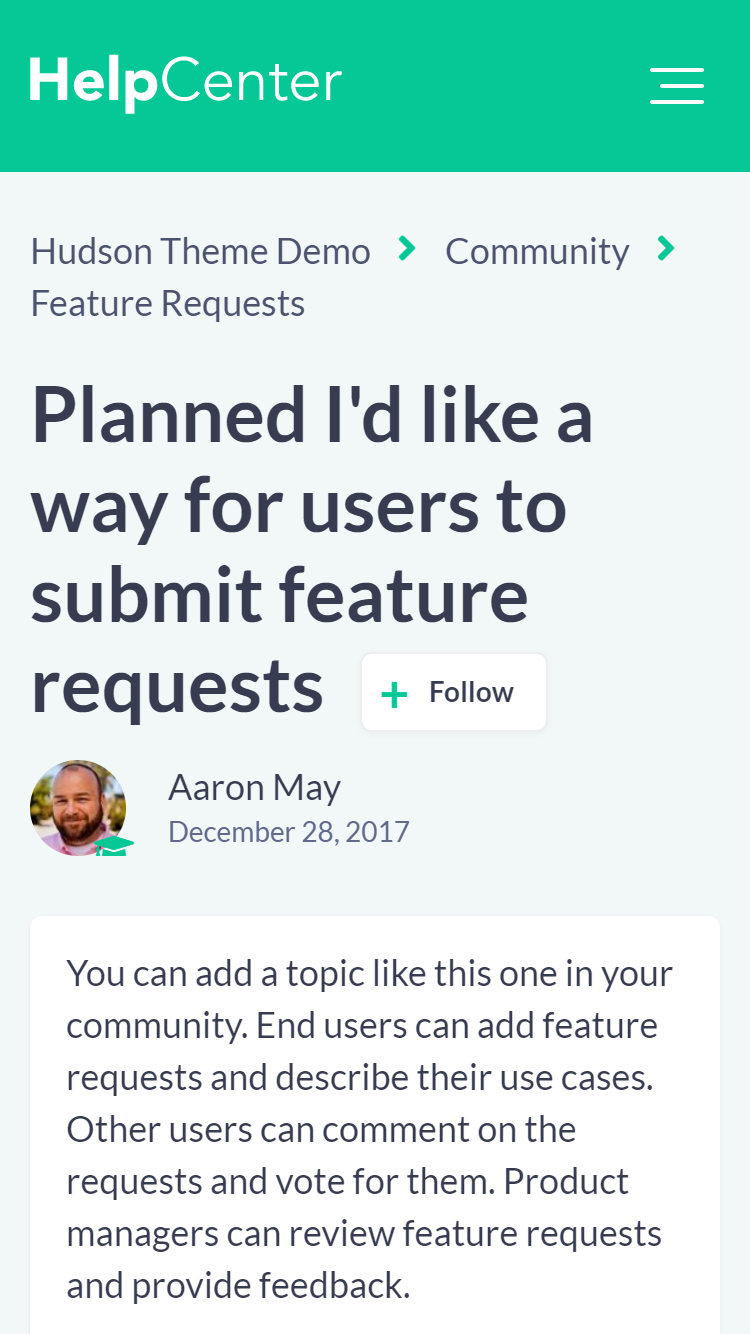
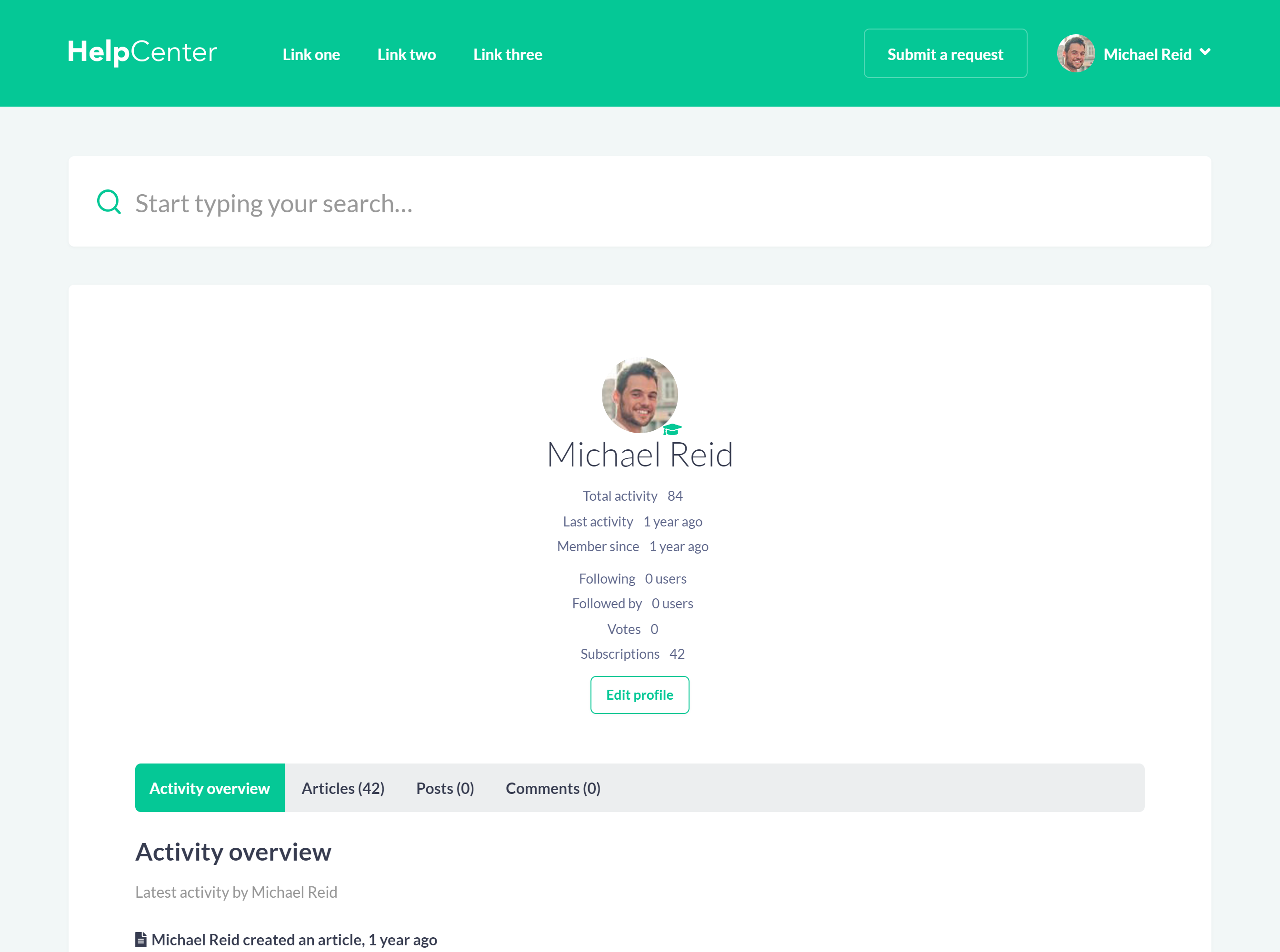
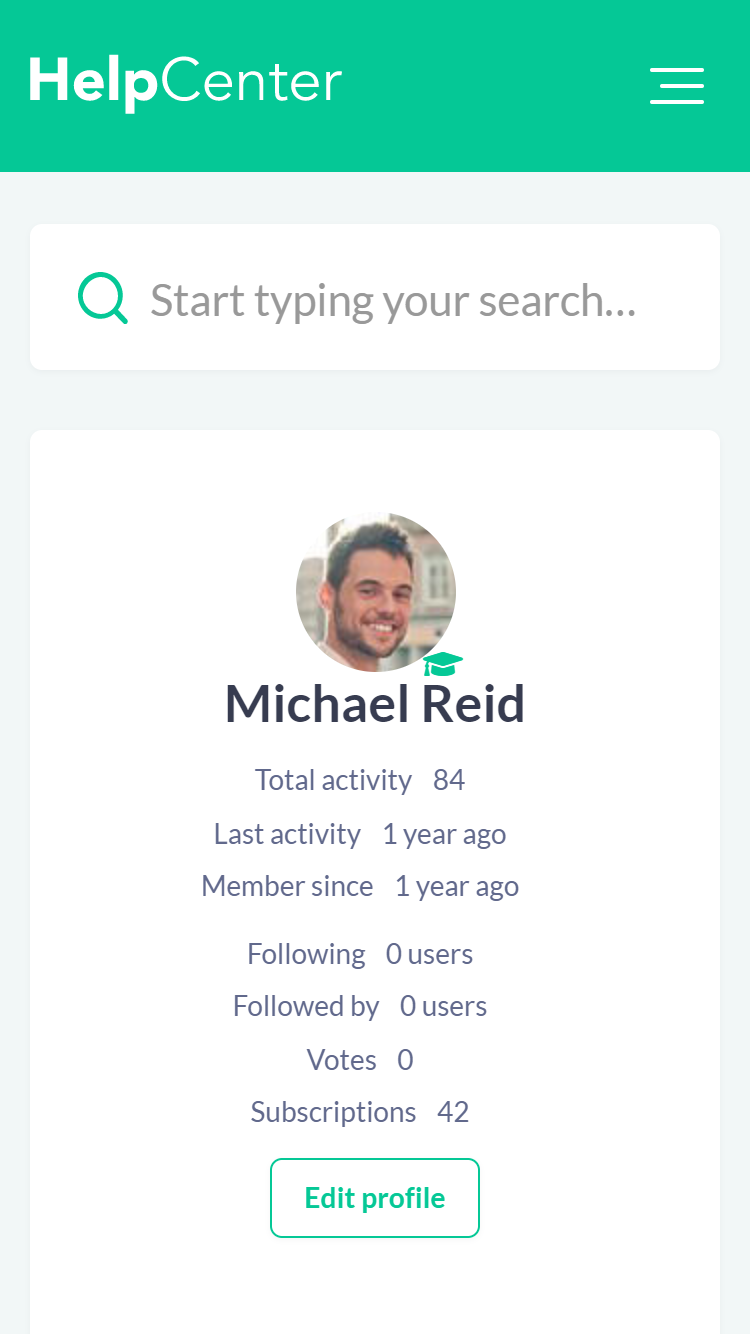
Extend the theme as your help center grows
Improve the theme with

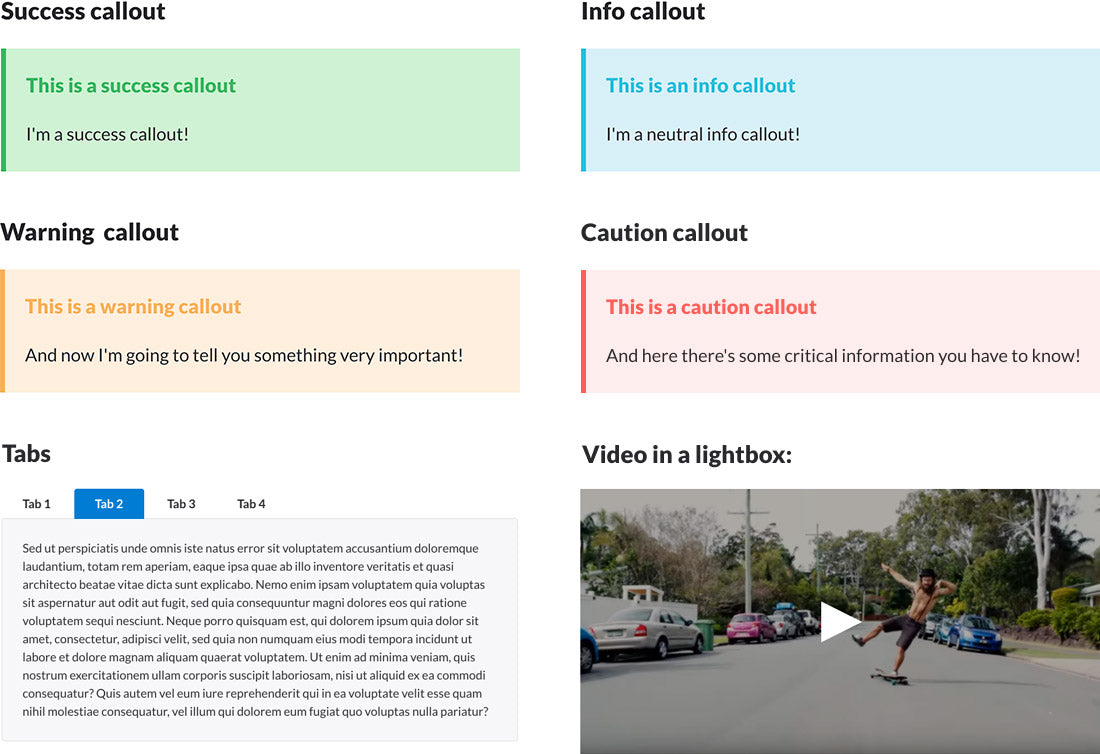
Article Formatting Options
Our themes have built-in article formatting options to make your content more attractive and easier to read without multiple plugins or theme customization.
You can significantly improve your articles with tabs, accordions, fonts, styles, callout blocks, images, videos, tables, and many other features included in our themes.
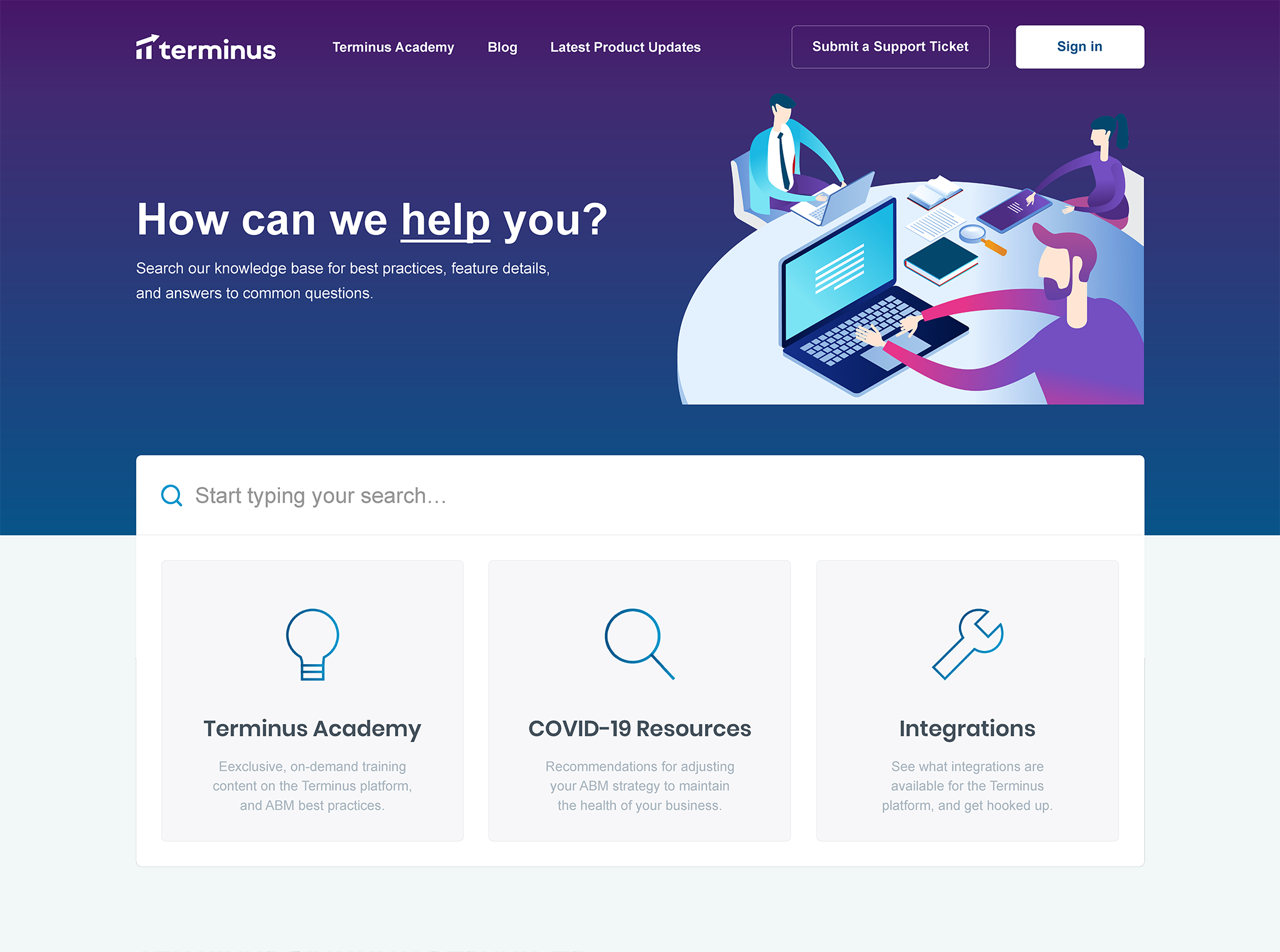
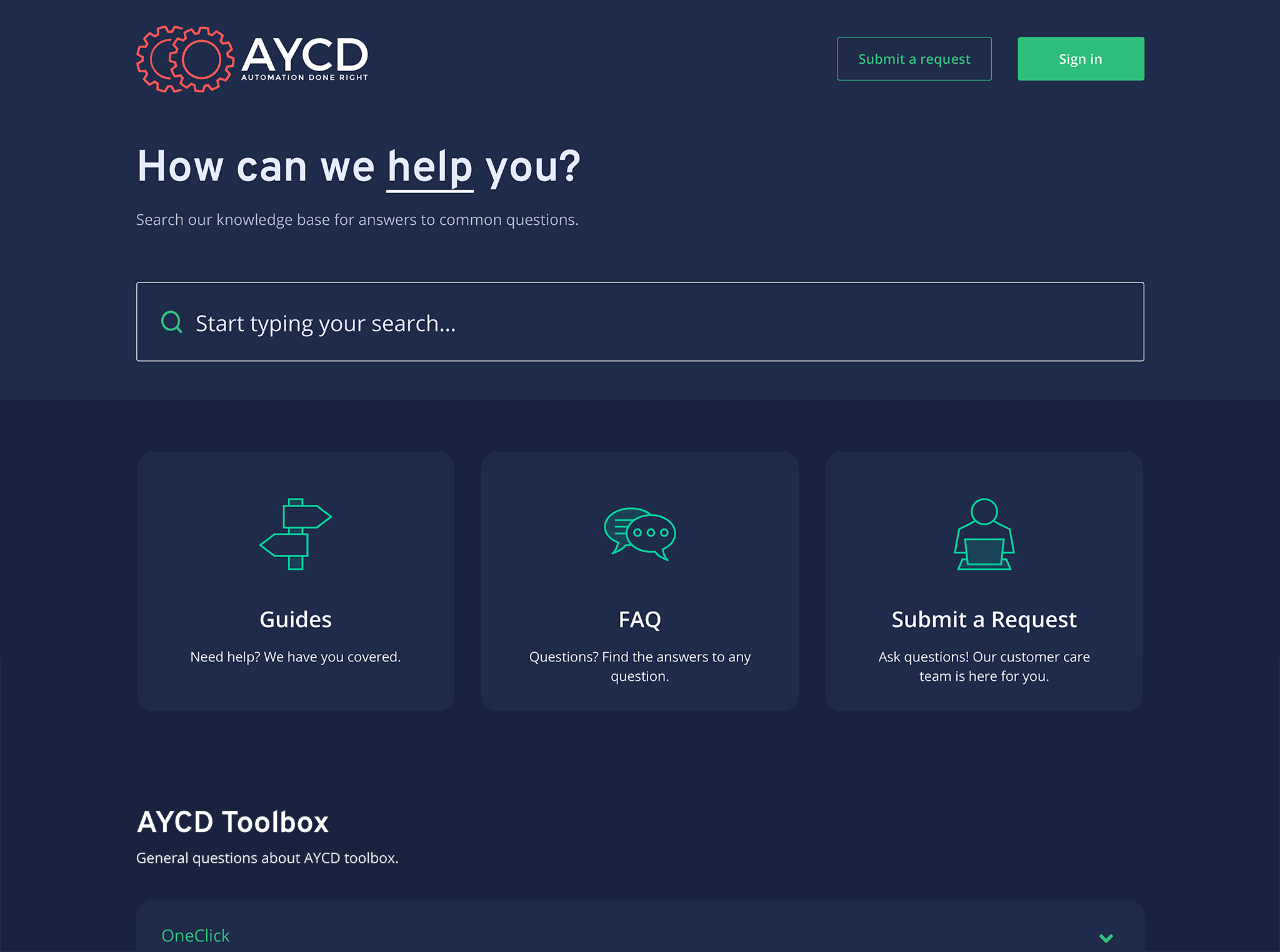
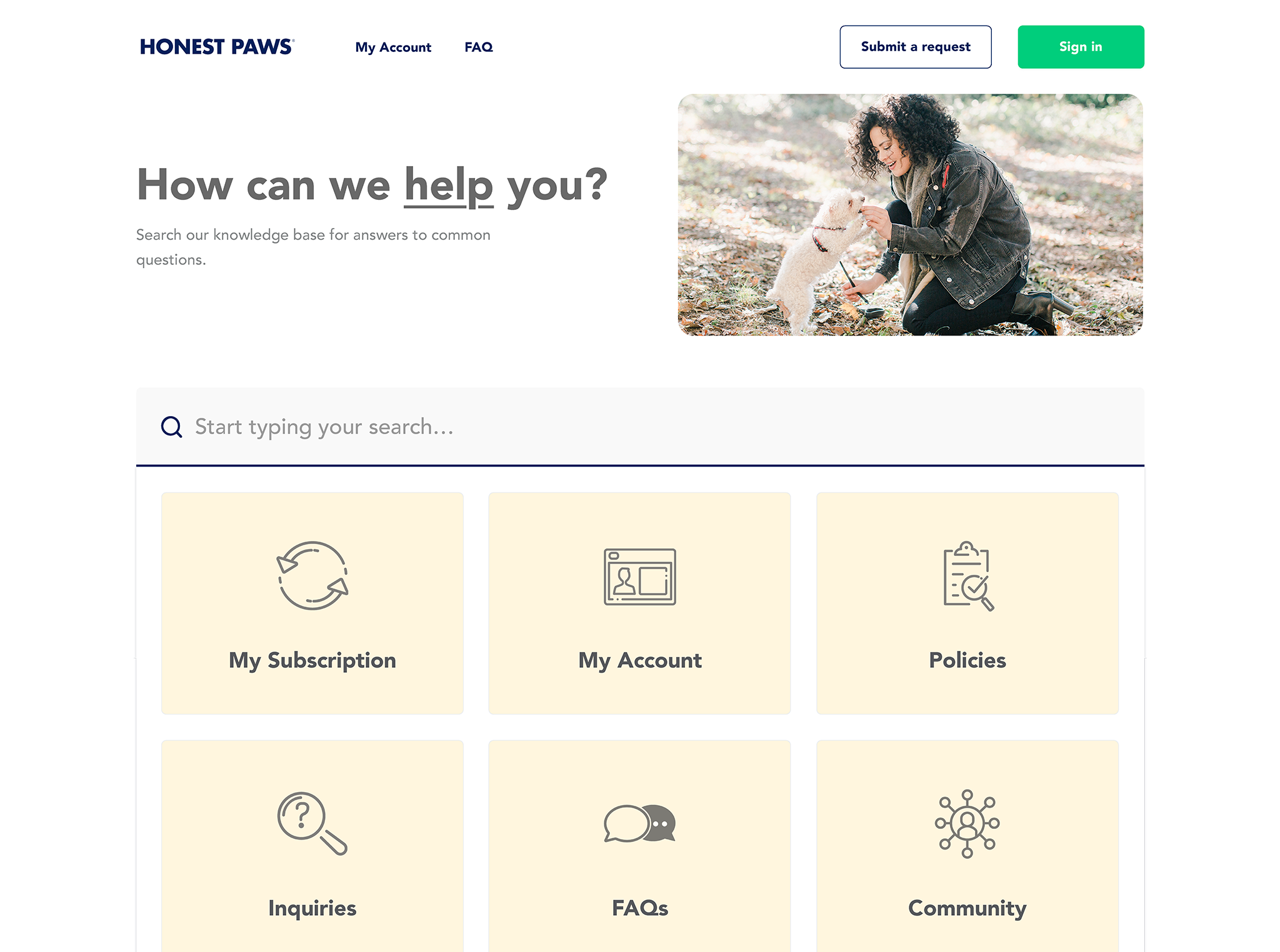
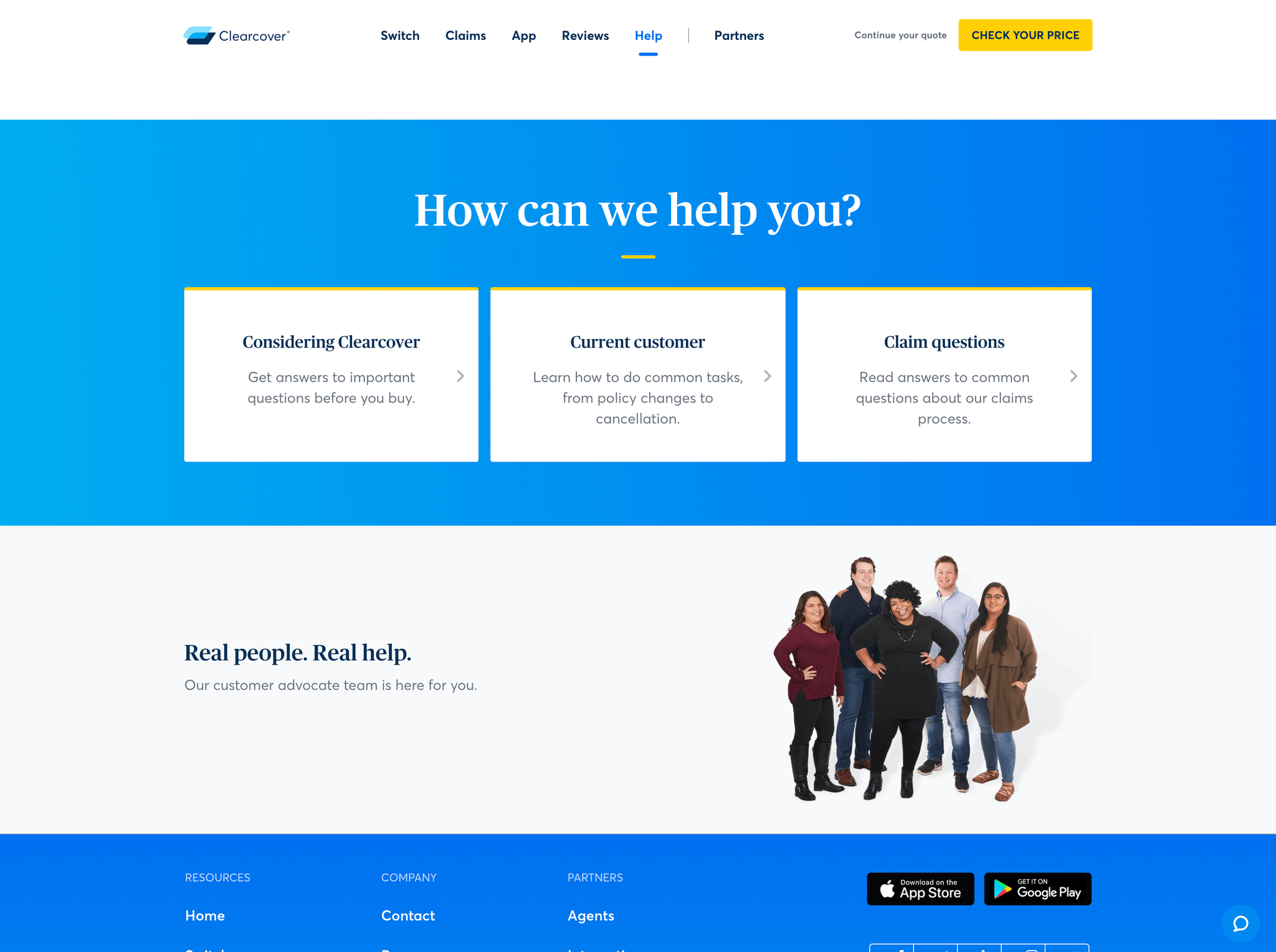
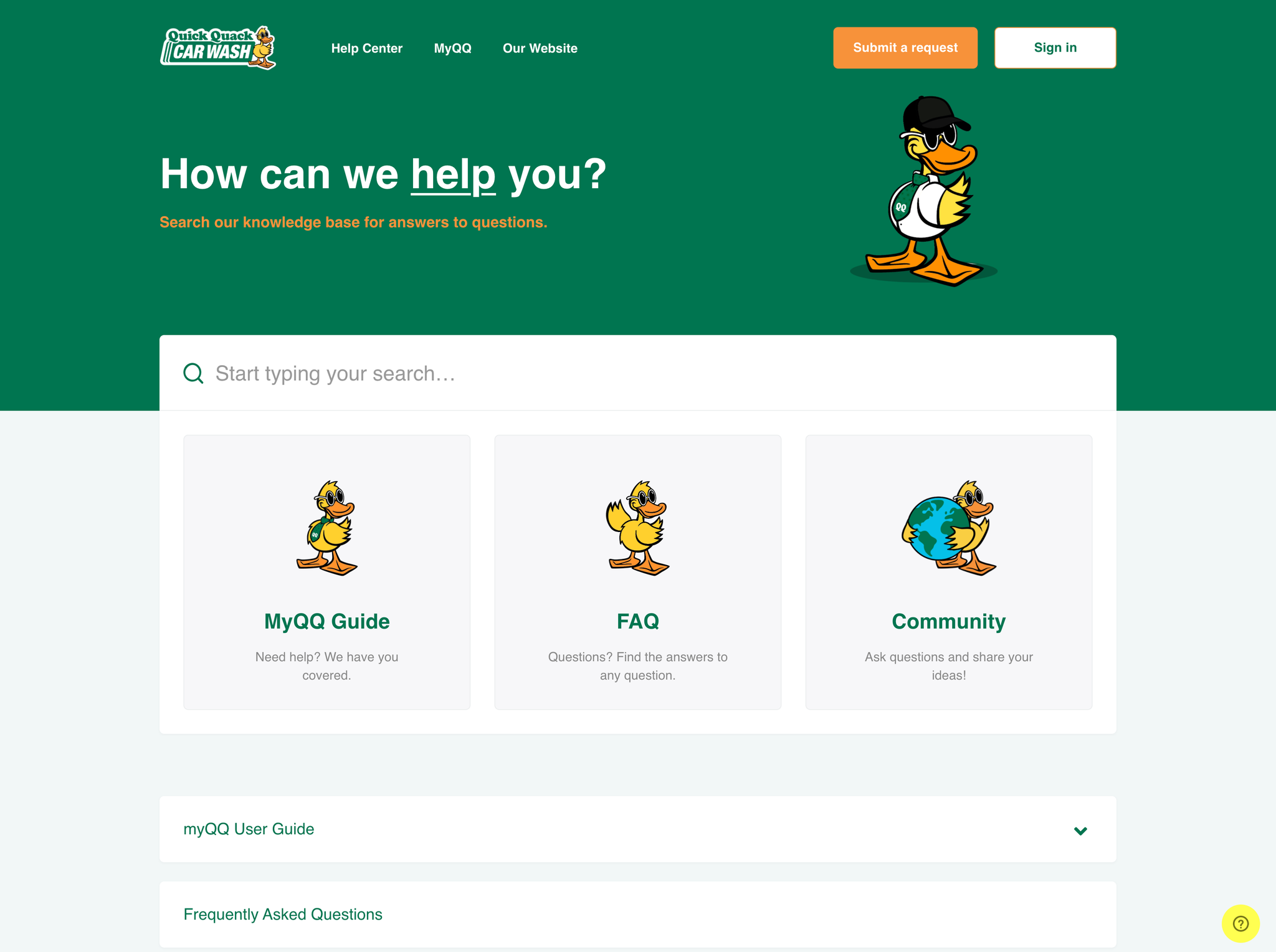
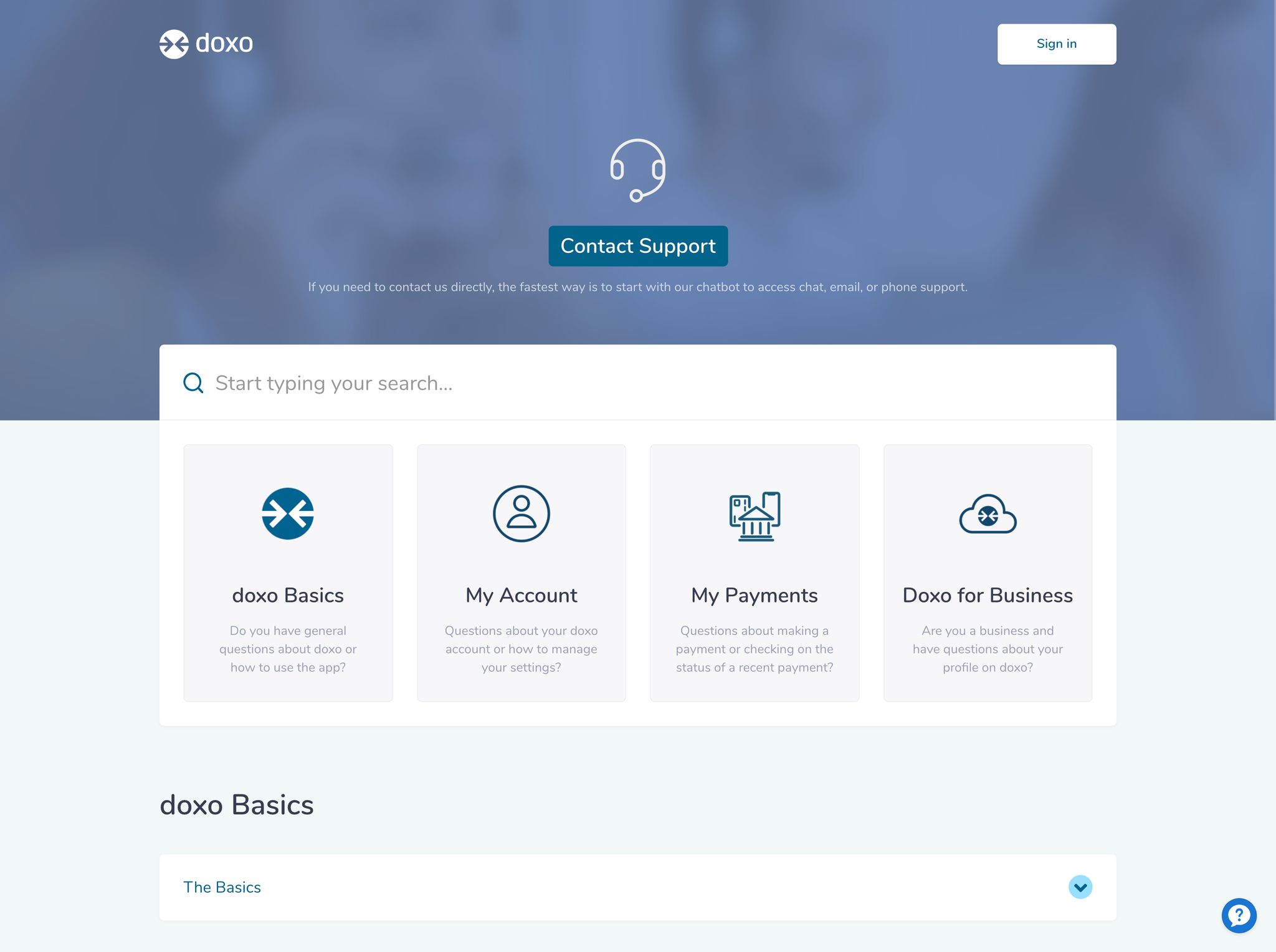
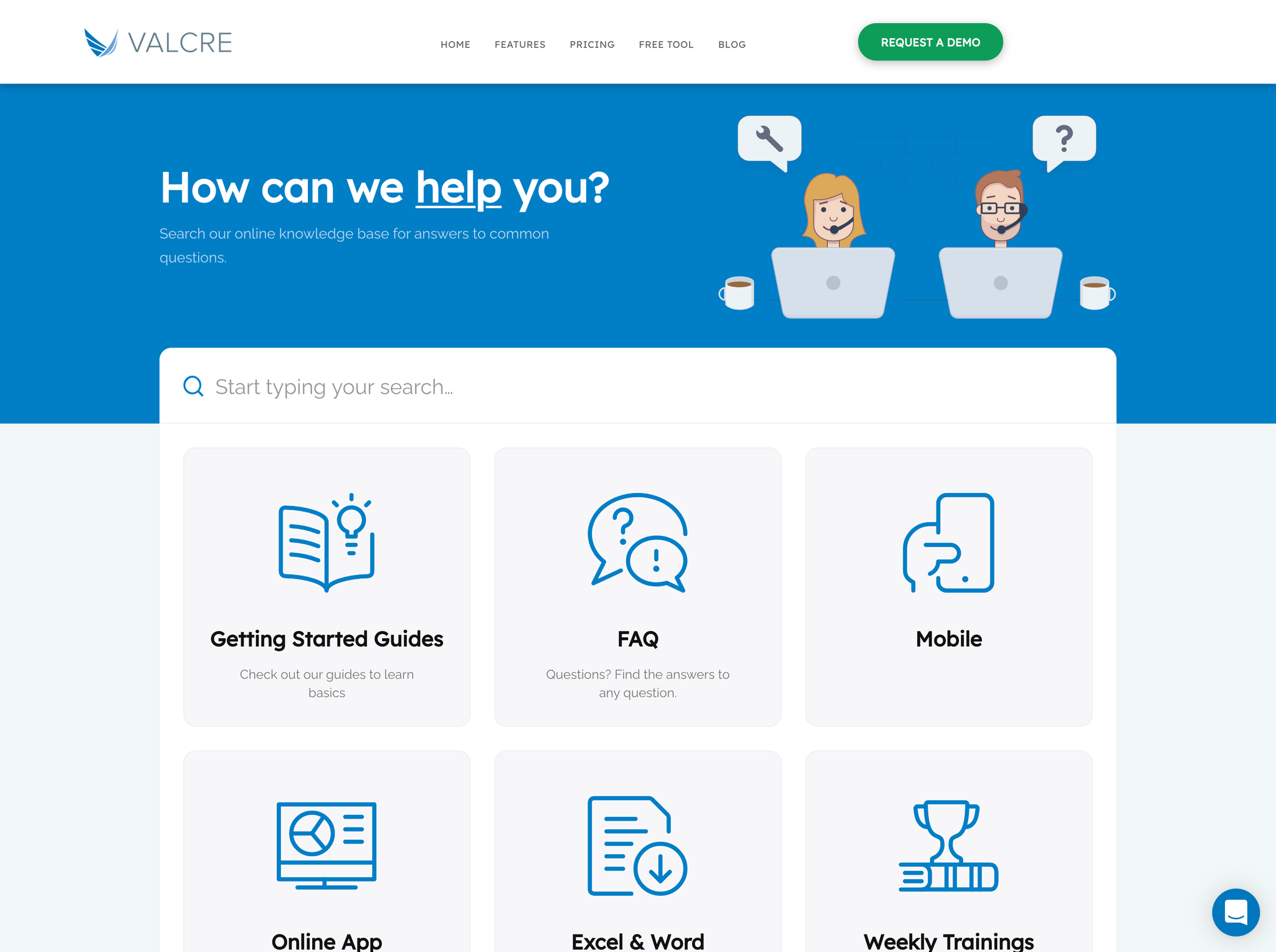
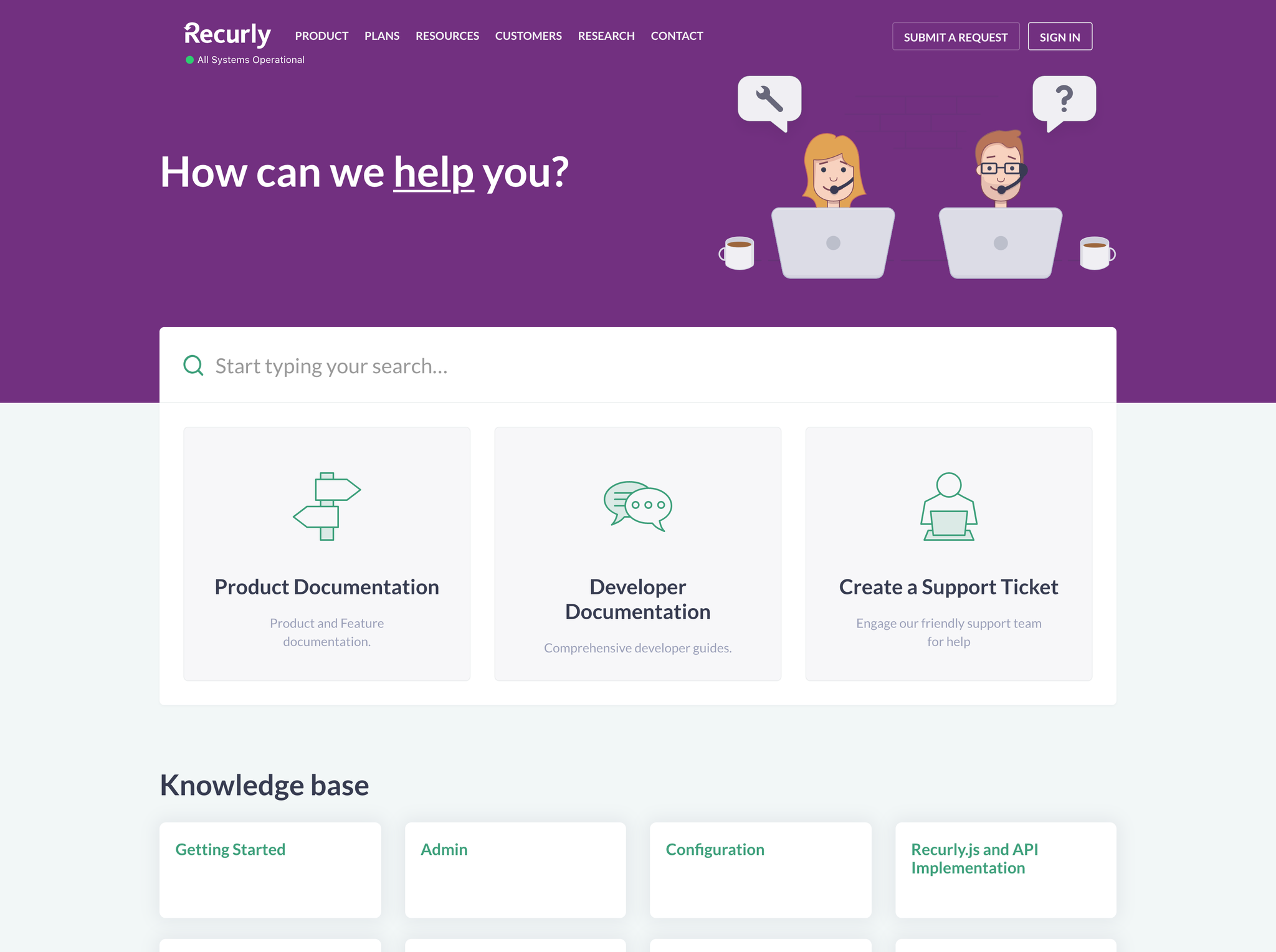
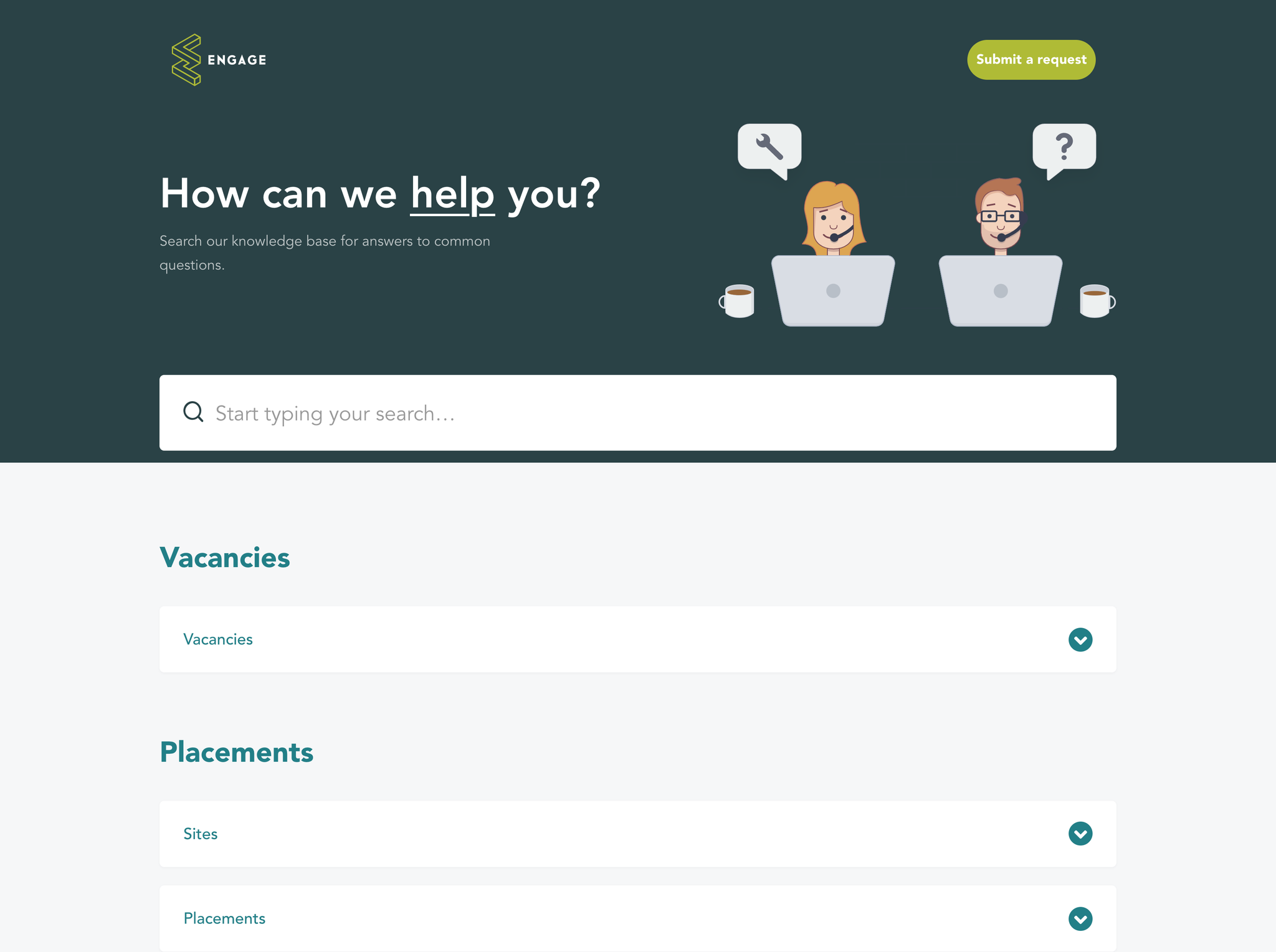
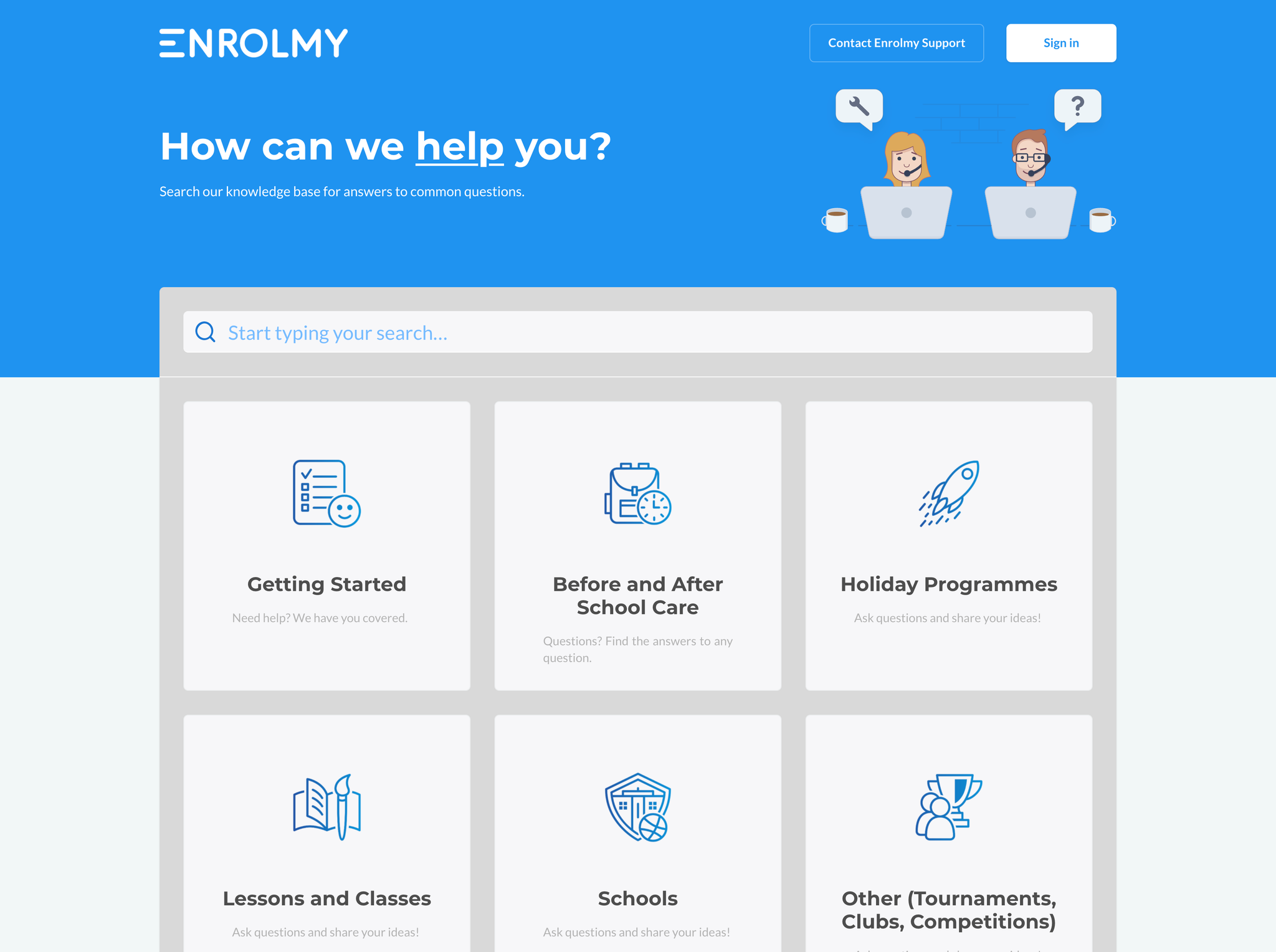
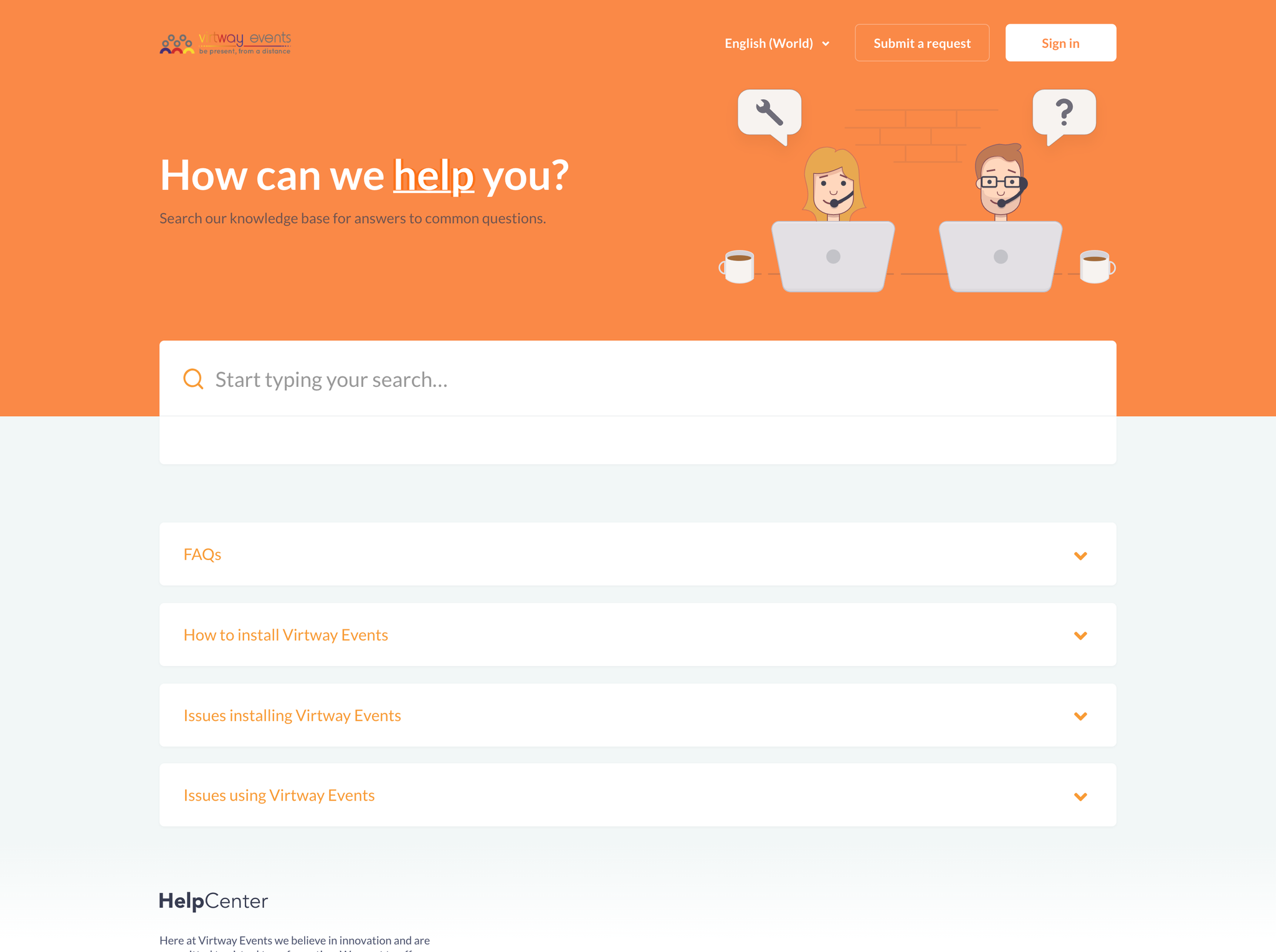
How we customized Hudson for customers
Frequently Asked Questions
How do the collapsible sections work?
On the homepage, each category appears as an accordion panel. Users click the category heading to expand it and see the articles inside. This lets them browse multiple topics without navigating away from the homepage.
Is Hudson only for FAQ-style content?
No. While the accordion layout works great for FAQs, it's equally effective for any content organization. Think of it as an alternative way to display categories—it works for troubleshooting guides, product documentation, policies, and more.
Can I customize the playful visual style?
Yes. The hero colors, background, and icon styles are all customizable in the theme settings. You can adjust the look to be more corporate if needed while keeping the helpful accordion functionality.
Does Hudson work with Zendesk AI?
Yes. Hudson supports Zendesk's AI-powered generative answers and works with all Zendesk Guide plans including Enterprise.
What Zendesk Guide plans does the theme support?
Zendesk Guide plans: Team, Growth, Professional, Enterprise
Do you offer a discount for startups?
If you are a startup (Series A or below), you can get 20% off all products and services for your help center for 6 months after the first purchase. You can apply for a discount here.
Are themes ADA Compliant?
The most adapted themes for accessibility are Flatrock, Mink, Braden, Lotus One, Conway, and Selway. They are not fully ADA Compliant but have the following features:
- Keyboard navigation: themes are fully navigable by keyboard without the need for mouse interaction.
-
Skip links:
themes have skip links that allow users to bypass navigation and skip directly to content or
vice-versa . -
Reduced motion:
themes have micro animations but detect if the user has requested that the system minimize the amount of
non-essential motion it uses.
We are constantly improving the accessibility features for our themes.
Can we install the theme?
You can install your new Zendesk theme fast and in a free manner. Simply follow these easy steps in the instruction. Alternatively, you can order our free installation service.
Can we make changes to the theme ourselves?
You can brand and customize the theme on your own. Our templates have advanced tools for basic changes (colors, fonts, hero image, icons & homepage layout). You don't need coding skills as you make changes in the editor.
If you're familiar with HTML and CSS, you can also make any Zendesk customization at any time. You get access to the code that's easy to read and modify for other developers. If you don't want to spend time on Zendesk customization and get everything done fast and to the highest standard, you can order the Customization service from us.
How do we get the theme after the purchase?
In 3-5 minutes, you get an email with a zip where you will find files for importing into the help center. You can customize the theme as you wish before publishing.
Do the themes support the multilingual feature?
Yes, they do. In addition to standard Zendesk multilingual functions, every theme also includes certain
Does the theme affect content?
If you are worried about losing or modifying your Help Center content while installing any of our themes, don't be. We take care of it.
Our themes don't affect any Help Center content or content management options. You can edit Articles, Categories, etc. as normal by using the built in Zendesk Editor.
Moreover, there are some additional features that become available after installing our themes: the Knowledge Base and Community can be filled with some cool visual components and Font Awesome icons.
Customization and installation activities will not affect any content or availability of your Help Center. You check the changes and publish everything when you are ready, the changes are published immediately.
After theme installation, the content of your articles, sections, and categories will remain the same and be displayed in the new design.
Are the themes compatible with Zendesk functions?
Yes, they are fully compatible. As a Zendesk partner, we know the ins and outs of their software and add components not offered by Zendesk.
How easy is it to maintain and modify the theme?
It is very easy to maintain the theme and make changes if you are familiar with HTML and CSS. Our developers use modern design tools and
What payment methods do you accept?
We accept all global debit, credit cards, PayPal payments, and bank transfer. Find detailed instructions in our help center.
Can I change the theme or get a refund if I don't like it?
Since Lotus Themes is offering non-tangible irrevocable goods, we do not make replacements and refunds once the order is complete and the product is sent. However, we realize that exceptional circumstances can take place. So we approve refund requests only in these force majeure situations.
Let’s see what
our customers say