Zendesk Theme Delta
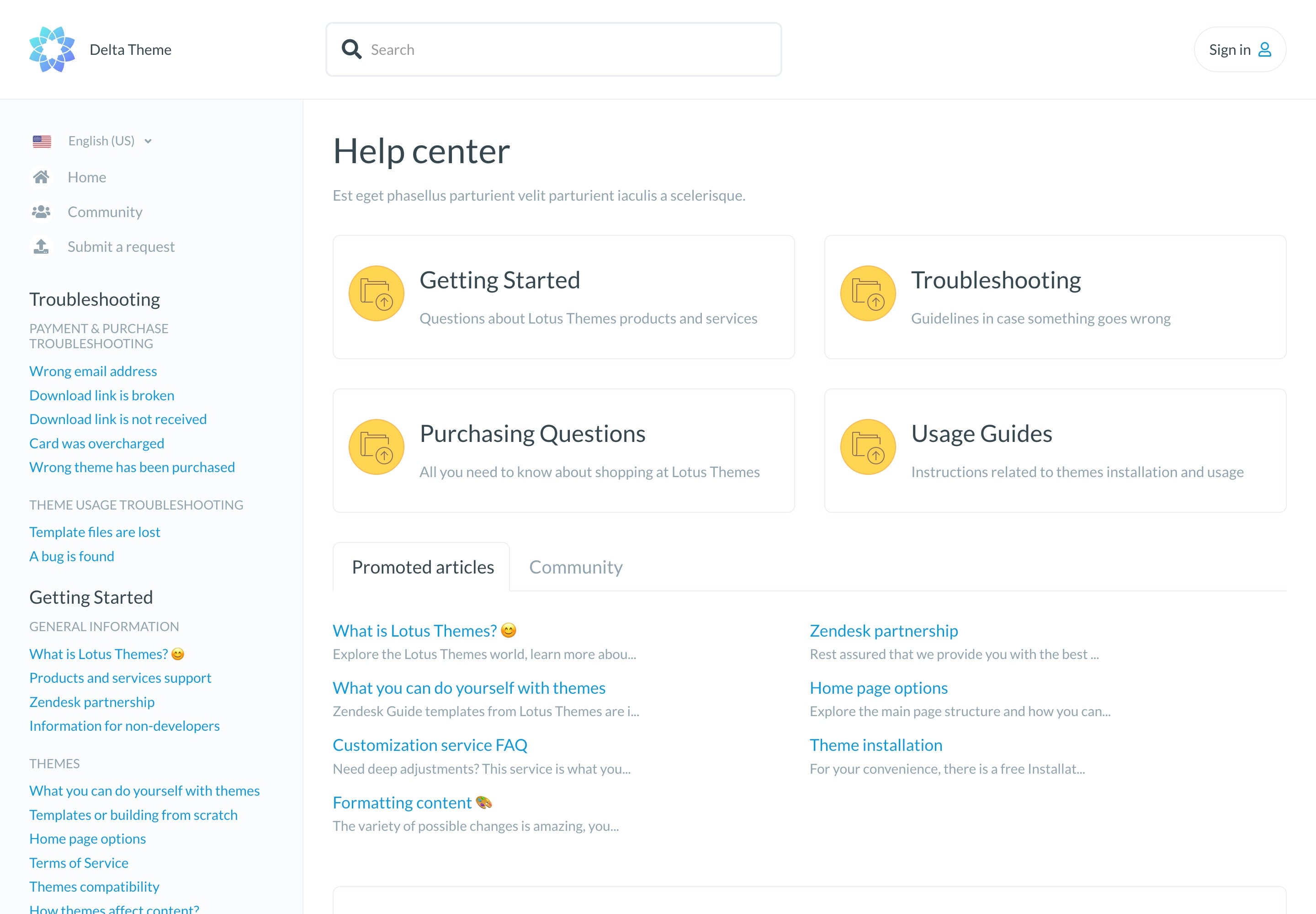
Delta is a documentation-style Zendesk theme inspired by API docs and technical knowledge bases. It features a persistent left sidebar for navigation and automatic article loading as you scroll—perfect for teams managing tutorials, developer guides, or detailed product documentation.
About the theme
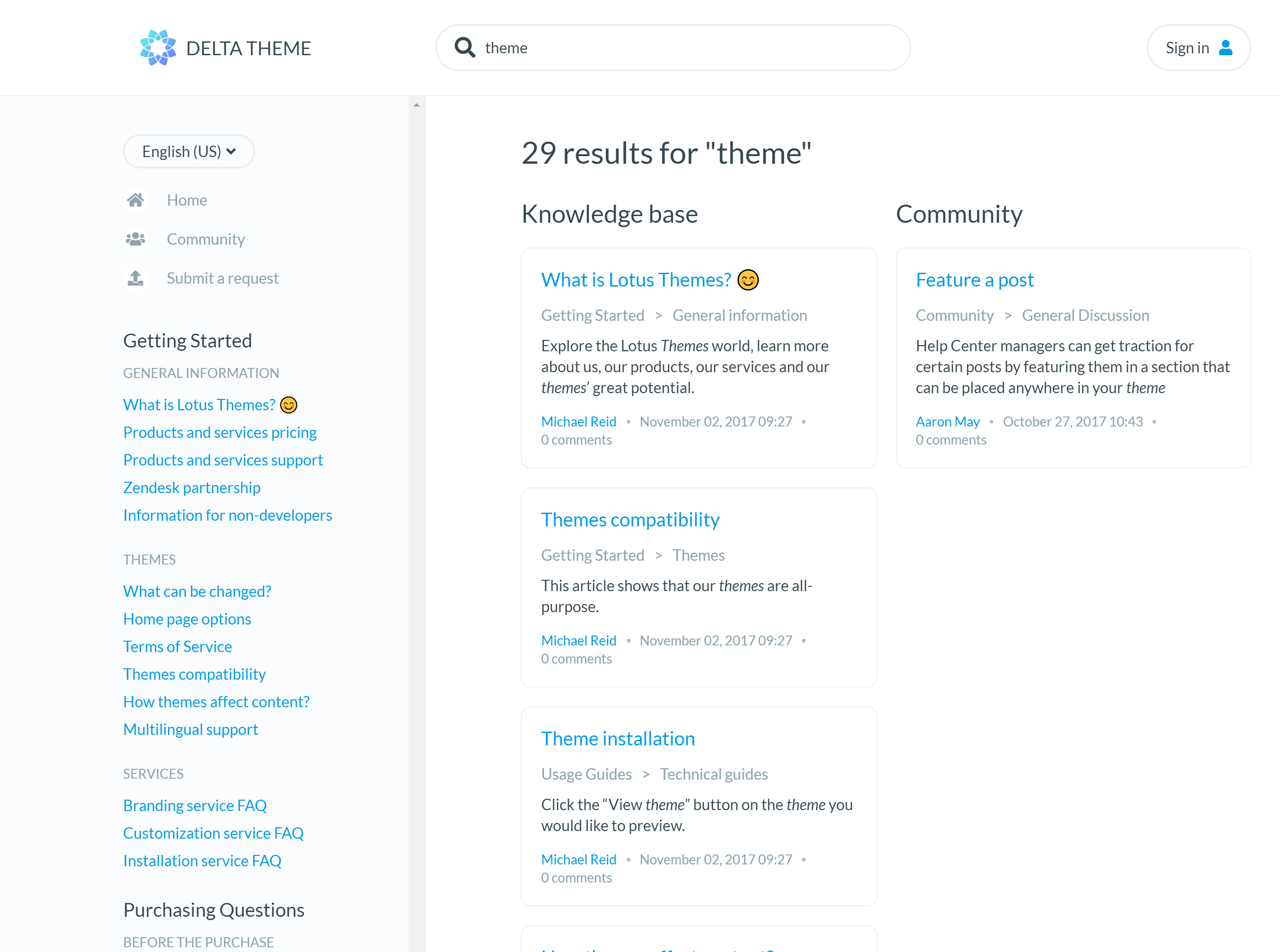
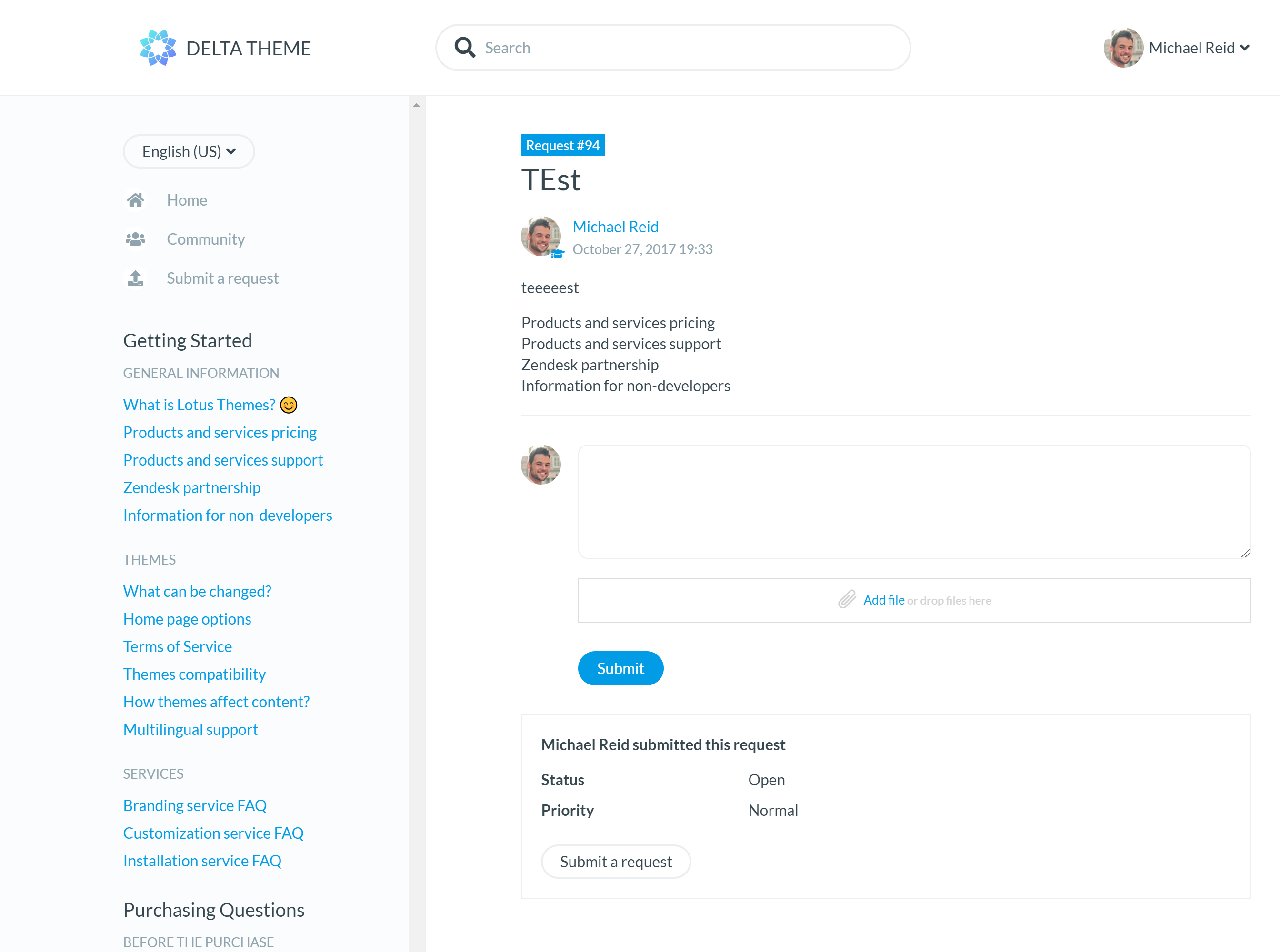
Delta reimagines the help center layout for documentation-heavy use cases. Inspired by developer documentation sites, it places navigation in a persistent left sidebar while content occupies the main area, a format familiar to anyone who's used API docs or technical wikis.
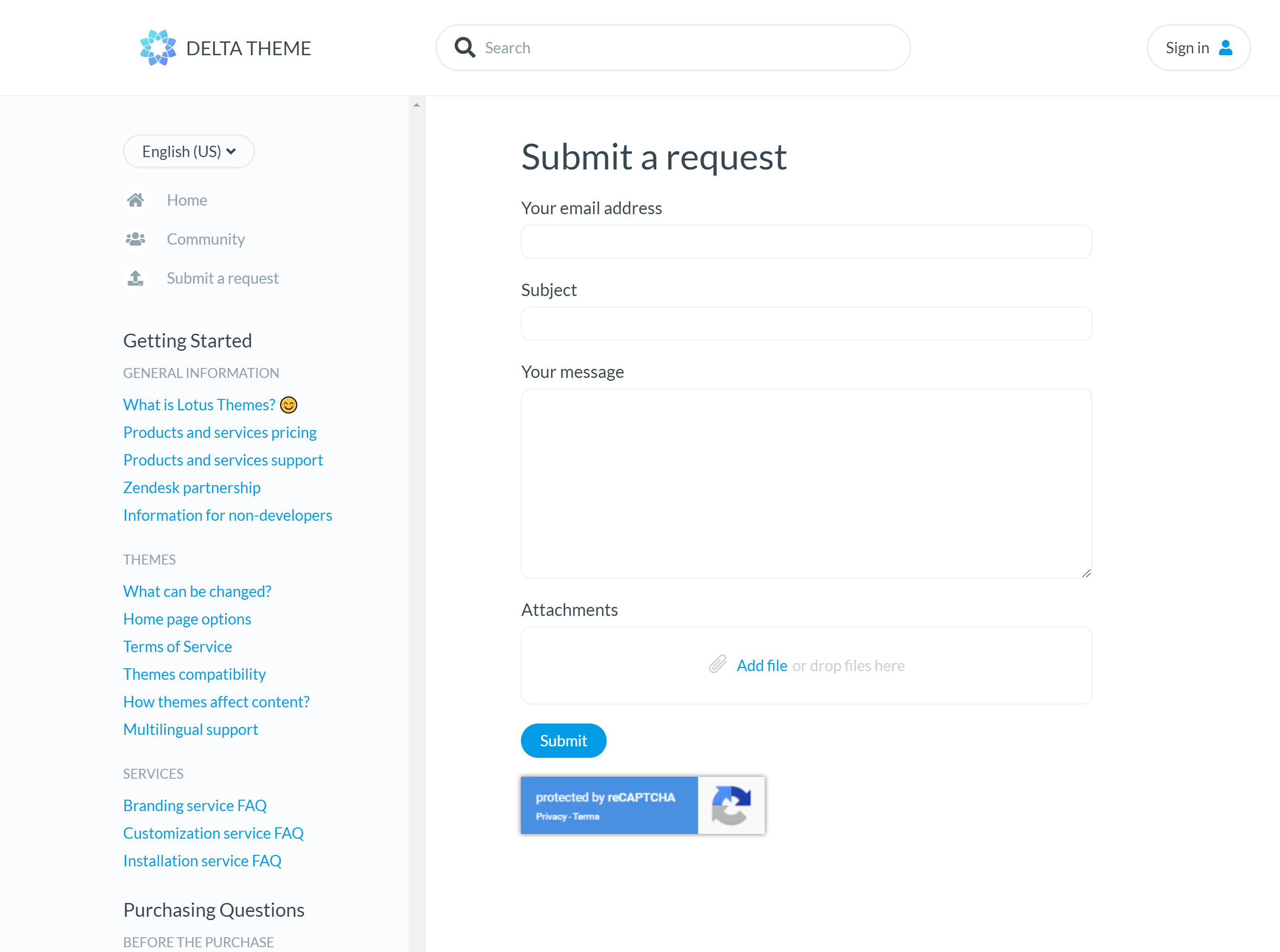
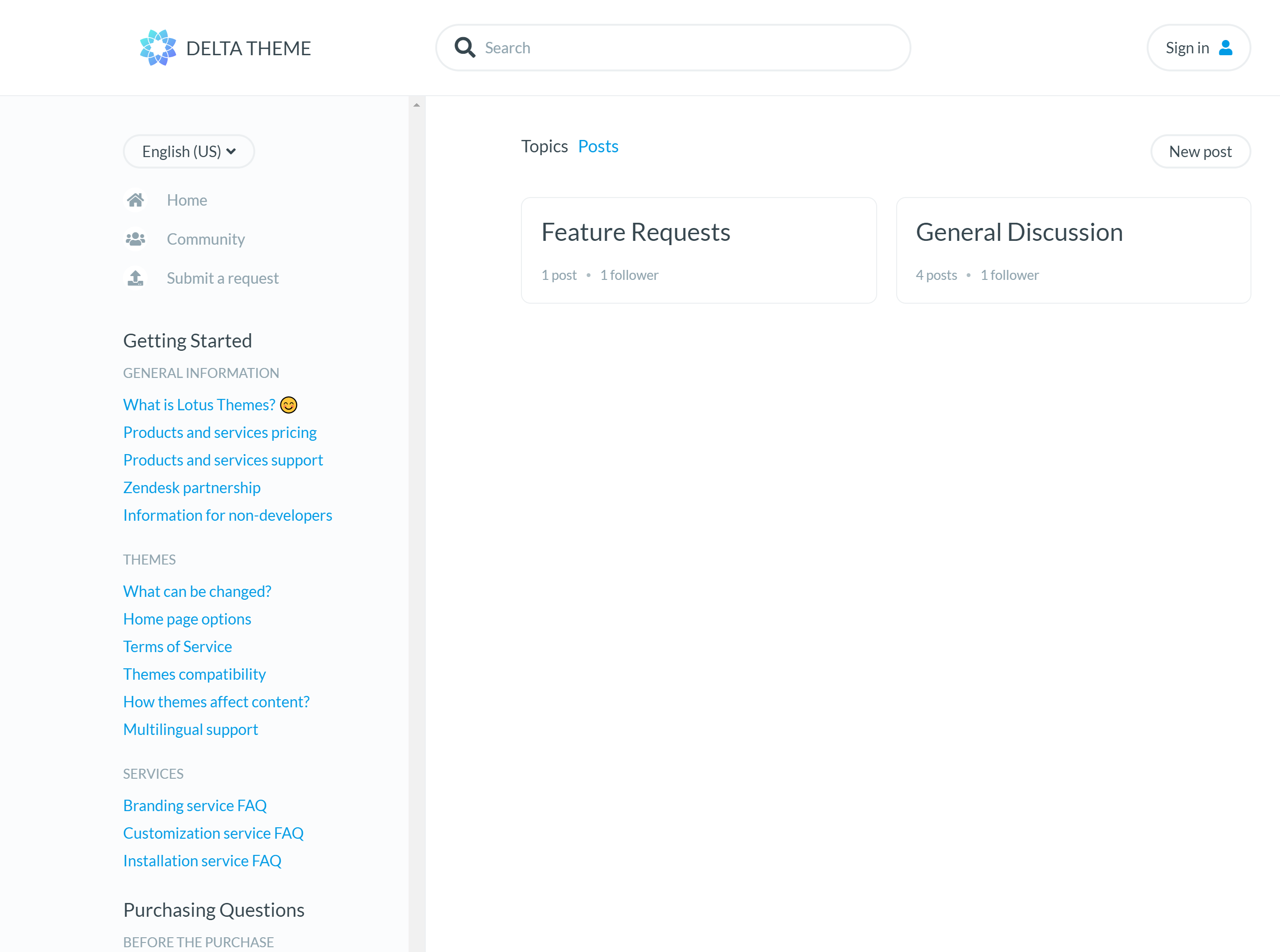
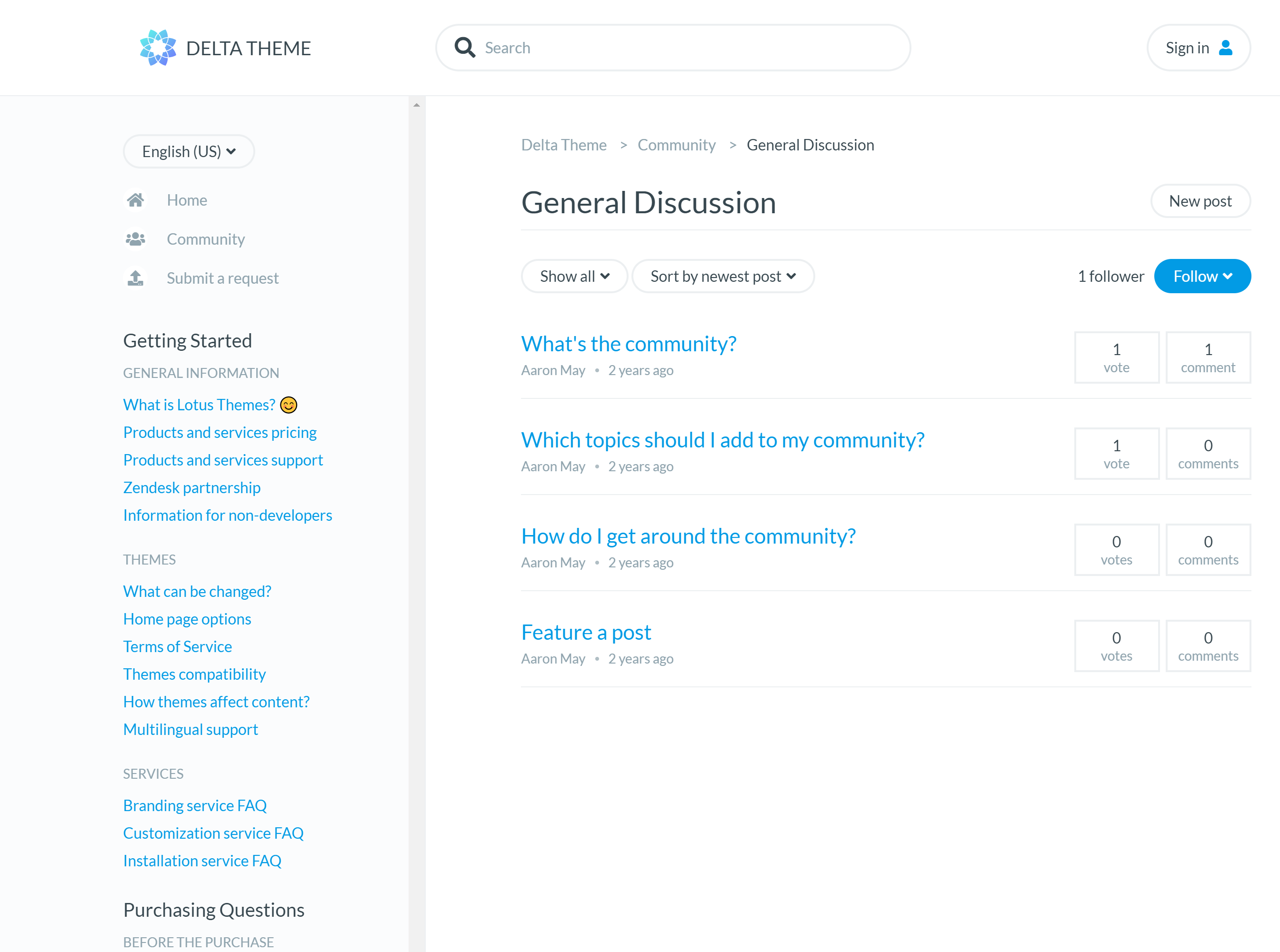
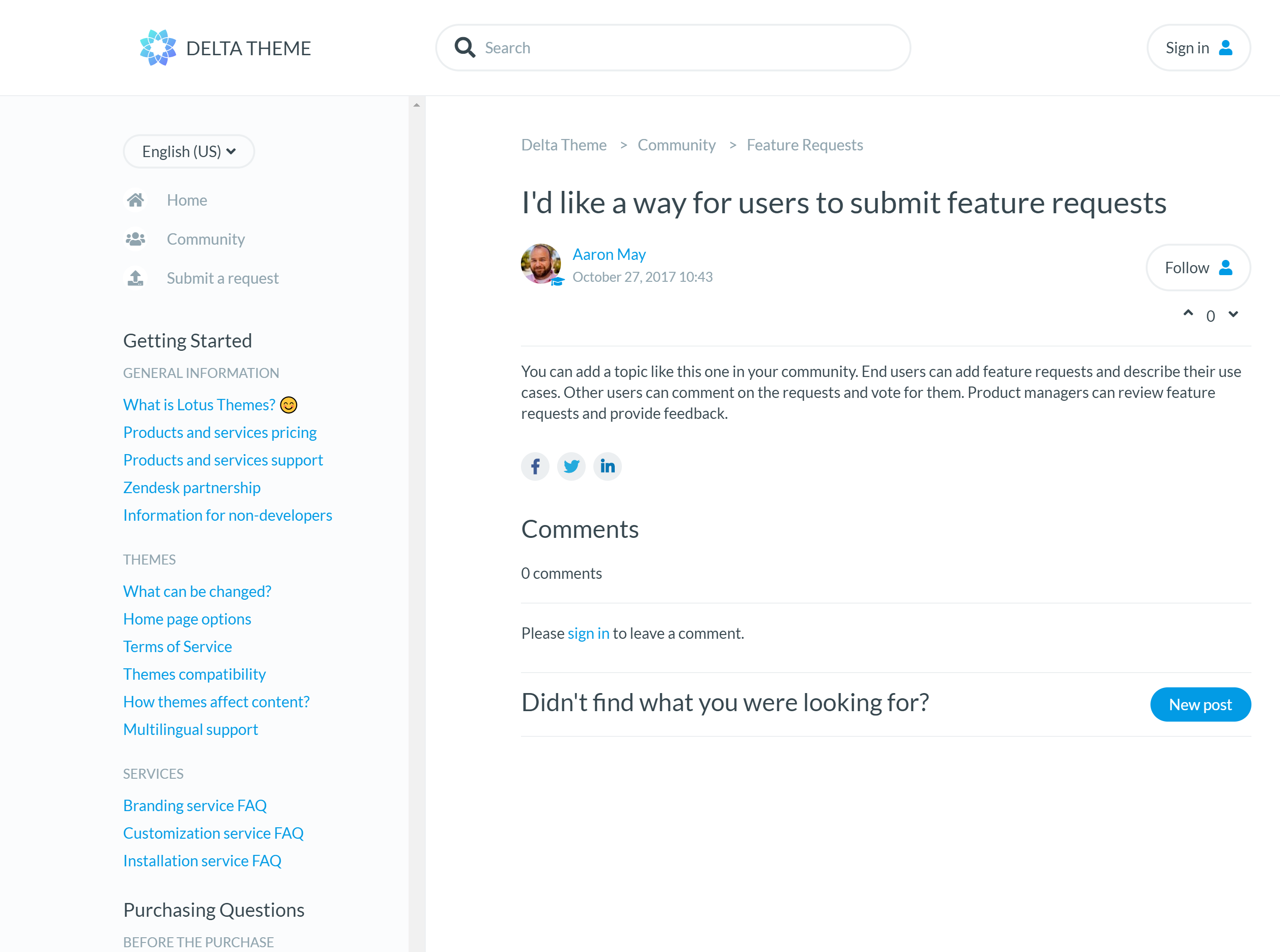
The sidebar shows categories, sections, and articles in a tree structure, staying visible as users scroll through content. This makes it easy to understand the overall documentation structure and jump between related topics without losing context.
A unique feature: when you reach the end of an article, the next article loads automatically. This creates a seamless reading experience for tutorials and guides meant to be consumed in sequence, reducing clicks and keeping users engaged with your content.
Best for
- Technical documentation and developer resources
- Step-by-step tutorials and learning sequences
- Product guides with many interconnected articles
- Zendesk Guide Growth, Professional, and Enterprise plans
Use when
- Your help center functions more like documentation than a support portal
- Users need to navigate complex content hierarchies
- You have tutorials or guides designed for sequential reading
- You want a familiar docs-style interface
Key features
Customization & Branding
-
Fully customizable
Customize the header, footer, custom blocks, call-to-actions and more.
-
Easy branding
Extensive color settings to quickly match your brand identity.
-
Full access to the source code
Full access to templates, CSS, images, and JavaScript for any modifications.
-
Different layouts and styles
Customize theme with the right appearance for your content and design.
-
Support for any font
Popular Google Fonts included, plus easy custom font support.
-
Multiple language support
All languages and locales supported by Zendesk.
Design & Quality
-
Professionally designed
Easy to use and navigate with best UI/UX practices.
-
Mobile-first and responsive
Responsive and Retina-ready design that works on any device.
-
SEO and accessibility
Built for people to help them find what they need.
-
Article formatting styles
Pre-built styling for tabs, accordions, code blocks, tables, and more.
-
Free lifetime updates
All future updates at no additional cost.
-
Extensive documentation
Step-by-step guides for installation, branding, and customization.
Built-in Extensions
-
Side navigation extension
Sleek side navigation menu that improves user experience and accessibility.
-
Icons for categories
Visual icons to help users quickly identify different categories and topics.
Layout & core pages
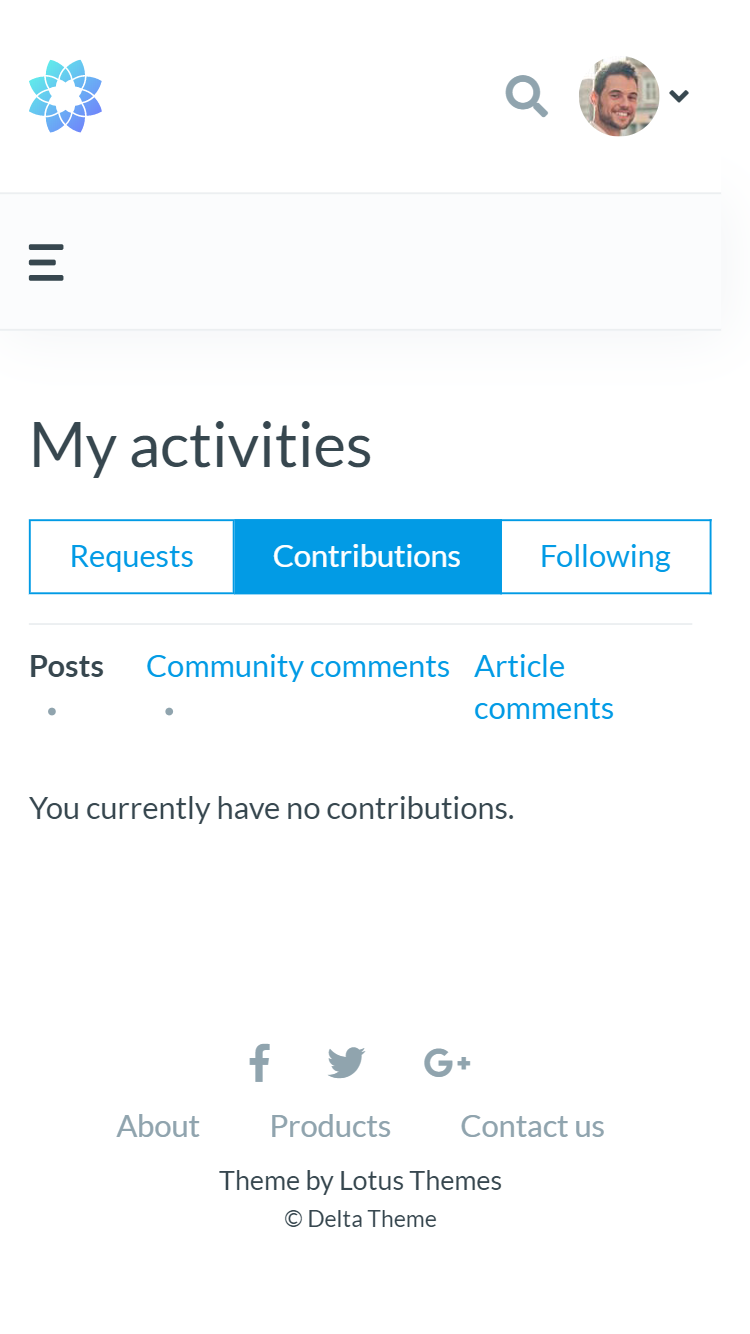
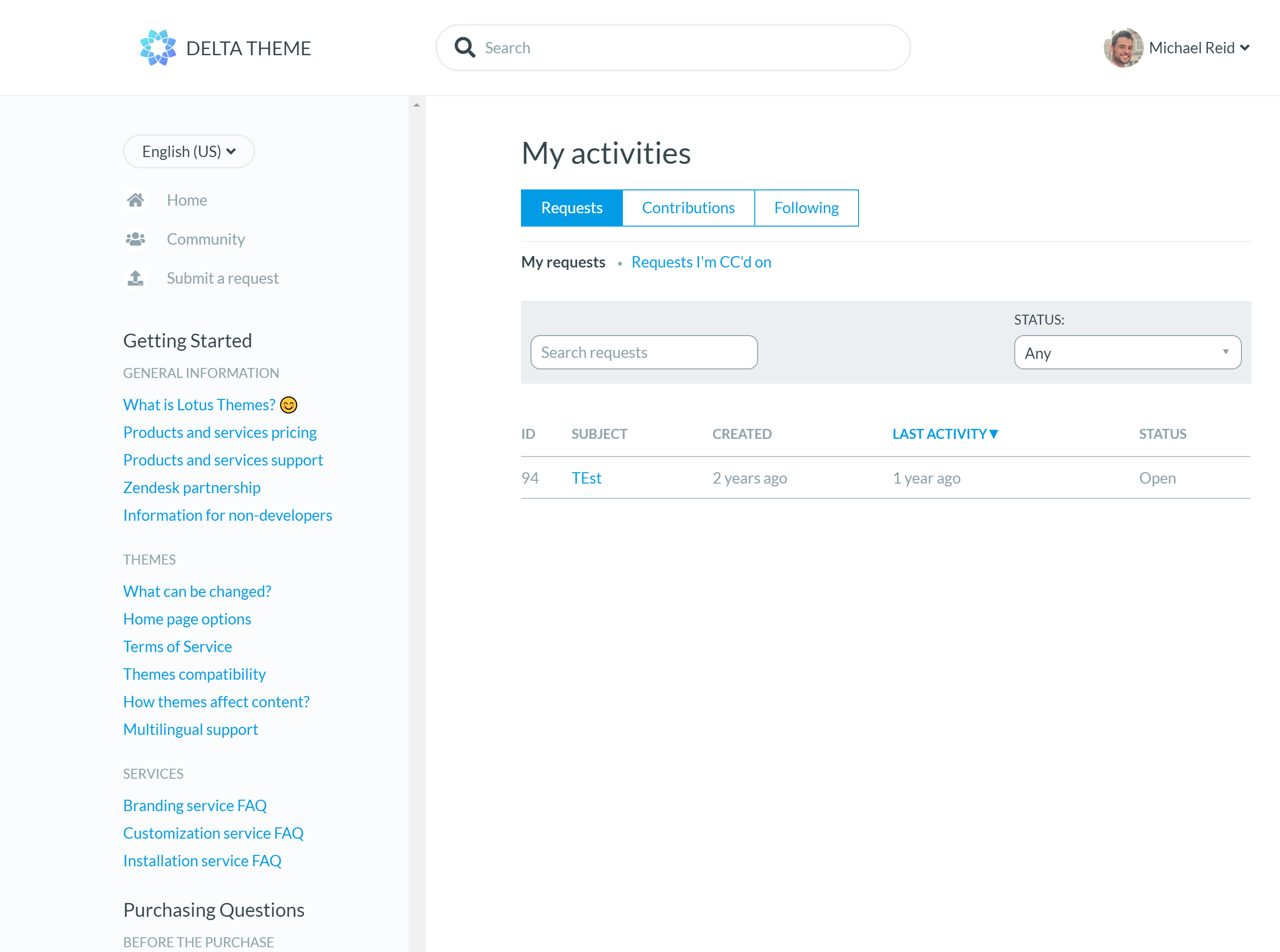
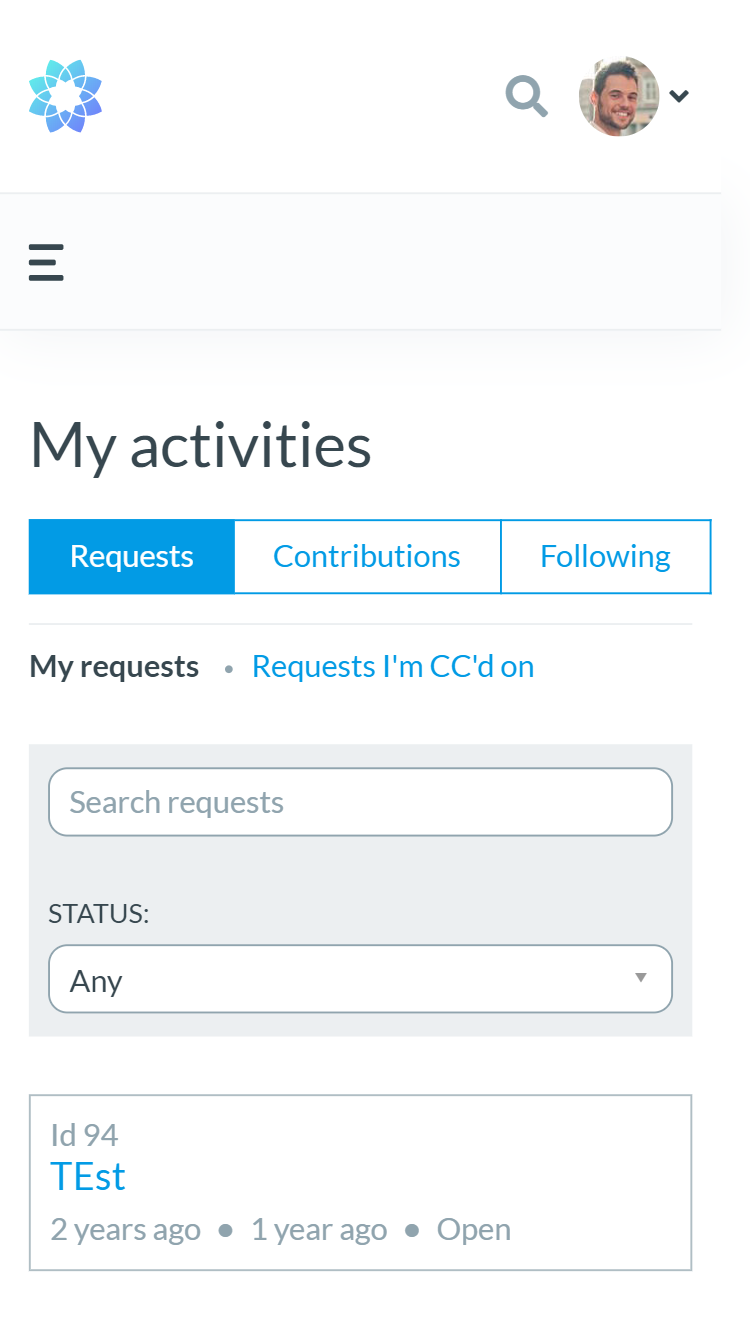
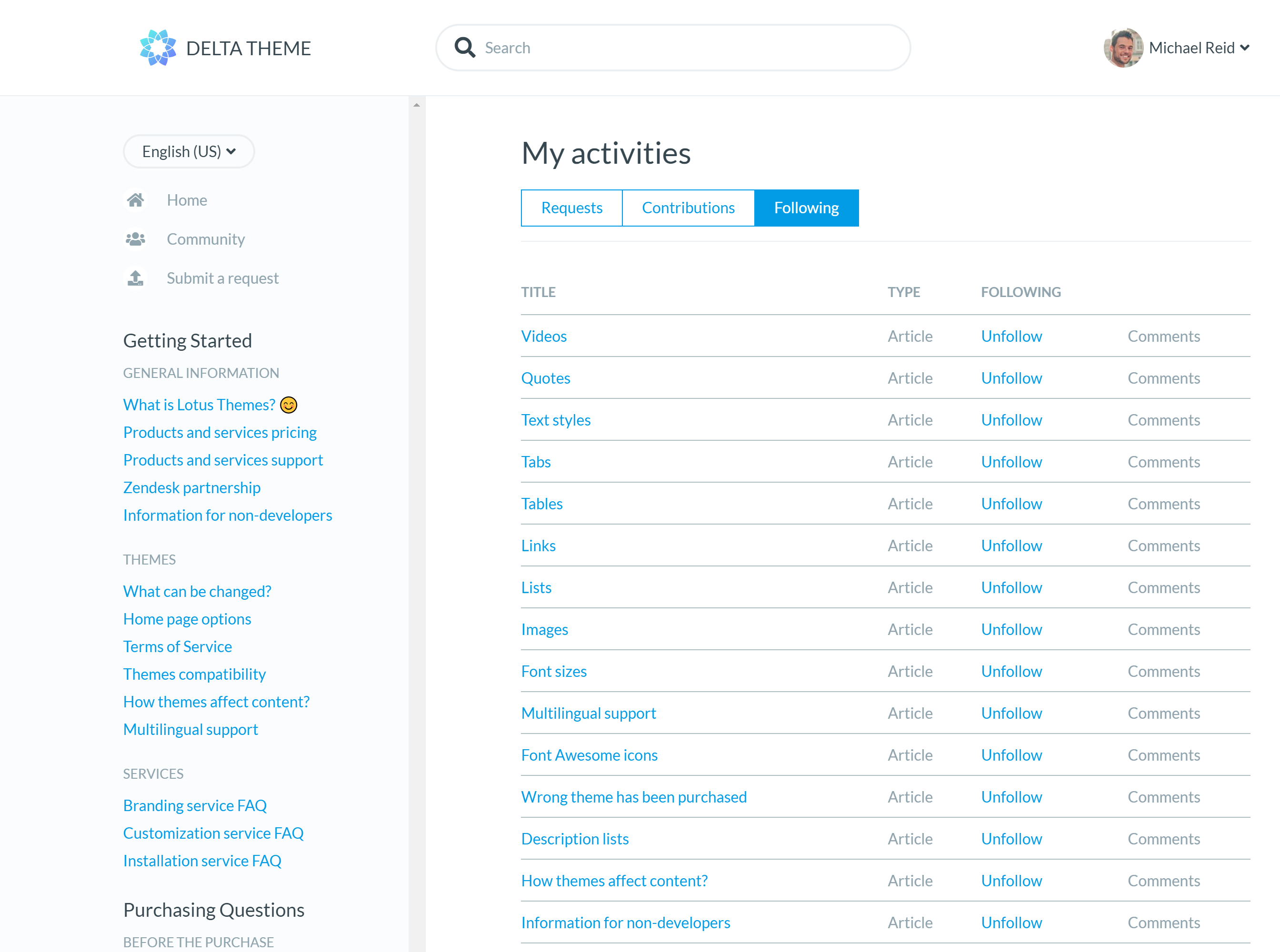
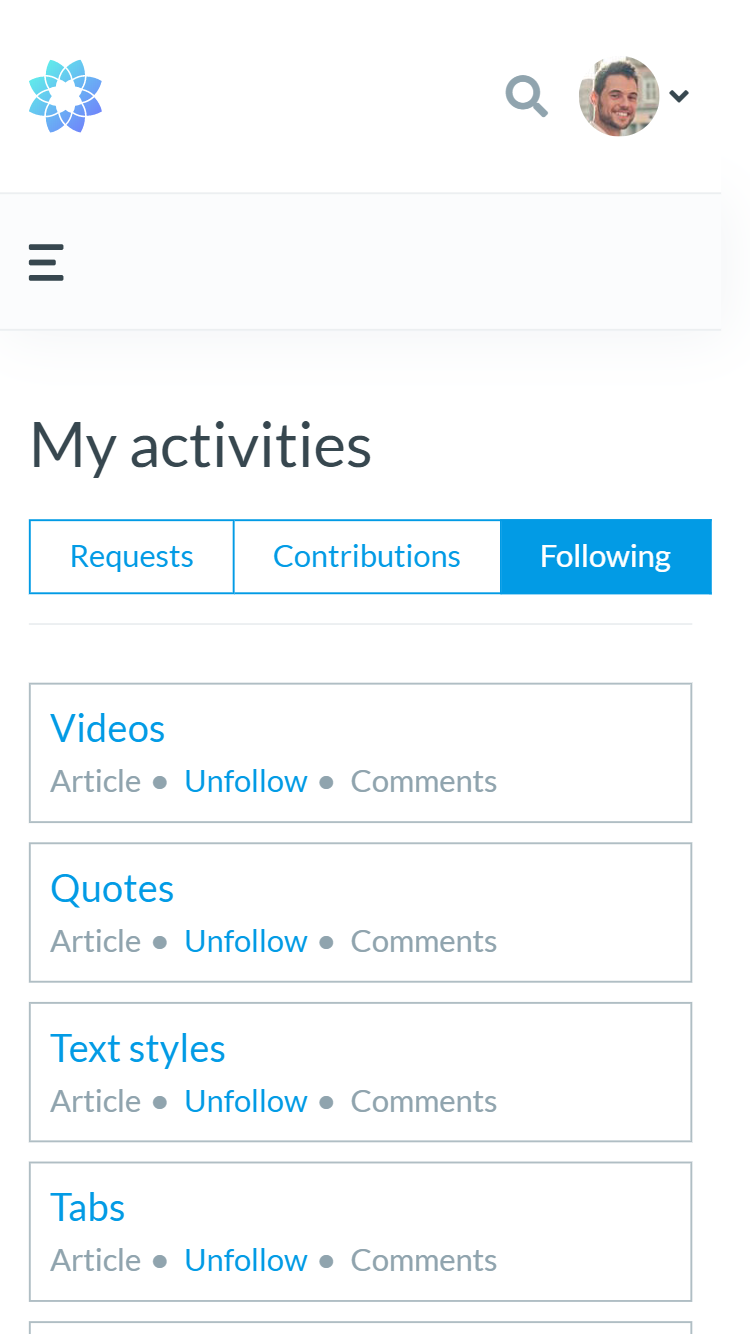
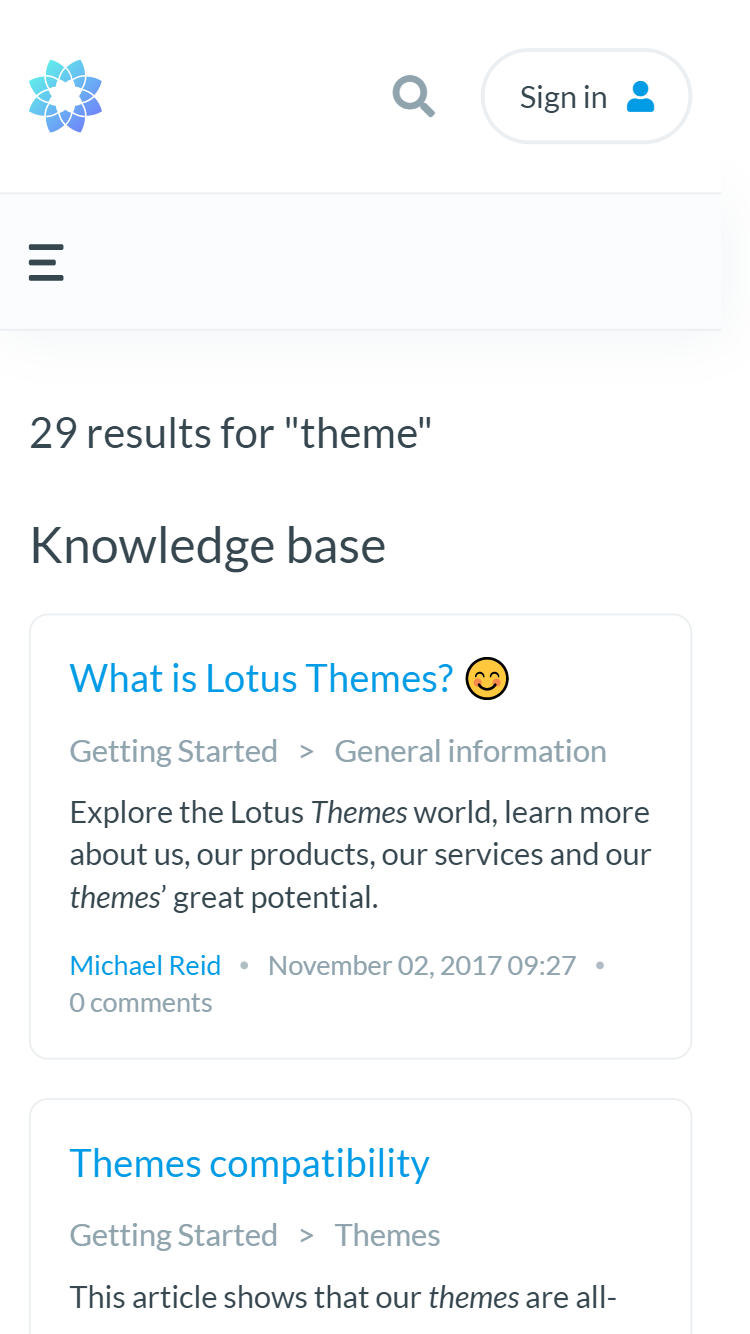
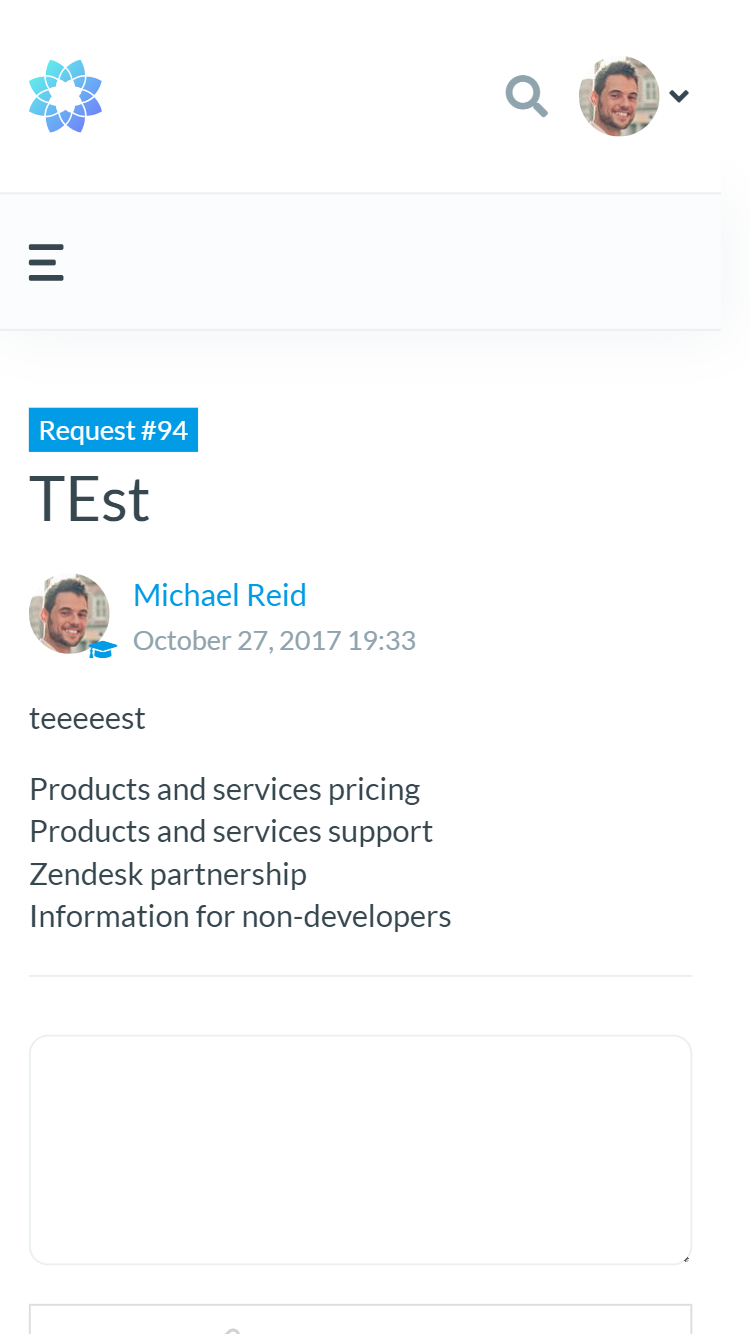
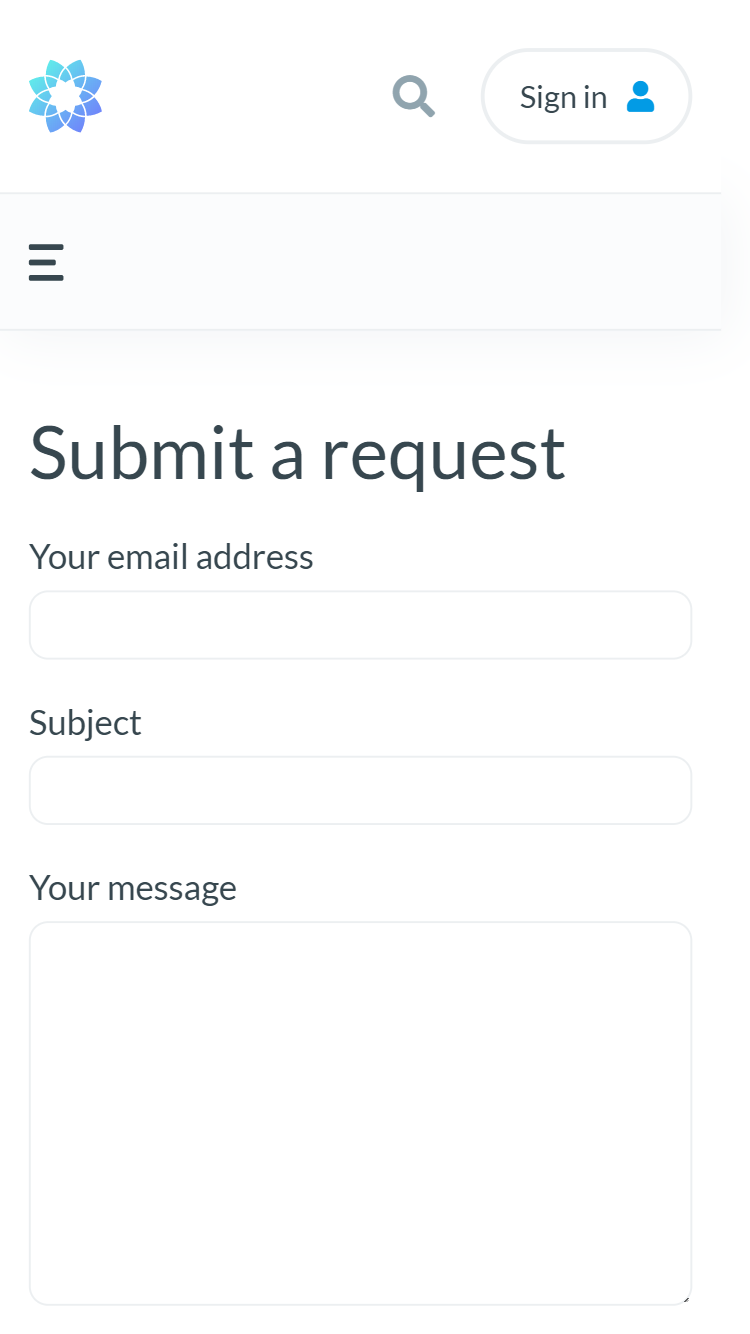
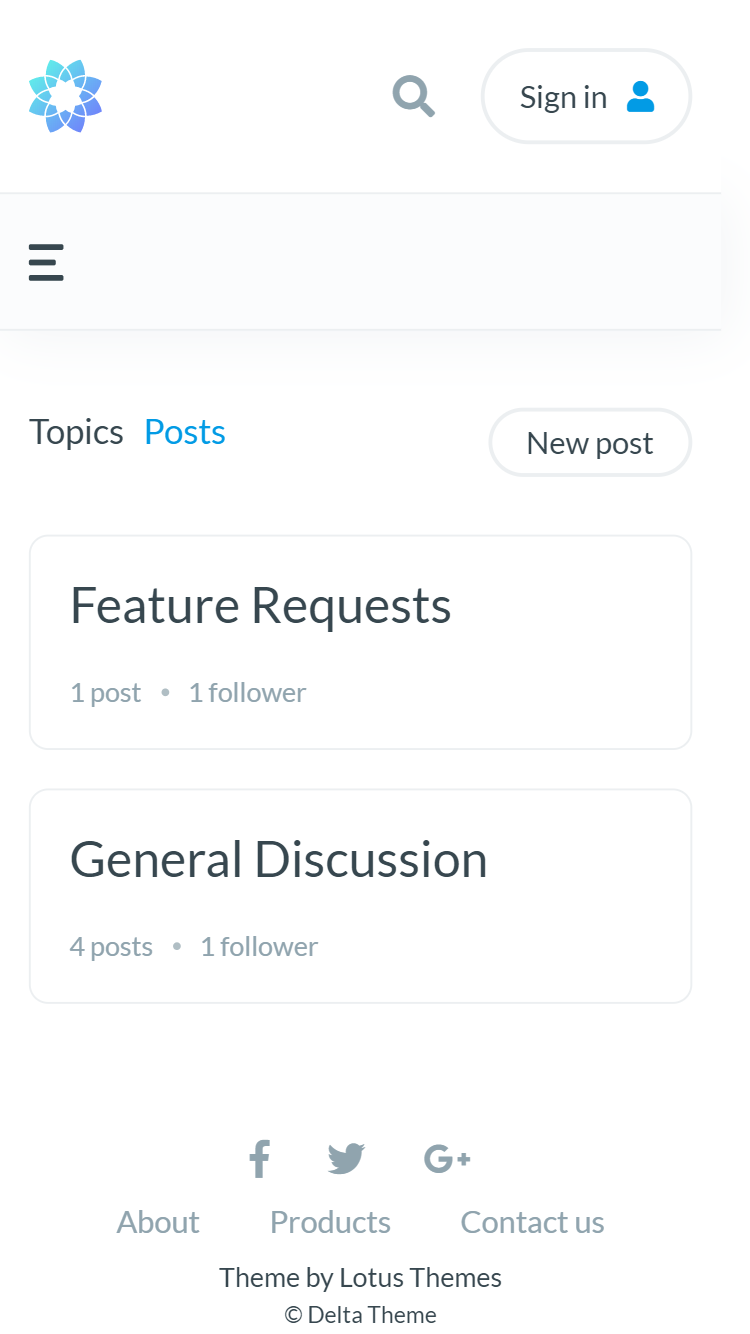
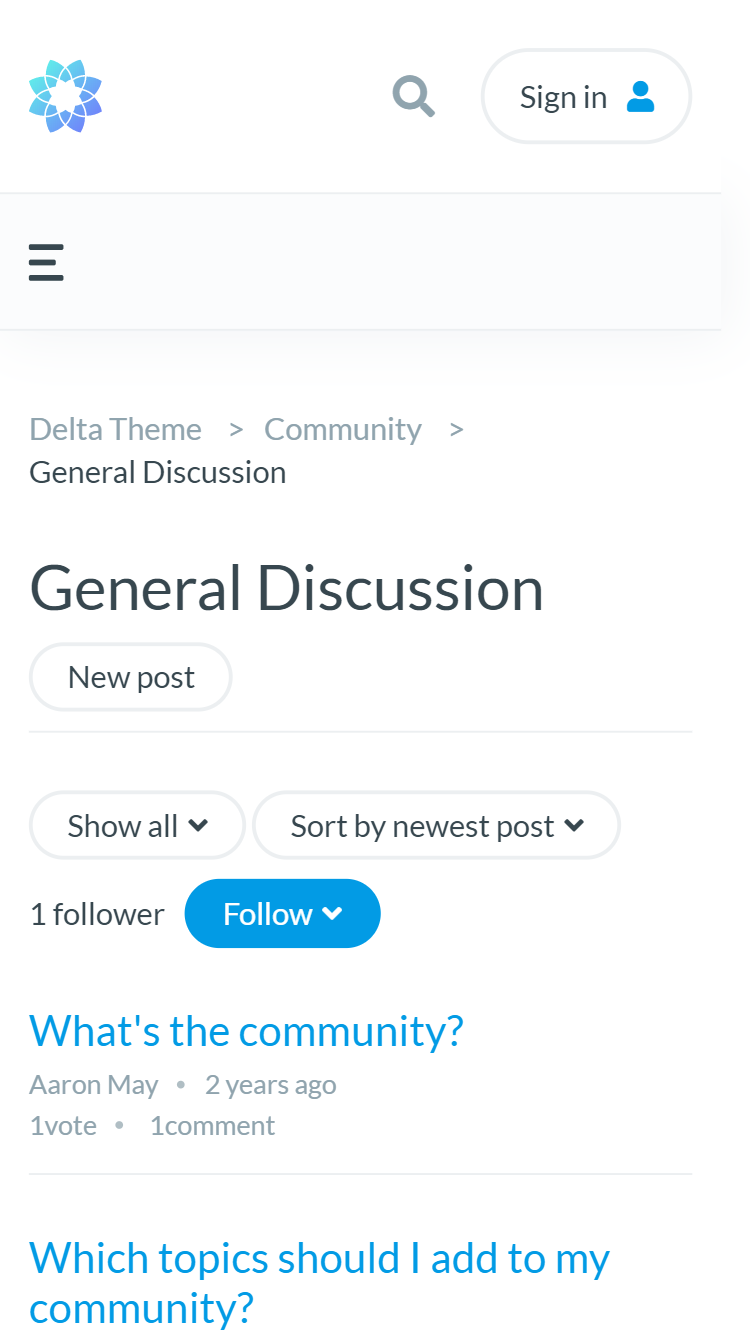
All the pages are designed to provide great user experience
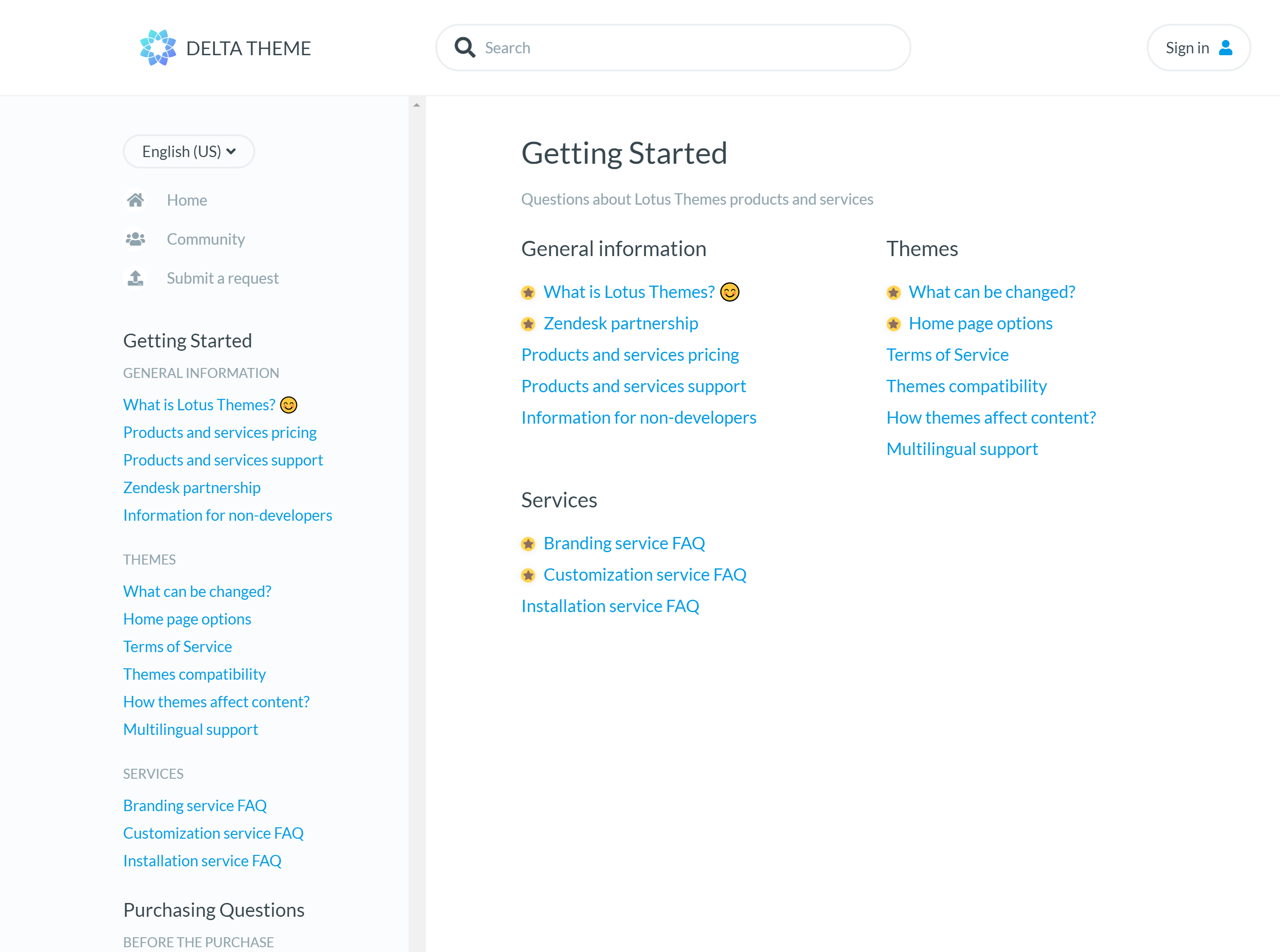
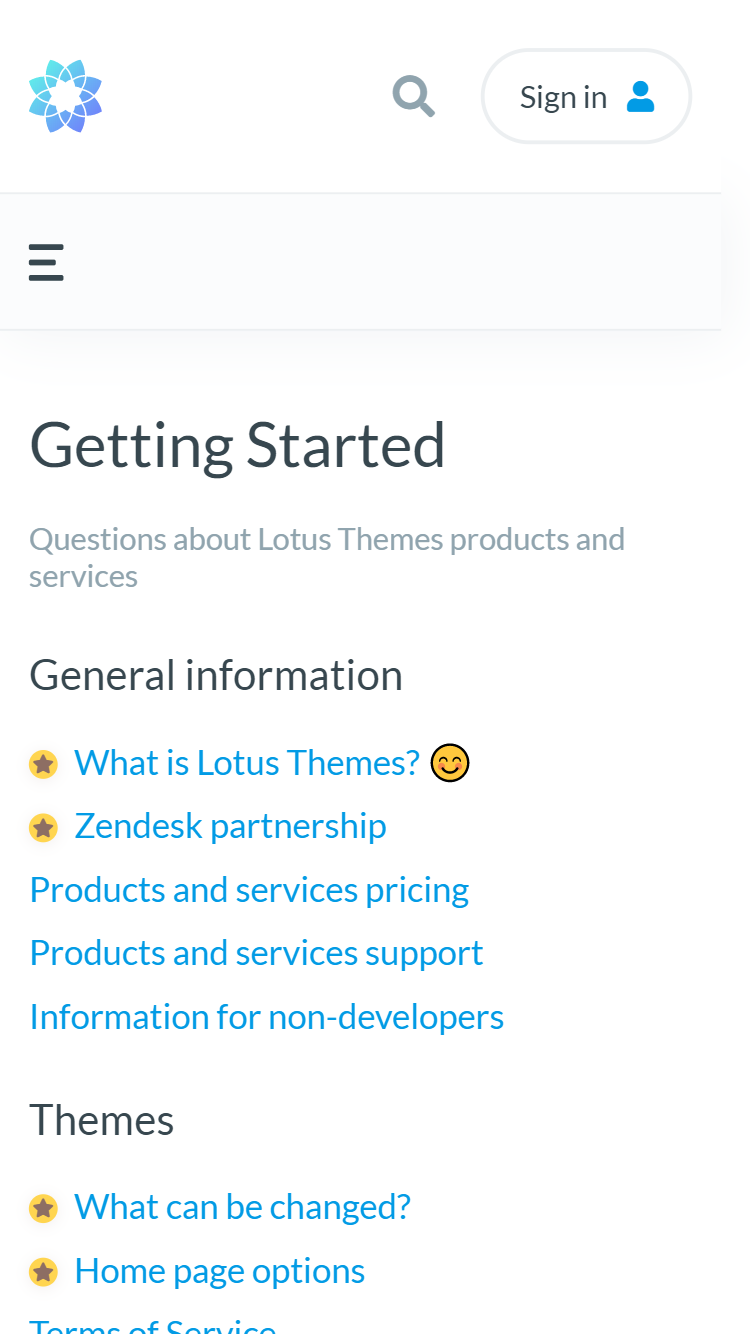
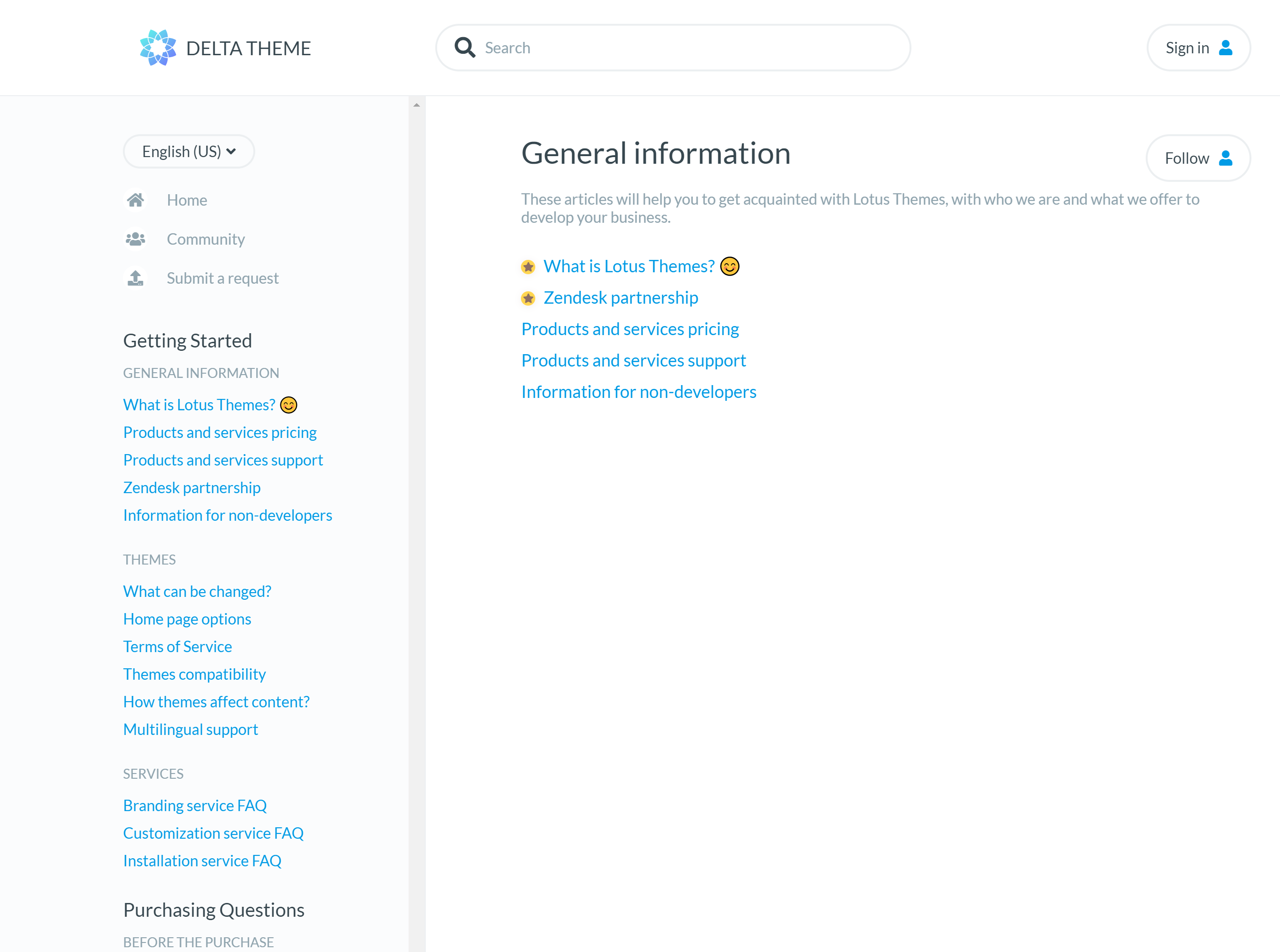
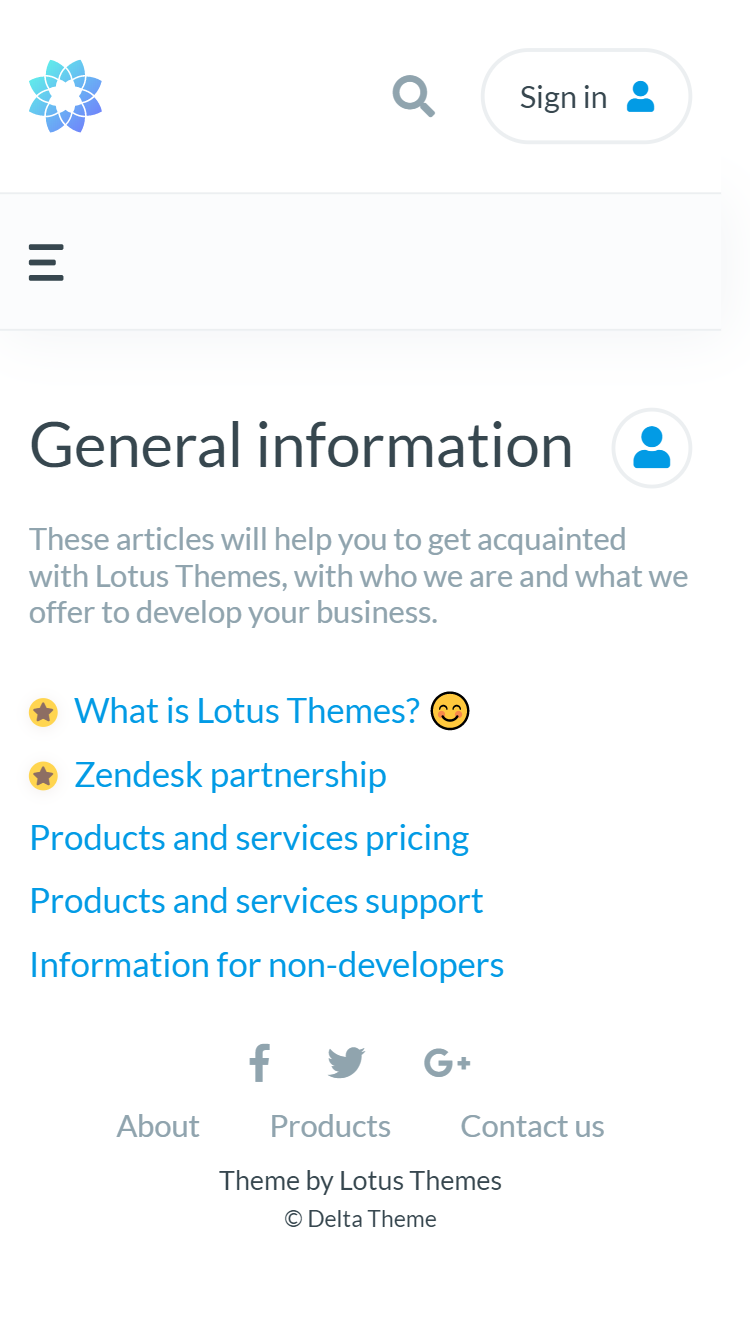
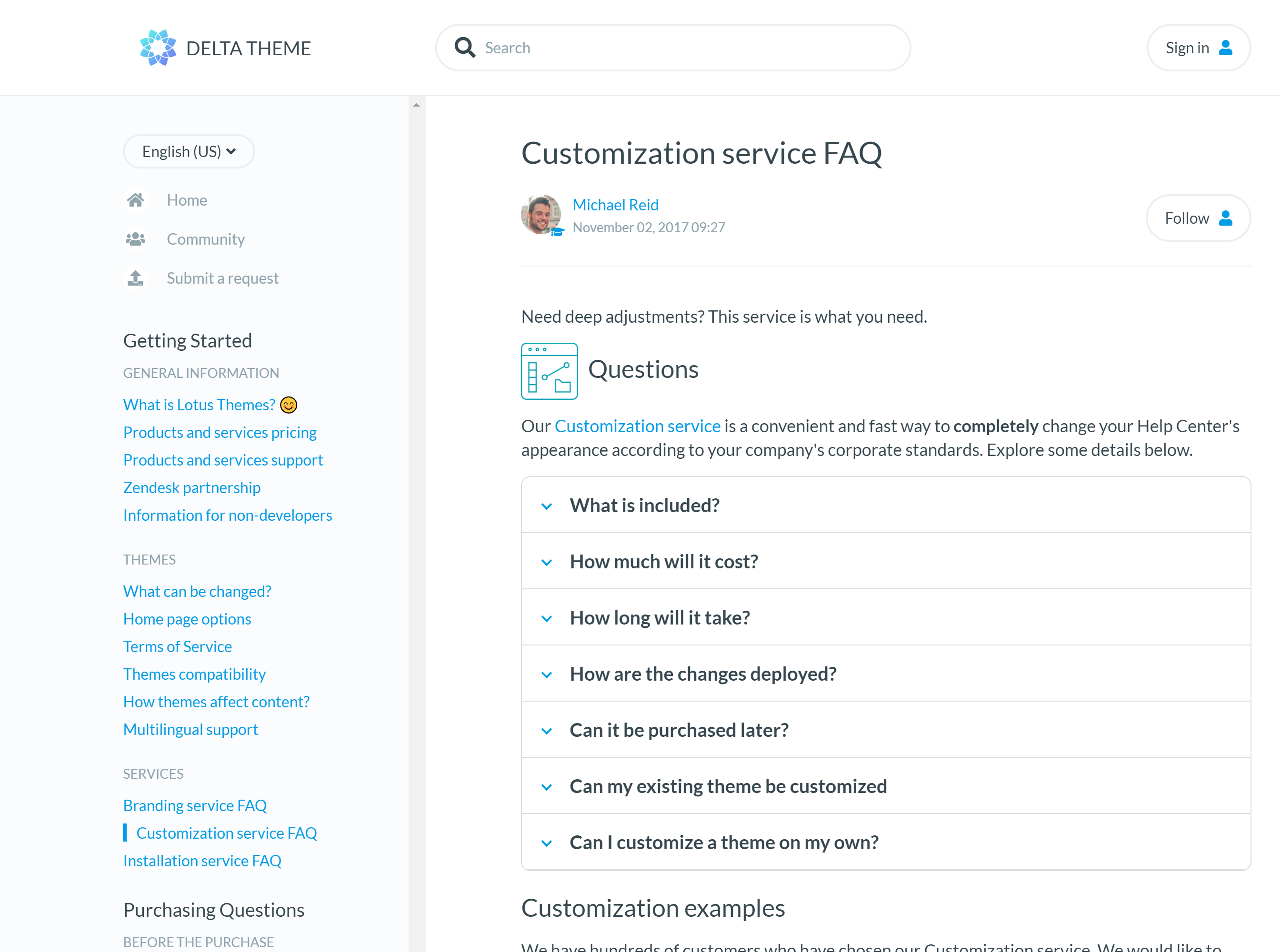
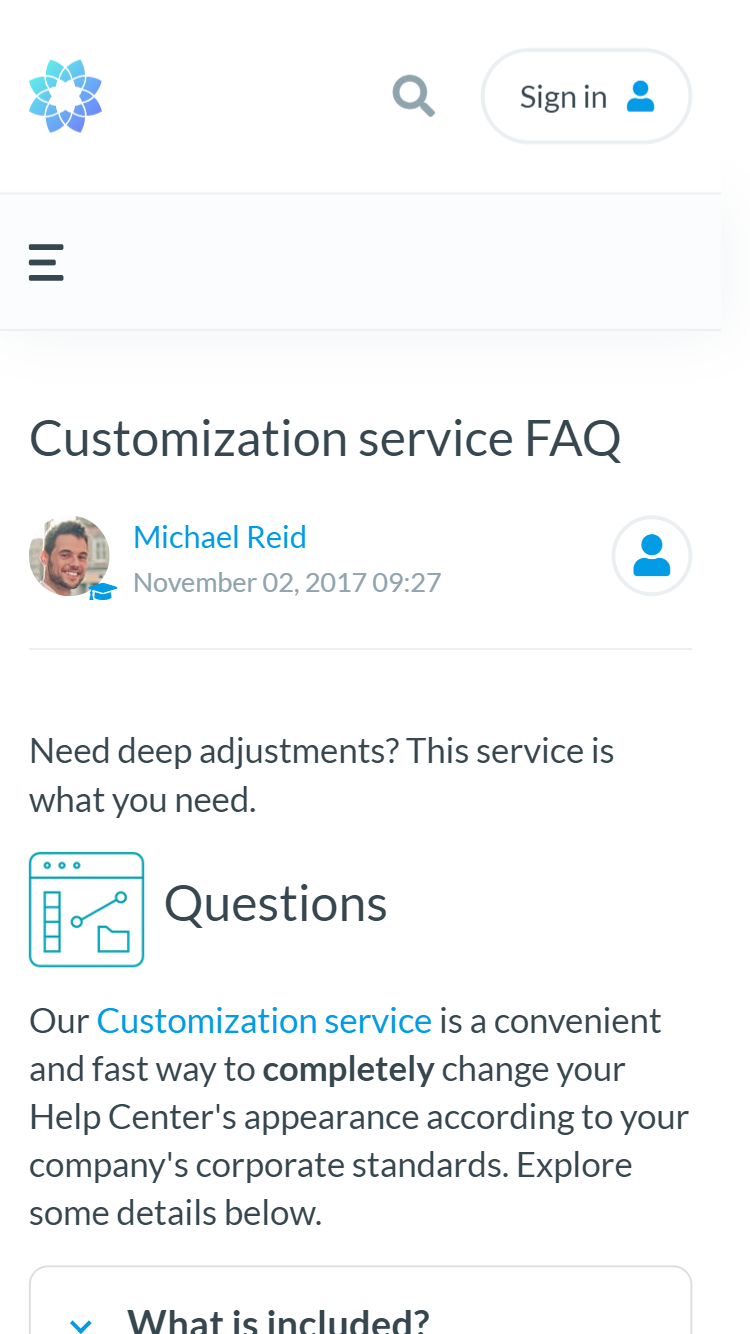
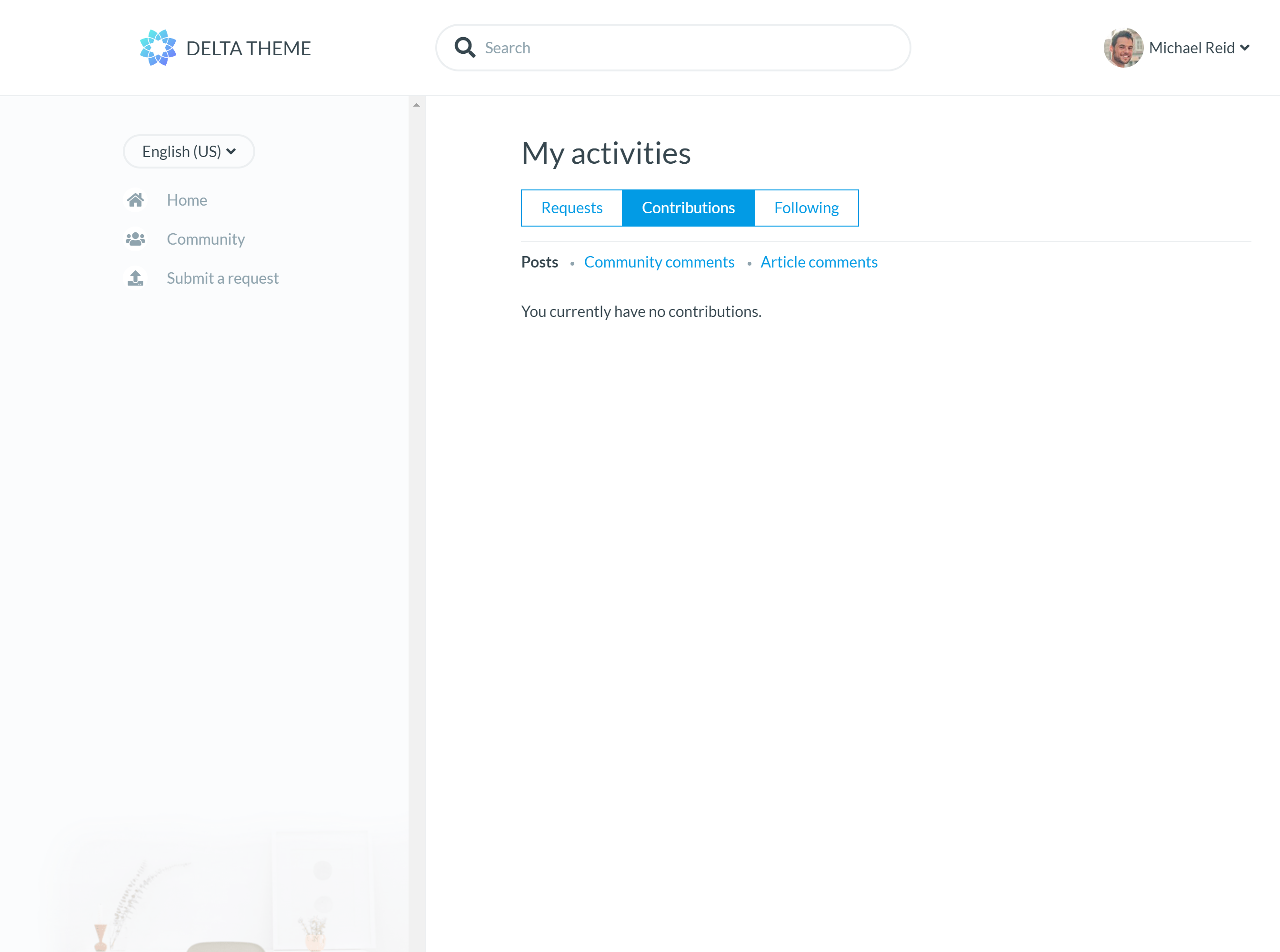
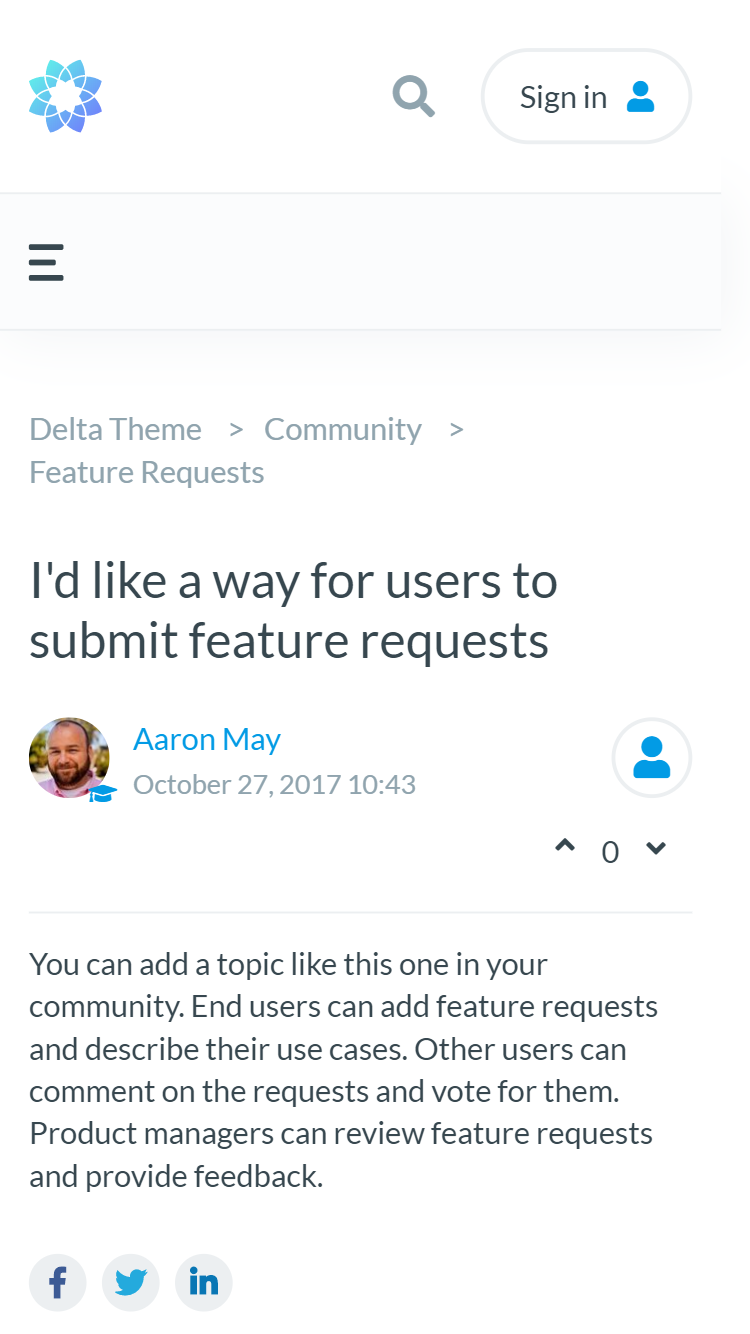
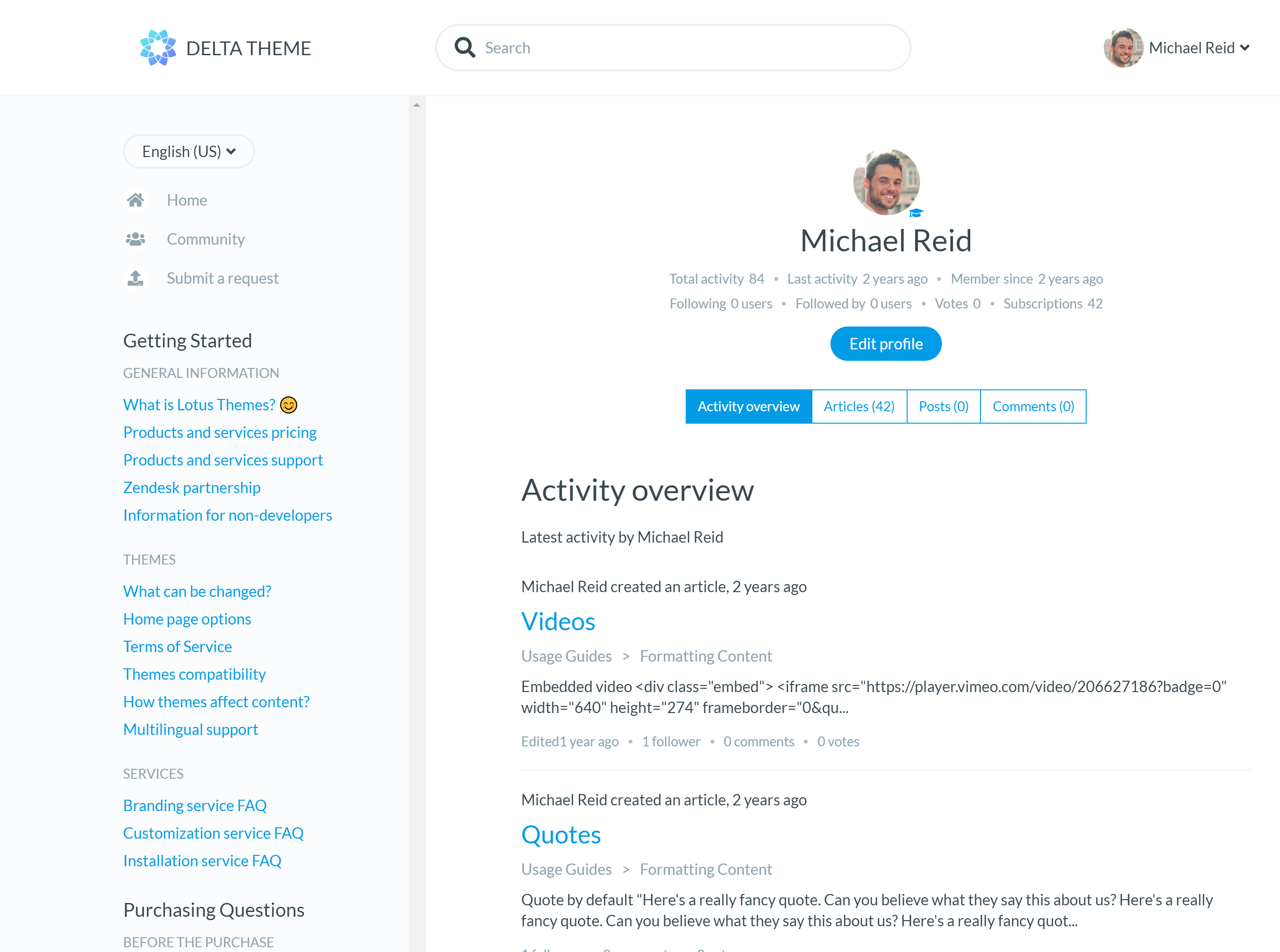
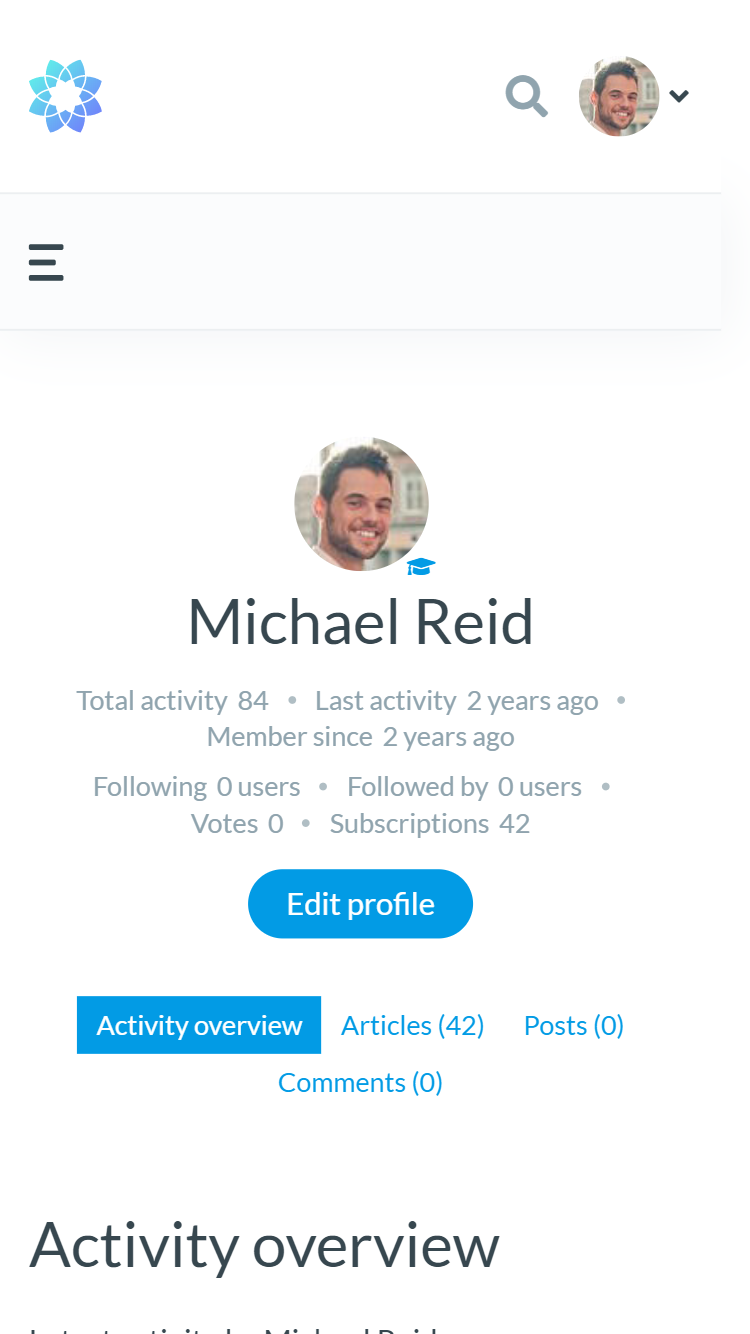
Extend the theme as your help center grows
Improve the theme with

Article Formatting Options
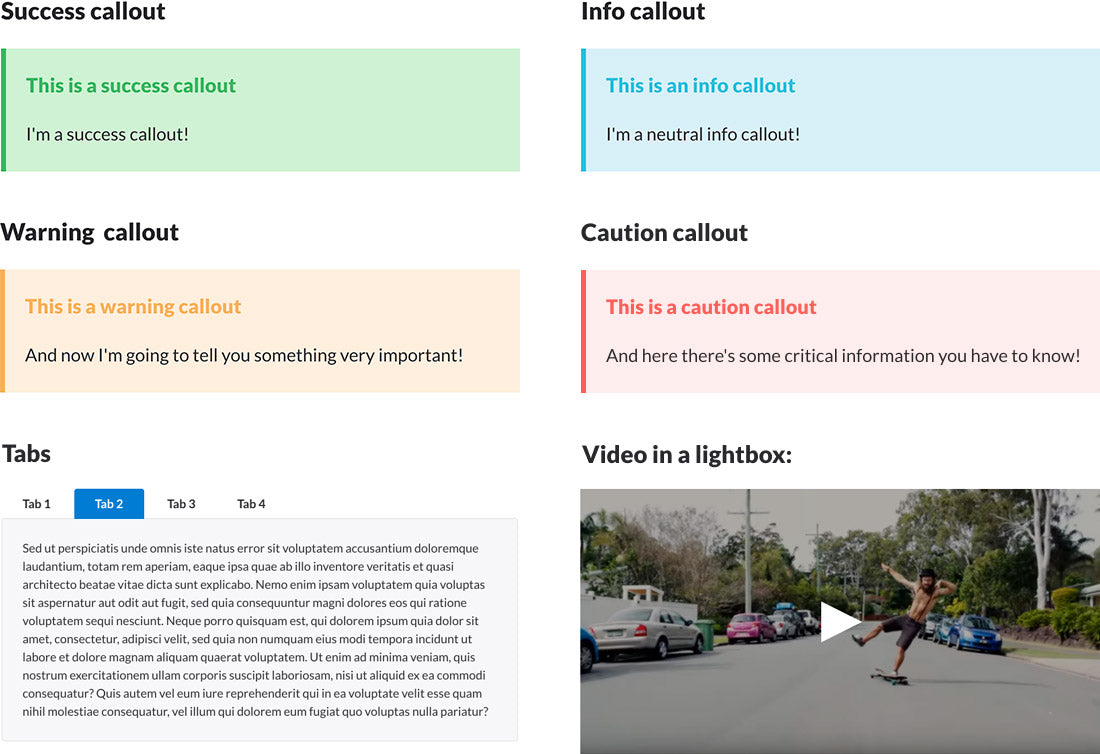
Our themes have built-in article formatting options to make your content more attractive and easier to read without multiple plugins or theme customization.
You can significantly improve your articles with tabs, accordions, fonts, styles, callout blocks, images, videos, tables, and many other features included in our themes.
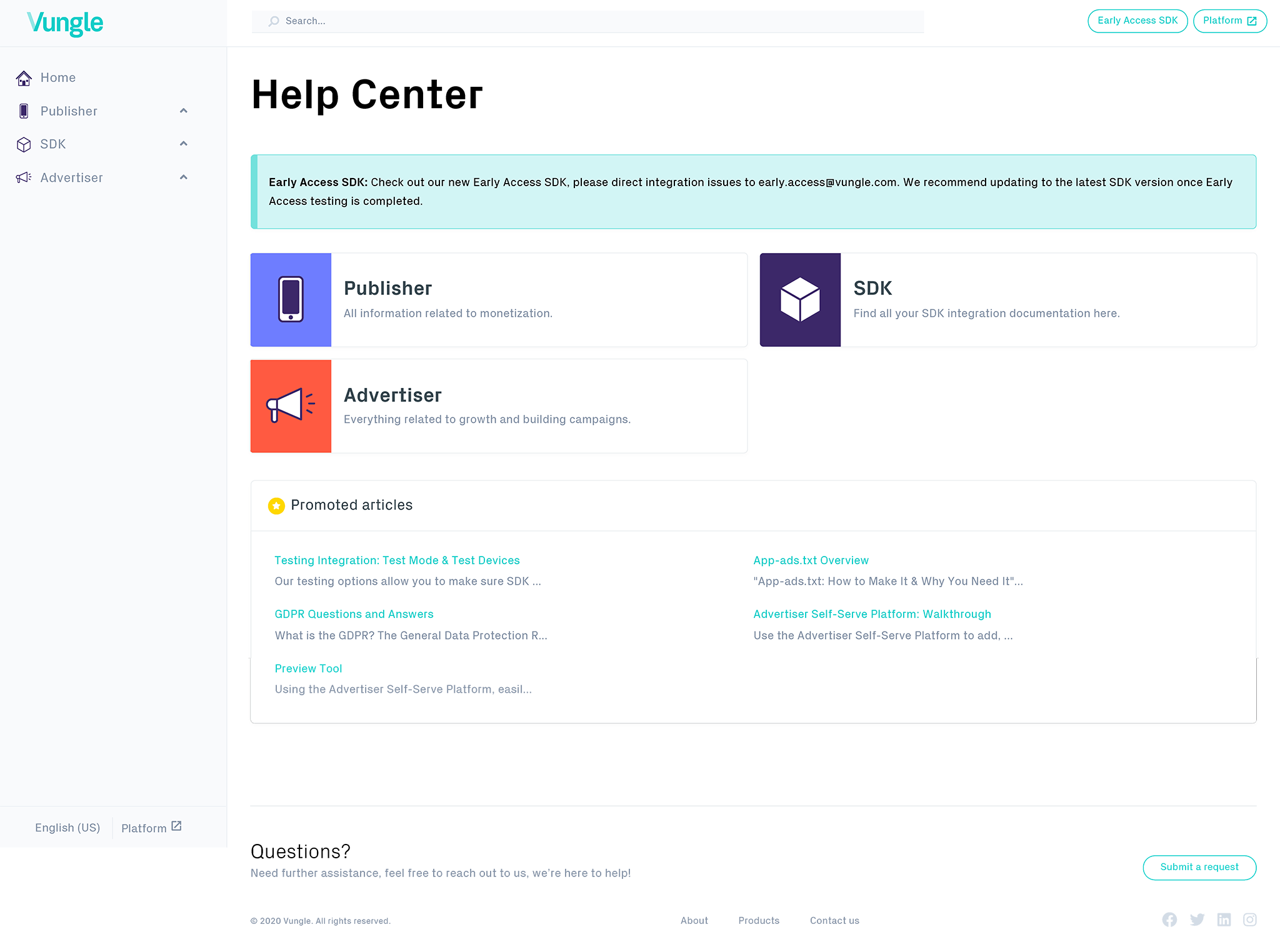
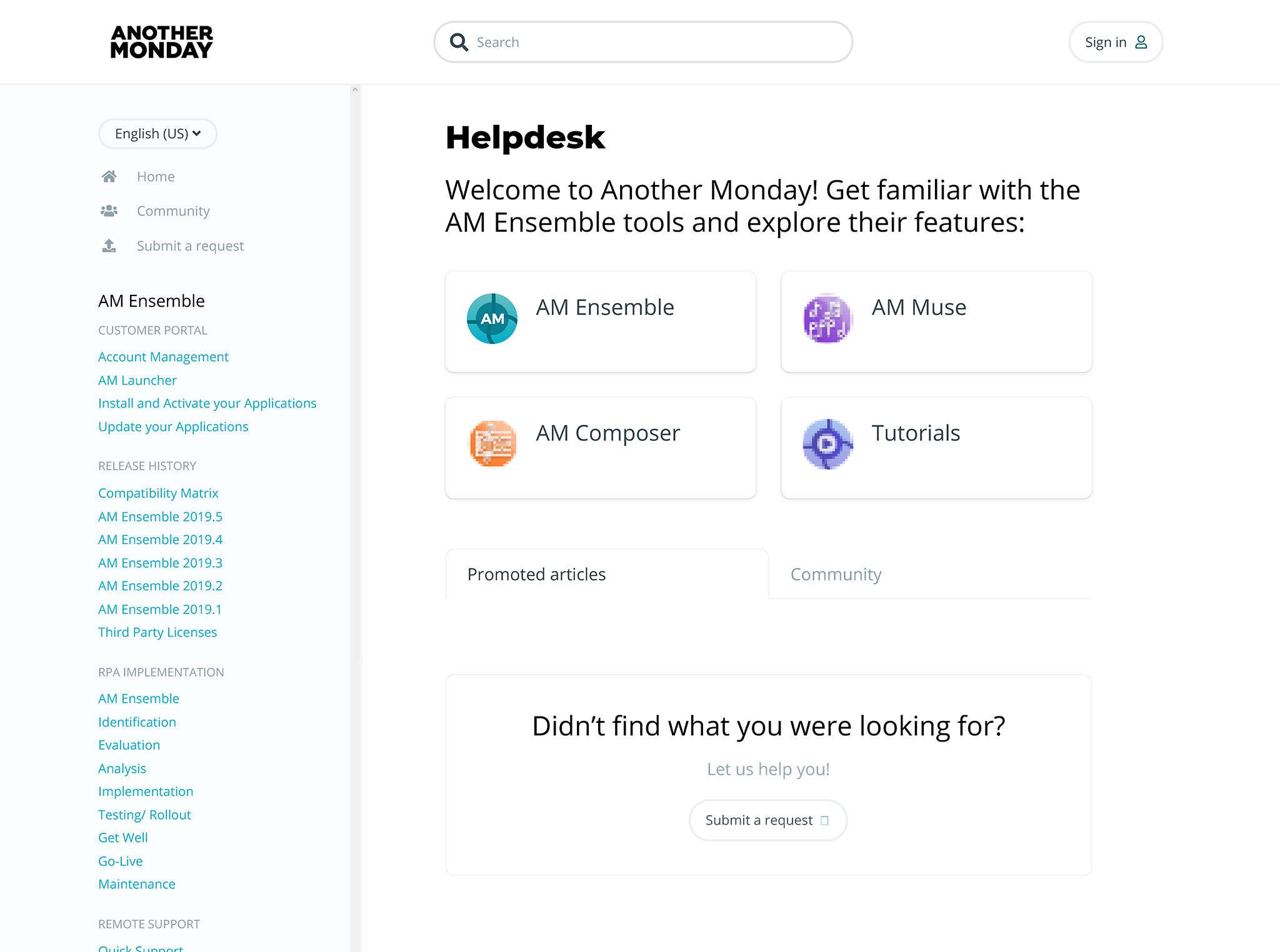
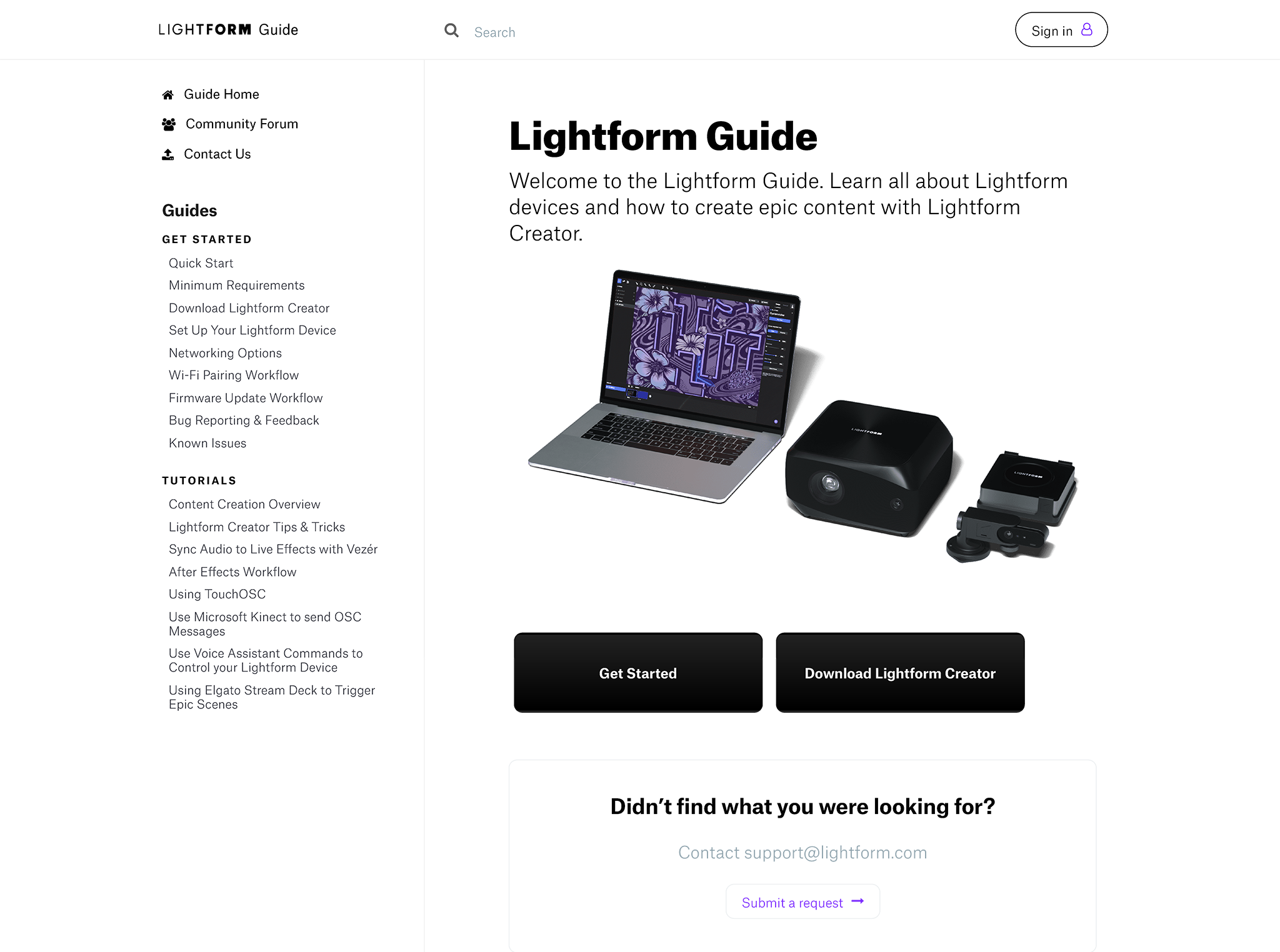
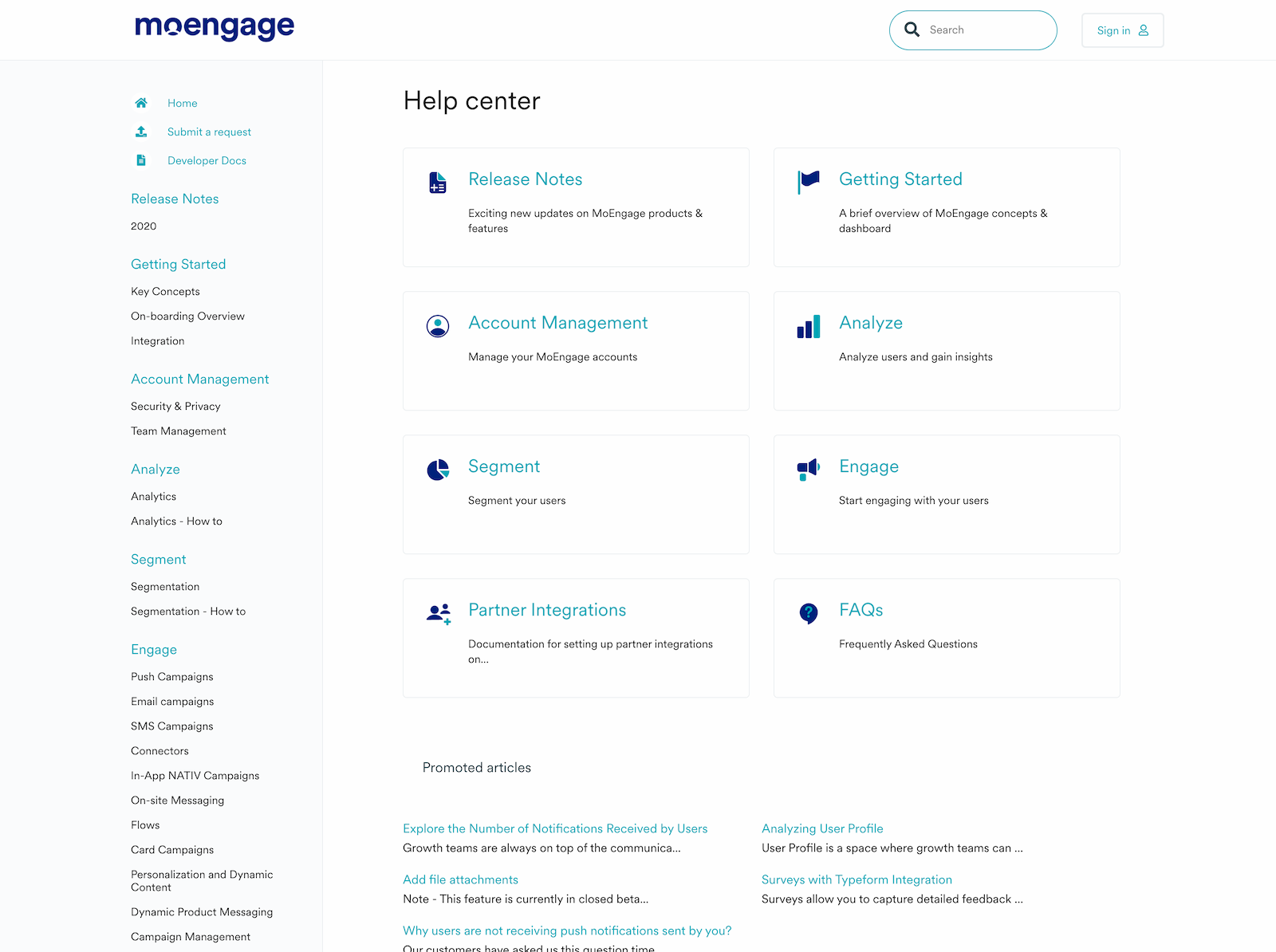
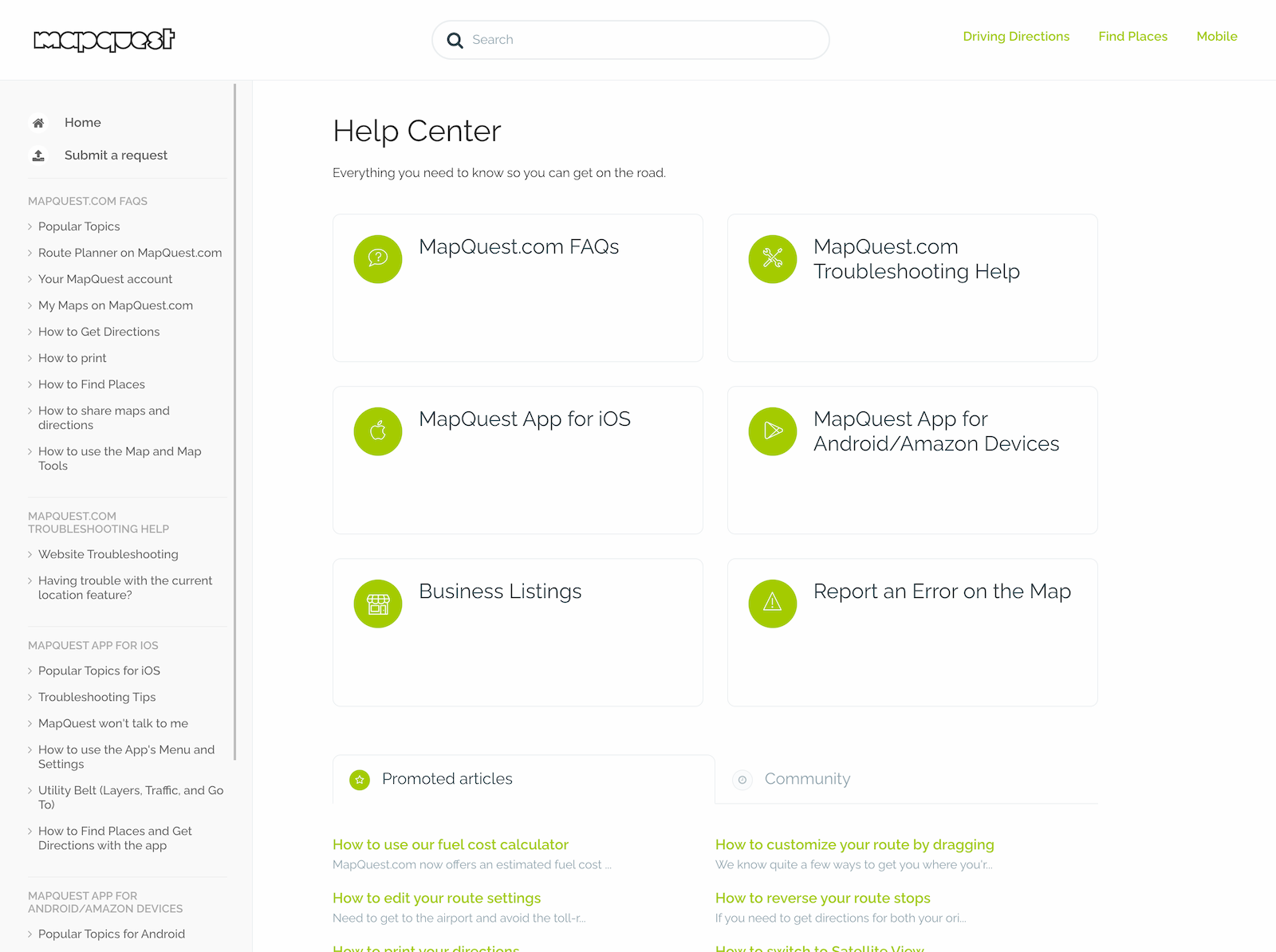
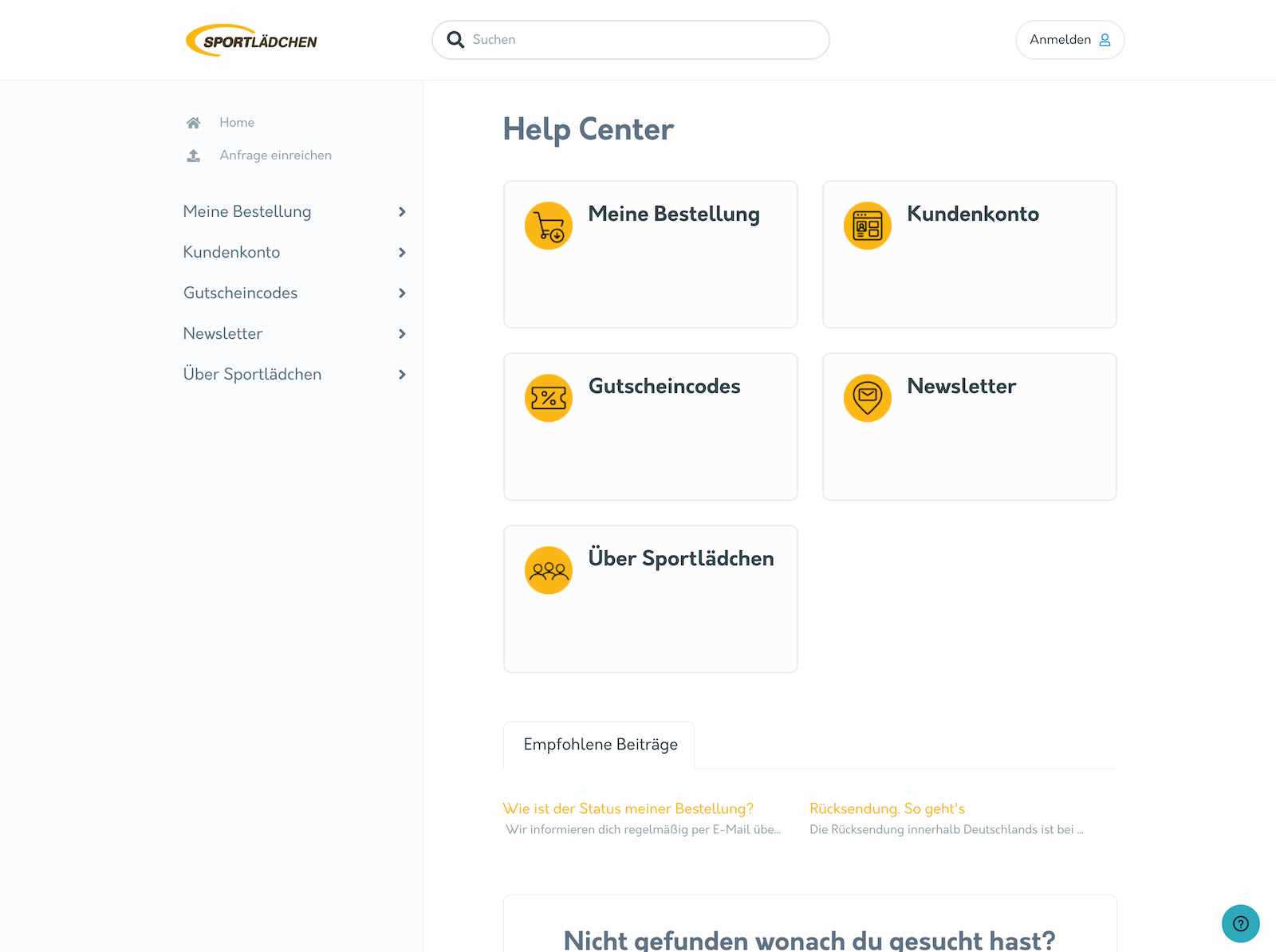
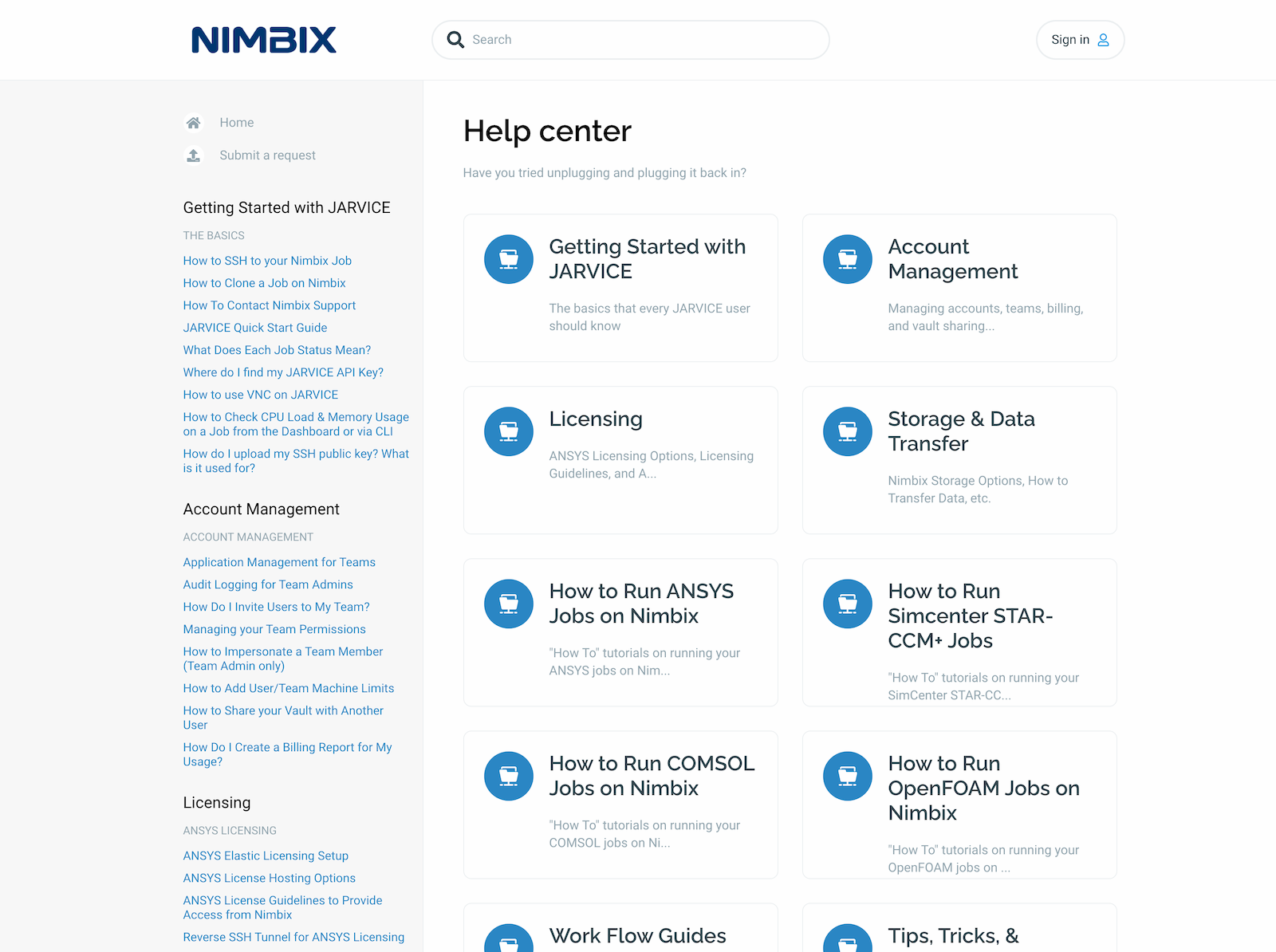
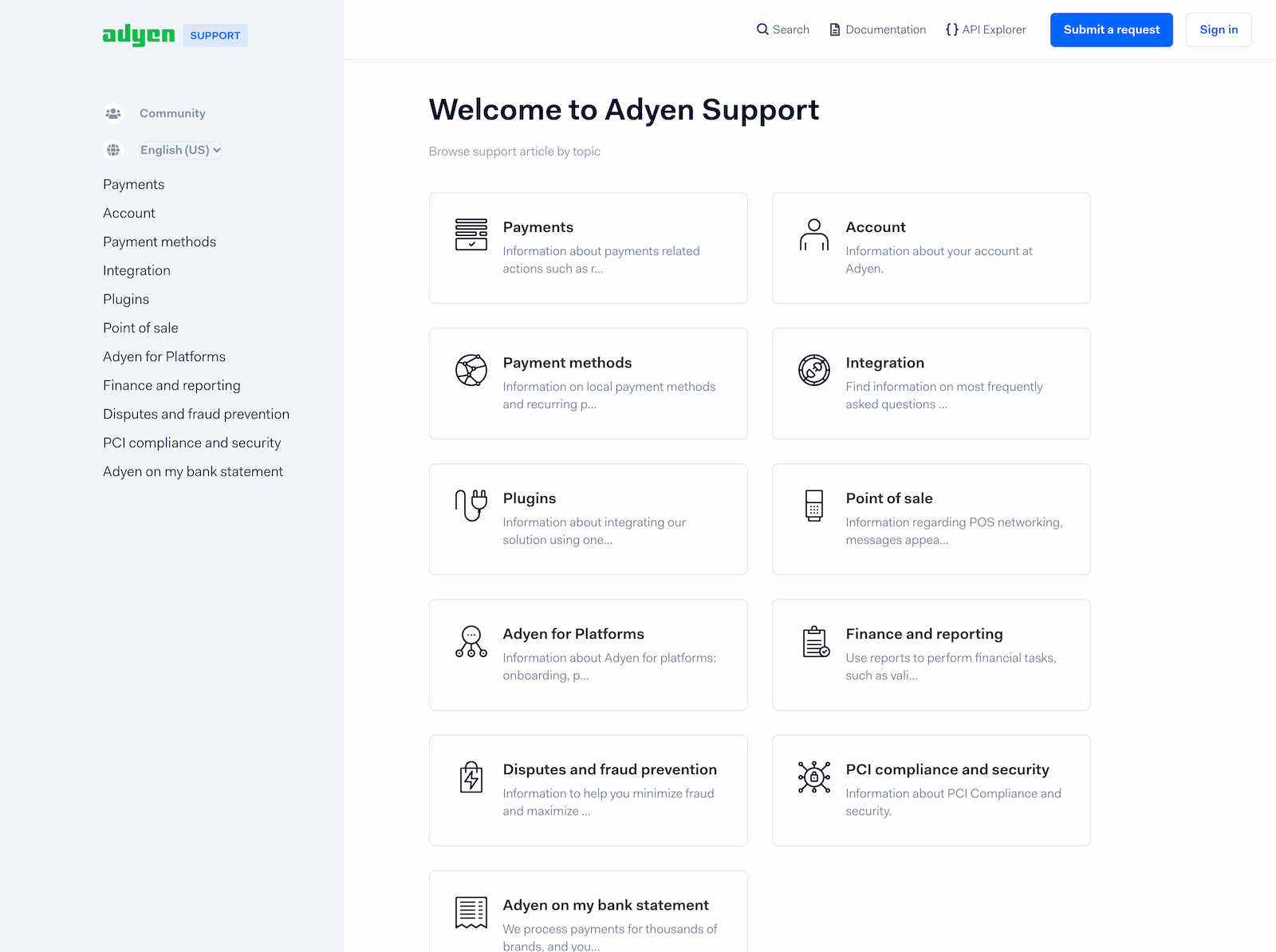
How we customized Delta for customers
Frequently Asked Questions
What is documentation-style layout?
Documentation-style layout places navigation in a fixed left sidebar with content on the right—similar to sites like Stripe Docs, ReadMe, or GitBook. It's optimized for reference material that users browse and search frequently.
How does the automatic article loading work?
When you scroll to the bottom of an article, the next article in the section automatically loads below. This creates a continuous reading experience without clicking—ideal for tutorials where users work through content in order.
Is Delta suitable for non-technical content?
Yes. While Delta's design is inspired by developer docs, the sidebar navigation works well for any well-structured content. It's particularly effective when you have many articles organized into clear categories.
Can I customize the sidebar?
Yes. The sidebar appearance, including colors and behavior, can be customized in the theme settings. The navigation structure follows your Zendesk Guide category and section organization.
What Zendesk Guide plans does the theme support?
Zendesk Guide plans: Team, Growth, Professional, Enterprise
Do you offer a discount for startups?
If you are a startup (Series A or below), you can get 20% off all products and services for your help center for 6 months after the first purchase. You can apply for a discount here.
Are themes ADA Compliant?
The most adapted themes for accessibility are Flatrock, Mink, Braden, Lotus One, Conway, and Selway. They are not fully ADA Compliant but have the following features:
- Keyboard navigation: themes are fully navigable by keyboard without the need for mouse interaction.
-
Skip links:
themes have skip links that allow users to bypass navigation and skip directly to content or
vice-versa . -
Reduced motion:
themes have micro animations but detect if the user has requested that the system minimize the amount of
non-essential motion it uses.
We are constantly improving the accessibility features for our themes.
Can we install the theme?
You can install your new Zendesk theme fast and in a free manner. Simply follow these easy steps in the instruction. Alternatively, you can order our free installation service.
Can we make changes to the theme ourselves?
You can brand and customize the theme on your own. Our templates have advanced tools for basic changes (colors, fonts, hero image, icons & homepage layout). You don't need coding skills as you make changes in the editor.
If you're familiar with HTML and CSS, you can also make any Zendesk customization at any time. You get access to the code that's easy to read and modify for other developers. If you don't want to spend time on Zendesk customization and get everything done fast and to the highest standard, you can order the Customization service from us.
How do we get the theme after the purchase?
In 3-5 minutes, you get an email with a zip where you will find files for importing into the help center. You can customize the theme as you wish before publishing.
Do the themes support the multilingual feature?
Yes, they do. In addition to standard Zendesk multilingual functions, every theme also includes certain
Does the theme affect content?
If you are worried about losing or modifying your Help Center content while installing any of our themes, don't be. We take care of it.
Our themes don't affect any Help Center content or content management options. You can edit Articles, Categories, etc. as normal by using the built in Zendesk Editor.
Moreover, there are some additional features that become available after installing our themes: the Knowledge Base and Community can be filled with some cool visual components and Font Awesome icons.
Customization and installation activities will not affect any content or availability of your Help Center. You check the changes and publish everything when you are ready, the changes are published immediately.
After theme installation, the content of your articles, sections, and categories will remain the same and be displayed in the new design.
Are the themes compatible with Zendesk functions?
Yes, they are fully compatible. As a Zendesk partner, we know the ins and outs of their software and add components not offered by Zendesk.
How easy is it to maintain and modify the theme?
It is very easy to maintain the theme and make changes if you are familiar with HTML and CSS. Our developers use modern design tools and
What payment methods do you accept?
We accept all global debit, credit cards, PayPal payments, and bank transfer. Find detailed instructions in our help center.
Can I change the theme or get a refund if I don't like it?
Since Lotus Themes is offering non-tangible irrevocable goods, we do not make replacements and refunds once the order is complete and the product is sent. However, we realize that exceptional circumstances can take place. So we approve refund requests only in these force majeure situations.
Let’s see what
our customers say